YouTube Quietly Upgraded Every Old Video You Ever Watched
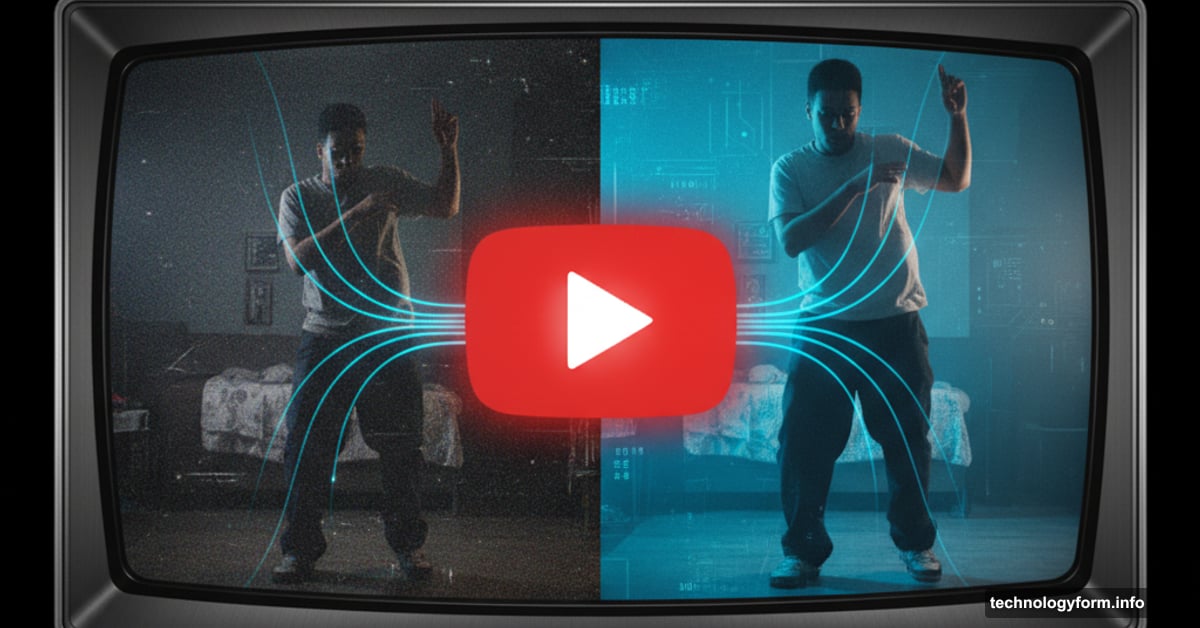
YouTube just flipped a switch that changes how millions of videos look on your TV. The platform now automatically upscales low-resolution content to HD using AI.
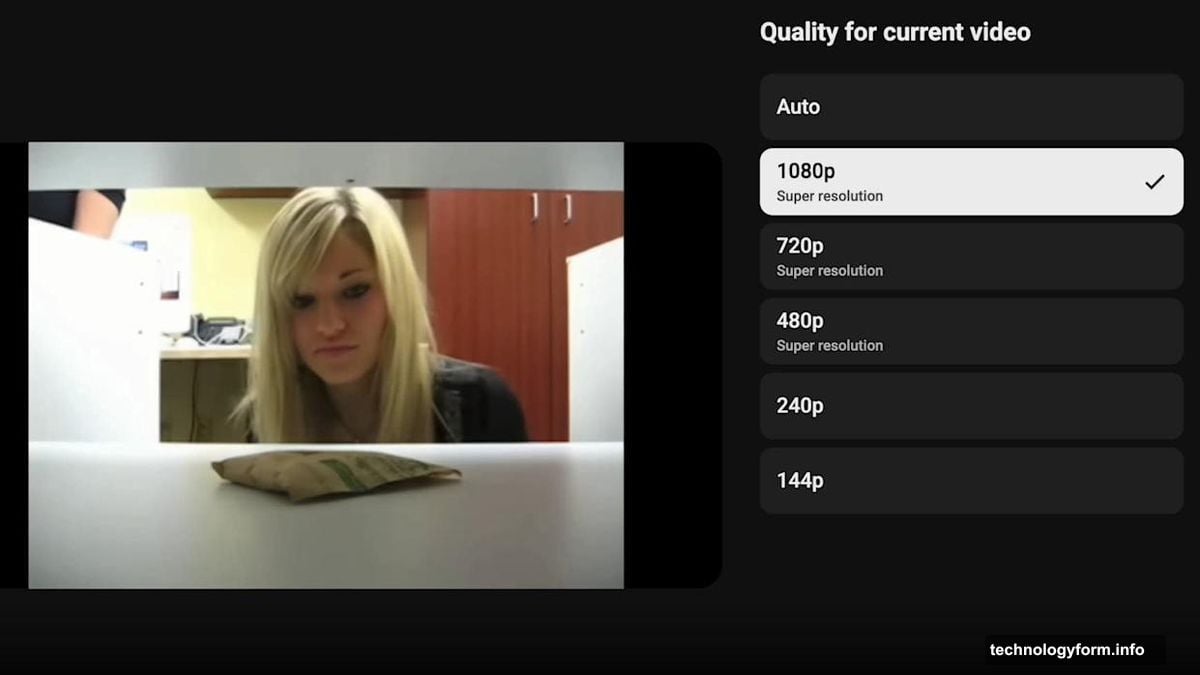
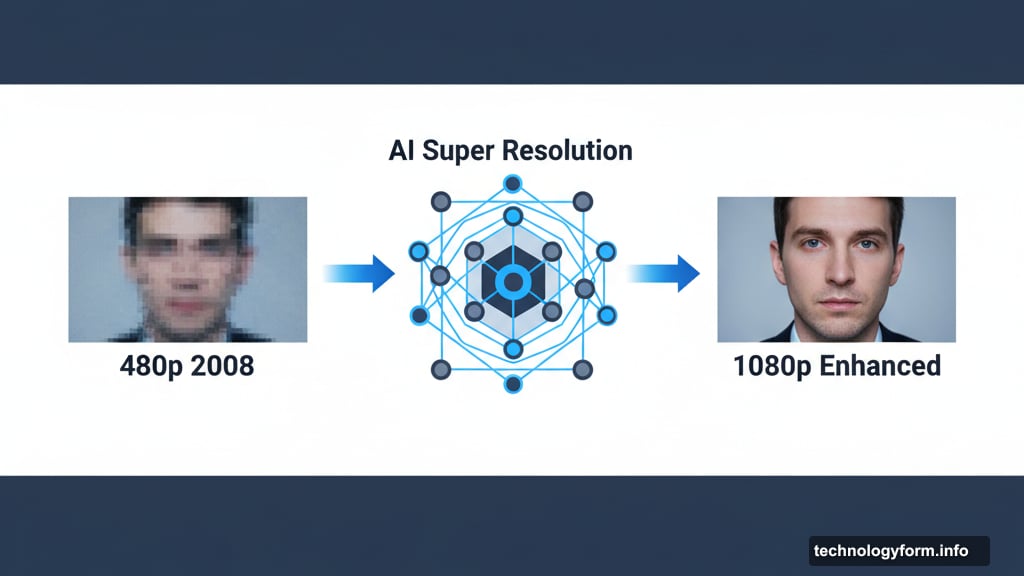
That grainy 480p video from 2008? It’ll look sharper now. YouTube’s new Super Resolution feature enhances anything uploaded below 1080p. Plus, the company plans to support 4K upscaling down the road.
But here’s what matters most. YouTube isn’t replacing your original files. All resolution options stay available. Creators can opt out if they want. So this upgrade happens behind the scenes without destroying anything.
AI Does the Heavy Lifting
Super Resolution uses artificial intelligence to analyze and enhance older footage. The technology examines each frame, then adds detail and sharpness that wasn’t there before.
Think of it like Instagram filters, except for video quality. The AI doesn’t magically create new information. Instead, it intelligently fills in gaps based on patterns it recognizes.
Most viewers won’t notice the processing. They’ll just see crisper images when watching older content. That’s especially noticeable on large TV screens where low-resolution footage looks particularly rough.
However, AI upscaling isn’t perfect. Sometimes it creates artifacts or odd textures. Yet YouTube apparently feels confident enough to enable this automatically for everyone.
Creators Get More Control
YouTube isn’t just pushing features onto creators. The platform added several tools that put quality decisions back in their hands.
First, creators can disable Super Resolution entirely. If you don’t want AI touching your videos, just opt out. YouTube will serve your content exactly as uploaded.
Second, the platform is testing larger file uploads with select creators. Higher quality source files mean better output after processing. So YouTube wants to accept bigger uploads to maintain visual fidelity.
Third, thumbnail file limits jumped from 2MB to 50MB. That’s a massive increase. Creators can now upload much sharper preview images without compression artifacts.
Moreover, YouTube added automated audio adjustments. But just like Super Resolution, creators can turn this off. The pattern here suggests YouTube learned from past mistakes about forcing changes on creators.
TV Experience Gets Netflix-Style Previews
Remember when Netflix started auto-playing trailers on every thumbnail? YouTube just copied that exact feature.
Now when you browse YouTube on your TV, channel pages show immersive previews. Hover over a creator and see clips automatically start playing. YouTube calls this “enhancing content discovery and engagement.”
Personally? I find auto-playing previews annoying. They make browsing feel chaotic and overwhelming. But Netflix data probably shows they work. So YouTube wants similar results.
The platform also added contextual search for TV apps. Search from a creator’s channel page and their videos appear first in results. That’s actually useful. It solves the frustrating problem of searching for a specific video from someone you’re already watching.
These changes make sense given YouTube’s viewing patterns. More people watch YouTube on TVs than on mobile devices now. So the company needs to optimize that experience or risk losing engagement.
The Bigger Picture on Video Quality
YouTube’s AI upscaling represents a broader trend in streaming technology. Every major platform now uses machine learning to enhance content somehow.
Netflix upscales older shows for 4K TVs. Disney+ does similar processing on classic films. Even game consoles like PlayStation 5 use AI to improve legacy game graphics.
But here’s the tension. Original content creators spent time choosing specific visual styles. AI processing might “fix” choices that were intentional. Film grain, soft focus, and other artistic decisions can get smoothed away by algorithms trained on sharp modern footage.
That’s why opt-out matters so much. Creators who carefully color-graded their videos shouldn’t have to accept AI changes. YouTube deserves credit for making Super Resolution optional rather than mandatory.
Still, most creators will probably leave it enabled. The feature helps their older content look better on modern displays. Plus, viewers generally prefer sharper images even if some artistic intent gets lost.
What This Means for Your Viewing
You don’t need to do anything. Super Resolution works automatically on YouTube’s TV apps. Just keep watching like normal.
Older videos should look noticeably better, especially on large 4K displays. The improvement won’t match native 4K footage. But it beats watching pixelated 480p stretched across a 65-inch screen.
If you’re a creator worried about AI touching your work, check your YouTube Studio settings. Look for Super Resolution options and disable if desired. The same goes for automated audio adjustments.
And brace yourself for auto-playing previews. They’re coming whether you want them or not. No opt-out exists for viewers on that feature.
YouTube clearly believes the TV experience needs these upgrades. Time will tell if viewers agree or if auto-playing previews become the next widely-hated platform feature.
Either way, billions of old videos just got an automatic facelift. Most won’t complain about that.