Claude Can Now Control Your Computer. Here’s What That Actually Means
Anthropic just gave Claude a serious upgrade. The AI assistant can now take control of your computer and perform tasks on your behalf — think clicking, typing, scrolling, and opening files, all without you lifting a finger.
It sounds like science fiction. But it’s live right now for certain subscribers, and it’s part of a much bigger race happening in the AI world.
Agentic AI Is the New Battleground
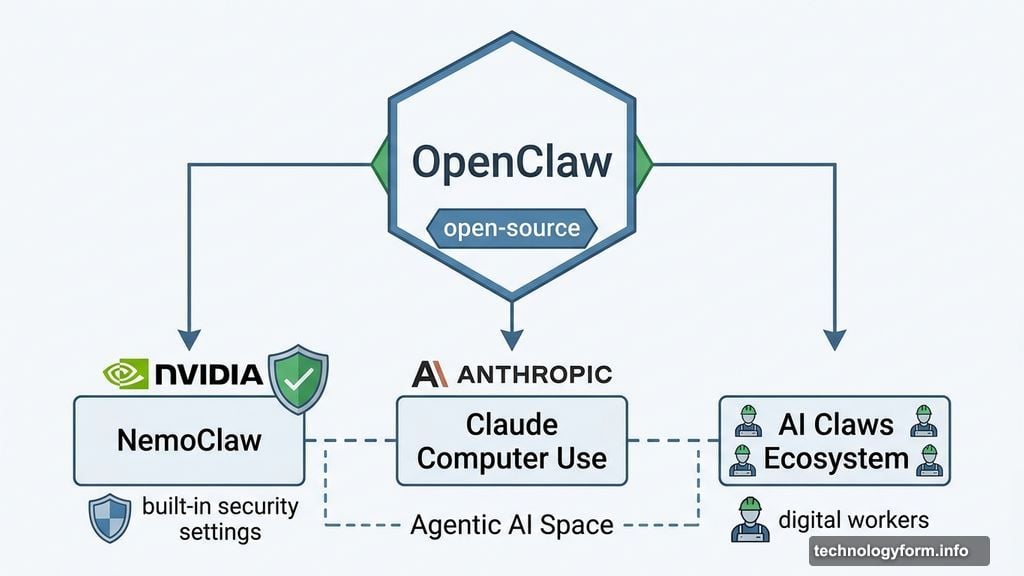
Earlier this year, an open-source framework called OpenClaw went viral. It lets AI models take simple commands and carry them out somewhat autonomously on your computer or within your apps and tools.
OpenClaw has since spawned a whole ecosystem of “claws” — AI-powered helpers that operate more like digital workers than simple chatbots. Nvidia jumped in last week with NemoClaw, its own framework for setting up OpenClaw with built-in security settings.
Anthropic is clearly watching. Claude’s new computer-use feature puts it squarely in this agentic AI space — and signals the company isn’t content letting others own it.
How Claude’s Computer Control Works
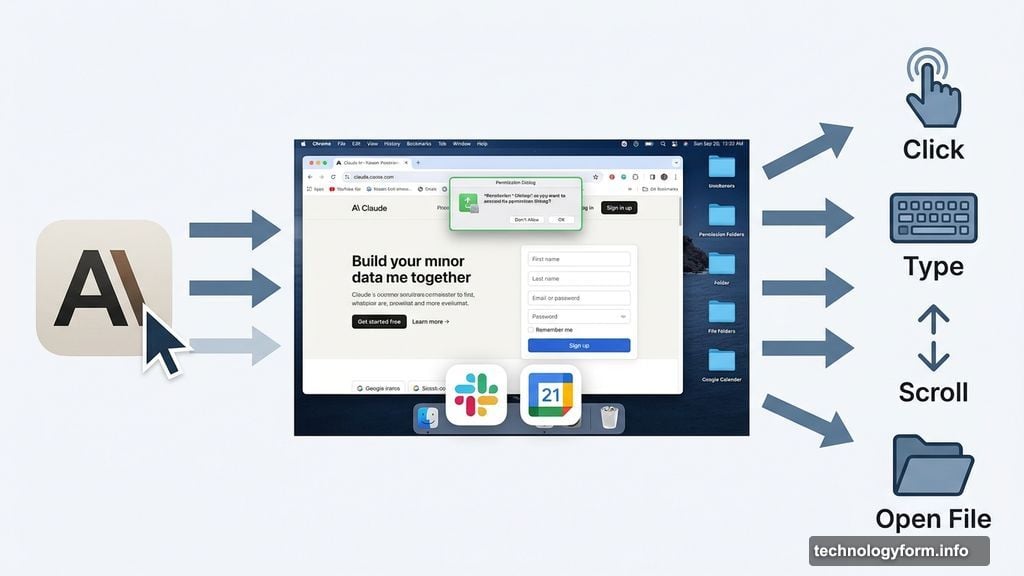
The setup is straightforward. Claude first looks for existing connectors to apps you already use, like Google Calendar or Slack, to complete a task.
But here’s where it gets interesting. If no connector exists, Claude doesn’t give up. Instead, it takes over your mouse and keyboard directly — clicking, scrolling, typing — just like a human sitting at your desk would. It can open your browser, dig through dev tools, and access files sitting on your hard drive.
And crucially, Claude always asks for permission before doing anything. You can also stop it mid-task at any point. So you’re never fully handing over the wheel without knowing it.
The Security Concerns Are Real
Handing an AI model control of your computer isn’t without risk. Experts who study agentic AI have flagged a consistent worry: these tools can take major actions quickly, sometimes with very little warning.
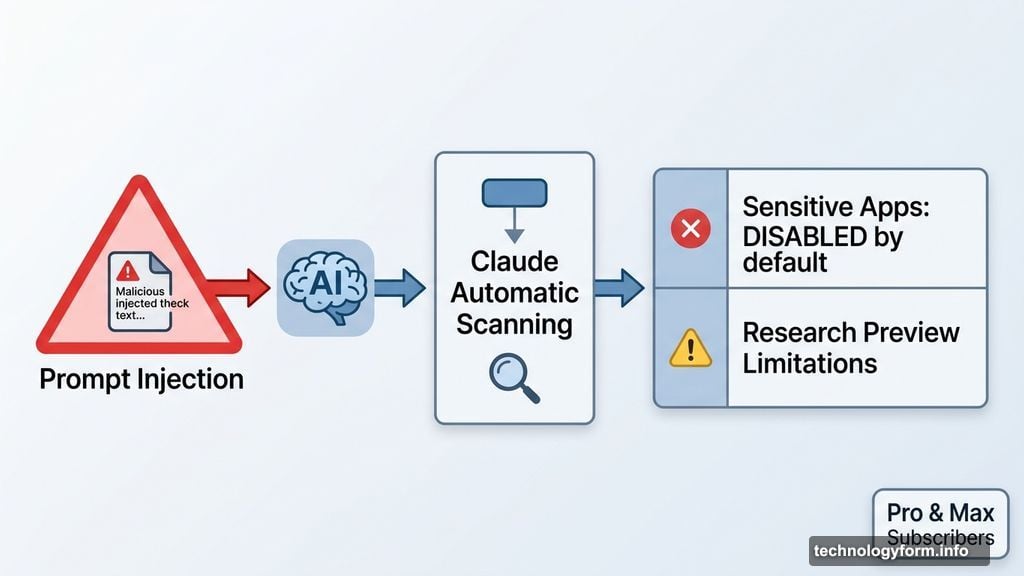
One specific threat is prompt injection — where malicious content tricks the AI into doing something harmful using your data or systems. Anthropic says it built in automatic scanning to catch these kinds of vulnerabilities as they pop up.
Still, the company is refreshingly honest about the feature’s limitations. They explicitly warn users not to run Claude’s computer control on apps that handle sensitive data. In fact, some of those apps are disabled by default right out of the box.
That level of transparency is worth noting. It’s a research preview, not a finished product, and Anthropic is treating it that way.
MacOS Only, Pro and Max Subscribers First
Right now, the feature is limited to Claude Pro and Claude Max subscribers running MacOS. Windows users will need to wait.
The timing matters because Anthropic is pairing computer control with another feature called Dispatch. Dispatch lets you assign tasks to Claude from your phone — things like checking your email each morning, opening a Claude Cowork session, or kicking off a Claude Code project.
Put the two together and you get something pretty compelling. Claude can handle tasks on your desktop computer while you’re nowhere near it. Anthropic gives a few examples: generating a morning briefing, running automated tests, or processing files while you’re out.
Worth Getting Excited About — With Eyes Open
Complex tasks may not work perfectly on the first try. Anthropic openly says this early release is meant to gather real-world feedback, helping the team figure out where Claude needs the most work before a broader rollout.
That’s actually a smart move. Letting eager early adopters stress-test the feature gives Anthropic better data than any internal lab test could. And it builds trust — showing users that the company knows this isn’t perfect yet.
If you’re a Claude Pro or Max subscriber on a Mac, it’s worth experimenting with lower-stakes tasks first. Let it check your calendar, move some files, or pull up a browser tab. Get a feel for how it behaves before asking it to do anything more complex.
The era of AI as a passive question-answering tool is fading fast. What’s replacing it is a lot more capable — and a lot more interesting.