I Talked to ChatGPT for a Week. Typing Feels Prehistoric Now
Voice assistants have let me down for years. They cut me off mid-sentence, misunderstand simple requests, and force me to grab my phone anyway.
So when I finally tested ChatGPT’s Voice Mode, my expectations were basement-level. Turns out I was completely wrong about what AI voice could actually do.
This isn’t voice-to-text with extra steps. It’s an actual conversation that flows naturally, picks up on my pauses, and doesn’t choke on my “ums” and “likes.” I can cook dinner while asking questions or brainstorm during my commute without carefully scripting every word.
It’s not just faster than typing. It’s genuinely better.
What Makes Voice Mode Different
Voice chat lets you talk to ChatGPT and hear it respond without touching your keyboard. There’s a voice icon in the mobile, desktop, and web apps. Tap it, speak your question, and ChatGPT transcribes, processes, and answers out loud.
The conversation flows naturally. As soon as it finishes talking, it starts listening again. No awkward button-mashing between exchanges.
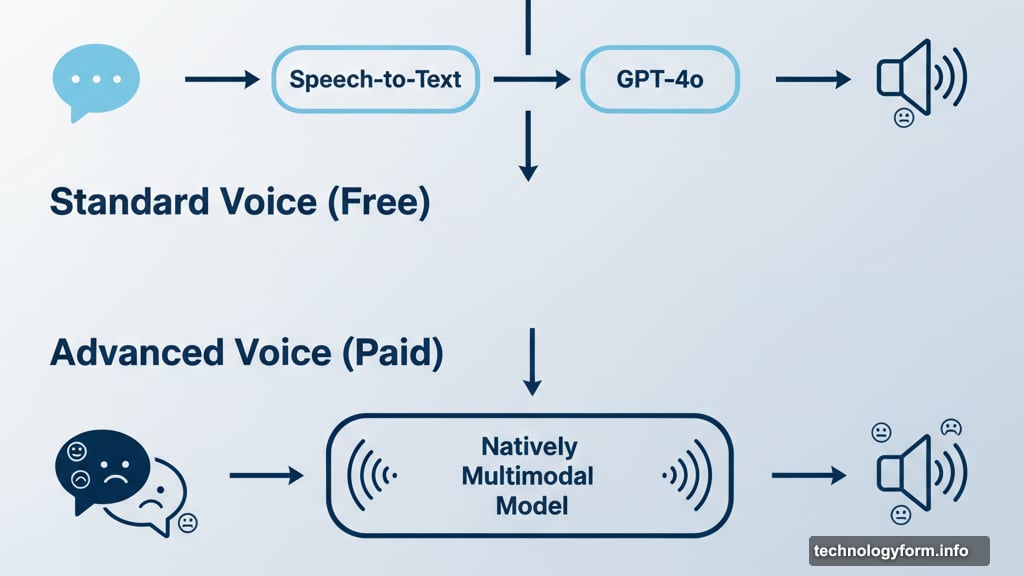
OpenAI offers two versions. Standard Voice (free for everyone) converts speech to text first, then processes it with GPT-4o. This takes slightly longer but works well enough for most tasks.
Advanced Voice (paid users only) uses natively multimodal models. It “hears” your actual voice and generates audio directly, creating real-time conversation. Plus, it picks up on vocal cues like speed and emotion, adjusting its responses accordingly.
Free users get a daily preview of Advanced Voice. But even Standard Voice beats typing for most scenarios.
Why I Stopped Opening My Keyboard
Voice mode changed how I use ChatGPT completely. Here’s what actually matters in daily use.
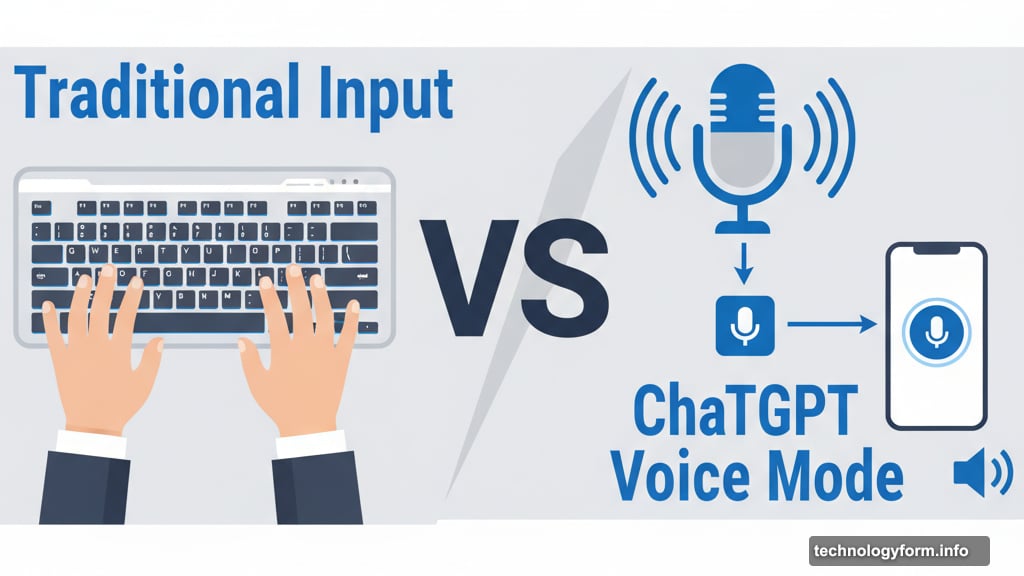
Real Conversations Beat Scripted Prompts
When I type, I’m hunting for the right word, deleting typos, rephrasing awkward sentences. When I talk, I just speak like a normal human.
My rambling, half-finished thoughts don’t confuse it. ChatGPT rolls with my “ummmmms” and awkward pauses, responding with either a complete answer or follow-up questions to clarify what I need.
This back-and-forth feels natural. No more carefully constructing the perfect prompt.
Hands-Free Actually Means Hands-Free
Yes, I still need to open the app and tap the voice button. But once the conversation starts, my hands are free.
I can brainstorm vacation plans while stuck in traffic. Ask about flights, hotels, restaurants, landmarks. All without touching my phone. And the entire conversation saves in the app, so I don’t need to remember everything.
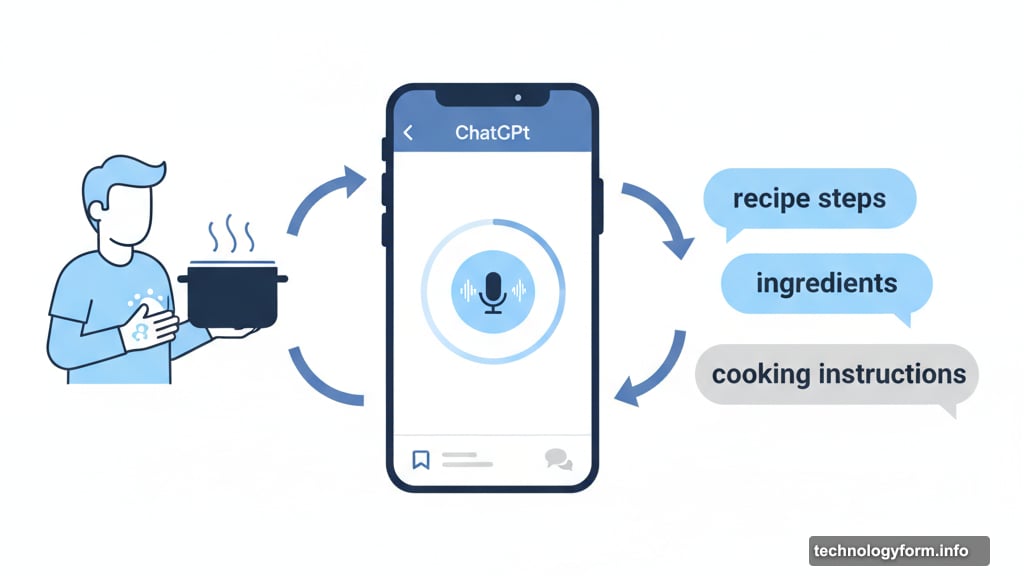
Cooking dinner? I can ask ChatGPT to walk me through a recipe step-by-step while my hands are covered in flour.
Language Learning Without the App Fatigue
I practice Polish using voice mode. I speak English, ChatGPT responds in flawless Polish with pronunciation tips.
Just ask “Can you help me practice my [language]?” It’ll offer conversation starters, basic vocabulary, or number practice. And it remembers where you left off, creating a lesson-like progression.
No Duolingo streak anxiety required.
Point Your Camera, Get Instant Answers
This feature only works with Advanced Voice. But it’s genuinely magical.
ChatGPT’s multimodal capabilities let you turn on your camera and ask questions about what you see. I found a painting at a thrift store with no information. Pointed my camera at it, asked ChatGPT where it came from.
Seconds later, I had the title, artist’s name, and year painted. Just like that.
Better Accessibility for Many Users
For anyone with low vision, dyslexia, or motor-skill challenges, talking beats typing every time.
Voice mode transcribes your speech and reads answers aloud at whatever pace you choose. You can adjust speed in settings or just ask ChatGPT to slow down.
The hands-free option means you only need two taps: one to start, one to stop. No extensive keyboard interaction required.
Brainstorming Moves at the Speed of Thought
Sometimes ideas hit faster than I can type. Voice mode keeps pace with rapid-fire thinking.
I spitball story ideas, plan room layouts, or figure out meal plans for the week. Because I’m thinking aloud instead of staring at a screen, ideas flow naturally.
ChatGPT’s instant follow-ups keep momentum going until I’ve polished whatever I’m brainstorming.
Turn Any Document Into a Personal Podcast
Drop a 90-page PDF into the chat. A movie script, textbook chapter, even a Wikipedia page. Ask for a summary and have ChatGPT read it aloud while you fold laundry.
Instant audio content, custom-made for whatever you’re doing.
The Competition Is Catching Up
ChatGPT isn’t alone in this space anymore. Google’s Gemini Live offers similar “talk over me, I’ll keep up” conversations. Anthropic’s Claude has a beta voice mode on mobile with on-screen bullet points as it speaks. Perplexity’s iOS and Android assistant answers spoken questions and launches apps like OpenTable or Uber on command.
Everyone’s racing to master real-time AI conversation. But ChatGPT remains my daily driver for voice interaction.
Whatever your chatbot preference, try the voice option. It’s far more useful than you probably think.
One Critical Caveat
Voice mode runs on the same large language model as regular ChatGPT. That means it can still hallucinate or get facts wrong.
Always double-check anything important. Voice mode makes interaction easier, not necessarily more accurate.
Why This Actually Matters
Voice mode isn’t just a neat trick. It’s fundamentally changed how I interact with AI.
Whether I’m translating street signs in real-time, brainstorming article ideas, or catching up on long documents while doing chores, talking to ChatGPT feels less like using a chatbot and more like consulting a pocket expert.
Once you get used to thinking out loud, you might never go back to your keyboard. I know I haven’t.