Google’s No-Code App Builder Just Invaded Gemini
Google quietly rolled out something huge. Opal, their vibe-coding tool that turns plain English into working apps, now lives inside Gemini.
No coding required. No technical background needed. Just describe what you want, and Gemini builds it.
This isn’t some distant beta feature. It’s live right now in the Gemini web app. Plus, it changes how everyday users can create custom AI tools without touching a single line of code.
What Opal Actually Does
Opal lets you build mini-apps by talking to them. Seriously. You describe what you want in natural language, and Google’s AI models construct the application.
Think of it like ChatGPT’s custom GPTs, but with more structure. Opal creates what Google calls “Gems” — customized versions of Gemini designed for specific tasks.
Google already offers pre-made Gems. There’s a learning coach, brainstorming assistant, career guide, coding partner, and editor. But Opal lets you build your own from scratch.
Here’s the kicker. These aren’t just chatbot personalities with different prompts. They’re actual multi-step applications with logic flows and connections between components.
Visual Editor Makes It Dead Simple
The new integration adds a visual editor directly in Gemini’s Gems manager. No more abstract text prompts hoping the AI understands your intent.
Instead, you see steps laid out visually. You can rearrange them. Connect them together. Build workflows without writing code.
Moreover, Gemini now converts your written prompts into step lists automatically. So even if you start by describing your app in plain English, Gemini translates that into a structured workflow you can see and modify.
Want more control? Google lets you jump to their Advanced Editor at opal.google.com. That’s where power users can fine-tune every detail of their mini-apps.
Vibe-Coding Went Mainstream Fast
The term “vibe-coding” sounds ridiculous. But it’s real, and it’s everywhere now.
AI-powered app building exploded over the past two years. Startups like Lovable and Cursor built entire businesses around it. Anthropic and OpenAI offer their own versions. Even consumer-focused companies like Wabi jumped in.
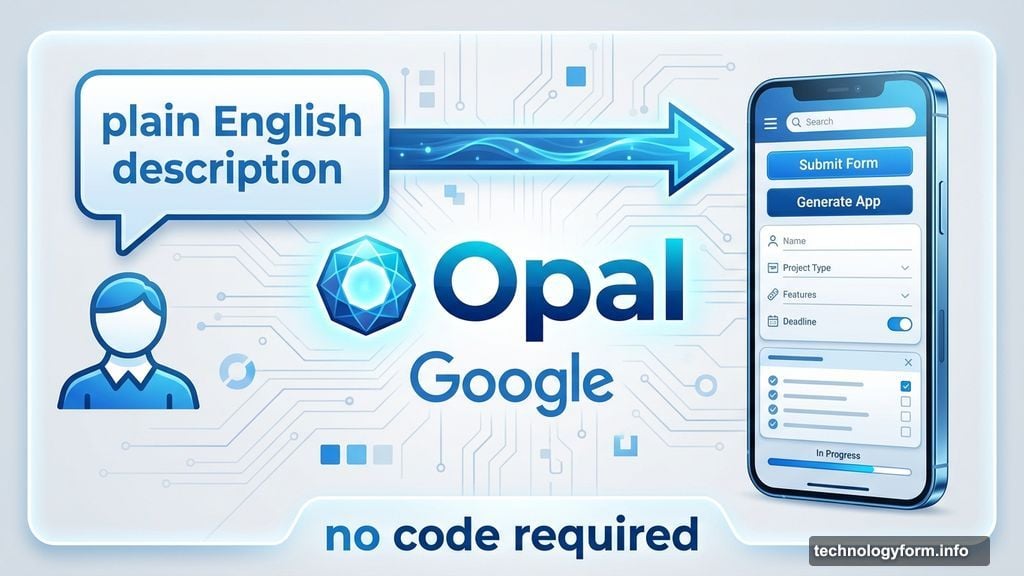
Why the sudden rush? Because the barrier to building software just collapsed. You don’t need to learn Python, JavaScript, or any programming language. You just need to explain what you want.
Google’s move puts vibe-coding directly into the hands of millions of Gemini users. That’s a different scale than niche developer tools or startup experiments.
The Real Competition Here
This isn’t just about making apps easier. It’s about controlling how people build AI-powered tools.
OpenAI has custom GPTs. Anthropic has Claude Projects. Now Google has Gems powered by Opal. Each wants to be your default platform for creating AI applications.
The winner locks in users. If you build 20 custom Gems in Gemini, switching to ChatGPT means starting over. That’s stickiness that platforms crave.
Plus, these tools generate valuable data. Google learns what kinds of apps people actually want to build. That informs their product roadmap and helps them prioritize features.
Where This Gets Interesting
The mini-apps you create can be reused and shared. That opens possibilities beyond personal productivity.
Imagine educators building custom learning tools for their students. Or small business owners creating workflow automation without hiring developers. Or hobbyists designing specialized research assistants.
But here’s what nobody’s talking about yet. What happens when millions of people create millions of custom Gems? Does Google curate them? Create a marketplace? Let them proliferate without oversight?
The answers to those questions determine whether this becomes a genuine platform or just another experimental feature that fades away.
Three Reasons to Care
First, this lowers the technical barrier for AI customization. Anyone can build tools tailored to their specific needs now.
Second, it signals where AI assistants are heading. Not just answering questions, but becoming customizable platforms for building applications.
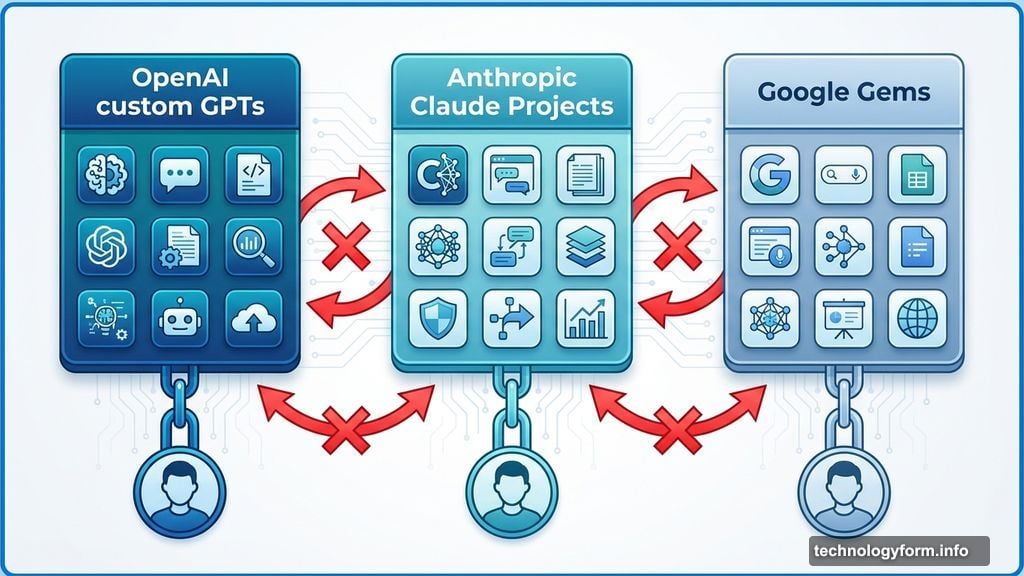
Third, it intensifies competition between major AI providers. Each wants to be your default platform, and they’re racing to make that lock-in happen through tools like this.
What You Can Actually Do With It
The practical applications matter more than the technology itself. So what can you realistically build?
You could create a research assistant that pulls information from specific sources, formats it consistently, and outputs ready-to-use reports. Or a content workflow that takes rough ideas, structures them, checks for errors, and produces polished drafts.
Small businesses might build customer service assistants trained on their specific products and policies. Students could create study companions that quiz them on course material using their own notes.
The limitation isn’t technical. It’s imagination. Most people haven’t yet figured out what they actually need these tools to do.
The Catch Nobody Mentions
Building the app is easy. Building the right app is hard.
Most people will create their first Gem, use it once, and forget about it. Because defining exactly what you need takes thought and iteration.
Plus, these tools work best when you have a clear, repeatable workflow. If your process is messy or inconsistent, Opal won’t magically fix that. It’ll just automate your chaos.
So the real skill isn’t learning to use Opal. It’s learning to think clearly about your workflows and needs first.
Where to Find It
Opal is live now in the Gemini web app at gemini.google.com. Look for it in the Gems manager.
Start simple. Build something small and specific. Test it. Iterate. Don’t try to create the perfect all-in-one assistant on your first attempt.
The visual editor makes experimentation cheap. So try things. Break them. Rebuild them better. That’s how you figure out what actually works for your needs.
The barrier to building software just got lower. Whether that’s exciting or terrifying depends on what you plan to do with it.