Amazon’s Alexa Plus Website Opens to Everyone. Here’s What Actually Works
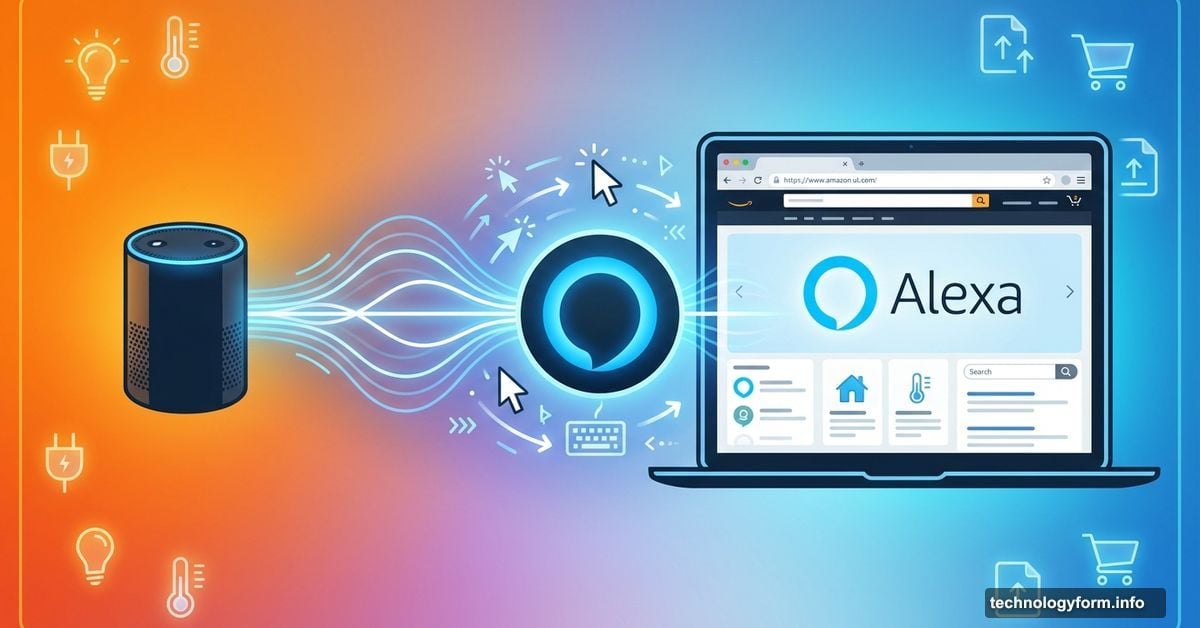
Amazon just threw open the doors to Alexa Plus for anyone with a web browser. No waiting list. No special hardware required.
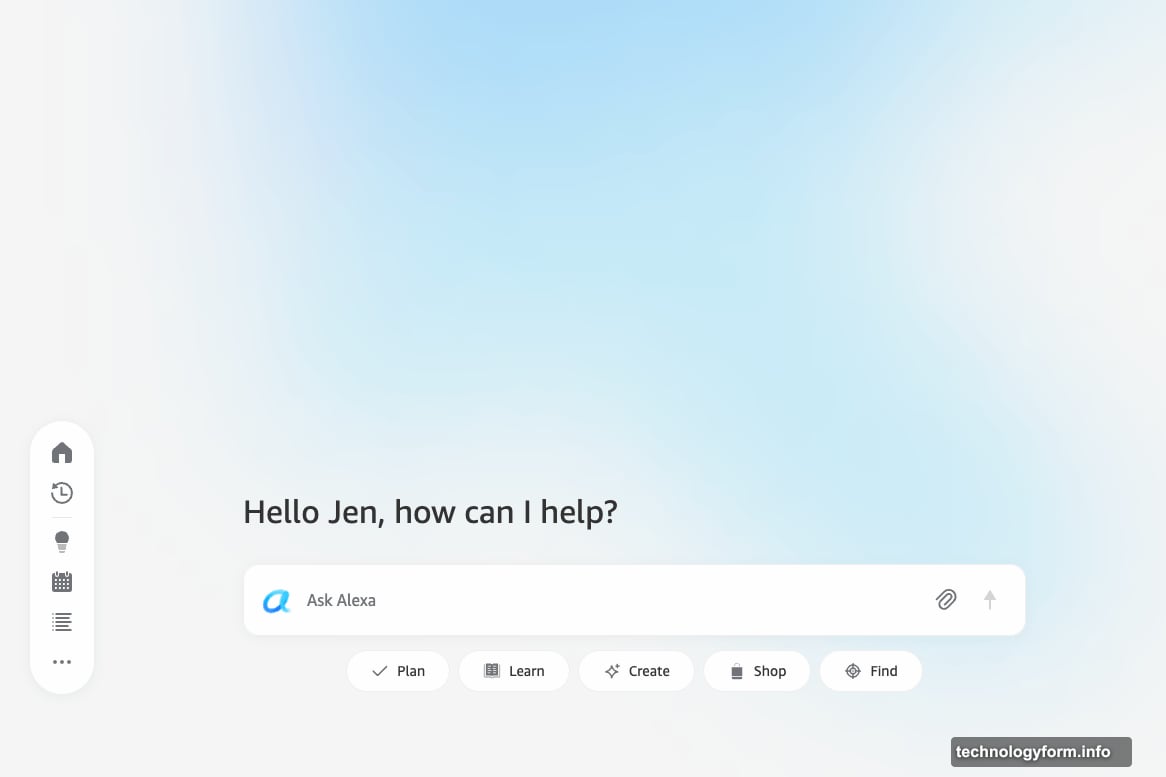
The new web interface went live at Alexa.com after quietly appearing for select users in December. Now everyone can test Amazon’s AI assistant on desktop and laptop computers. Plus, the rollout includes a redesigned mobile app and sidebar features for quick access.
But does Alexa Plus actually deliver on its promises? Let’s dig into what works and what still needs fixing.
Web Access Changes How You Use Alexa
Voice assistants work fine for quick commands. But some tasks need a keyboard and mouse.
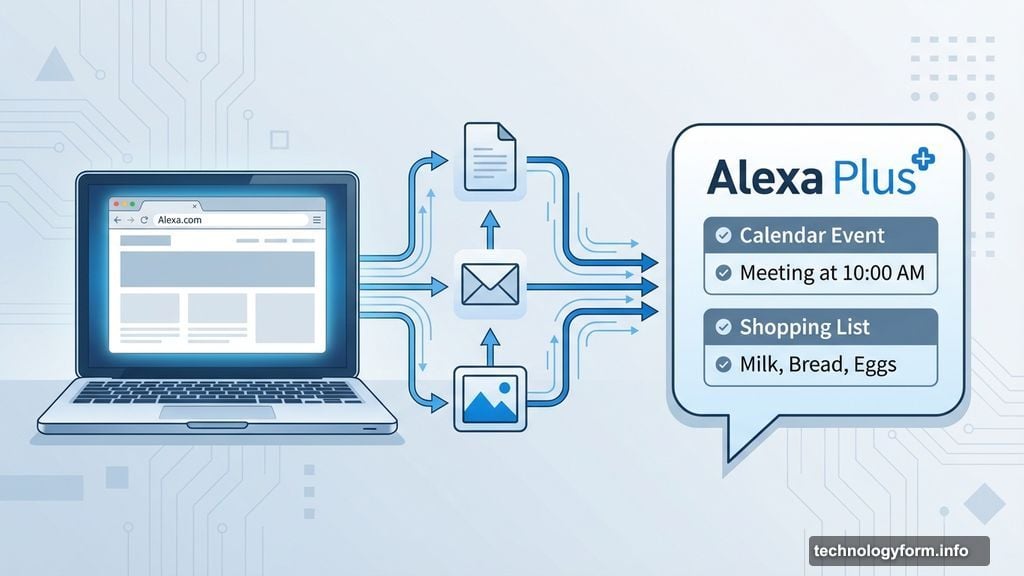
The new web interface lets you upload documents, emails, and images directly to Alexa Plus. Take a photo of your vet bill? Alexa extracts your pet’s vaccination dates and adds them to your calendar. Forward a recipe? It generates a shopping list automatically.
That’s genuinely useful functionality. However, early testing shows mixed results. The system works smoothly with simple documents but sometimes misses details in complex files.
Still, having browser access beats dictating everything through an Echo speaker. You can review Alexa’s work before committing to actions. That’s crucial when trusting AI with important tasks like grocery orders or calendar events.
Smart Home Control Gets Desktop Treatment
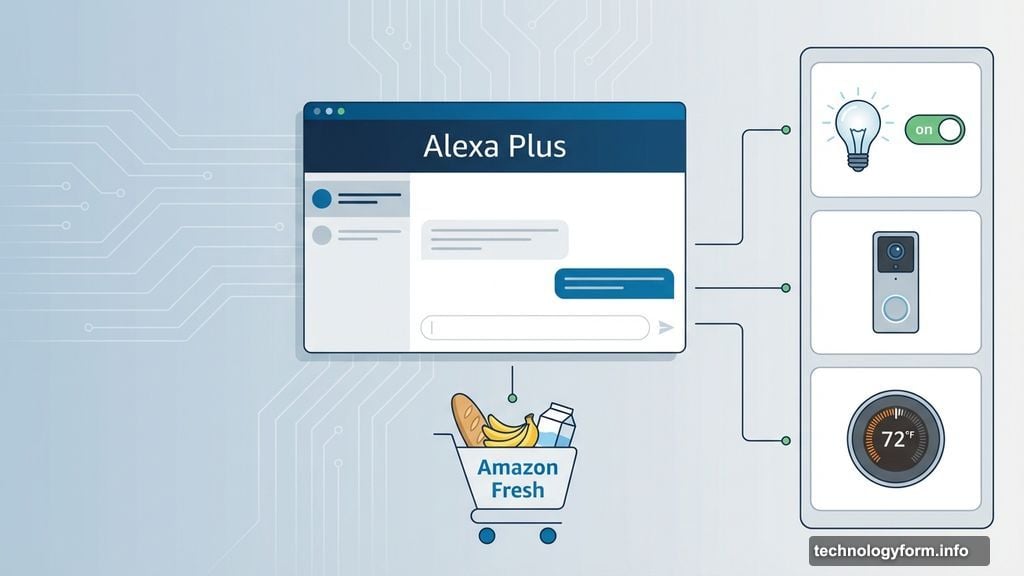
Alexa Plus puts smart home controls right next to your chat window. Toggle lights, check doorbell cameras, and adjust thermostats without switching apps.
Google Gemini theoretically offers similar features. But real-world testing reveals inconsistent reliability. Commands work sometimes and fail others without clear explanation.
Amazon’s implementation seems more stable so far. The sidebar keeps your most-used devices one click away. So you can chat with Alexa while controlling your thermostat. No need to interrupt your workflow.
Meanwhile, the redesigned mobile app mirrors these features on phones and tablets. That creates consistent experience across all your devices.
Grocery Shopping Gets AI Treatment
Amazon is pushing hard on meal planning and grocery integration. Alexa Plus can generate weekly meal plans based on dietary restrictions. Then it automatically fills your Amazon Fresh or Whole Foods cart with ingredients.
Sounds convenient. But early access means bugs still exist. Users report Alexa occasionally suggests non-vegan items despite strict vegan preferences. Or it misses key ingredients from complex recipes.
So the feature shows promise but needs refinement. Always review your cart before checkout. Don’t blindly trust AI to handle dietary restrictions perfectly yet.
The same caution applies to entertainment recommendations. Alexa Plus connects to Prime Video and Fire TV for personalized suggestions. But passive consumption is exactly what many people try to avoid.
Document Processing Shows Real Potential
Upload a PDF of your kid’s sports schedule. Alexa extracts game times and locations, then adds them to your family calendar. Forward an email confirmation from a restaurant. It creates a calendar event with time and address details.
These document parsing features demonstrate genuine value. They save manual data entry that eats time and creates errors. Plus, optical character recognition works on photos and screenshots, not just typed documents.
However, accuracy varies. Simple documents process cleanly. Dense legal paperwork or heavily formatted files sometimes confuse the system. You’ll want to verify extracted information before relying on it completely.
Still, even 80% accuracy beats typing everything manually. Quick verification takes less time than full transcription.
Early Access Means Rough Edges
Amazon calls this “early access” for good reason. The Verge’s testing found inconsistent performance across features. Some tasks work flawlessly. Others produce errors or unexpected results.
That’s normal for beta software. But it means you shouldn’t trust Alexa Plus for critical tasks yet. Double-check its work. Verify calendar entries. Review shopping carts before purchase.
Amazon will refine performance based on real-world usage data. Early adopters essentially help train the system. So expect improvements over coming months as bugs get squashed.
The company clearly believes Alexa Plus is ready for broader testing. Opening web access to everyone signals confidence in the basic functionality. Just maintain healthy skepticism about perfect accuracy.
The Sidebar Simplifies Multitasking
Amazon added a persistent sidebar for quick access to favorite features. No need to switch browser tabs when you want to adjust smart home settings mid-conversation.
This design choice makes sense. It acknowledges that people rarely use assistants in isolation. You’re working on spreadsheets while asking about weather. Or researching recipes while updating shopping lists.
The sidebar keeps Alexa available without dominating your screen. That’s smarter than forcing full-page interactions for every command.
Google and Microsoft could learn from this approach. Their AI assistants often interrupt workflows with modal windows and page redirects. Amazon’s implementation feels more natural.
Sign Up and Start Testing
Anyone can register at Alexa.com right now. No special requirements beyond an Amazon account.
The early access period offers opportunity to shape the product. Amazon collects feedback and usage data to improve features. Your testing helps determine what works and what needs fixing.
Just remember this is beta software. Set appropriate expectations. Alexa Plus shows promise but isn’t ready for mission-critical tasks.
Keep verifying its work. Report bugs when you find them. And don’t trust it blindly with important dietary restrictions or calendar events yet.
The technology will improve. But only if people actually use it and provide honest feedback about failures and successes.