Google TV Gets AI Slop Nobody Asked For
Google just decided your TV needs AI image generation. Whether you wanted it or not.
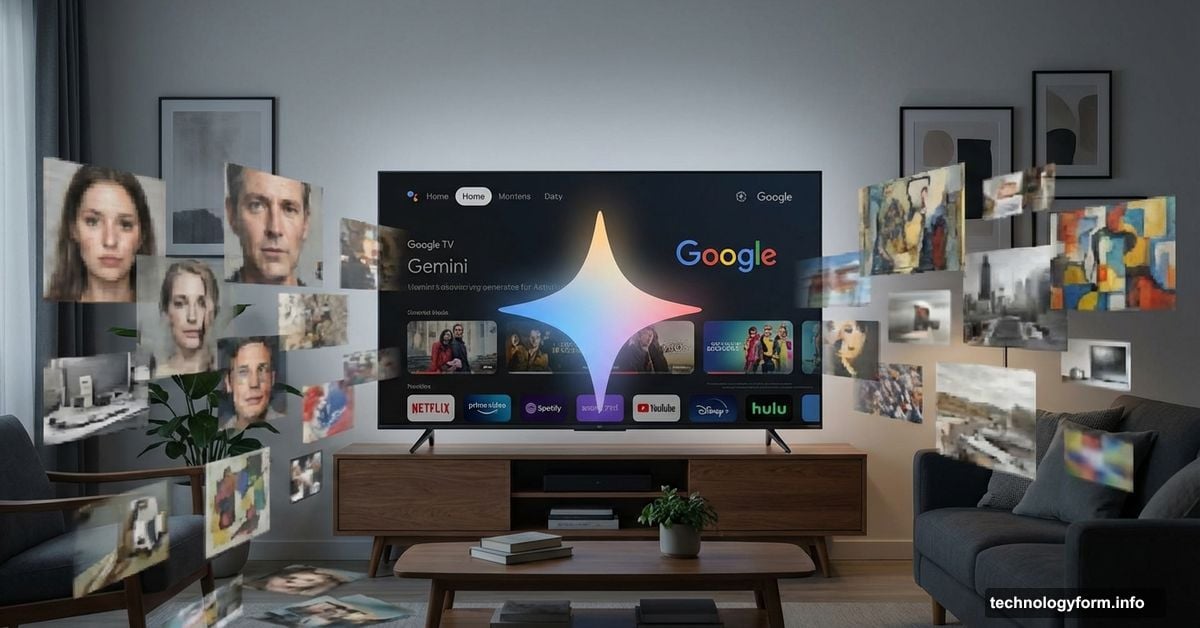
The company announced at CES 2025 that Gemini AI is invading Google TV devices. Soon you’ll be able to create AI photos and videos directly on your television using Nano Banana and Veo 3 models. Plus, the full Gemini chatbot experience arrives on your biggest screen.
Sounds cool in theory. But let’s be honest about what this actually means for most people.
Gemini Takes Over Your TV Screen
Google started integrating AI into TVs last fall. Now it’s going all-in on the feature expansion.
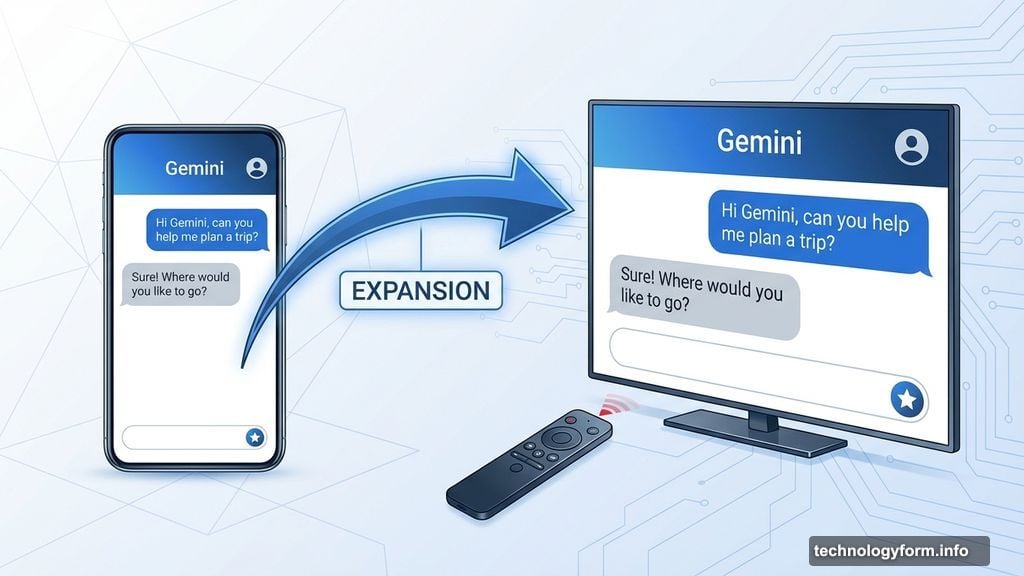
The Gemini assistant appears as a star icon at the bottom of your screen. You can activate it with voice commands or your remote. Then you talk to your TV like you’d chat with a phone app.
What can it do? Adjust brightness and volume. Show photos from Google Photos. Recommend shows to watch next. Answer random questions like a chatbot. Pull up YouTube videos as references.
It’s basically Gemini from your phone, just blown up on a 55-inch display. The interface looks identical to the mobile version. Same chat bubbles. Same suggested follow-up questions. Same AI responses you’ve seen everywhere else.
AI Media Creation Comes to Living Rooms
Here’s where things get weird. Google is bringing its AI image and video tools to televisions.
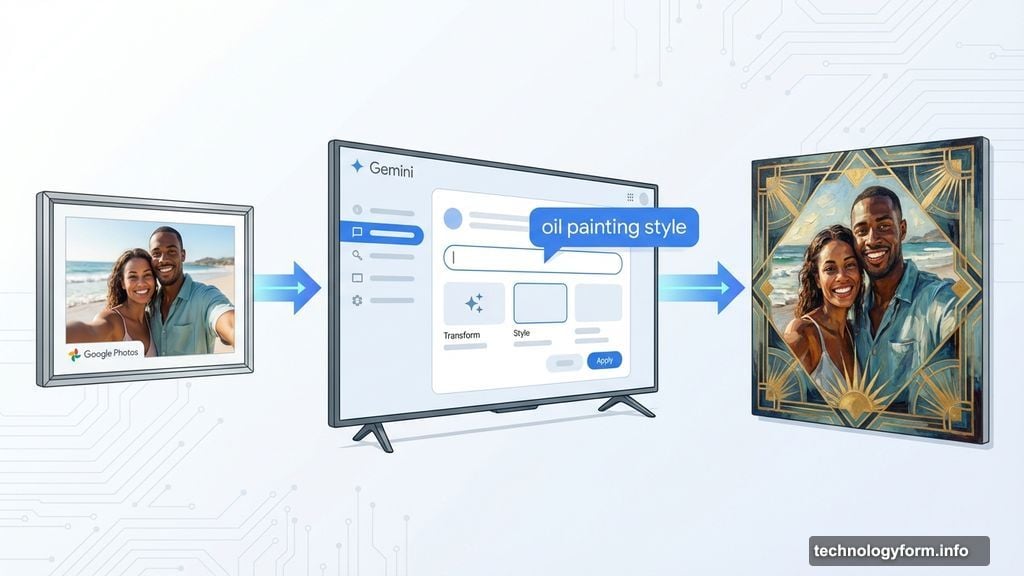
You can now remix photos from your Google Photos account on your TV screen. Want to turn your vacation selfie into an oil painting? Or give it an art deco aesthetic? Just tell your TV what you want.
The editing features mirror what’s already available in the Google Photos mobile app. Except now you’re doing it on a much larger display. You can save the AI-edited images back to your Google Photos account.
But wait, there’s more. You can also generate completely new AI images and videos on your TV.
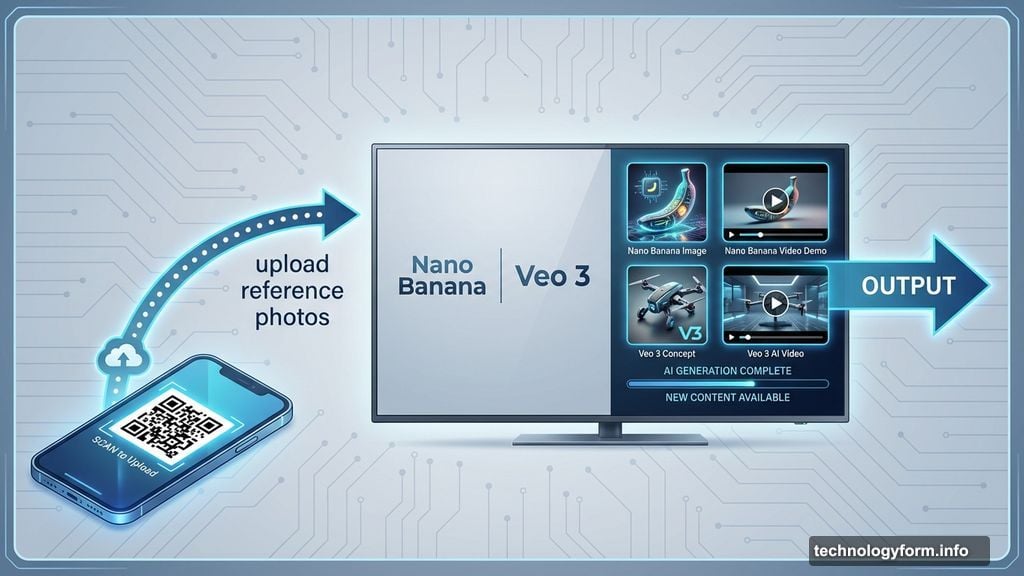
The process works like this: Upload reference photos from your phone by scanning a QR code. Then speak your prompt aloud to the television. The AI generates your creation on the big screen.
Google imagines families creating together. Parents entertaining kids. Party guests crowding around the TV to watch AI spit out images. No need to huddle around someone’s phone.
Who Actually Benefits From This?
Let’s think through the real use cases here.
Creating AI images on your phone takes seconds. You’ve got the device in your hand already. The screen is plenty big enough to see what you’re making. You can save, share, or delete instantly.
So why move that process to your TV? The supposed benefit is group creation. Multiple people can watch and participate together.
Okay, maybe that works for kids who think AI generation is magic. Or drunk party guests who find anything entertaining. But beyond those niche scenarios, the use case feels forced.
Editing photos on a big screen makes slightly more sense. Seeing your images at TV size helps you notice details. But honestly, how often do you need to AI-remix photos in your living room? Most people barely edit photos on their phones, let alone their televisions.
The chatbot features raise similar questions. Sure, asking your TV for show recommendations is convenient. Adjusting volume by voice command beats finding the remote. But do you really need to Google random facts on your television?
You’ve got a phone in your pocket. A laptop nearby. Maybe a tablet on the couch. All better suited for quick searches and chatbot conversations.
Generation Limits and Device Restrictions
Google buried some important details in the announcement. These AI features come with generation limits. The company didn’t specify exactly how many images or videos you can create.
But limits exist. Which means this isn’t unlimited AI creation on your TV. You’ll hit a wall at some point and have to wait for your quota to reset.
Also, the features only work on TVs running Android TV OS 14 or later. Not every Google TV device qualifies. The rollout starts with select TCL devices, expanding to more Google hardware over the next few months.
So even if you wanted these features, you might not get them. Your TV needs to be relatively new and run the latest operating system. Older devices are out of luck.
The Real Question Nobody’s Answering
Google is clearly proud of its AI capabilities. Veo 3 generates impressive videos with synchronized audio. Nano Banana Pro creates unnervingly realistic images. The technology itself is genuinely impressive.
But why does every product need AI shoved into it? Google Photos got AI editing. Gmail got AI writing assistance. Search got AI overviews. Android got Gemini integration.
Now TVs get the full treatment too. But did anyone actually request this? Did surveys show people desperately wanting to create AI images on their television?
Or is Google just adding AI everywhere because it can? Because competitors are doing it? Because “AI features” sound good in press releases and investor calls?
The cynic in me suspects the latter. These features solve problems most people don’t have. They add complexity to devices that worked fine without them. They create new friction points where things can break or confuse users.
What This Means for TV Owners
If you’ve got a compatible Google TV, these features are coming. You don’t get to opt out. Google decides what runs on its platform.
The AI integration probably won’t hurt your experience. The Gemini interface looks clean enough. The features are optional – you don’t have to use them if you don’t want to.
But it’s another example of AI creeping into every device and service. Another layer of technology between you and the content you actually want. Another set of features to ignore while you just try to watch Netflix.
Maybe some users will love creating AI images on their TV. Maybe parents will find it genuinely useful for entertaining kids. Maybe party guests will have a blast with AI-generated content on the big screen.
But for most people? This feels like AI slop. Technology added for technology’s sake. A solution searching for a problem.
Your TV worked fine without AI image generation. It still will. You’ll just have more icons to ignore and more features to skip when navigating menus.
Welcome to the future. Where even your television wants to be your AI assistant.