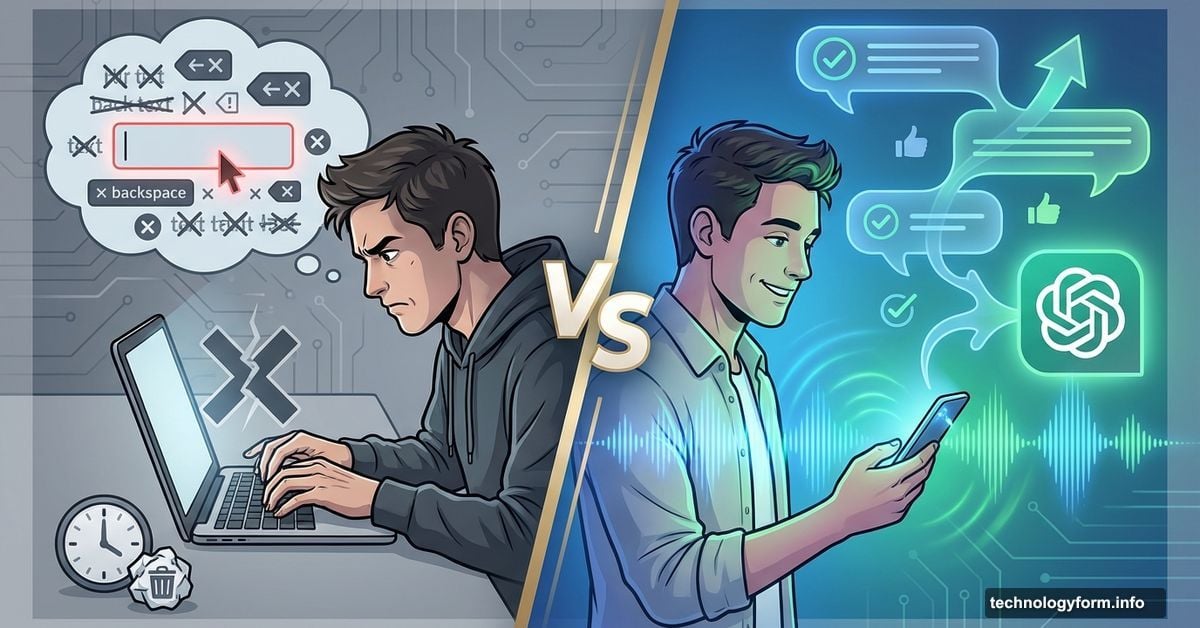
Voice Chat With ChatGPT Beats Typing. Here’s Why You’re Missing Out
ChatGPT’s voice mode completely changed how I use AI. No more staring at blank text boxes or carefully crafting the perfect prompt.
Now I just talk. The AI responds like a real conversation. And honestly? It feels faster, smarter and way more natural than typing ever did.
Most people treat voice mode like a gimmick. They’re wrong. This feature transforms ChatGPT from a search engine replacement into something that actually fits how humans think and work.
What Makes Voice Mode Different
Voice chat isn’t just speech-to-text with extra steps. It’s a genuine conversation tool.
The AI waits for you to finish speaking. It handles natural pauses without cutting you off. Plus, it doesn’t freak out when you say “um” or stutter through half-formed thoughts.
I can cook dinner while asking recipe questions. Or drive while planning weekend trips. No keyboard required. Just natural human speech the way you’d actually talk to someone.
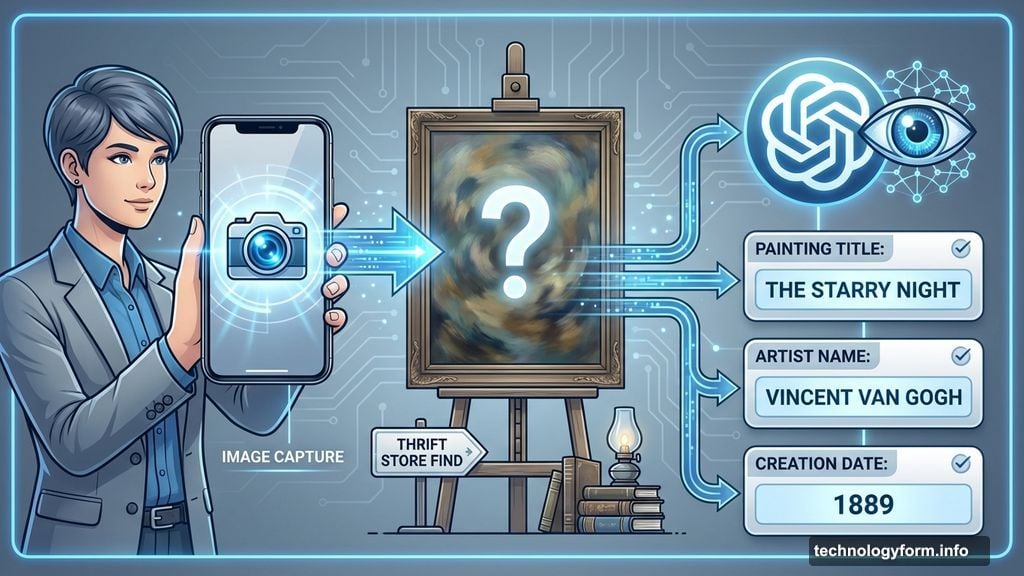
Two versions exist. Standard Voice works for free users but processes slower. It converts speech to text first, then generates responses using GPT-4o models.
Advanced Voice (paid tier only) processes audio natively in real time. It picks up on your speaking speed and emotional tone. The conversation flows instantly without awkward delays.
Free users get daily preview access to Advanced Voice. So you can test the premium experience before committing.
Seven Reasons Voice Mode Wins
Conversations Flow Naturally
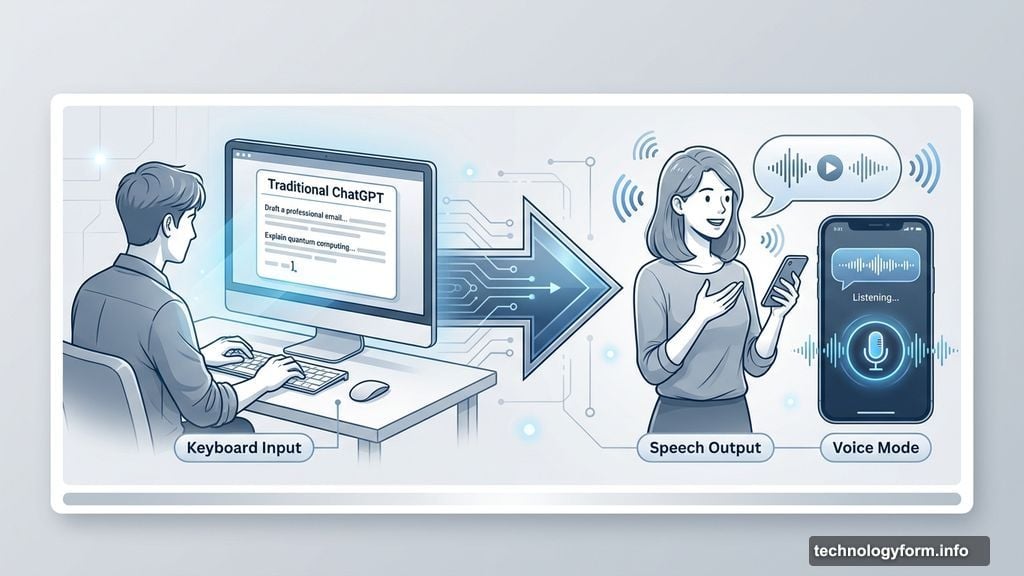
Typing forces you to plan every word. Voice mode doesn’t. You speak like a normal human with all the awkward pauses and half-finished sentences included.
The AI rolls with it. It either delivers complete answers or asks clarifying questions. This back-and-forth feels effortless compared to typing and deleting repeatedly.
True Hands-Free Operation
You still need to tap the voice button once to start. After that? Your hands are free.
Stuck in traffic? Brainstorm vacation ideas while driving. Ask about flights, hotels and restaurants without touching your phone. The conversation saves automatically for later review.
No more trying to remember everything while fumbling with your device.
Language Learning Gets Real
Want to practice Polish or Spanish? Voice mode excels here.
Speak in English. Get responses in flawless Polish with pronunciation tips. Just ask “Can you help me practice my [language]” and it offers conversation starters, vocabulary lessons or number practice.
It remembers where you stopped. So you get actual progressive lessons without needing Duolingo.
Visual Problem Solving Works
Advanced Voice users can activate their camera for real-world help. This feature alone justifies the upgrade.
I found a mystery painting at a thrift store. The owner knew nothing about it. So I opened voice mode, turned on my camera and asked ChatGPT to identify it.
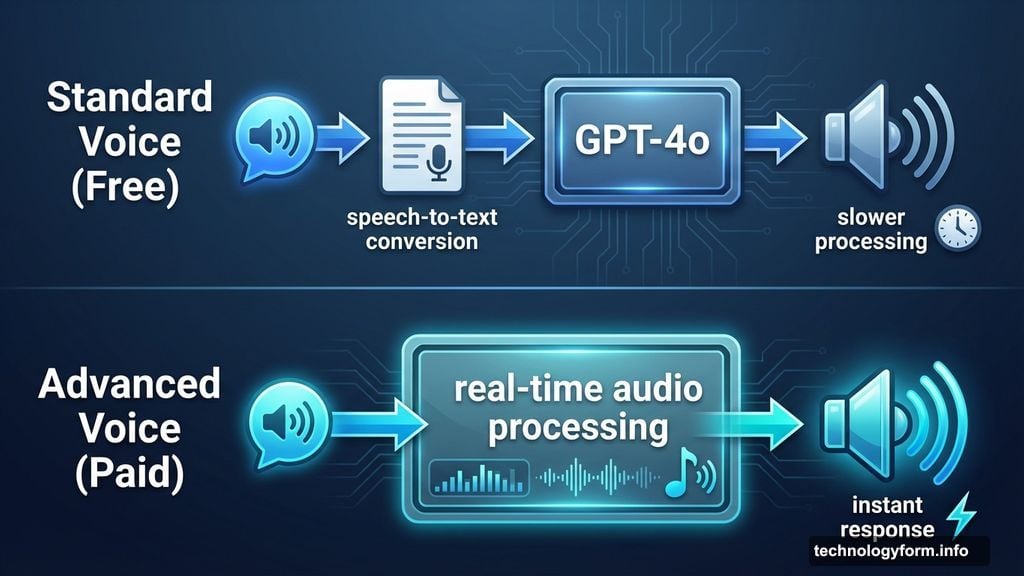
Seconds later I had the painting’s title, artist name and creation date. Works for street signs, plant identification or anything visual you encounter.
Accessibility Wins Matter
Voice mode helps people with low vision or dyslexia tremendously. Talking beats typing every time for these users.
The AI transcribes your speech then reads answers aloud. You can adjust reading speed in settings or just ask ChatGPT to slow down.
One-tap to start, one-tap to stop. No extensive keyboard work required for anyone with motor-skill challenges.
Brainstorming Accelerates
Ideas flow faster than fingers can type. Voice mode captures rapid-fire thoughts effortlessly.
I use it for story concepts, room layouts or meal planning. Thinking aloud beats staring at a blinking cursor. ChatGPT’s instant follow-ups keep momentum rolling until ideas solidify.
The natural conversation format prevents that creative block you get when typing.
Instant Audio Summaries
Drop a 90-page PDF into the chat. Request a summary. Then have ChatGPT read it aloud while you fold laundry or commute.
Any document becomes an on-demand podcast. I do this with movie scripts, textbooks, even Wikipedia pages. It’s passive learning that actually fits into daily life.
Other Chatbots Join the Race
ChatGPT isn’t alone anymore. Google’s Gemini Live offers similar real-time conversation features. Anthropic’s Claude beta displays bullet points on-screen while speaking.
Perplexity’s mobile assistant answers spoken questions and launches apps like OpenTable or Uber on command. Everyone’s racing to master conversational AI.
But ChatGPT remains my default choice. The voice experience feels most polished and the model handles context better across long conversations.
The Actual Limitations
Voice mode uses the same language models as text ChatGPT. So it can still hallucinate facts or provide wrong information.
Always verify important details. The conversational format makes it easy to trust responses without questioning them. Don’t fall into that trap.
Also remember: Advanced Voice only works with a paid subscription. Free users get limited daily access which might not cover heavy usage.
Why You Should Switch Now
Voice mode isn’t a parlor trick. It’s how ChatGPT should have worked from the beginning.
Whether you’re translating street signs, brainstorming projects or catching up on news articles, talking to ChatGPT feels less robotic. More like consulting a knowledgeable friend who happens to know everything.
Once you start thinking out loud instead of typing prompts, you’ll realize how limiting text-only interaction always was. Your keyboard might start collecting dust.
Try it today. Open ChatGPT, tap the voice button and just start talking. You’ll immediately see why typing feels painfully slow in comparison.