Gmail’s AI Inbox Isn’t Revolutionary. It’s Just Not for Me
Google just rolled out AI Inbox for Gmail. It replaces your email list with AI-generated to-dos and topic summaries.
Sounds futuristic. But after testing it for a few days, I’m sticking with my old system. Here’s why this feature works great for some people but fails completely for others like me.
What AI Inbox Actually Does
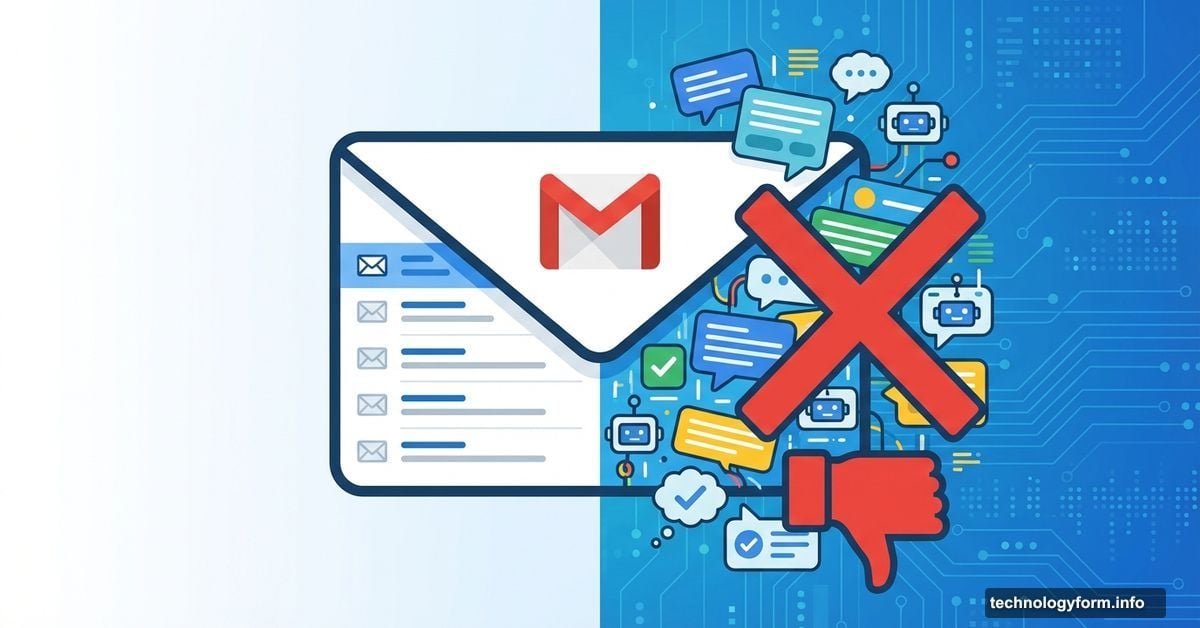
AI Inbox transforms your Gmail sidebar. Click the new icon, and your familiar email list disappears.
Instead, you get an AI-generated summary page. At the top sit suggested to-dos pulled from your messages. Below that, topics to catch up on appear with links to relevant emails.
Think of it like Google’s AI Mode for search, but applied to your inbox. The AI scans everything and decides what matters most.
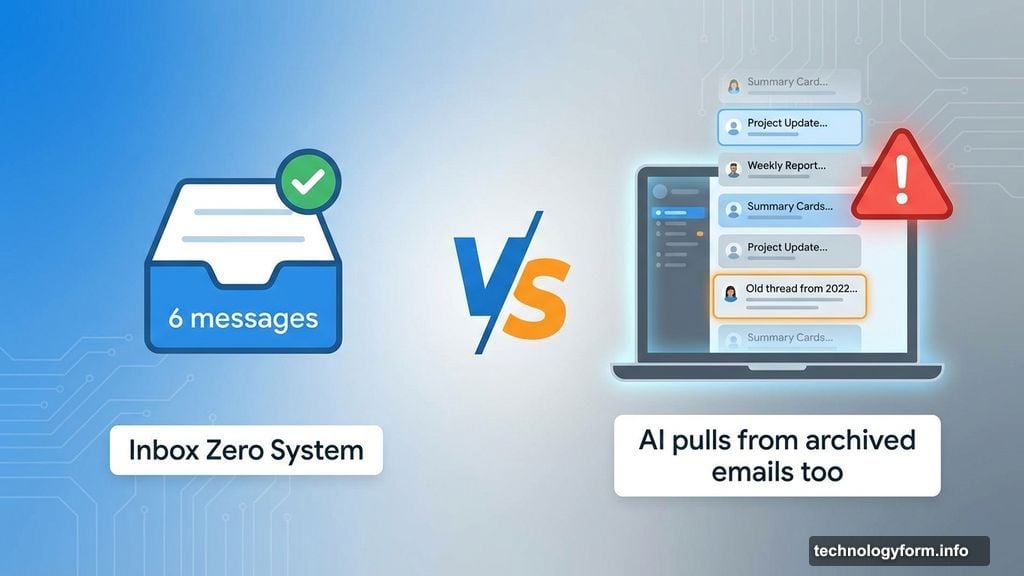
Here’s the catch. It pulls from archived emails too, not just unread ones. So conversations you already handled might reappear as “important topics.”
My Inbox Philosophy Clashes with AI
I’ve managed email the same way for decades. Keep it minimal. Process each message immediately.
When an email arrives, I decide right away what needs doing. Reply, snooze, create a reminder, or archive. My inbox stays under 10 messages at all times.
AI Inbox breaks this system completely. Instead of six clean email threads, my screen fills with scrolling summaries. On my 13-inch MacBook Air, I have to scroll just to see everything.
Plus, the AI guesses wrong about priorities. It flagged archived conversations about tax prep and potty training as urgent. But those are ongoing discussions I’m already handling with my wife in person.
The tool doesn’t understand context. It just sees keywords and assumes importance.
Who Actually Needs This Feature
Not everyone obsesses over inbox zero like I do. Most people let messages pile up and lose track of what needs attention.
For them, AI Inbox could be genuinely helpful. Blake Barnes, Google’s VP of product for Gmail, confirmed users treat it as a complementary tool rather than a replacement.
If your inbox has 100+ unread messages, AI-generated summaries might surface buried action items. The feature could catch things you’d otherwise miss entirely.
So it’s not a bad product. It just solves a problem I don’t have.
Google’s Bigger Plans Sound Ambitious
AI Inbox remains early and limited. Currently only “trusted testers” with consumer Gmail accounts can access it.
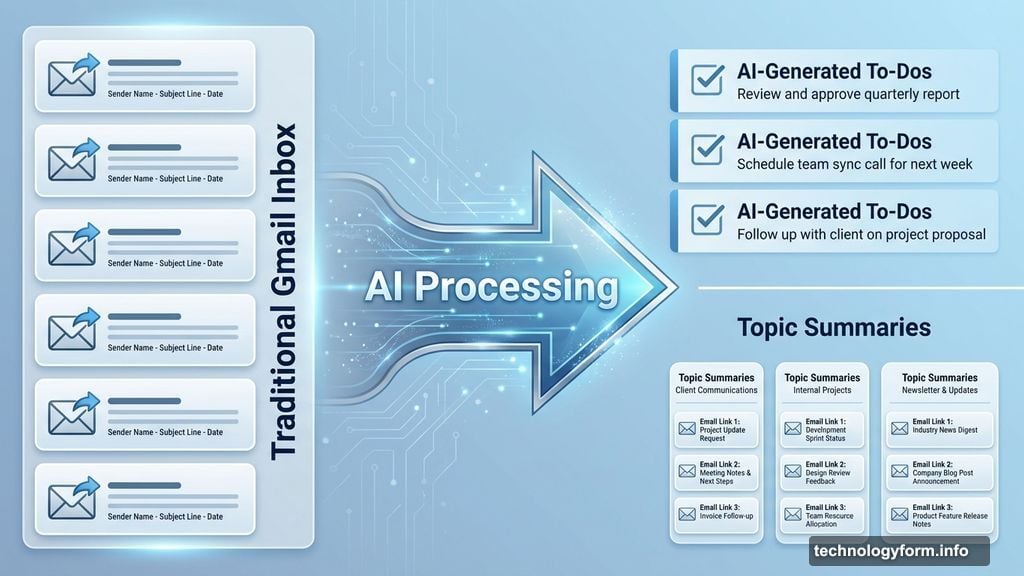
But Google has aggressive expansion plans. Barnes shared ideas like marking suggested items as complete, generating quick-reply drafts, and Calendar integration for meeting scheduling.
Eventually, you might tell AI Inbox to watch for emails from specific people. The system could auto-draft responses based on your communication patterns.
That’s when Gmail stops being an email client and becomes an AI assistant managing your life.
The Trust Problem Nobody Mentions
Here’s what worries me about advanced AI Inbox features. You’re surrendering control of your communication workflow to Google’s algorithms.
Sure, AI Mode expanded rapidly for search. AI Inbox will probably follow the same path. But do you really want AI deciding which emails matter and potentially drafting responses for you?
I prefer my manual system precisely because I control every decision. Nothing gets missed because I didn’t see it. Nothing gets flagged incorrectly because an algorithm misunderstood context.
Plus, my system works perfectly right now. Why would I replace something reliable with something experimental?
Personal Assistant or Unwanted Interference
If AI Inbox evolves as Google envisions, it could transform how people handle email. For users drowning in messages, that transformation might be revolutionary.
But it requires absolute faith in Google’s AI. You’re betting that algorithms understand your priorities better than you do.
Maybe I’m stuck in my ways. I’ve only tested AI Inbox since Thursday night, so my opinion could shift with more experience.
Still, I doubt it. My email system has worked for years and requires zero machine learning. It’s fast, reliable, and completely under my control.
AI Inbox feels like a solution searching for a problem. At least for someone like me who already runs a tight ship with their inbox.