AI Image Generators Keep Messing Up Your Pictures. Here’s How to Actually Fix Them
AI image tools create stunning art one minute, then spit out nightmare fuel the next. I’ve spent months testing these generators daily, and the same weird problems keep popping up.
Sure, tools like Midjourney and DALL-E improve constantly. But they still fail at surprisingly basic tasks. Three-armed humans. Teeth where eyes should be. Text that looks like alien hieroglyphics. Sound familiar?
After thousands of prompts, I’ve learned which mistakes happen most often and how to work around them. Plus, I’ll show you when to scrap everything and start fresh.
Why Faces Always Look Wrong
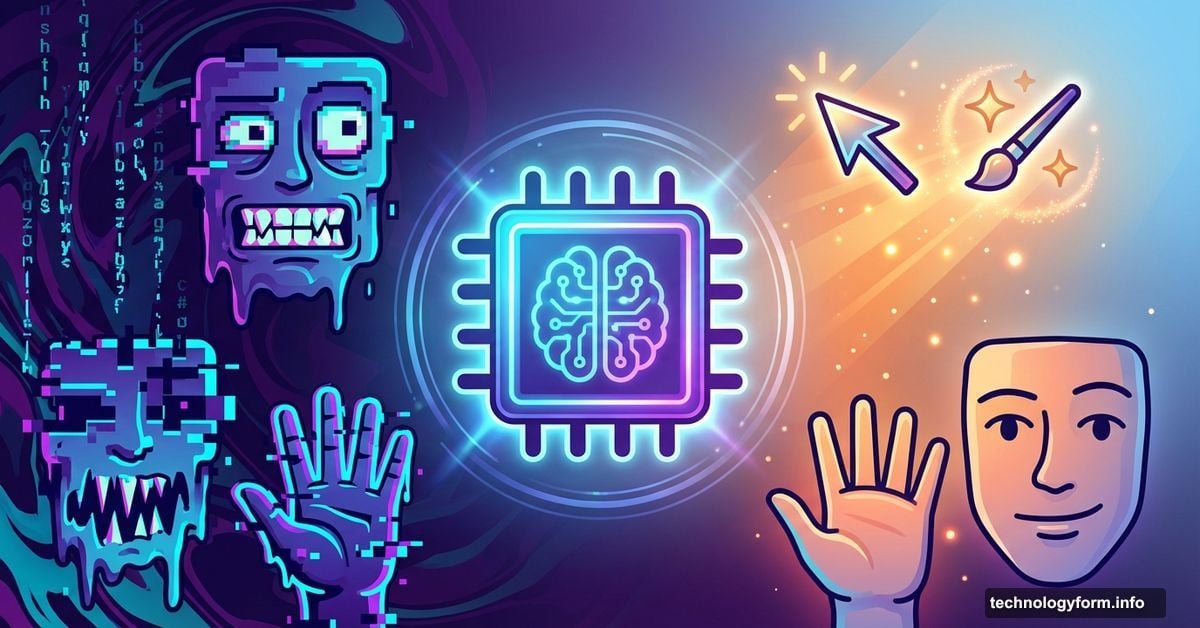
Facial expressions trip up AI generators more than almost anything else. Eyes point different directions. Teeth multiply like a horror movie. Eyebrows float off faces entirely.
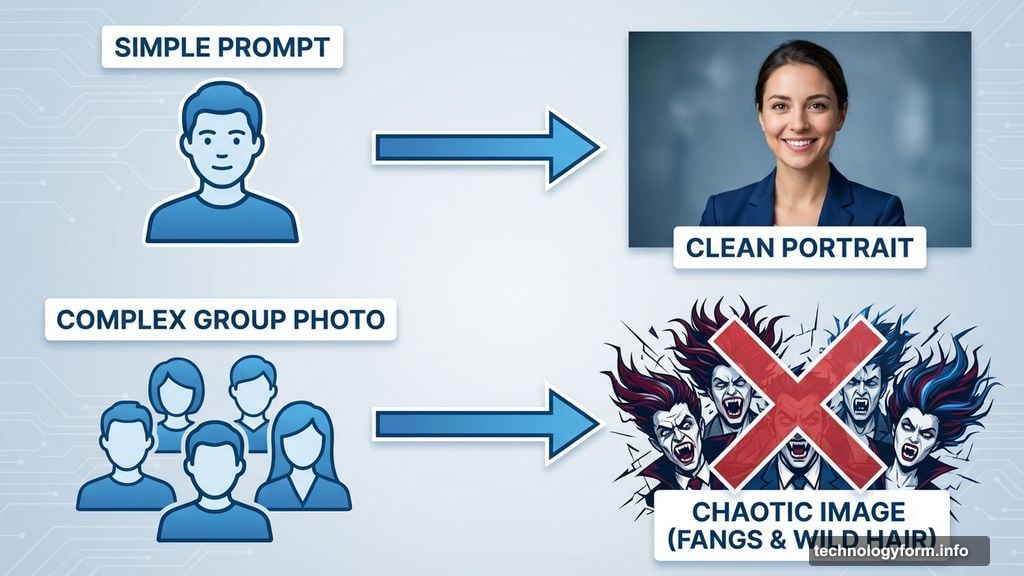
I tried generating a casual group photo recently. The result? Two women sporting vampire fangs and a guy in back with hair that defied physics. Completely unusable, though admittedly hilarious.
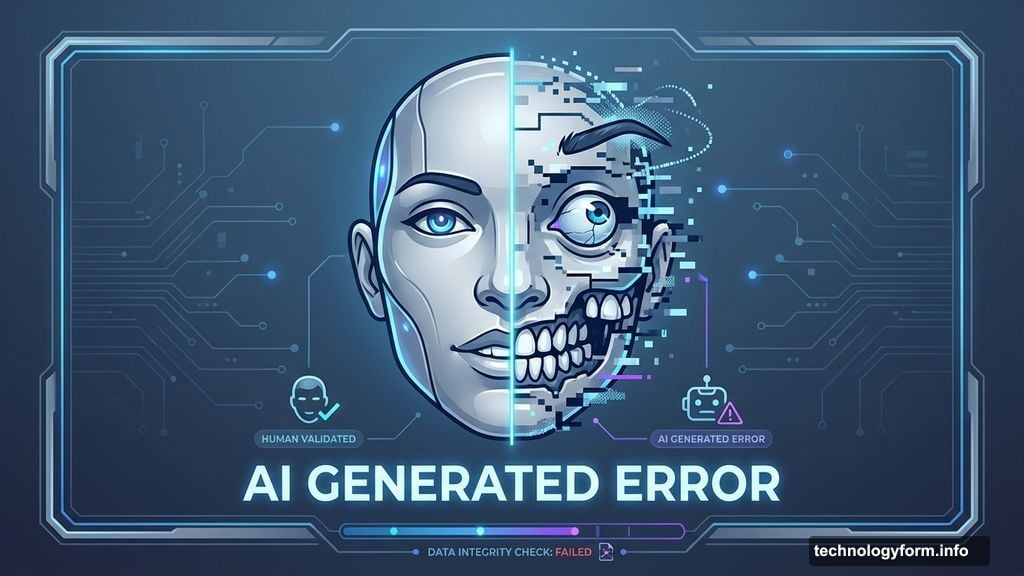
Even cartoon faces struggle. DALL-E 3 once gave me characters so dramatically angry over cleaning supplies that the emotion overwhelmed the entire image. Nobody gets that upset about Windex.
How to fix it: Reduce the number of people in your prompt. Fewer faces mean fewer chances for weird mutations. Then use post-generation editing tools to regenerate specific problem areas. Also, swap intense adjectives for milder ones. Try “frustrated” instead of “enraged.”
Logos and Characters Are Off-Limits
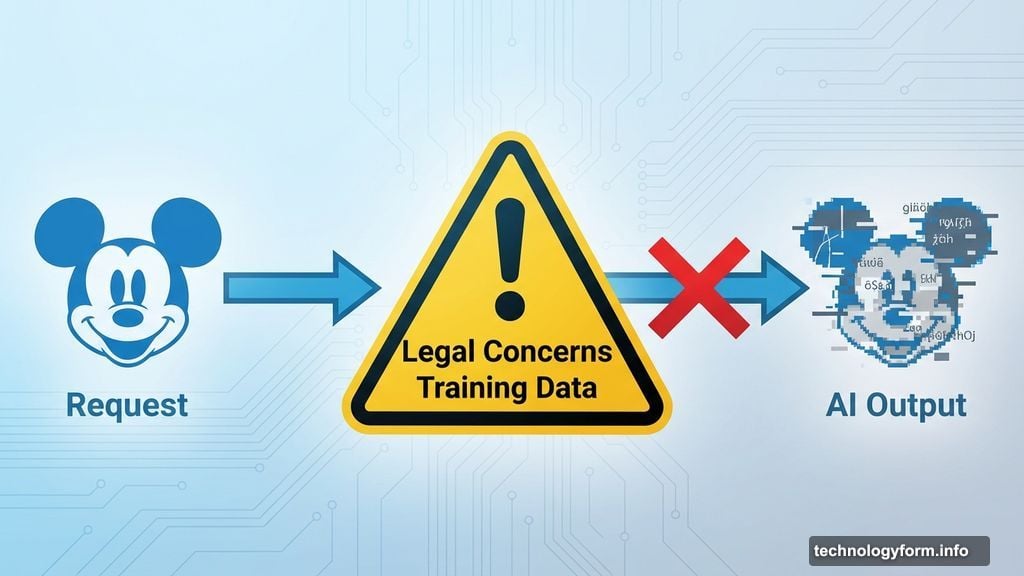
AI generators rarely produce accurate brand logos or recognizable characters. Legal concerns explain most of this. Companies don’t want their intellectual property feeding AI training data.
Sometimes the generator simply doesn’t know what you’re asking for. If a brand isn’t in its training data, you’ll get gibberish that vaguely resembles what you wanted.
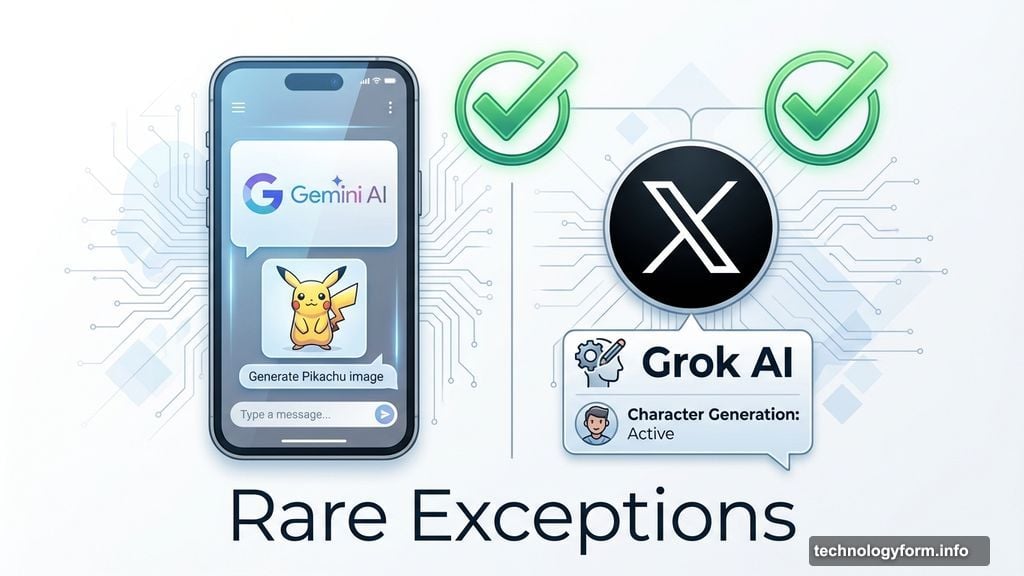
Two exceptions exist. Google Pixel 9 phones can generate decent Mickey Mouse and Pikachu images thanks to Gemini AI. Some paying X users report similar success with Grok. But these are rare cases, and the results still aren’t perfect.
How to fix it: You can’t, really. Instead, rethink your concept. Do you actually need the TikTok logo, or just a phone showing vertical video? Focus on the essence of your idea, not specific branding.
Complex Scenes Fall Apart Fast
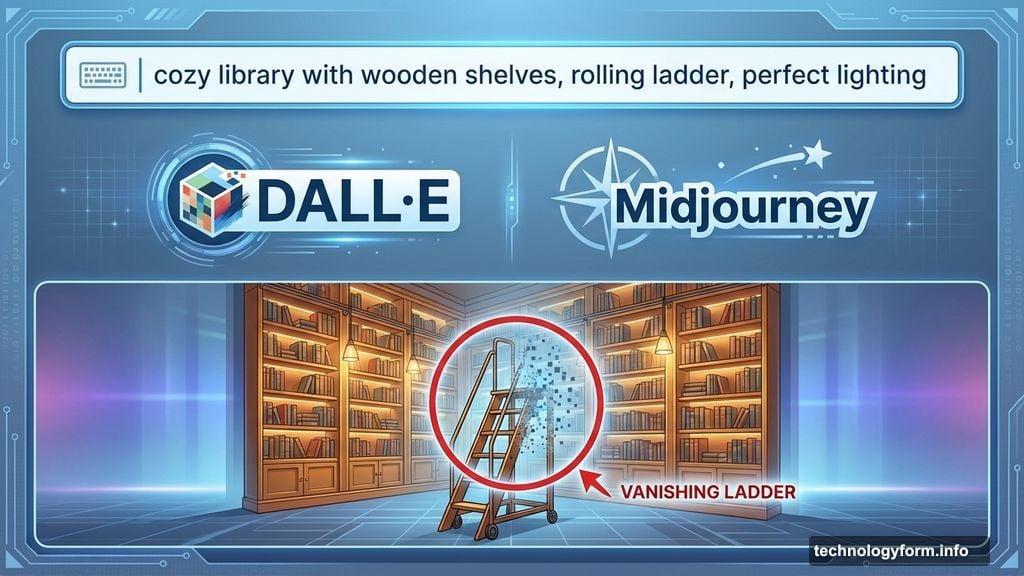
Too many overlapping elements confuse even the best generators. I recently created my dream library using Leonardo AI. Gorgeous wooden shelves, perfect lighting, cozy reading nooks. Then I noticed the rolling ladder that simply vanished halfway up.
Another photorealistic kitchen image looked flawless at first glance. Zoom in, though, and the cookbook shows nonsensical characters. Plus the book itself has two spines and three sections somehow. These small flaws make otherwise perfect images completely unusable.
How to fix it: Simplify your prompt dramatically. Break complex scenes into separate, simpler images. Use area-specific editing tools to isolate and regenerate problem spots. Sometimes switching from photorealistic to illustrated style helps too, since these issues hit realistic renders hardest.
When Editing Makes Things Worse
More editing doesn’t always mean better results. I once spent several rounds refining a soccer team celebration photo in Midjourney. The final version featured a blob where a player should be. I have no idea what happened, and honestly, neither did the AI.
Over-editing introduces new hallucinations. The generator gets confused by contradictory instructions and produces increasingly bizarre outputs. You end up further from your goal than when you started.
How to fix it: Know when to quit. Scrap your current batch and start fresh with a refined prompt. Better to spend five minutes on a clear, specific prompt than waste 30 minutes fighting with edits. Fix minor issues only after you’ve generated a mostly-correct base image.
The Prompt That Actually Works
After all this trial and error, here’s my formula for fewer mistakes:
Start specific but simple. “Photorealistic woman smiling at coffee shop” beats “group of diverse people expressing various emotions in busy urban café setting.” Fewer elements mean fewer things to break.
Add details gradually. Generate your base image first. Then use editing tools to add complexity layer by layer. This gives you control over exactly what changes and when.
Choose your style strategically. Illustrations and stylized art forgive mistakes better than photorealism. If you need perfect anatomy, maybe skip the ultra-realistic render.
Small Flaws Ruin Good Images
The frustrating part? You’ll generate images that look incredible at first. Then you spot the extra finger. The melted text. The physics-defying shadow. Suddenly the whole thing’s unusable.
This happens because generators don’t actually understand what they’re creating. They match patterns from training data without comprehending hands need five fingers or text follows specific rules. So they nail the overall composition while botching small logical details.
Always zoom in and check carefully before considering an image finished. Those errors always lurk somewhere.
Why This Still Matters
These tools keep improving rapidly. Companies behind them are definitely working to eliminate these recurring problems. But right now, imperfect outputs remind us that AI assists human creativity rather than replacing it.
You still need to guide, refine, and quality-check every output. Think of these generators as incredibly talented but occasionally confused interns. They need clear direction and careful supervision.
One more thing. Always credit AI-generated images when you share them. As these tools get better and outputs look more realistic, transparency becomes crucial. People deserve to know what they’re looking at.
The technology amazes me daily. It also frustrates me constantly. But understanding these common failures helps you work smarter, not harder. Generate fewer duds. Fix problems faster. Actually use what you create.
That’s worth learning the quirks.