Google’s AI Video Tool Flow Just Escaped Its Paywall
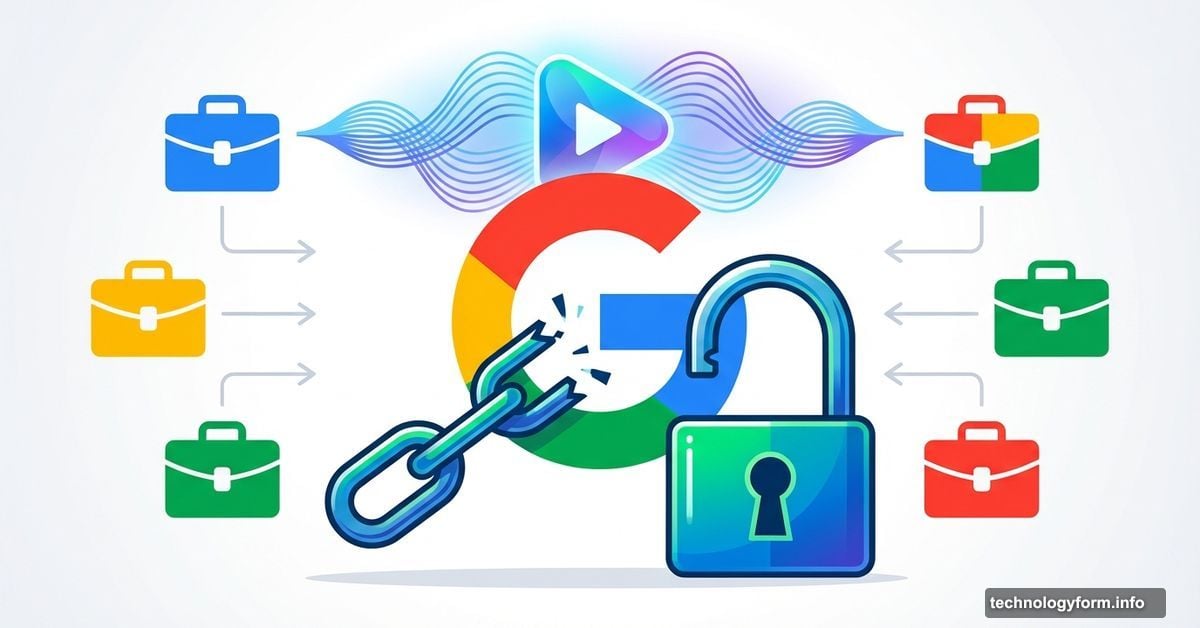
Google quietly opened the gates to Flow this week. The AI video generator that once required a premium subscription now works across standard Workspace accounts.
That’s a big shift. Flow started as a perk for Google AI Pro and Ultra subscribers back in May 2025. Now anyone with Business, Enterprise, or Education Workspace plans can generate AI video clips from text prompts or images. No extra subscription needed.
The timing matters. As AI video tools explode across the market, Google’s widening access to keep Flow competitive. But does broader availability mean better results? Let’s see what Flow actually delivers.
What Flow Does Well
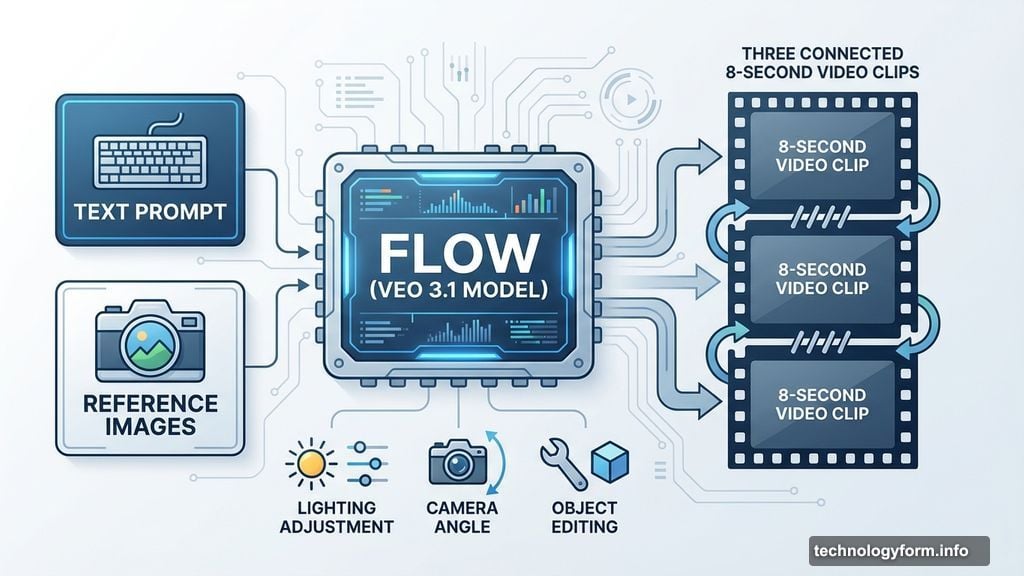
Flow runs on Google’s Veo 3.1 video generation model. You feed it a text prompt or reference images. It spits out eight-second clips.
Eight seconds sounds short. But that’s intentional. Flow lets you stitch multiple clips together to build longer sequences. Plus, the tool packs several editing features most competitors skip.
You can adjust lighting in scenes. Change camera angles. Insert or remove objects after generation. These controls give creators more flexibility than basic prompt-and-pray generators.
Google added vertical video support this week. So Flow now handles TikTok and Instagram Reels formats natively. That’s crucial for social media creators who need vertical content fast.
Audio Finally Arrived
Flow shipped without audio for months. Creators generated silent clips that needed separate sound design. Not ideal.
Google fixed that late last year. Now Flow generates audio alongside video for most features. Reference image prompts get audio. Scene transitions get audio. Clip extensions get audio.
The audio generation works through Google’s existing AI models. It analyzes visual content and matches appropriate sound effects or ambient noise. Not perfect, but better than silence.

Nano Banana Pro Integration
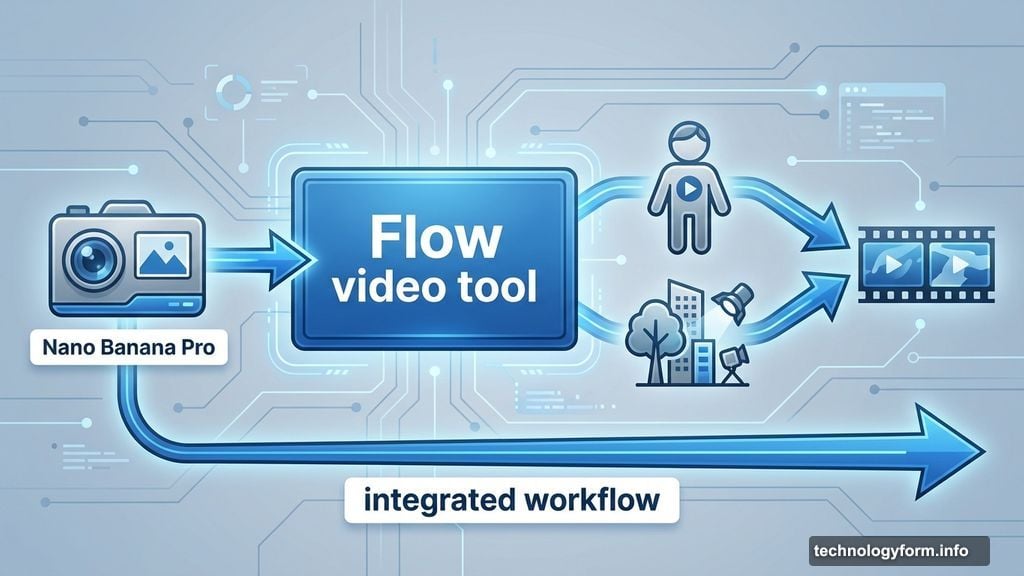
Here’s where things get interesting. Google folded its AI image generator Nano Banana Pro directly into Flow.
Why does this matter? You can now create custom characters or scene elements inside Flow without switching tools. Need a specific protagonist for your video? Generate them with Nano Banana Pro, then use that character consistently across clips.
This integration speeds up workflow considerably. Instead of bouncing between image generators and video tools, everything happens in one place. Less friction means faster content creation.
Still Locked Behind Workspace
Flow isn’t truly open yet. Google expanded access, but only to paid Workspace tiers. Business, Enterprise, and Education plans get in. Consumer accounts stay locked out.
That’s frustrating for individual creators. Flow could be useful for YouTubers, social media managers, or freelance video editors. But unless they’re paying for Workspace Business at $12+ per month, they’re stuck waiting.
Google probably wants to test reliability at scale before opening the floodgates completely. Enterprise users provide valuable feedback without overwhelming the system. But it still feels like an artificial barrier.
How Flow Stacks Up
Compared to other AI video generators like Runway or Pika, Flow offers tighter integration with Google’s ecosystem. If you already live in Google Workspace, Flow slots right into your workflow.
The editing controls give Flow an edge over simpler generators. Being able to adjust lighting or camera angles after generation saves regeneration time. Most tools make you re-prompt entirely for changes.
But Flow still hits the same limitations plaguing all AI video generators. Eight-second clips mean lots of stitching for longer content. Quality varies wildly based on prompt complexity. And audio generation, while present, sounds synthetic.
The Real Question
Will Workspace users actually adopt Flow? That depends on whether Google can demonstrate real value beyond novelty.
AI video generation works great for quick social clips or concept mockery. But professional video work still demands human editors and cinematographers. Flow won’t replace video production teams anytime soon.
For business users creating internal training videos or marketing teasers, Flow might hit a sweet spot. Fast, good enough, and built into tools they already pay for. That’s a compelling pitch.
But Google needs to keep improving quality and extending clip length. Eight seconds feels limiting even for social content. Competitors already offer longer generation times. Flow needs to catch up or risk becoming the video tool nobody uses.
Google’s betting that broader access drives better feedback and faster improvements. We’ll see if Workspace users prove them right.