Figma Just Added Google’s Gemini AI. What Need to Know
Figma dropped a partnership bomb. The design platform just integrated Google’s Gemini models directly into its workflow tools.
This isn’t just another AI checkbox feature. Instead, Figma’s bringing three specific Gemini models into the design process. Plus, with 13 million monthly users, this move affects nearly every product designer working today.
Let’s break down what actually changed and whether it matters for your workflow.
Three Gemini Models Now Live in Figma
Figma integrated Gemini 2.5 Flash, Gemini 2.0, and Imagen 4 into its platform. Each model handles different tasks.
Gemini 2.5 Flash powers the image editing and generation features. So you can now type a prompt, generate an image, and request changes without leaving Figma. That’s the big workflow improvement designers wanted.
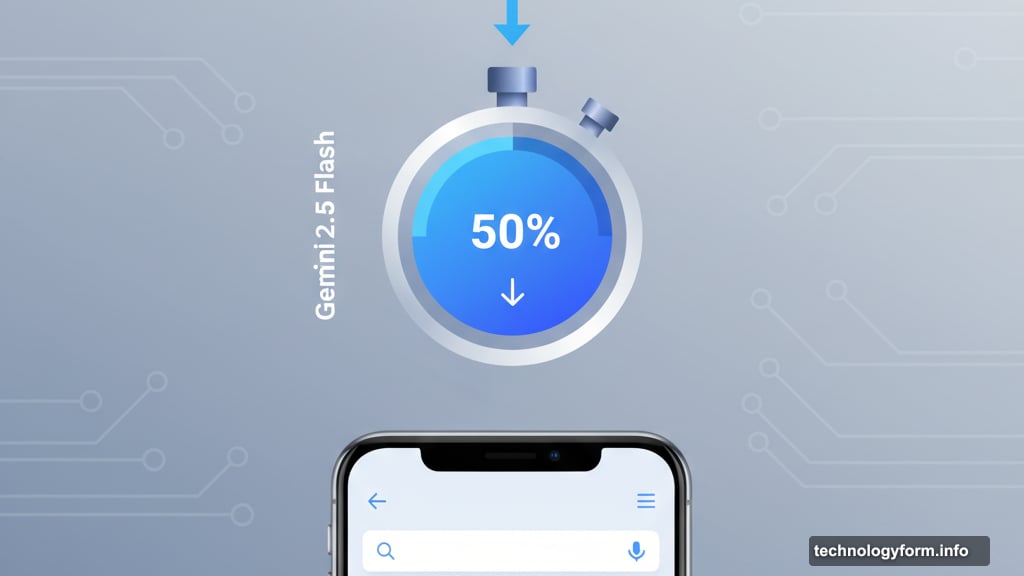
Early testing shows real performance gains. Figma’s “Make Image” feature saw 50% faster response times with Gemini 2.5 Flash. That means less waiting around for AI to generate your mockups.
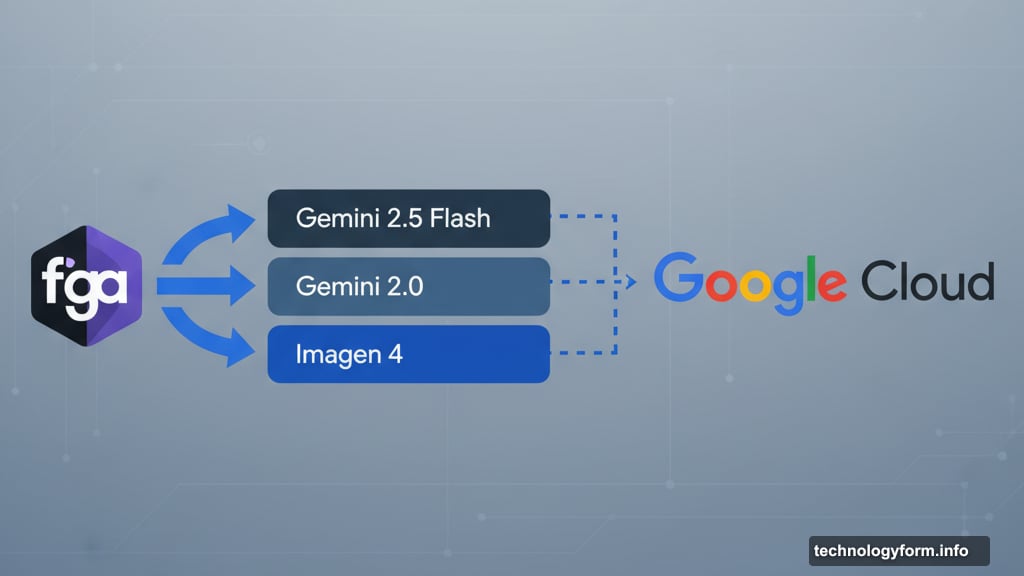
But here’s the thing. Figma maintains its Google Cloud relationship while adding these models. So this partnership extends beyond just AI features into deeper infrastructure integration.
Speed Matters More Than Features
Nobody cares about AI features that slow you down. That’s why the 50% latency reduction matters more than the AI models themselves.
Designers work fast. They iterate constantly. Any tool that makes them wait loses to competitors. So Figma focused on making AI generation fast enough to fit into real workflows.
Other design tools added AI too. But many feel sluggish. You type a prompt, wait 10 seconds, get a mediocre result, and give up. Gemini 2.5 Flash cuts that wait time dramatically.
Plus, faster generation means more iterations. Instead of generating one image and hoping it works, you can try five variations in the same time. That’s how AI actually helps designers rather than just existing as a checkbox feature.
The Partnership Race Heats Up
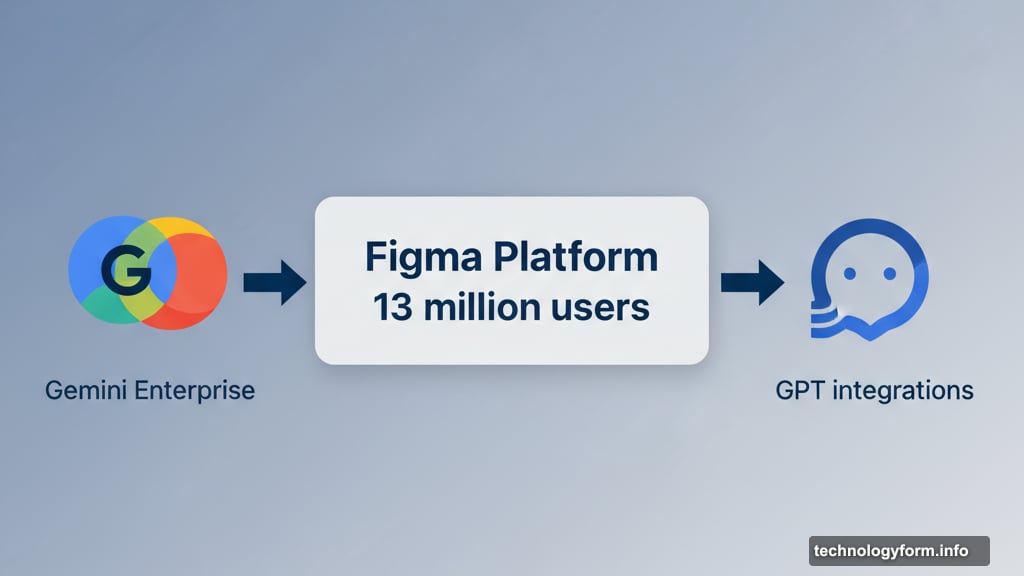
Google isn’t the only AI company chasing design tool integrations. OpenAI announced ChatGPT app integrations this week with Spotify, Canva, and others.
Figma was on that list too. So the Google deal isn’t exclusive. Designers might eventually pick between Gemini-powered features and GPT-powered alternatives within the same design file.
This matters because AI companies need distribution channels. Building the best model means nothing if nobody uses it. So partnerships with apps like Figma deliver millions of users instantly.
Moreover, Google positioned this as part of Gemini Enterprise. That’s their business-focused AI platform launching alongside the Figma deal. The strategy? Get AI into existing workflows rather than forcing companies to adopt new tools.
Enterprise AI Finally Gets Real
Consumer AI makes money. Enterprise AI mostly doesn’t. That’s the dirty secret behind all these partnership announcements.
Google claims 65% of Cloud customers use its AI products. But using and paying serious money for AI pilots are different things. Many enterprise AI projects fail because they don’t integrate smoothly into existing workflows.
That’s why the Figma partnership matters strategically. Designers already use Figma daily. Adding AI directly into that workflow removes adoption barriers. No new tools to learn. No separate AI interface to master.
Other companies signing Gemini Enterprise deals include GAP, Mercedes, and Deutsche Telekom. Google’s betting that embedding AI into existing software beats building standalone AI products.
Meanwhile, OpenAI took the opposite approach. They want you chatting with apps inside ChatGPT. Google wants AI inside the apps themselves. Both strategies target the same problem from different angles.
What This Means for Your Design Process
Should you care about Gemini in Figma? Depends on your workflow.
If you already use Figma’s AI image generation, the speed improvements matter. Faster iteration means better results. Plus, Gemini 2.5 Flash handles more complex prompts reliably.
But if you ignore AI features entirely, nothing changed. Figma didn’t remove existing tools or force AI adoption. The partnership simply makes optional features work better.
Here’s what to watch. As more AI models integrate into design tools, you’ll eventually need to pick between them. Google, OpenAI, Anthropic, and others all want their models powering your creative work.
That competition should benefit designers. Better performance, lower costs, and more features as companies fight for your attention. Just don’t expect the AI hype to slow down anytime soon.