Google Just Made Data Entry Someone Else’s Problem — Gemini’s
Manual data entry might be the most soul-crushing part of office work. Copying flight confirmations into a spreadsheet. Hunting down CEO names for a contact list. Nudging design elements one pixel at a time in a presentation. Google clearly agrees this is a problem worth solving.
The company just announced a fresh wave of Gemini AI features across Google Docs, Sheets, Slides, and Drive. And what ties all these updates together is something genuinely useful: Gemini pulls answers from your actual files, emails, and chats — not random corners of the internet.
Spreadsheet Drudgery Meets Its Match in Google Sheets
The Sheets updates are honestly the most impressive part of this rollout.
Here’s how it works. Click an empty cell, and a little pop-up appears: “Drag to fill with Gemini.” Highlight the cells you want filled, and Gemini deploys like a tiny research assistant — searching the web to populate each one with the right information.
Say you’re building a contact spreadsheet for local businesses. Instead of manually looking up each company’s CEO, location, and other public details, Gemini does the hunting. You describe what you want in plain language, no formula writing required.
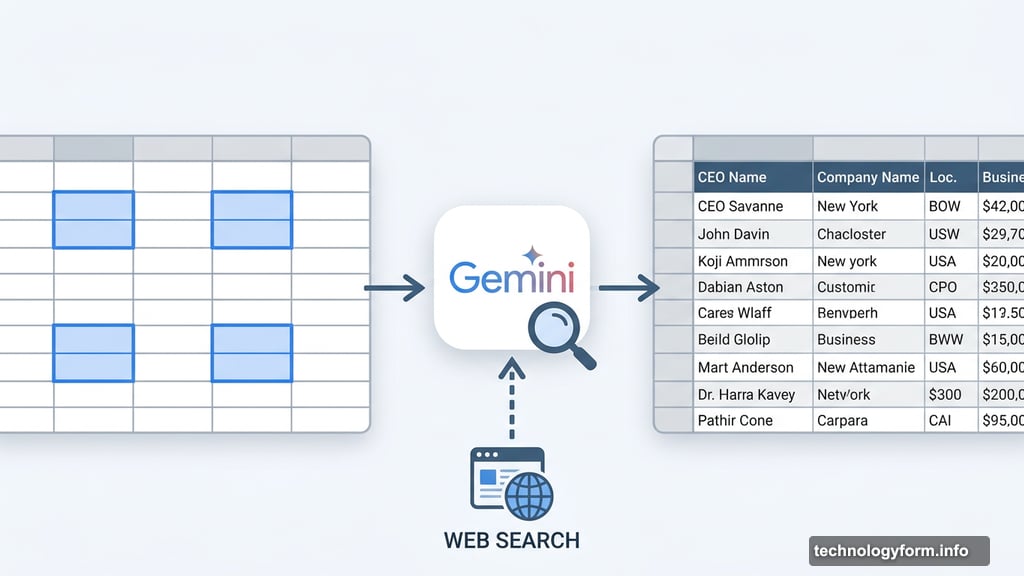
Plus, Gemini can summarize your raw data, categorize it, and build charts using nothing but a simple prompt. So if pivot tables have always felt more like a puzzle than a tool — you’re not alone — this might finally make spreadsheets feel approachable.
Google Docs Now Shows Its Work
Source transparency is a big deal with AI tools, and Google is taking it seriously here.
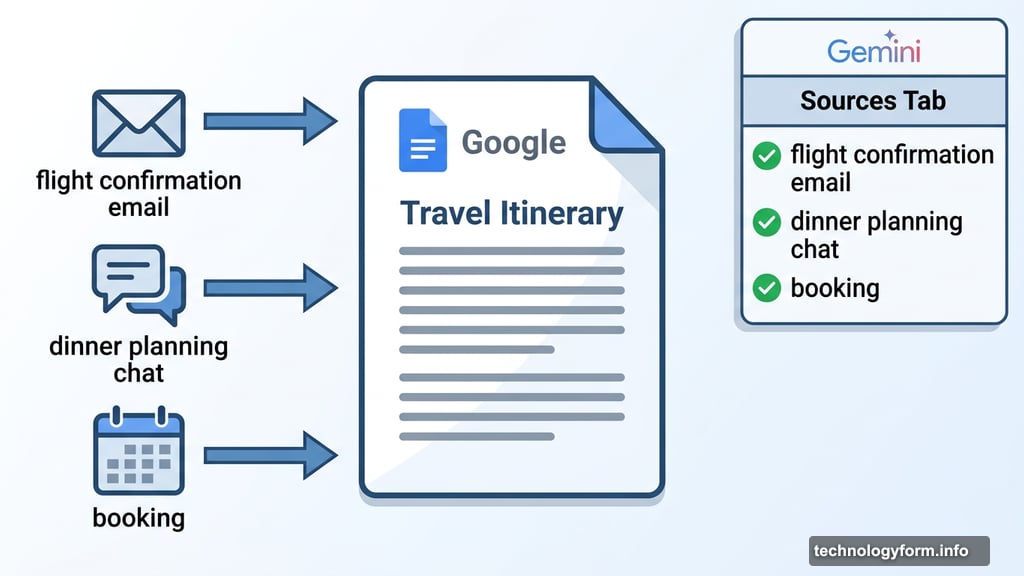
When Gemini answers a question inside Docs, it now shows a “sources” tab in the side panel. Ask it to fill out a travel itinerary template, for example, and it will pull details from your flight confirmation emails and dinner planning chats. Then it tells you exactly where each piece of information came from.
That’s a smart design choice. Instead of trusting AI blindly, you can quickly verify that the flight time it found matches your actual booking. It turns Gemini from a black box into something more like a transparent research partner.
Slides Gets a Natural Language Makeover
Building presentations has always involved a frustrating mix of content work and design busywork. Google is trying to separate those two things.
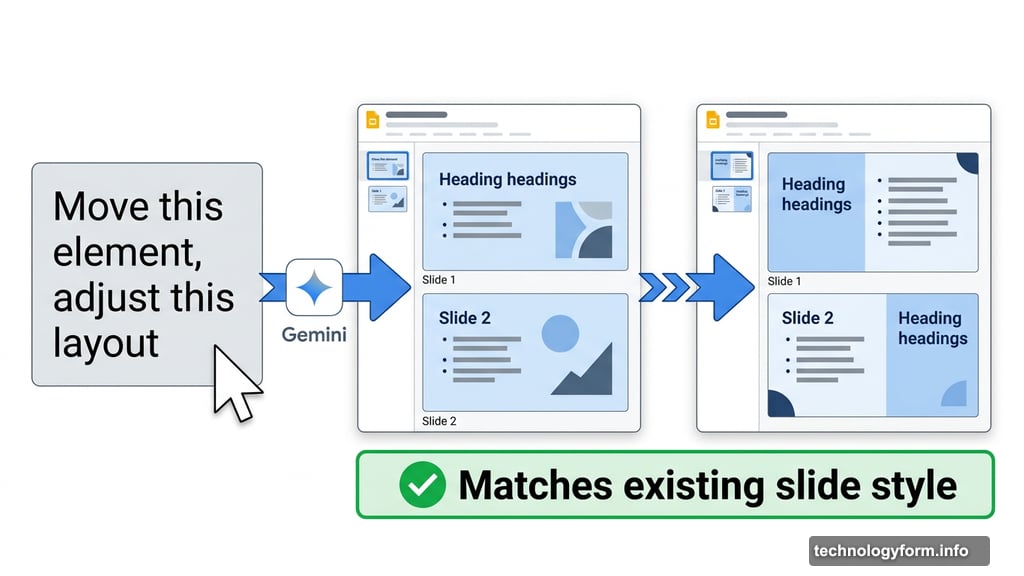
In Google Slides, you can now describe what you want on a slide in plain conversational language. Gemini creates it, and — importantly — matches the visual style of your existing slides automatically. No more fighting with fonts and alignment just to keep things consistent.
You can also ask Gemini to edit slides directly. Move this element, change this section, adjust this layout. The AI pulls relevant content from your work files too, so you’re not stuck replacing filler placeholder text with real information by hand.
One Catch Worth Knowing
If you access Docs, Sheets, and Slides through your company’s Workspace account, you won’t have individual control over these AI features. Your employer decides what’s enabled and what isn’t.
Personal account users have more flexibility. You can adjust your Gemini settings to limit how much the AI accesses your files and data.
As for availability, these features are rolling out in beta right now. They’re English-only at the moment, available to Google AI Ultra and Pro subscribers in the US, plus some Workspace customers participating in the Gemini Alpha testing program.
Why This Feels Different From Other AI Announcements
Most AI feature announcements feel abstract. This one is refreshingly concrete.
The promise isn’t “AI will make you more productive.” It’s “AI will fill in that spreadsheet column you’ve been avoiding all week.” That specificity matters. It means the value is immediately obvious, even if you’re skeptical about AI in general.
The source-citing feature also builds trust in a way that feels earned. Showing users where information came from addresses one of the most common complaints about AI tools — that you can’t tell if the answer is accurate or completely made up.
Whether these features deliver in everyday practice depends on how well Gemini handles messy, real-world files. Beta testing will tell that story. But the direction Google is heading feels genuinely useful rather than flashy for its own sake.
The boring office tasks that eat up hours? Gemini’s starting to look like it means business.