Meta Just Killed Desktop Messenger. Your Chats Move to the Browser
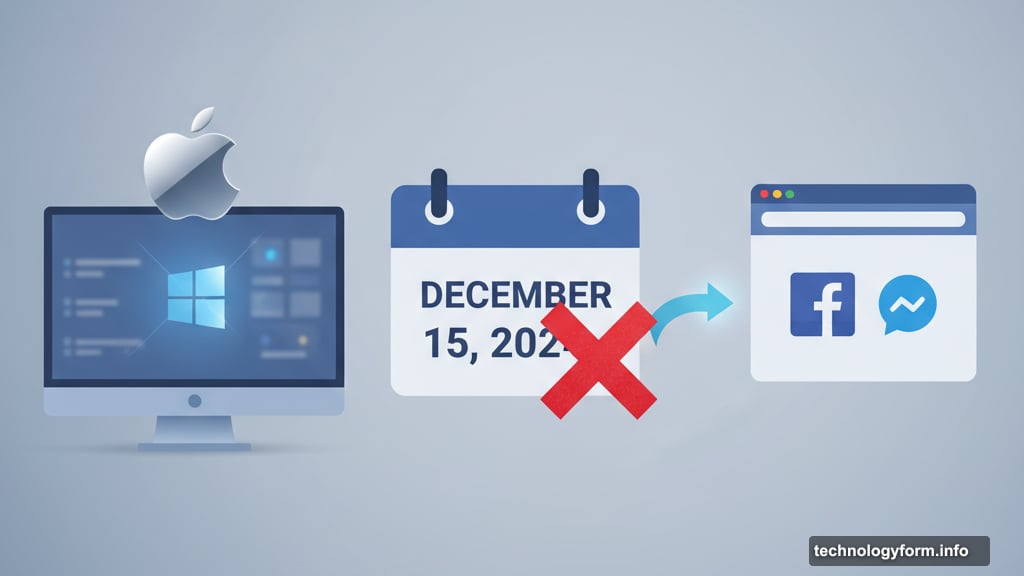
Meta is pulling the plug on its standalone Messenger apps for Windows and macOS. The shutdown hits December 15, 2024. After that date, desktop users lose their dedicated messaging app completely.
So where do your conversations go? Meta wants you using the web instead. That means messaging through Facebook’s website, the Messenger web app, or the Windows Facebook app. No more standalone desktop software.
Why Meta Is Abandoning Desktop Apps
Meta confirmed the shutdown to Engadget but didn’t explain why. The company simply said users will get notifications before the cutoff date. Then the apps stop working entirely.
Here’s my read. Most people already use Messenger on their phones. Desktop apps require ongoing maintenance, updates, and security patches. Plus, web apps now match desktop features pretty closely. So Meta is consolidating where people actually spend time.
Still, it’s frustrating. Dedicated apps often feel faster and more reliable than browser tabs. And some users prefer keeping messaging separate from Facebook’s main site.
Save Your Chats Before December 15
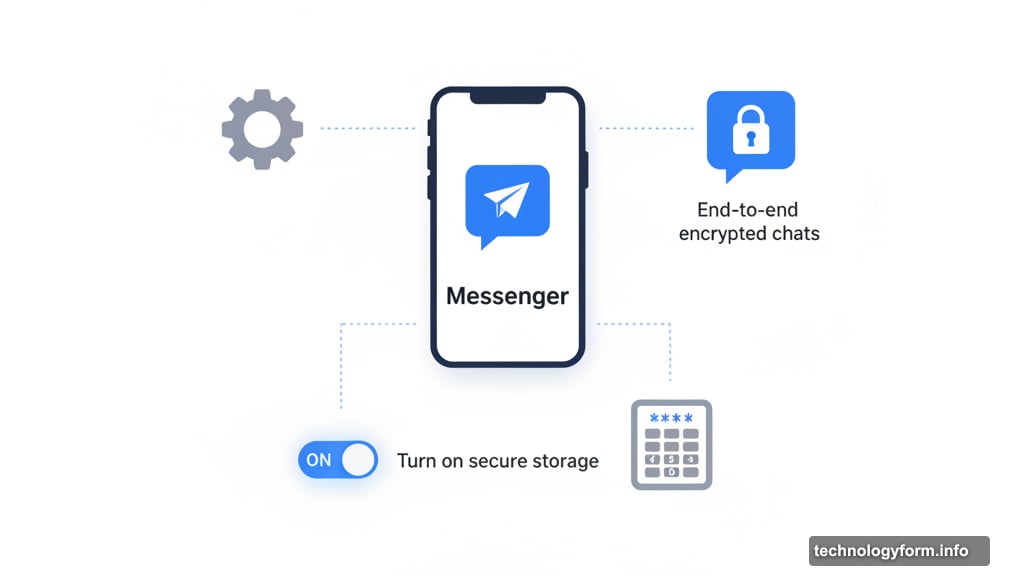
Meta warns that you need to enable secure storage before the shutdown. Otherwise, you might lose access to older messages.
The process takes about two minutes. First, click the gear icon above your profile picture in Messenger. Then navigate to Privacy & Safety, followed by End-to-end encrypted chats. Finally, toggle on Turn on secure storage under Message storage.
You’ll need to create a PIN code. Don’t skip this step. Without secure storage enabled, your chat history might not transfer properly to the web version.
Meta’s Messy Messaging Strategy
Remember when Meta split Messenger from Facebook back in 2014? The company wanted messaging to stand alone as its own focused experience. That decision sparked complaints but Meta stuck with it.
Then Meta tried merging Messenger with Instagram Direct Messaging in 2021. The goal was one unified messaging platform across both apps. But Meta quietly reversed course in 2023 after users resisted the integration.
Now we’re seeing another pivot. Desktop apps are gone. Mobile apps remain the priority. Web access serves as the desktop fallback. Meta keeps reshuffling how and where we message, trying to find what actually works.
The Web Browser Future
Meta isn’t alone in abandoning desktop apps. Lots of companies now prefer web-based tools over native software. Web apps update instantly without user downloads. They work across all operating systems. Plus, they’re cheaper to maintain than separate Windows and Mac versions.
But web apps have downsides too. They drain more battery life. Notifications can be less reliable. And you’re always one browser crash away from losing your session.
For Messenger specifically, the web version works fine for casual chatting. You get messages, calls, and group conversations. But power users will miss desktop app features like better keyboard shortcuts and system-level notifications.
What You Should Do Now
Check your Messenger settings today. Enable secure storage and create that PIN code. Don’t wait until December 14 when everyone else remembers at the last minute.
Bookmark the Messenger web app in your browser. Or add it to your bookmarks bar for quick access. That makes it feel slightly more like a dedicated app even though it’s just a website.
Consider alternative messaging apps if you do a lot of desktop messaging. Apps like Discord, Slack, or Signal still offer proper desktop software. They’re not going anywhere anytime soon.
Meta keeps changing its messaging strategy every few years. Desktop apps are dead now. But who knows what comes next. For now, we’re all messaging from browsers whether we like it or not.