Microsoft and Anthropic Just Made Claude Your New Work Buddy
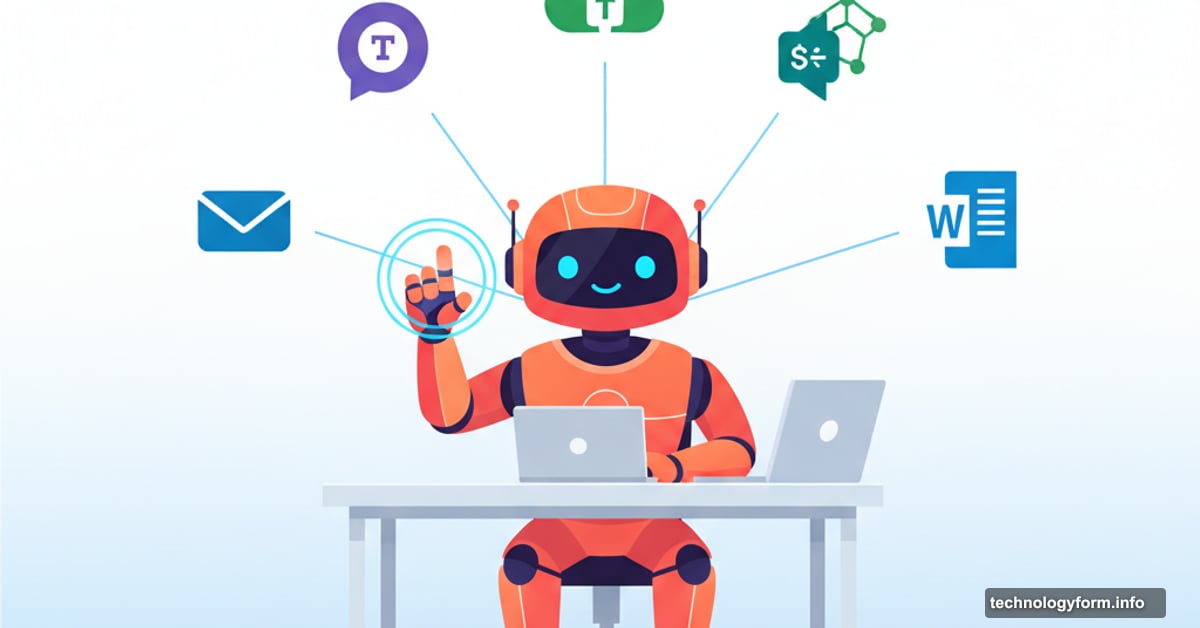
Claude can now read your emails, dig through Teams chats, and search OneDrive files. That’s a bigger deal than it sounds.
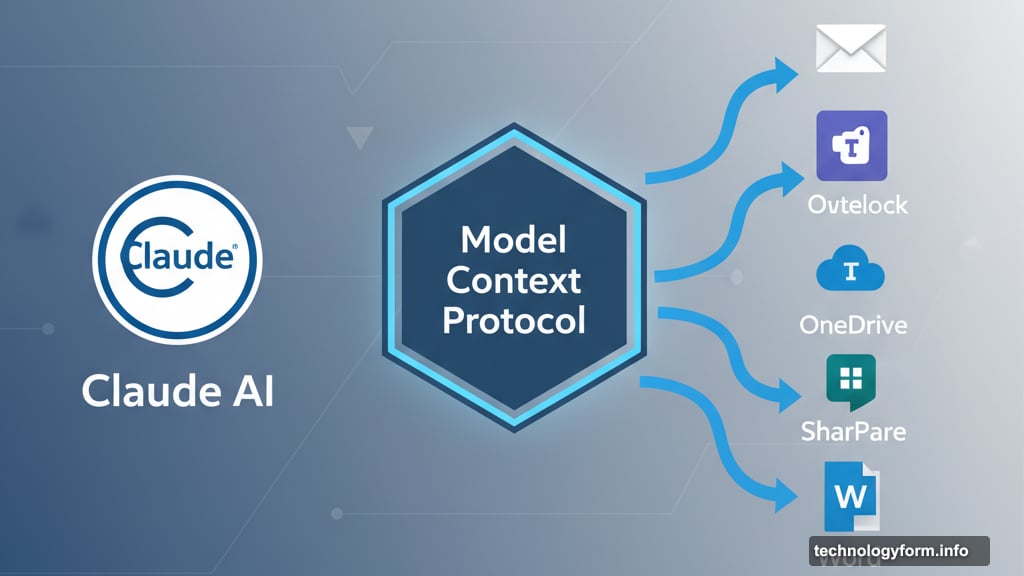
Anthropic just flipped the switch on Microsoft 365 integration for its Claude AI assistant. Now the chatbot can pull information directly from Word documents, Outlook threads, and Teams conversations without you manually uploading anything. Plus, it works across SharePoint and OneDrive too.
This matters because most work lives scattered across dozens of apps. You’ve got important context buried in a three-month-old email thread, project details hidden in SharePoint folders, and that crucial decision documented somewhere in Teams. Finding it all takes forever.
Claude can now find it for you.
How the Microsoft 365 Connection Works
The integration uses Anthropic’s Model Context Protocol, an open-source standard for linking AI apps to other data sources. Think of it as a universal translator that lets Claude talk to Microsoft’s ecosystem without breaking a sweat.
But there’s a catch. The feature only works for Claude Team and Enterprise plan users. So free tier folks are out of luck. Moreover, company administrators need to enable the integration before individual users can connect their accounts.
Once enabled, Claude searches across SharePoint and OneDrive automatically. No more downloading files just to ask questions about them. The AI accesses documents directly and surfaces relevant information in conversation.
The Outlook integration deserves special attention. Claude can now analyze entire email threads and extract key context. So when you ask about that proposal from last quarter, it’ll pull details from the actual correspondence instead of making you hunt through your inbox.
Teams and Enterprise Search Get Smarter
Microsoft Teams integration goes beyond simple message searches. Claude can access channel discussions, private chats, and even meeting summaries. That’s huge for catching up after time off or understanding project history.
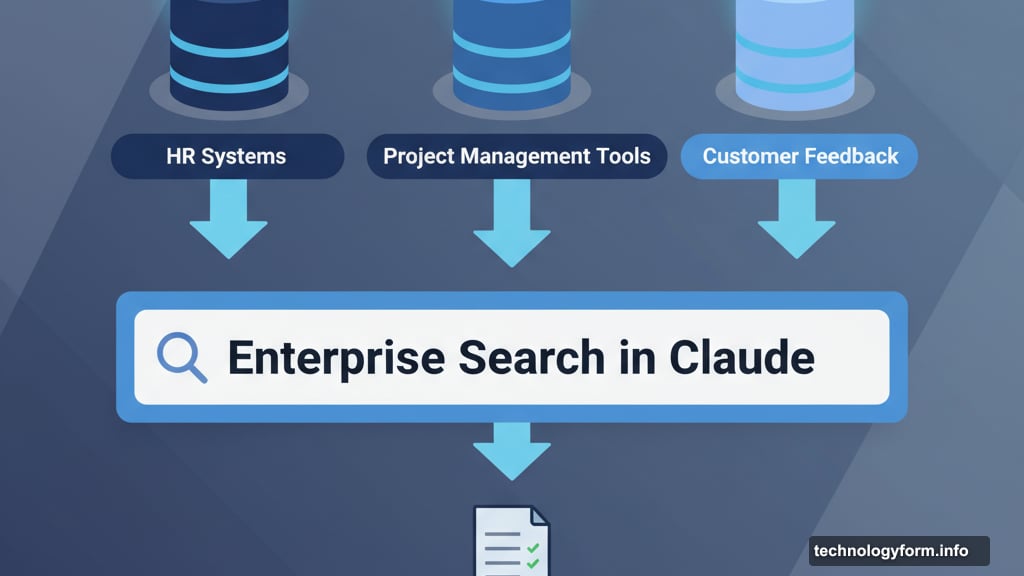
Anthropic also launched enterprise search in Claude. This feature searches across all company data sources simultaneously. HR systems, project management tools, customer feedback databases—Claude pulls from everything at once.
Why does this help? Most businesses use different tools for different functions. Sales teams work in one system. Support operates in another. Marketing lives somewhere else entirely. Finding information means checking multiple places and piecing together incomplete answers.
Enterprise search solves that problem. Ask Claude one question and it searches everywhere. The company says this particularly helps with onboarding new employees, analyzing customer feedback patterns, and identifying internal experts on specific topics.
Microsoft’s Anthropic Strategy Makes Sense
Microsoft has been leaning hard into Anthropic lately. The partnership goes beyond simple integrations.
Anthropic’s models now power Copilot Researcher, GitHub Copilot, and Copilot Studio. There’s also a new Office Agent that creates Word documents and PowerPoint presentations directly from Copilot chat. That’s significant infrastructure investment.
The strategy looks smart from Microsoft’s perspective. Relying entirely on OpenAI creates risk. What if that relationship sours? What if OpenAI’s models stop improving fast enough? What if pricing becomes unfavorable?
Diversifying AI model providers reduces those risks. Plus, Anthropic’s focus on safety and interpretability aligns well with enterprise needs. Companies want AI they can audit and control.
Microsoft also embraced the Model Context Protocol widely. The company plans to use it throughout Windows as part of its push toward AI PCs that respond to voice commands. Standardizing on MCP means easier integrations across the entire Microsoft ecosystem.
Real-World Use Cases Worth Considering
Think about common work scenarios where this integration helps immediately.
New employee joins your team. Instead of reading months of documentation and message history, they ask Claude for summaries. The AI pulls context from Teams channels, relevant SharePoint docs, and key email threads. Onboarding just got faster.
Customer reports a recurring problem. You ask Claude to search support tickets, internal discussions, and product documentation for similar issues. It identifies patterns across multiple sources in seconds. Problem diagnosis accelerates.
Budget planning season arrives. You need last year’s spending data, this quarter’s projections, and executive discussions about priorities. Claude searches financial docs, email chains, and meeting notes simultaneously. Report preparation takes hours instead of days.
Strategic decision requires understanding what competitors are doing. Claude searches through market research reports, analyst briefings, and internal competitive analysis documents scattered across SharePoint. Research compilation happens in minutes.
These aren’t hypothetical. They’re exactly the kinds of time-consuming tasks that eat up workdays. Automating them creates real productivity gains.
Privacy Questions Linger
Here’s what makes some people nervous. Claude now has access to potentially sensitive company information. Emails contain confidential discussions. Teams chats include casual conversations. SharePoint hosts proprietary documents.
Anthropic says it uses enterprise-grade security. But security and privacy aren’t the same thing. Who sees query logs? How long does Claude retain information about accessed documents? Can administrators audit what employees ask Claude to search?
These questions matter for regulated industries. Healthcare companies, financial institutions, and legal firms face strict data handling requirements. They need clear answers before enabling broad AI access to communications and documents.
Anthropic and Microsoft should publish detailed documentation about data handling, retention policies, and audit capabilities. Transparency builds trust. Vague security promises don’t.
The Bigger Picture on AI at Work
This integration represents a broader shift in how we interact with work tools. Instead of navigating through apps and searching manually, we’ll increasingly ask AI assistants to find information and synthesize answers.
That changes software design fundamentally. Applications become data sources. AI assistants become the primary interface. Users stop learning specific workflows and start having conversations instead.
Some workers will love this. Others will resist. Learning to craft effective AI prompts becomes a core skill. Understanding what questions to ask matters more than knowing where specific features live.
Companies need training strategies for this transition. Not just technical training on how to use Claude. But conceptual training on working effectively with AI assistants. What questions produce useful answers? When should you verify AI-provided information? How do you evaluate if Claude’s synthesis is accurate?
These aren’t small questions. They determine whether AI integration creates value or just adds another tool nobody knows how to use properly.
What Comes Next
Microsoft and Anthropic clearly plan to expand this partnership. The infrastructure is there. The integration points are established. So what’s next?
Deeper automation seems obvious. Claude already searches and synthesizes. Why not let it draft responses? Schedule meetings? Update project status? The capabilities exist.
Broader tool integration makes sense too. Microsoft 365 isn’t the only enterprise software ecosystem. Salesforce, SAP, Oracle, and Workday all have massive user bases. Anthropic could apply the same MCP approach to connect Claude with those platforms.
Specialized industry versions might emerge. Healthcare-specific Claude that understands HIPAA requirements. Financial services Claude trained on compliance documentation. Legal Claude that knows how to search case law and contracts.
The technology enables these applications. Whether they materialize depends on market demand and regulatory acceptance.
Meanwhile, competing AI assistants will push similar integrations. OpenAI, Google, and others won’t ignore this space. Expect rapid evolution as companies try to capture the enterprise AI assistant market.
Your choice of AI assistant might soon matter as much as your choice of productivity software. That’s a significant shift from today’s landscape where most AI chatbots feel interchangeable.
Choose your tools carefully. The stakes just got higher.