That Embarrassing Gmail Address? Google Finally Lets You Change It
We’ve all been there. You set up your Gmail account at age 12, picked something like “xXdragonslayer99Xx” or “sk8erboy4life,” and somehow that address followed you into job interviews and professional emails ever since.
Well, good news. Google just rolled out a feature that lets you change your Gmail username — the part before @gmail.com — without losing any of your data or starting over with a fresh account.
Google Account Username Changes Are Finally Here
This isn’t some minor settings tweak. For years, changing your Gmail address meant creating an entirely new account and manually migrating everything over. Google is now letting US-based Google Account users update their username directly.
The rollout is gradual, so not everyone has access yet. But if you’ve been waiting for this moment, it’s worth checking your settings right now.
Your Old Emails Don’t Disappear
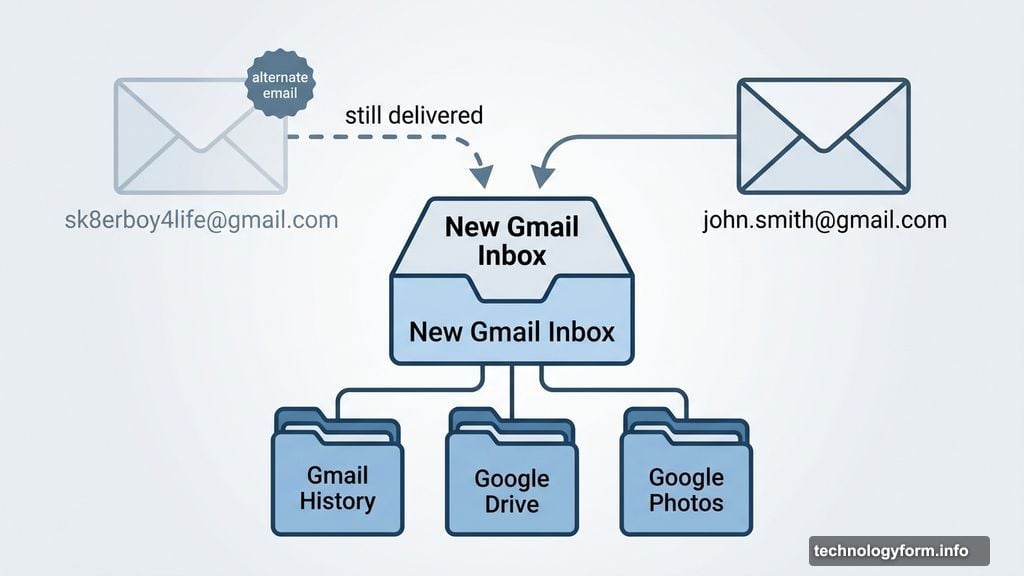
Here’s the part that makes this feature actually useful. When you change your Gmail username, Google automatically keeps your old address active as an alternate email.
So any emails sent to your old “sk8erboy4life” address still land in your inbox. No lost messages. No confused contacts. Your old username just quietly becomes invisible to people who don’t already know it.
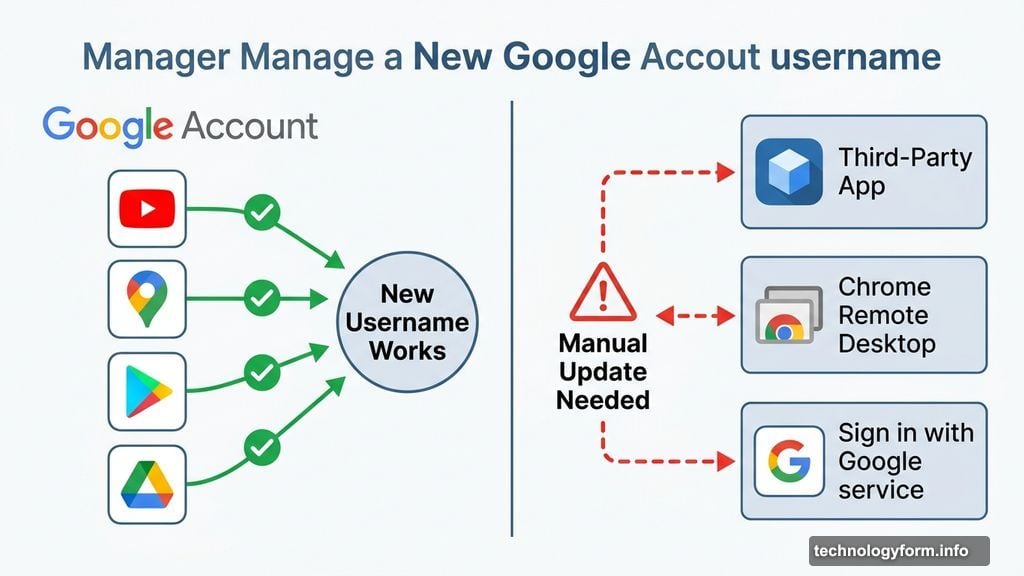
Plus, everything saved to your Google Account stays completely intact. That means your Gmail history, Google Photos, Google Drive files — all of it carries over without interruption. You can also keep signing into Google services like YouTube, Google Maps, Google Play, and Google Drive using your shiny new address.
A Few Hiccups Worth Knowing About
Most things work smoothly, but there are some edge cases to watch for before you make the switch.
Chromebook users need to take extra steps since Gmail is tied directly to your device sign-in. Also, third-party apps and services where you’ve used “Sign in with Google” may still recognize only your old username until you manually update those connections. Chrome Remote Desktop connections might not work right away with the new address either.
So it’s worth doing a quick mental list of apps and services connected to your Google Account before you pull the trigger.
How to Change Your Gmail Username Right Now
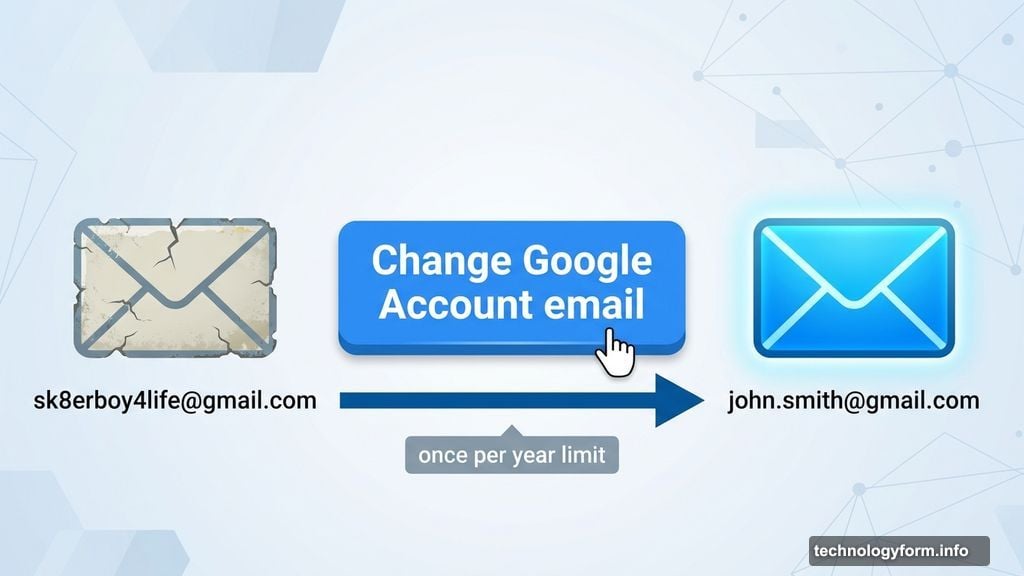
The process is pretty straightforward. Head to your Google Account settings and click on the Personal Info tab. From there, find the Email section and look for the bright blue “Change Google Account email” button.
Click that, pick your new username, and you’re done. One important caveat though — you can only change your username once per year. So choose something you’ll actually be happy with this time.
If you follow these steps but see a message saying the option isn’t available for your account, don’t stress. Google is rolling this feature out gradually across the US, so you may just need to wait a little longer for it to show up on your end.
Worth the Wait
Honestly, this feature is long overdue. Plenty of people have been stuck carrying embarrassing usernames from their early internet days because starting a new Gmail account from scratch is such a hassle. Migrating contacts, updating every linked account, losing years of email history — the hassle simply wasn’t worth it.
Now you don’t have to make that trade-off. Your history stays put, your contacts keep reaching you, and your inbox finally gets an identity that matches who you actually are today. Just think carefully before you commit. You’ve got one shot per year, so make it count.