Claude Just Learned to Use Your Computer. Here’s What That Means
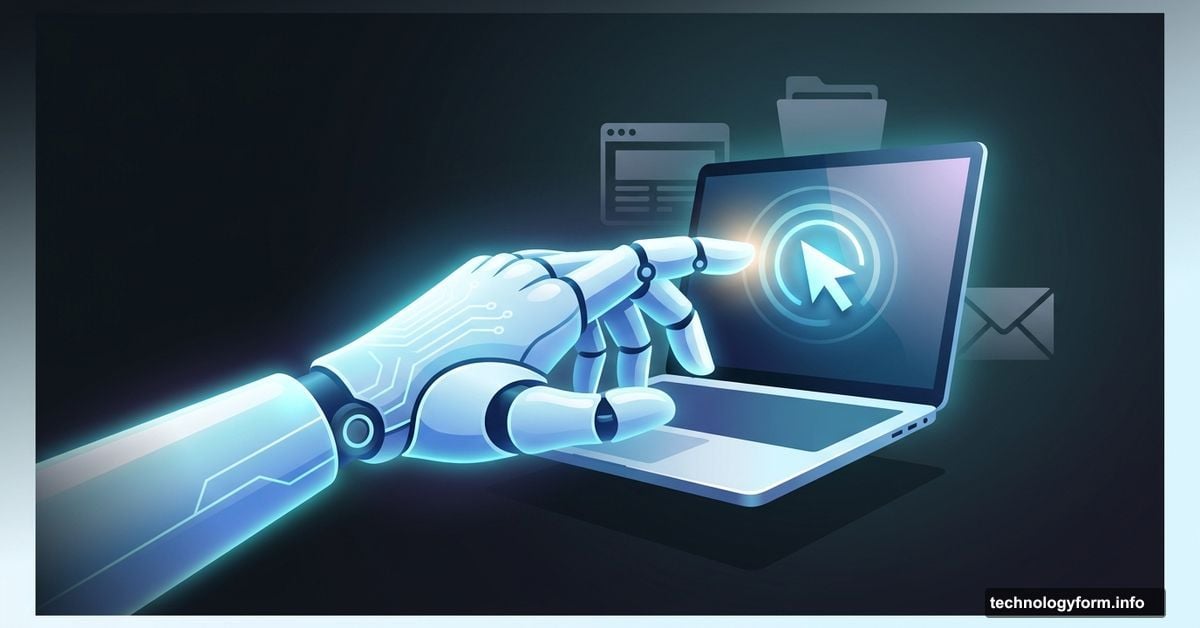
Anthropic’s AI assistant just got a major new skill. Claude can now browse the web, open files, and click around your computer on your behalf.
This isn’t a small update. It’s a fundamental shift in what AI assistants can actually do for you day to day.
Agentic AI Is Here, and It’s Moving Fast
Claude’s new “Computer Use” feature lands as a research preview for select subscribers. The timing isn’t random. OpenClaw sparked serious momentum for agentic AI tools, and now multiple companies are racing to stake their claim in this space.
Nvidia jumped in almost immediately, launching NemoClaw as a reference stack built on top of OpenClaw. It adds extra security measures to the mix. So the ecosystem is building fast, and Claude’s computer use feature drops right in the middle of that momentum.
How Claude Actually Takes Control
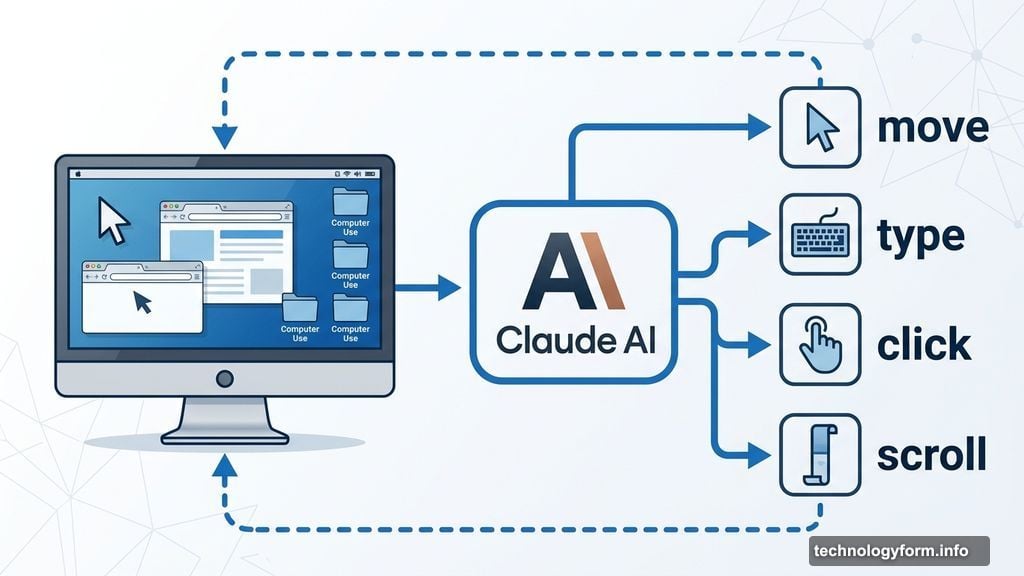
The feature works in a pretty intuitive way. First, Claude looks for existing connectors to apps you already use, like Google Calendar or Slack.
But here’s where it gets interesting. If no connector exists, Claude doesn’t just give up. Instead, it mimics how you’d normally operate your computer, moving the cursor, typing, clicking, and scrolling around to get things done. It can open your web browser, use developer tools, and access your files too.
And yes, Claude always asks your permission before doing anything. You can also pull the brakes at any moment and stop a task mid-stream.
The Real Concern Nobody Should Ignore
Handing your AI assistant the keys to your computer is genuinely convenient. But security experts are raising some valid flags worth understanding.
The biggest worry? Agentic AI can take fast, significant actions with minimal warning. That speed is partly what makes it useful. However, it’s also what makes it risky if something goes wrong.
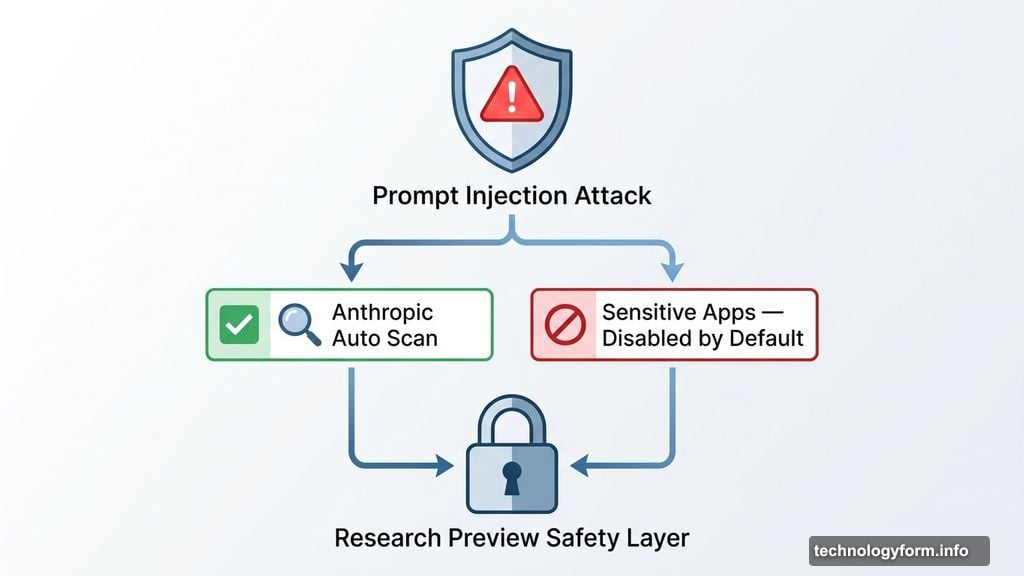
There’s also the threat of prompt injection attacks, where malicious content tricks Claude into doing things you didn’t actually want. Anthropic says it has built automatic scanning to catch these vulnerabilities. Still, the company is upfront that this is a research preview, and it actively recommends against using it with apps that handle sensitive data. Some of those apps are disabled by default as a precaution.
Dispatch Makes It Even More Powerful
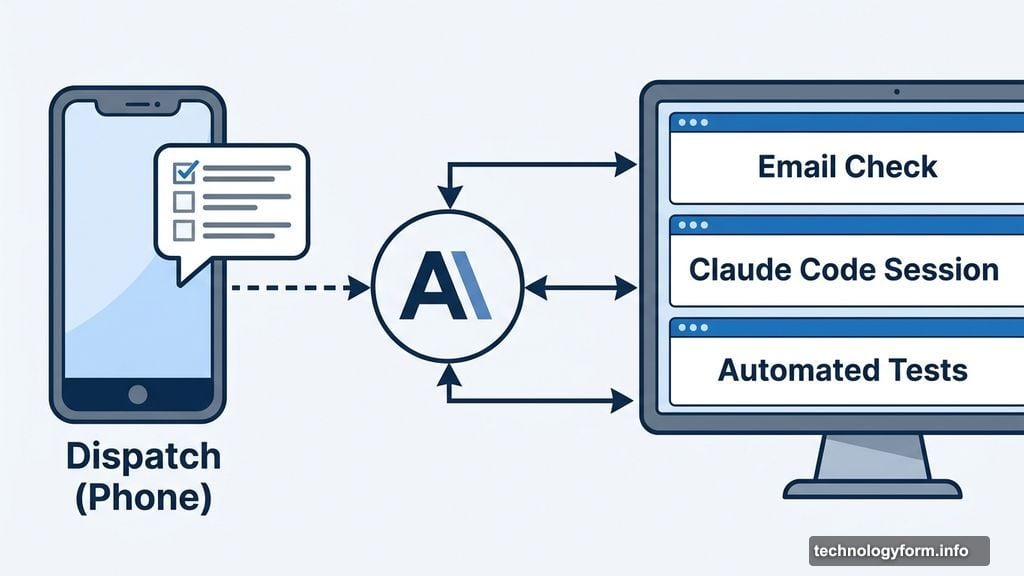
Claude’s computer use pairs naturally with Dispatch, Anthropic’s task assignment tool for your phone. Together, they let you hand off jobs to Claude even when you’re away from your desk entirely.
Picture this: Claude checks your email every morning, opens a Claude Code session, and delivers a tidy briefing before you’ve had your first coffee. Or it runs automated tests on your code while you’re out for lunch.
Both features are fresh, so complex tasks might stumble on the first try. Anthropic is using this early release period to gather real feedback and identify exactly where the tool needs the most improvement.
Who Can Use It Right Now
The research preview is available today for Claude Pro and Claude Max subscribers. It works on both MacOS and Windows. If you’re on either of those plans, you can start experimenting with it now.
Just go in with realistic expectations. This is a preview, not a polished product. The goal right now is learning what works and what doesn’t, and Anthropic is leaning on early users to help shape where the feature goes next.
Autonomous AI assistants are no longer a future concept. They’re here, they’re running on your computer, and they’re asking for permission to click around. Whether that feels exciting or a little unsettling probably depends on how much you trust your AI with the cursor.