Claude Just Killed the Copy-Paste Workflow. Your Apps Talk Directly Now
Switching between Claude and your work apps just became obsolete. Anthropic rolled out native integrations with nine major platforms, and the change fundamentally alters how AI assistants fit into daily workflows.
No more copying text from Slack into Claude. No more downloading files from Box to analyze them. The AI now reaches directly into these apps, pulls what it needs, and can even create or modify content inside them.
This marks a significant shift from chatbots as isolated tools to AI that lives inside your existing software stack.
What Actually Changed
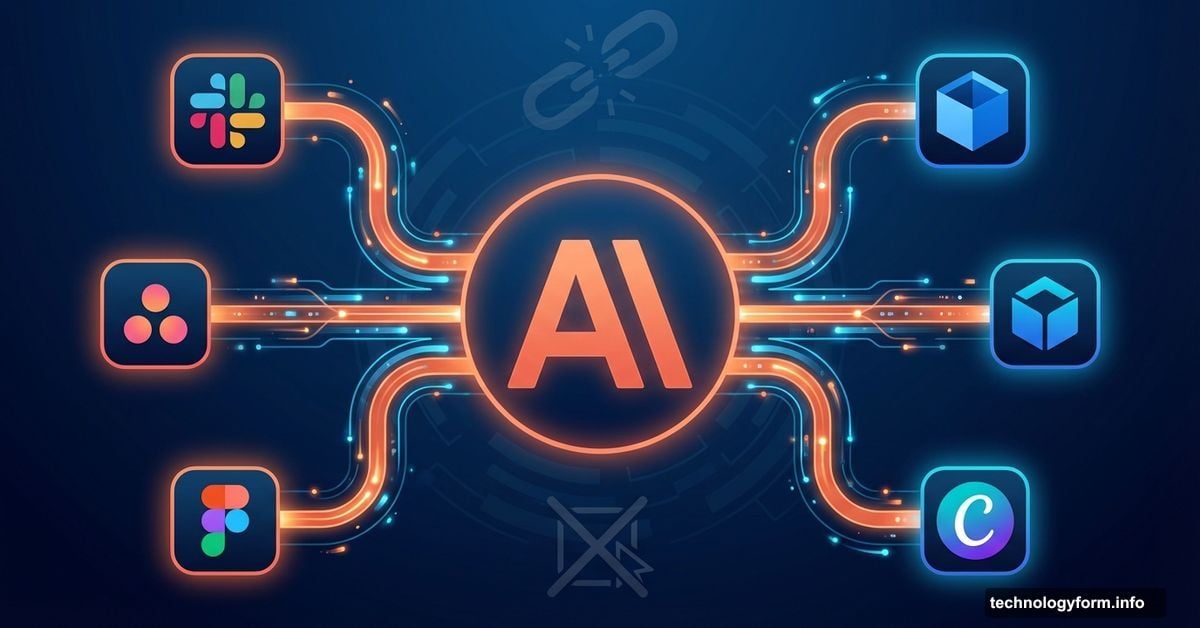
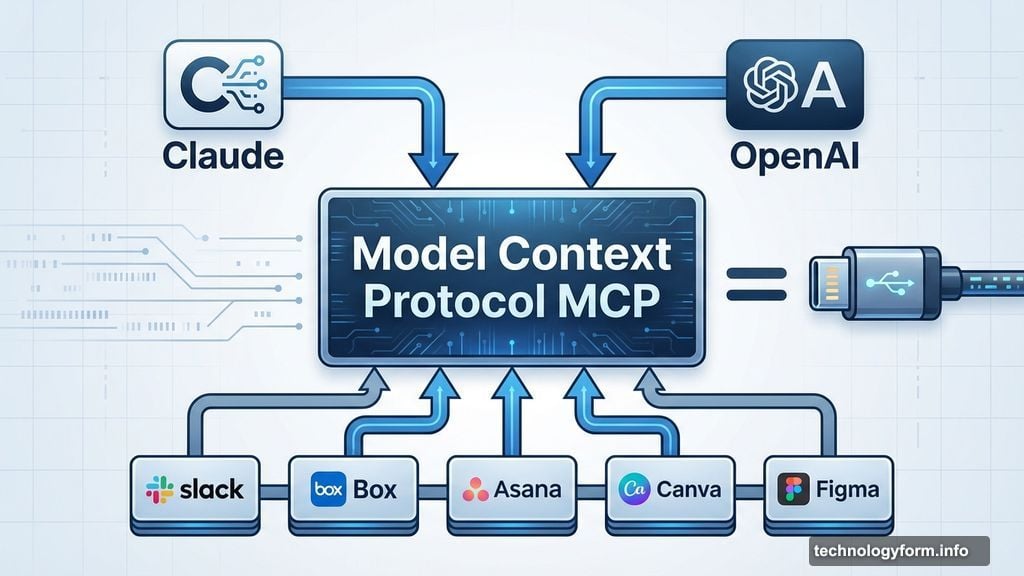
Claude now connects directly to platforms like Slack, Canva, Asana, Box, and Figma through deeper integrations. These aren’t simple API calls. The chatbot can now search files, preview documents inline, and perform actions within these apps without you leaving the conversation.
Take Box as an example. Previously, you’d need to download a document, upload it to Claude, then ask questions about it. Now Claude searches Box directly, displays the file in your chat, and answers questions about the content immediately.
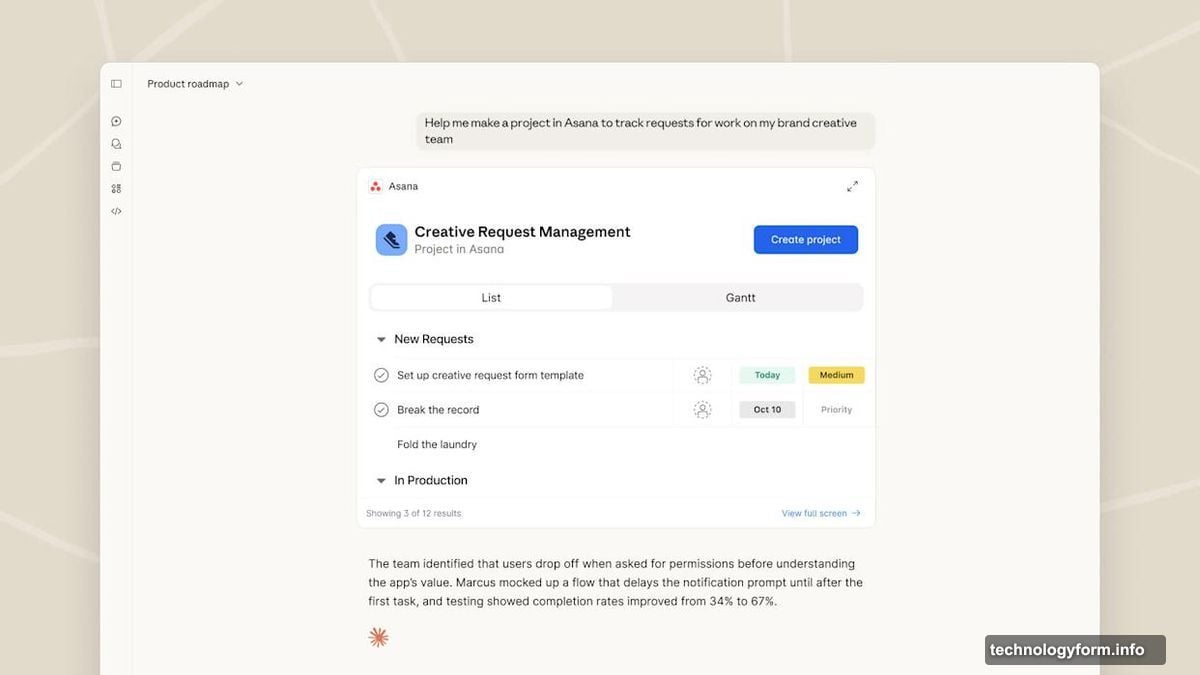
With Asana, the workflow gets even more interesting. You can describe a project to Claude, and it generates tasks, timelines, and project structures that your team can then access and modify in Asana. The AI doesn’t just suggest what to do. It actually creates the work items.
Similar capabilities extend across all nine launch partners. Canva lets Claude generate and edit designs. Figma allows it to interact with design files. Slack integration means Claude can search conversations, reference threads, and understand context from your team’s communications.
The Technology Making This Possible
These integrations run on Model Context Protocol, or MCP. Anthropic released this technology in fall 2024 specifically to make third-party connections easier to build.
Here’s why MCP matters. Before it existed, every platform needed custom integration work to connect with Claude. Each required different authentication, different data formats, and different ways of handling requests. MCP standardizes all of that.
Think of it as USB-C for AI integrations. Instead of building proprietary connections, platforms implement MCP once, and it works across multiple AI assistants.
The protocol gained traction quickly. OpenAI adopted MCP last year and has been expanding support since. In late 2024, Anthropic donated the protocol to the Linux Foundation, making it an open standard that any company can implement.
That means these deep integrations won’t stay exclusive to Claude. Other AI platforms can now add similar functionality to their products using the same open extension Anthropic designed.
Why This Beats Previous AI Tools
Earlier AI integrations felt bolted-on. You’d use a plugin or extension that sort of worked but required constant context switching. These new connections work fundamentally differently.
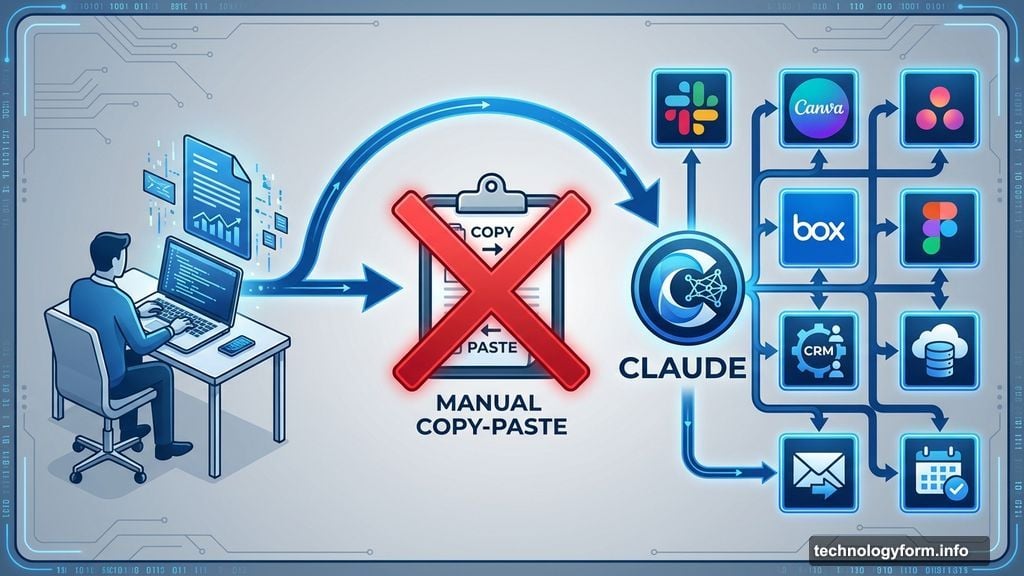
Claude now understands your workspace context. It knows what files exist in Box, what projects run in Asana, what designs sit in Canva. So when you ask it to help with something, it already has access to the relevant information and tools.
Plus, the bi-directional nature changes everything. Claude doesn’t just read from these apps. It writes back to them. That creates actual work products your team can use immediately, not just suggestions you need to manually implement.
Consider the difference. Old workflow: Ask Claude for project ideas, get a response, manually create tasks in Asana, copy text over, set dates yourself. New workflow: Describe project goals to Claude, watch it create the full task structure in Asana automatically.
The time savings compound quickly across dozens of daily tasks.
The Catch Nobody Mentions
This level of integration creates obvious security concerns. You’re granting an AI assistant access to potentially sensitive company files, internal communications, and work products.
Anthropic claims these connections use secure authentication and respect existing access permissions. So Claude should only see files you can already access. But that still means the AI processes confidential information on Anthropic’s servers.
Some companies won’t accept that risk, especially in regulated industries. Financial services, healthcare, and government agencies often prohibit sending data to third-party AI services, no matter how secure the connection claims to be.
Moreover, the more apps you connect, the more attack surface you create. Each integration represents another potential point of failure or security vulnerability.
Those concerns need weighing against the productivity benefits. For many teams, the tradeoff makes sense. For others, it absolutely doesn’t.
What This Means for Work
AI assistants are evolving from tools you use occasionally to systems that sit at the center of your workflow. Claude isn’t replacing your apps. It’s becoming the connective tissue between them.
That changes how knowledge work happens. Instead of manually shuttling information between platforms, you describe what needs doing, and the AI orchestrates actions across multiple apps to make it happen.
We’re seeing the early stages of AI-powered workflow automation that doesn’t require custom coding or complex integration projects. Just natural language instructions to an assistant that knows how to interact with your tools.
The nine launch partners represent just the beginning. As MCP gains adoption, expect integrations to expand rapidly across the software landscape. Any platform that wants AI capabilities can now implement them using the same open standard.
Your workflow is about to get a lot more automated. Whether that excites or concerns you probably depends on how comfortable you feel letting AI touch your work systems directly.