Distraction Blockers That Help You Focus Without the Gimmicks
New Year’s resolutions fail. So do productivity apps. But a few distraction blockers buck that trend.
I tested six tools designed to keep you focused in 2025. Some work through gentle reminders. Others lock you out completely. The best choice depends on how honest you are with yourself about your willpower.
Freedom Blocks Everything, Everywhere
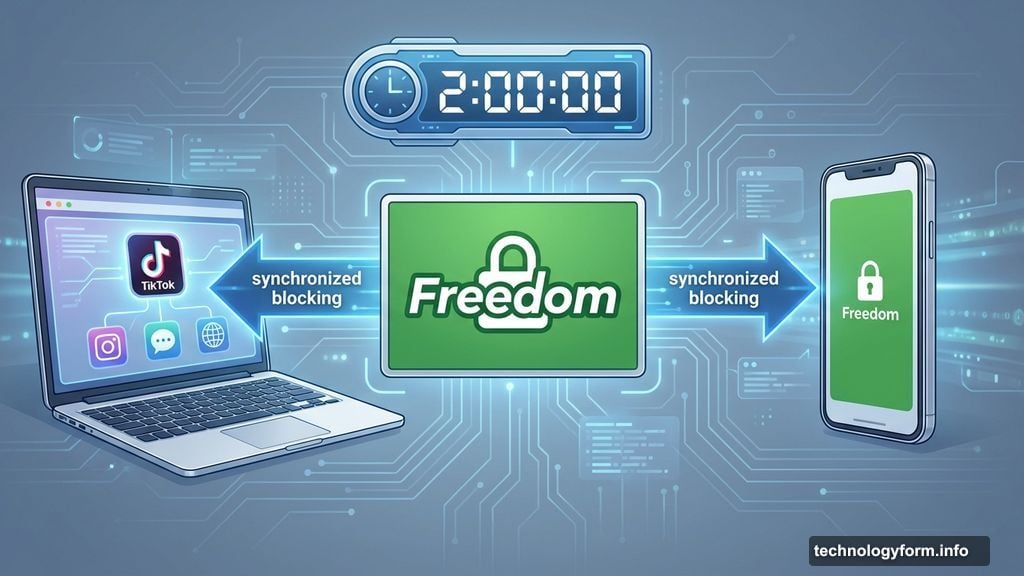
Freedom works across all your devices simultaneously. Start a session on your laptop, and your phone blocks the same apps instantly.
The setup is straightforward. Pick which websites and apps to block. Set a timer. Start the session. If you try opening TikTok mid-work, you’ll hit a green screen instead of your feed.
The real power comes from scheduling. Set Freedom to block distractions at specific times daily. It runs automatically. No need to remember or manually start sessions.
Plus, you can block the entire internet if your work doesn’t need it. Or whitelist only essential sites while blocking everything else. For serious focus sessions, “Locked Mode” prevents you from ending blocks early.
Pricing starts at $3.33 monthly (annual billing) or $8.99 monthly. A lifetime option costs $199. Seven-day free trial included.

Cold Turkey Eliminates All Escape Routes
Most distraction blockers let you cheat. Cold Turkey doesn’t.
Once you start a block, you’re locked in. No backing out. No exceptions. That’s the point.
The app blocks websites, apps, or your entire internet connection. Set a timer. Start the block. Now you’re committed until time runs out.
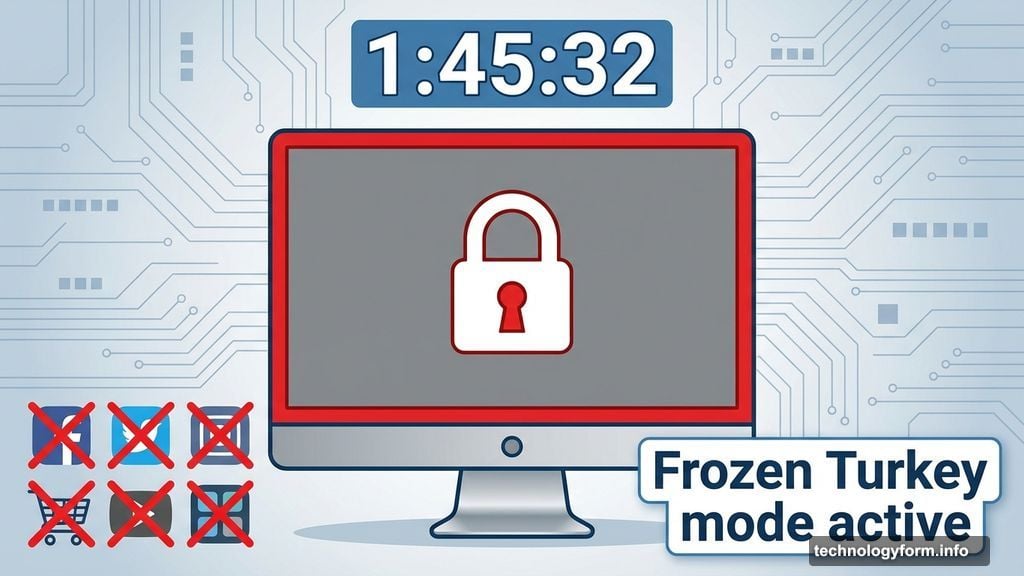
“Frozen Turkey” mode goes further. It locks your entire computer. You literally can’t use it until the timer expires. That might sound extreme. But if you’re prone to breaking your own rules, extreme works.
The app also schedules breaks. Step away from your screen at set intervals. Come back refreshed.
Basic features cost nothing. Unlock scheduling and app blocking for a one-time $39 payment.
Opal Tracks Your Focus Score
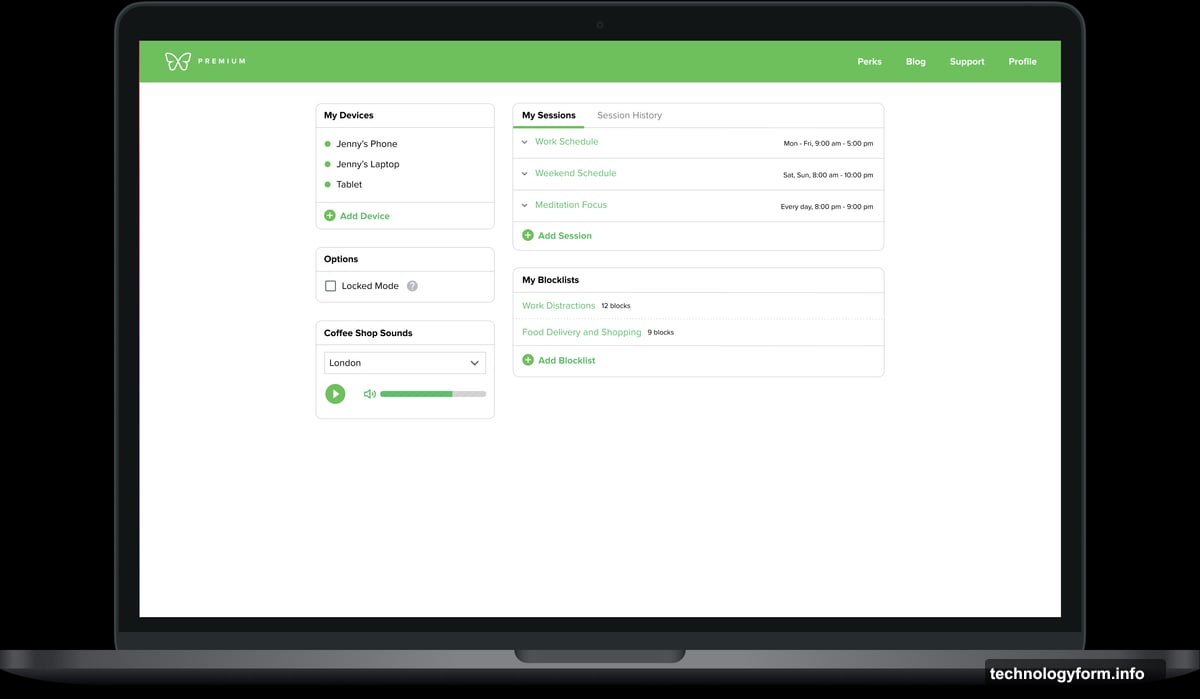
Opal combines blocking with analytics. It shows exactly how you spend your time.
Create “focus blocks” to prevent access to specific apps and websites. Block entire categories like social media, games, or messaging. Set one-time blocks or recurring sessions that run automatically.
The app assigns a “focus score” showing time spent focused versus distracted. Real-time stats and weekly reports track your progress over time.
Daily usage limits prevent excessive scrolling on individual apps. You decide how much time each app deserves. Opal enforces those limits.
Free features cover basics. Premium unlocks unlimited recurring sessions, stronger blocking, and detailed analytics for $19.99 monthly or $99 yearly.
LeechBlock Keeps Browsers Honest
LeechBlock is a free browser extension with no frills. It blocks websites. That’s it.
Select which sites to block. Set when to block them. The extension prevents your browser from loading those pages during blocked times.
Create multiple block sets with different sites, schedules, and limits. Schedule blocks for specific times or trigger one-off sessions when needed.
Here’s a clever feature: countdown delays. Instead of blocking a site outright, set a 10-minute timer before pages load. That delay disrupts impulsive browsing without completely blocking access.
The catch? LeechBlock only works in one browser. Switch browsers, and you bypass all blocks. So you need some willpower to make it work.
Forest Gamifies Productivity
Forest turns focus time into a game with real-world impact.
Open the app. Plant a virtual tree. Stay focused. The tree grows. Leave the app early, and the tree dies. It’s simple but surprisingly effective.
Set “Allow Lists” for productive apps like email or Microsoft Word. Track your productivity over time. Your digital forest represents cumulative focus sessions.
Share your forest with friends. Compare progress. Get competitive about staying focused.
Here’s the best part: earn coins by growing trees. Spend those coins to fund real tree-planting projects through Trees for the Future. Your productivity helps the planet.
Browser extension is free. iOS app costs $3.99. Android app is free with ads or $1.99 ad-free.
Match Tools to Your Willpower
Gentle reminders work for some people. Others need their devices physically locked away.
If you’re self-disciplined but occasionally distracted, try LeechBlock or Forest. They nudge you back to work without being oppressive.
If you constantly break your own rules, Cold Turkey or Freedom’s Locked Mode force compliance. You need accountability that can’t be bypassed.
If you want data on your habits, Opal shows exactly where your time goes. Sometimes seeing the numbers is enough to change behavior.
The best tool is the one you’ll actually use. Most offer free trials or basic free versions. Test a few. See what works. Then commit to using it consistently.
Productivity apps fail when you treat them like magic bullets. They’re not. They’re tools that work only if you work them. Pick one. Use it daily. Watch your focus improve.