That Cringeworthy Gmail Address? Google Finally Lets You Change It
We’ve all been there. You set up your Gmail account years ago, thought “xXgamerlord[email protected]” was pure genius, and now you hand out business cards with a straight face. Well, good news: Google just saved you from yourself.
Google rolled out a new feature that lets US-based users change their Gmail username — that’s the part of your address before @gmail.com. This one has been a long time coming. People have wanted this for years, and after months of hints that it was in development, it’s finally here.
Before you sprint to your account settings, though, there are a few things worth knowing first.
Your Old Address Doesn’t Just Disappear
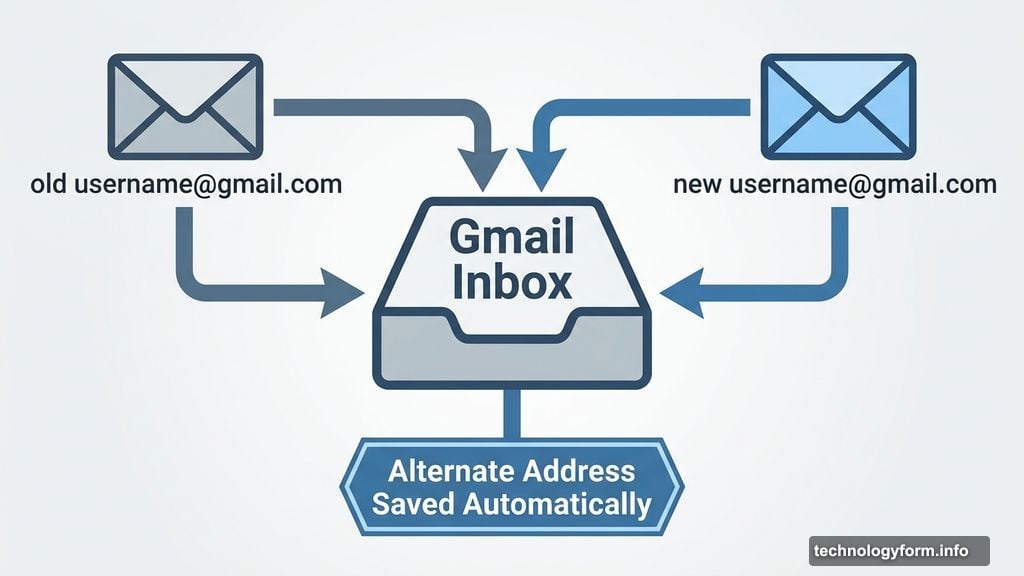
Here’s the part that makes this whole thing work smoothly. When you update your username, Google automatically saves your old address as an alternate.
That means any emails sent to your old address still land in your inbox. Nothing gets lost. No awkward “my email changed” announcements to every contact you’ve ever had.
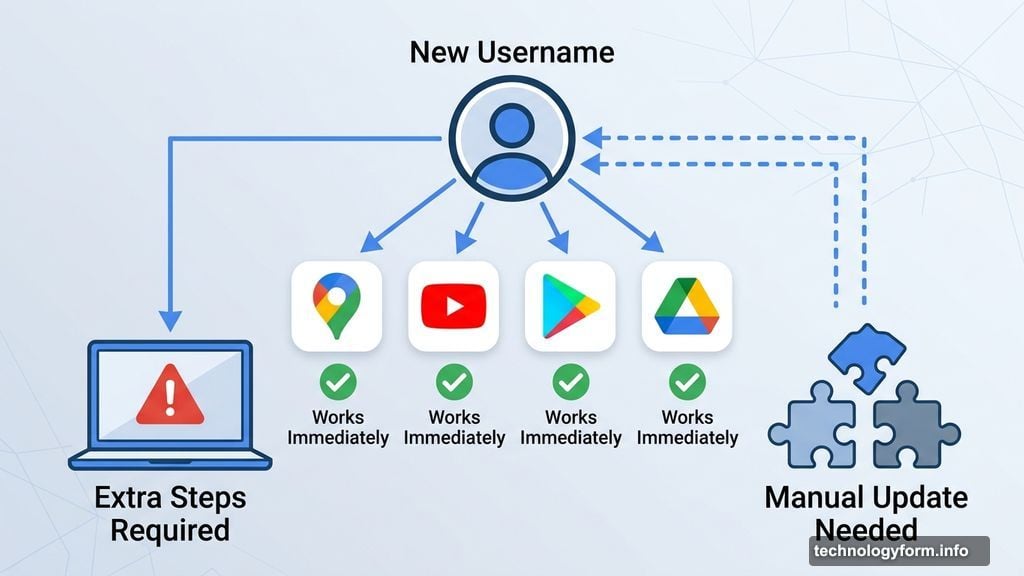
Plus, everything tied to your Google Account stays exactly where it is. Your photos, Drive files, old emails, messages — all untouched. And your shiny new address works immediately across Gmail, Maps, YouTube, Google Play, and Google Drive.
A Few Hiccups to Watch Out For
Most of the rough edges got smoothed out before launch, but some edge cases remain.
Chromebook users need to tread carefully. Since your Gmail ties directly into your device sign-in, the username change requires some extra steps on those machines. Also, any third-party apps or services where you’ve signed in using Google will still only recognize your old username until you manually update those connections. Chrome Remote Desktop connections might also take a moment to catch up with your new address.
So if you rely on a lot of Google-connected apps, budget some time to sort those out after making the switch.
How to Actually Change Your Username
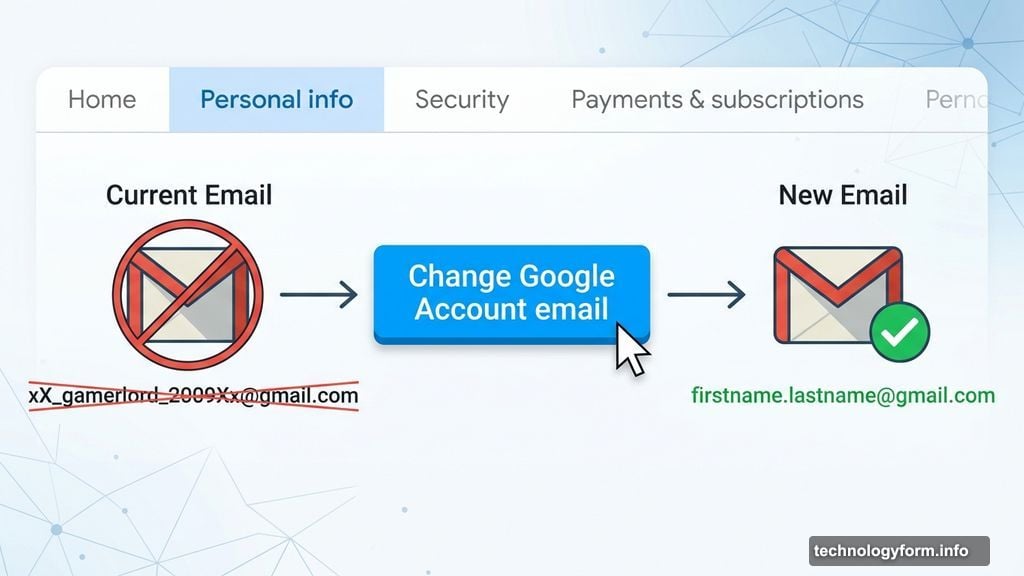
The process is straightforward. Head to your Google Account settings and click on the Personal Info tab. From there, find the Email button and work through the email settings menus. You’ll eventually spot a bright blue “Change Google Account email” button — hard to miss.
Click it, pick your new username, and you’re done. One important caveat: Google only allows one username change per year. So choose something you’ll still love in twelve months.
If you follow all those steps and hit a message saying the option isn’t available yet, don’t worry. Google is rolling this out gradually across US accounts. Your turn is coming — you just have to sit with that embarrassing username a little longer.
This Has Been a Long Time Coming
Honestly, the fact that Gmail users couldn’t change their usernames until now feels almost comical in retrospect. People grow up. Interests change. That username you created at thirteen doesn’t exactly scream “professional adult.”
The smartest thing Google did here was keeping the old address active as an alternate. It removes the biggest headache — losing emails from people who still have the old address saved. You get a fresh start without blowing up your communication history.
If your Gmail has been secretly embarrassing you every time you type it out loud, this is the update you’ve been quietly hoping for. Go pick something good. You’ve got one shot per year.