Google Calendar Just Got Smarter. Gemini Now Schedules Your Meetings
Gmail users finally have a built-in solution for the most annoying part of professional communication: the endless back-and-forth of finding meeting times.
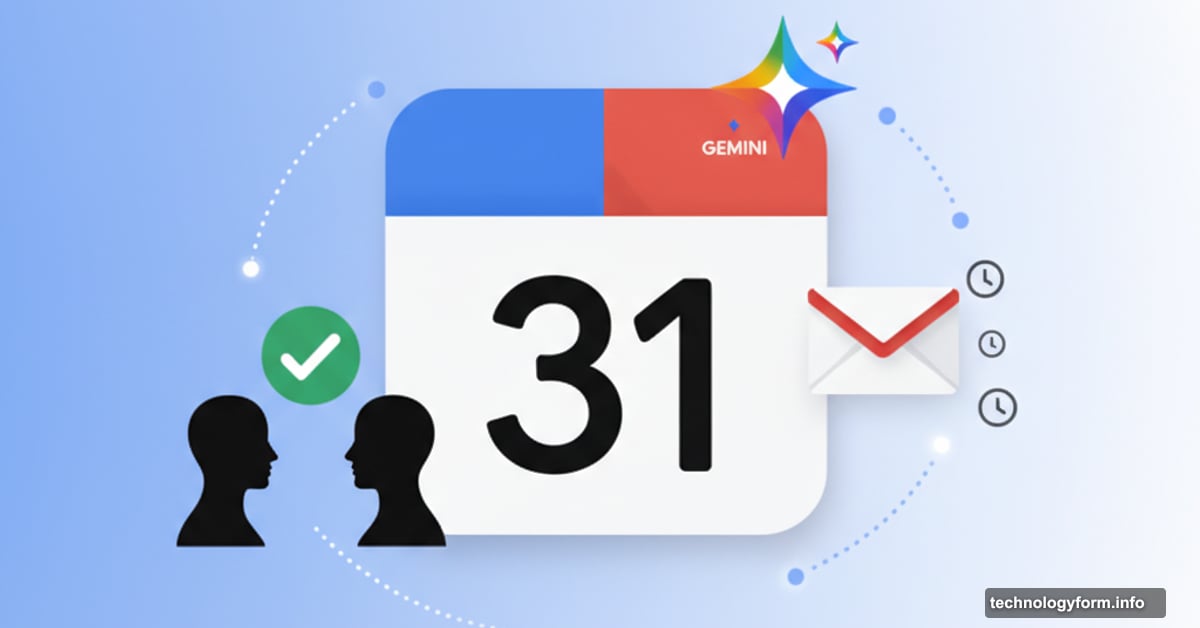
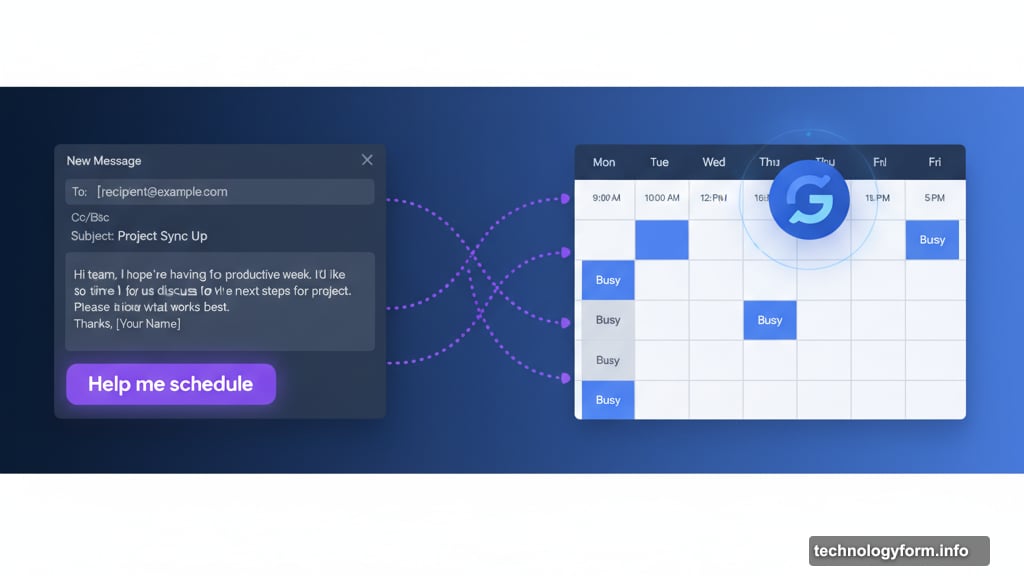
Google launched “Help me schedule” this week. It’s a Gemini-powered feature that suggests meeting times based on your calendar availability. Then it displays those options directly in your email so recipients can pick what works.
No more “Does Tuesday at 2 work?” followed by “Actually, can we do Wednesday?” repeated five times.
How the AI Scheduling Actually Works
The feature lives right in Gmail’s compose window. When you’re writing an email about scheduling a meeting, a new “Help me schedule” button appears below your draft.
Click it. Gemini scans your calendar and displays available time slots. You can edit or remove suggestions before inserting them into your email. Then you send the message like normal.
Here’s where it gets interesting. When your recipient clicks their preferred time, the calendar invite automatically appears on both calendars. No manual event creation required.
But there’s a catch. This only works for one-on-one meetings right now. Group scheduling still requires the old-fashioned approach.
What Makes Google’s Approach Different
Plenty of scheduling tools already exist. Calendly dominates the market. Doodle handles group coordination. Zoom and HubSpot offer their own versions.
So why does Google’s matter? Context awareness.
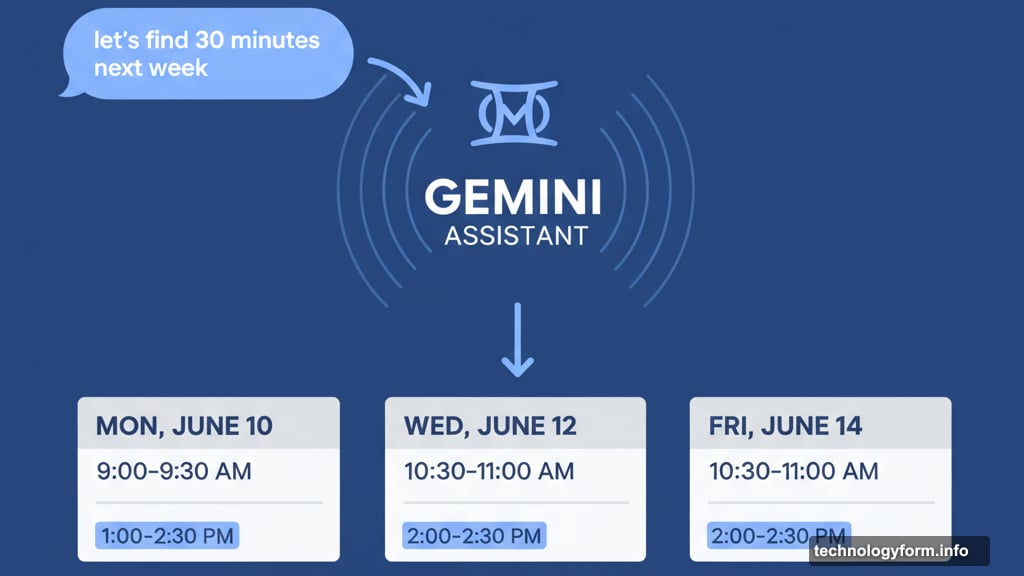
Gemini reads your email content before suggesting times. If you write “let’s find 30 minutes next week,” it only shows half-hour slots before the end of next week. The AI understands what you’re asking and filters accordingly.
Most scheduling tools just display your general availability. They don’t parse the specific request in your email thread. That’s the difference between AI integration and a standalone booking page.
Plus, it lives directly in Gmail. No switching tabs or copying links. The workflow stays inside the tool you’re already using.
The Bigger Google Workspace AI Push
This scheduling feature didn’t launch in isolation. Google released a wave of Gemini-powered updates across its entire workspace suite this week.
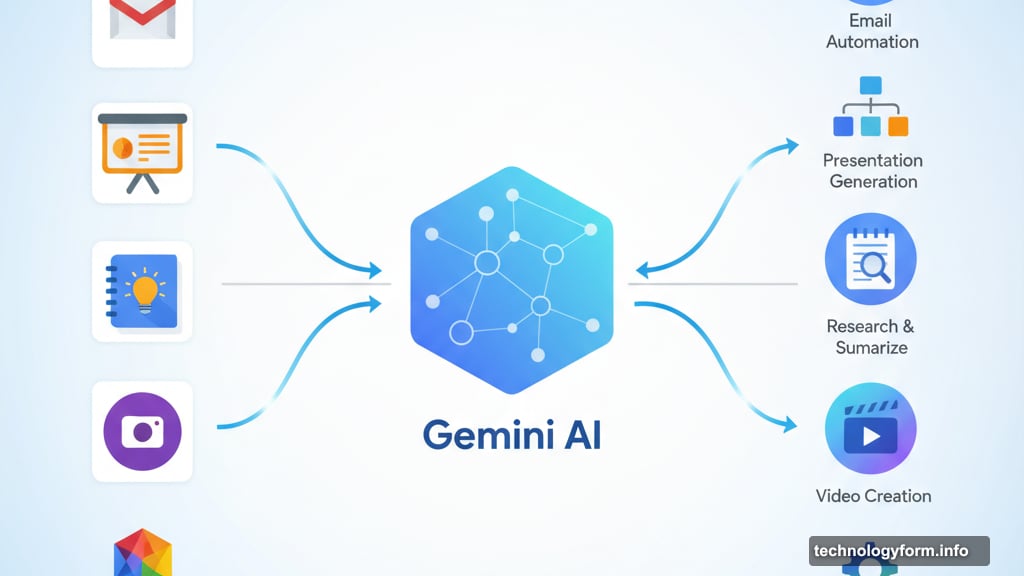
Google Slides got Gemini integration. NotebookLM added new formats. Google Vids improved its AI video tools. Teams can now share custom AI assistants called Gems with colleagues.
The pattern is clear. Google wants Gemini embedded in every daily workflow. Not as a separate chatbot you visit occasionally, but as intelligence baked into the tools themselves.
Some updates feel more useful than others. AI scheduling addresses a genuine pain point. Everyone hates coordinating meeting times. But some features seem like AI for AI’s sake.
Why This Matters Beyond Convenience
Automated scheduling saves time. Obviously. But the implications go deeper.
First, it reduces email volume. Each scheduling exchange typically generates 3-5 messages. Multiply that across millions of Gmail users. That’s enormous bandwidth freed up.
Second, it changes meeting culture. When scheduling becomes frictionless, people schedule more meetings. That could improve collaboration or create calendar bloat depending on company culture.
Third, it normalizes AI assistance in communication. Users interact with Gemini without thinking about it. The AI fades into the background as just how the tool works.
That background integration matters. It trains users to trust AI handling their professional communications. Which paves the way for more ambitious automation later.
What Google Didn’t Solve Yet
Group scheduling remains manual. That’s where the real complexity lives. Finding times for five people across three time zones creates exponential complications.
Gemini can’t handle that yet. So for most corporate meetings, you still need traditional scheduling tools or endless email chains.
Also, the feature requires everyone using Gmail and Google Calendar. If your recipient uses Outlook or another system, you’re back to manual coordination.
Cross-platform compatibility would make this genuinely transformative. As it stands, it only works within Google’s ecosystem. That limits adoption for many business users.
The Privacy Question Nobody’s Asking
Gemini reads your emails to suggest meeting times. That means Google’s AI analyzes your message content, parses context, and accesses your calendar data.
Google says this happens on-device where possible. But the company hasn’t detailed exactly what data gets processed where. Or how long context from your emails gets retained.
Most users won’t think twice about this. But companies with strict data policies might pause before enabling AI that reads internal communications. Even if it makes scheduling easier.
The convenience versus privacy calculation keeps shifting. Each AI feature that “just works” requires feeding more data into algorithmic systems. Most people accept the trade-off. Some shouldn’t.
Is This Actually Better Than Calendly?
Depends on your workflow. For quick one-on-one scheduling with other Gmail users, Google’s solution wins on simplicity. No separate service to manage. No booking links to generate. It just works within your existing email.
But Calendly offers more flexibility. It handles group meetings. It works across email platforms. It provides custom branding and advanced availability rules. It integrates with payment processing for paid consultations.
So dedicated scheduling tools still serve important use cases. Google’s feature handles the simple scenarios that represent maybe 60% of scheduling needs. The other 40% still requires specialized tools.
That’s fine. Not every feature needs to replace entire product categories. Solving the common case well delivers value.
Just don’t expect this to eliminate your Calendly subscription if you schedule complex meetings regularly.
What Comes Next
Google will expand this to group meetings eventually. The technology already exists. The challenge is user interface design and handling complex conflicts.
Expect tighter integration with other Gemini features too. Maybe it suggests meeting agendas based on email content. Or automatically generates follow-up tasks from scheduled meetings. Or routes recurring meetings to optimal times based on energy patterns.
The data exists for all of that. Whether Google builds it depends on user adoption of this first version. If people embrace AI scheduling, more sophisticated features follow. If they ignore it, Google pivots.
That’s how product development works now. Launch something. Measure usage. Iterate based on data. Repeat.
AI features live or die based on whether people actually use them. Not whether they’re technically impressive or check enterprise boxes. Usage determines investment.
So will people use this? Probably yes for simple scheduling. Maybe no for anything complex. Good enough to justify continued development. Not revolutionary enough to change meeting culture overnight.
Which describes most productivity features honestly. Small improvements that compound over time. Not quantum leaps that transform everything at once.
Scheduling meetings still kind of sucks. Just slightly less than before.