Google Gemini Now Lets You Bring Your ChatGPT and Claude Chat History With You
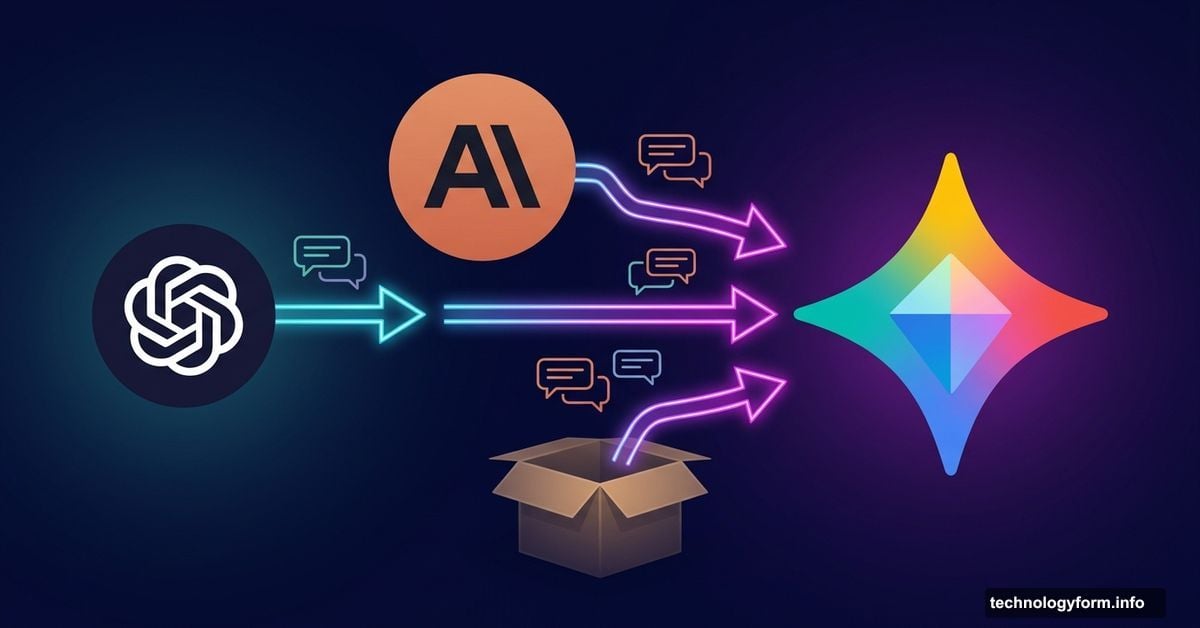
Switching AI assistants just got a lot less painful. Google has quietly rolled out a feature that lets you carry your entire conversation history from ChatGPT or Claude straight into Gemini — no starting from scratch required.
This is genuinely big news for anyone who’s spent months training an AI chatbot to understand their preferences, writing style, or work habits. That history has real value. And now, you don’t have to leave it behind just because you want to try a different platform.
The “Import Memory” Tool Explained
Google announced the new feature through its official Keyword blog. It’s called “import memory,” and you’ll find it tucked inside Gemini’s Settings menu.
The idea is simple. You’ve built up context with another AI over time. Maybe ChatGPT knows your job title, how you prefer to write emails, or that you always want bullet points. Gemini can now absorb all of that so your new conversations feel familiar right away.
Think of it like moving to a new city but bringing your furniture. You’re in a different place, but it still feels like home.
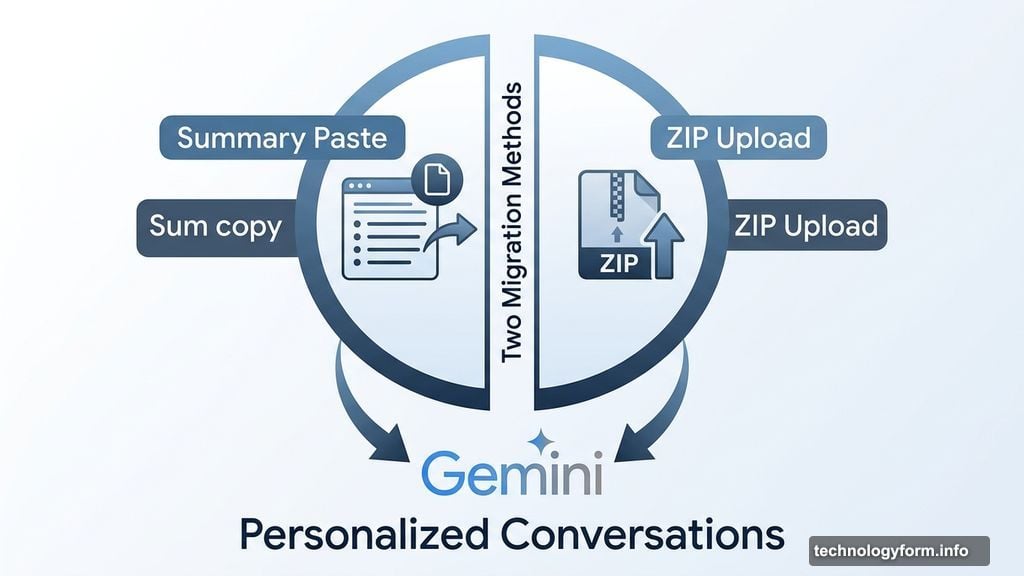
Two Ways to Move Your Data
Google gives you a choice in how you want to migrate, depending on how much history you want to bring along.
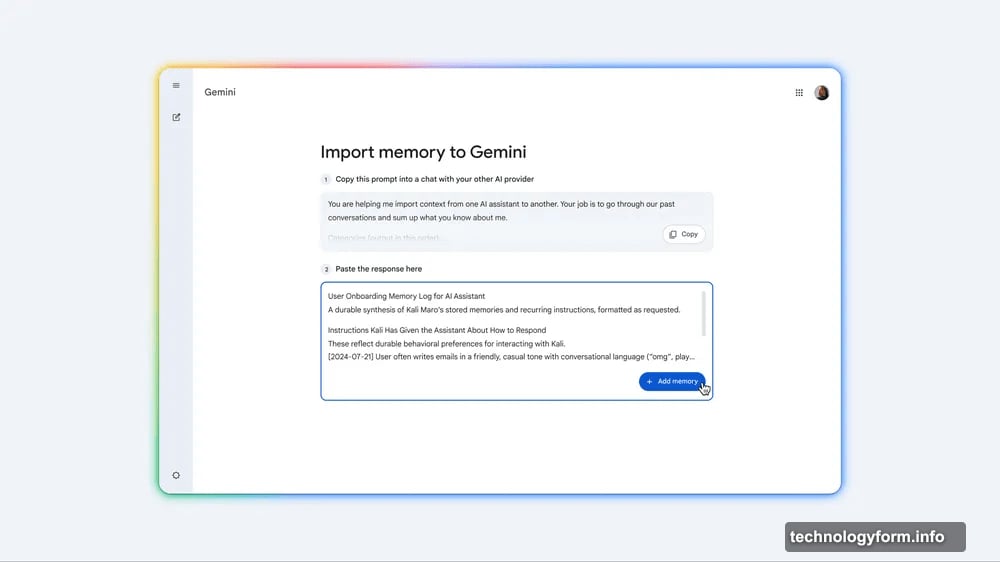
The first option is the lighter approach. Gemini suggests a prompt you can paste into your old chatbot — ChatGPT or Claude — asking it to summarize what it knows about you. You copy that summary, paste it into Gemini’s import tool, and Gemini analyzes it. From that point forward, it uses those insights to personalize your future conversations.
The second option goes deeper. You can export your full chat history from your old AI as a ZIP file, then upload that directly to Gemini. This lets you continue old conversations and gives Gemini a much richer picture of how you think and work.
Both methods are now rolling out to users. If you don’t see the option yet, keep checking under Settings in Gemini — it may take a little time to reach your account.
Claude Did This First. Gemini Is Catching Up.
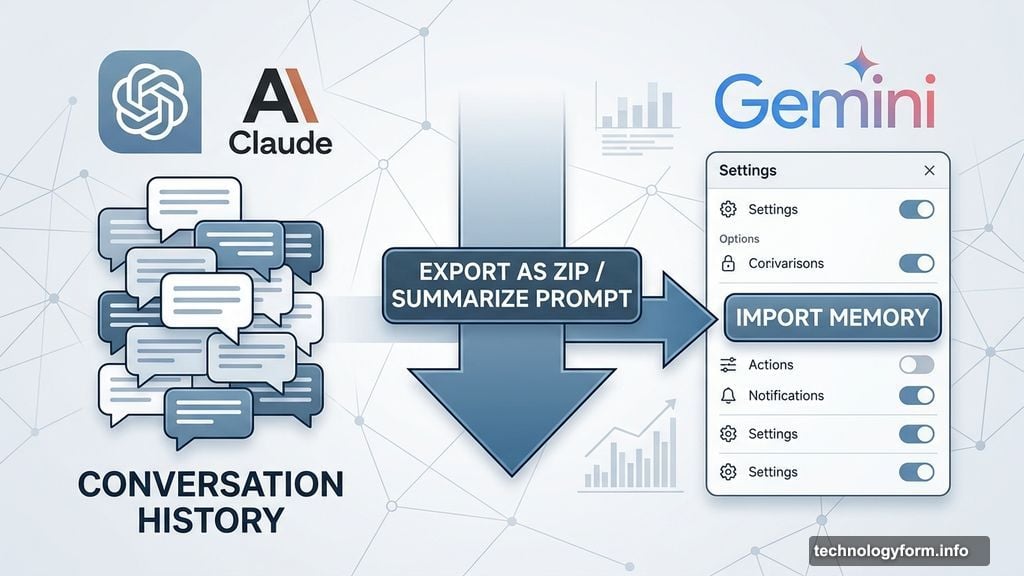
It’s worth noting that Claude already offered something similar — the ability to import chat histories from other AI platforms. So Google isn’t inventing the wheel here. But adding this feature to Gemini matters because Gemini is one of the biggest players in the space, deeply connected to Google’s wider ecosystem.
For anyone who uses Gmail, Google Docs, or Google Search daily, Gemini has natural advantages. And now that switching to it is easier, more people might actually make the jump.
Plus, this kind of cross-platform portability is good for users everywhere. When AI companies compete to make migration easy, the people who benefit most are the ones using the tools. It creates pressure on every platform to earn your loyalty rather than trap you through friction.
What This Means for You
If you’ve been curious about Gemini but hesitant to rebuild your AI relationship from zero, that barrier is now much lower. You can test Gemini with your real preferences already baked in, rather than spending weeks re-explaining yourself.
And if you decide Gemini isn’t for you? No harm done. You haven’t lost anything from your old setup.
Honestly, the fact that we’re now living in a world where AI assistants compete for users by making it easy to leave is a healthy sign. It means these platforms have to keep getting better to keep you around. That pressure is good for everyone.
Try the import tool, bring your history along, and see how Gemini performs when it already knows a little something about you.