Google Just Fixed the Biggest Pain Point in AI Video Creation
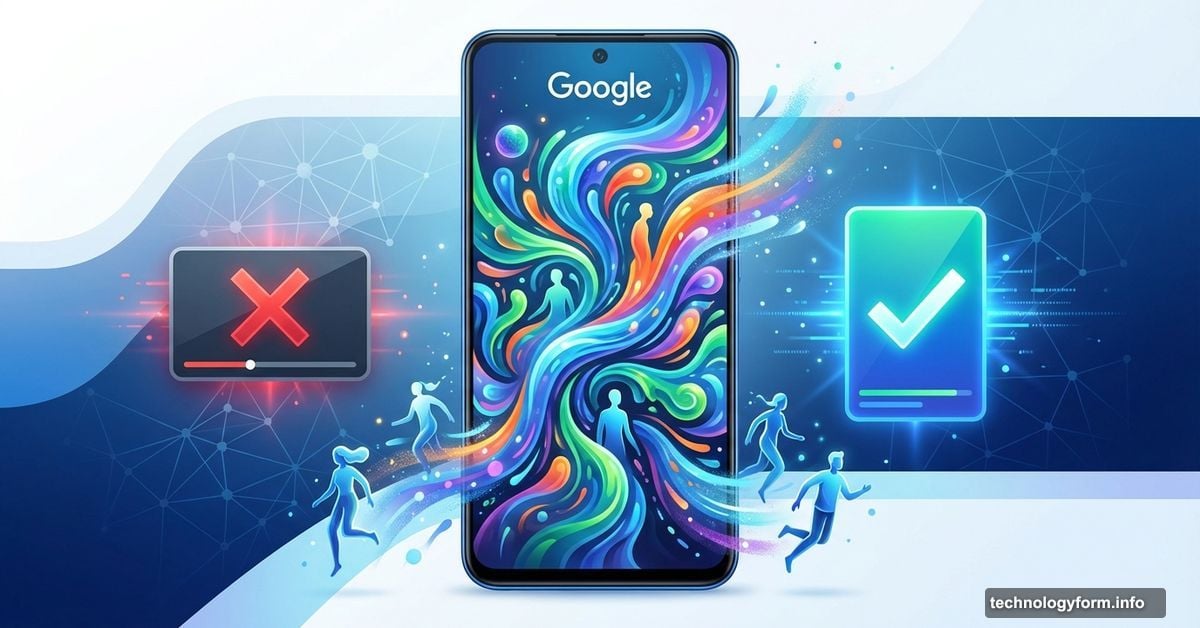
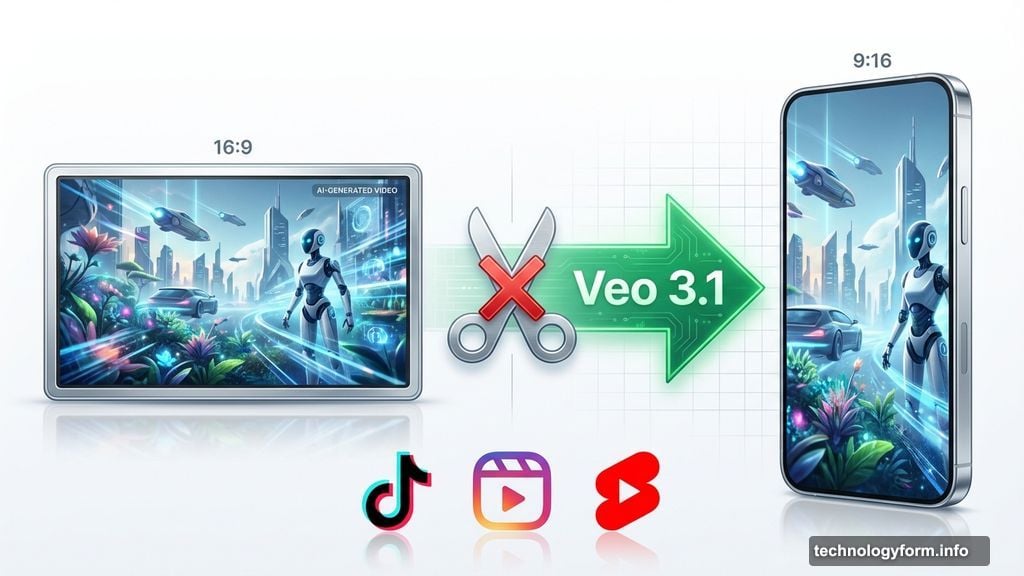
Google’s Veo 3.1 got a quiet update that changes everything for content creators. Now you can generate vertical videos natively, without awkward cropping or reformatting.
The change sounds simple. But it solves a massive problem that’s plagued AI video tools since day one. Plus, Google added features that make character movements feel less robotic and more human.
Vertical Video Without the Headache
Creating content for TikTok, Instagram Reels, or YouTube Shorts used to require extra steps. You’d generate a video in standard format, then crop it manually. That meant losing parts of your carefully crafted scene.
Not anymore. Veo 3.1 now generates videos directly in 9:16 vertical format. So your AI-created content fits perfectly on mobile screens from the start.
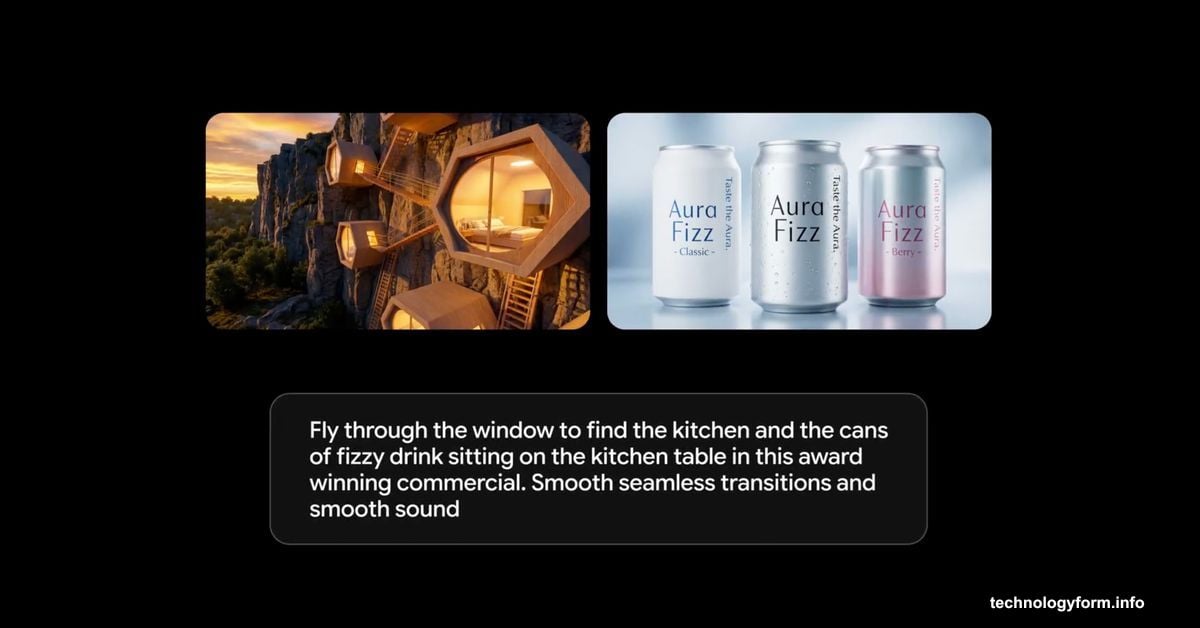
Google baked this feature directly into YouTube Shorts and the YouTube Create app. That means you can go from prompt to published without touching a separate editor. For creators pumping out daily content, that’s a genuine time saver.
Characters That Actually Move Like People
Beyond format changes, Google improved how Veo handles reference images. The results matter more than you’d expect.
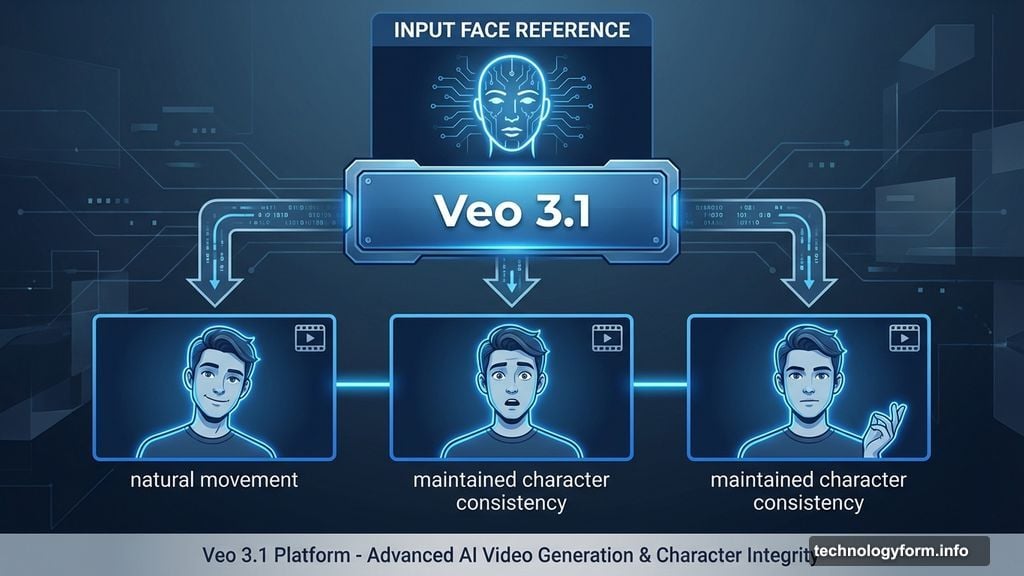
When you upload a reference photo now, Veo generates videos with better facial expressions and body language. Even short, simple prompts produce characters that move naturally. Previously, you needed detailed descriptions to get decent results.
The update also maintains consistency across characters, objects, and backgrounds. That’s crucial for storytelling. Nothing breaks immersion faster than a character’s face changing halfway through a scene.

Plus, you can now blend multiple elements smoothly. Different characters, various backgrounds, and mixed textures combine into cohesive videos. That opens creative possibilities that weren’t practical before.
Professional Tools Get Real Upgrades
Google didn’t stop at consumer features. Professional users get access through Flow video editor, Gemini API, Vertex AI, and Google Vids.
The standout addition? Upscaling to 1080p and 4K resolutions. That’s available in Flow, Gemini API, and Vertex AI in Google Cloud. For creators who need broadcast-quality output, this bridges a major gap.
Veo 3.1 first launched in October 2025 with better audio and granular editing controls. This update builds on those improvements with features that actually solve workflow problems.
Where Gemini Fits In
You can access these features directly through the Gemini app. That integration matters because it puts AI video creation in a tool millions already use.
Most AI video generators exist as standalone platforms. Learning new interfaces wastes time. By embedding Veo in Gemini, Google makes the barrier to entry almost zero.
For casual creators, that’s perfect. For professionals managing multiple projects, it streamlines workflow by keeping everything in one ecosystem.
The Bigger Picture
AI video tools evolved fast over the past year. But most improvements focused on visual quality or prompt understanding. Google’s focusing on practical workflow issues instead.
Vertical video support seems obvious in hindsight. Yet Veo is among the first major AI video platforms to handle it natively. That shows Google’s paying attention to how creators actually work, not just chasing impressive demos.
The reference image improvements matter more than flashy new features. Better character consistency and natural movement make AI-generated videos actually usable for serious projects. Previously, you’d spend hours fixing inconsistencies manually.
Here’s what bugs me though. Google still hasn’t solved the uncanny valley problem completely. AI-generated people look better than before. But they’re not quite right yet. Close-up shots still reveal that slightly off quality that screams “AI-made.”
Still, for quick social content or rough drafts, Veo 3.1 crosses the threshold of “good enough.” That’s a bigger deal than it sounds. Once AI video quality hits “good enough,” creators stop asking “should I use this?” and start asking “how do I use this better?”