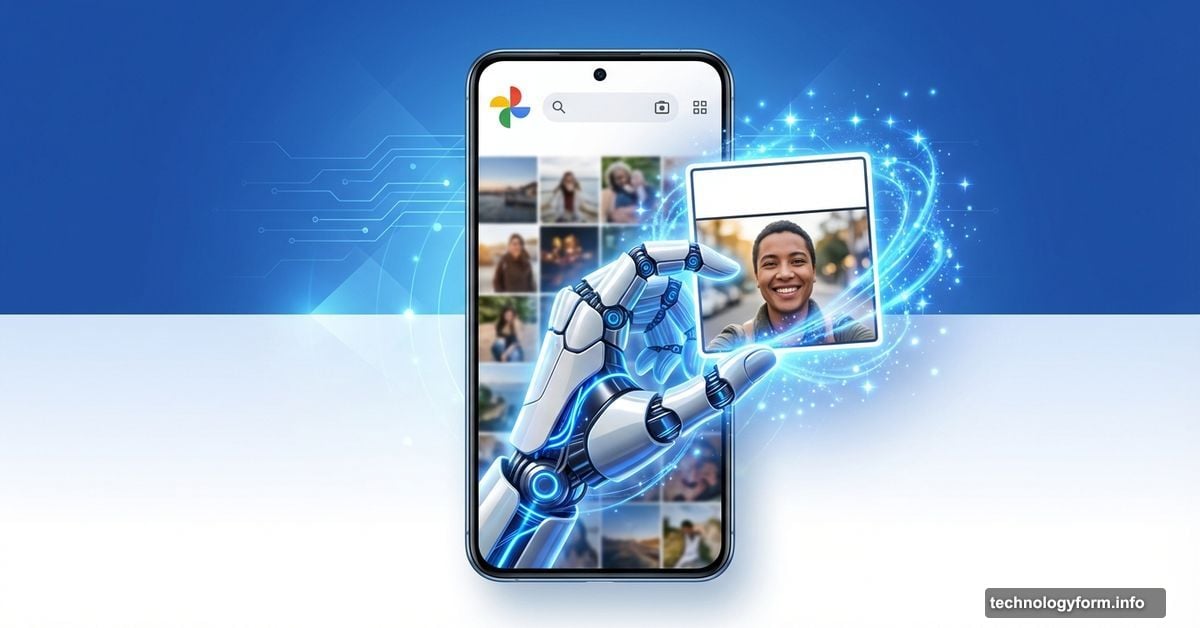
Google Photos Just Launched a Meme Generator. Here’s How to Use It
Google Photos now turns your selfies into memes. Automatically.
The new “Me Meme” feature uses Gemini AI to drop your face into popular meme templates. It’s rolling out now for US Android users, with iOS support coming soon. Plus, it’s completely free if you already use Google Photos.
Let’s walk through how it works and whether you should actually use it.
What Me Meme Actually Does
Think of it as a meme creation shortcut. Instead of manually editing templates in Photoshop or meme apps, Google’s AI does the work.
You pick a meme template. The feature has preset options, but you can also upload your own. Then you select a photo of yourself. Tap generate, and Gemini places your face into the meme while maintaining the original template’s style and layout.
The whole process takes about 30 seconds. However, Google warns the output won’t always match your original photo perfectly. That’s the AI doing its best to adapt your face to different art styles and contexts.
How to Access the Feature Right Now
First, you need to meet the requirements. Me Meme currently works only for Android users in the US who have their Google account language set to English. iOS users will get access over the coming weeks, according to Google’s statement to TechCrunch.
Here’s the step-by-step process once you have access.
Open Google Photos on your Android device. Navigate to the Create tab at the bottom of your screen. Look for the “Me Meme” option in the list of creation tools.
If you don’t see it yet, you’ll need to wait. Google is still rolling out the feature gradually, even among eligible users. So check back every few days if it’s not available immediately.
Creating Your First Meme
The first time you use Me Meme, you’ll see onscreen instructions explaining the process. After that initial tutorial, you’ll jump straight into meme creation.
Browse through Google’s preset meme templates. These include popular formats you’ve probably seen across social media. But you’re not limited to these options. You can upload any image as a template, whether it’s a trending meme or just a photo you think would make a good format.
Next, select a photo of yourself. Google recommends using a clear selfie where your face is fully visible. The AI needs to identify your facial features accurately to insert you into the template properly.
Tap the Generate button. Gemini processes your request and creates the meme in a few seconds.
What to Do With Your AI Meme
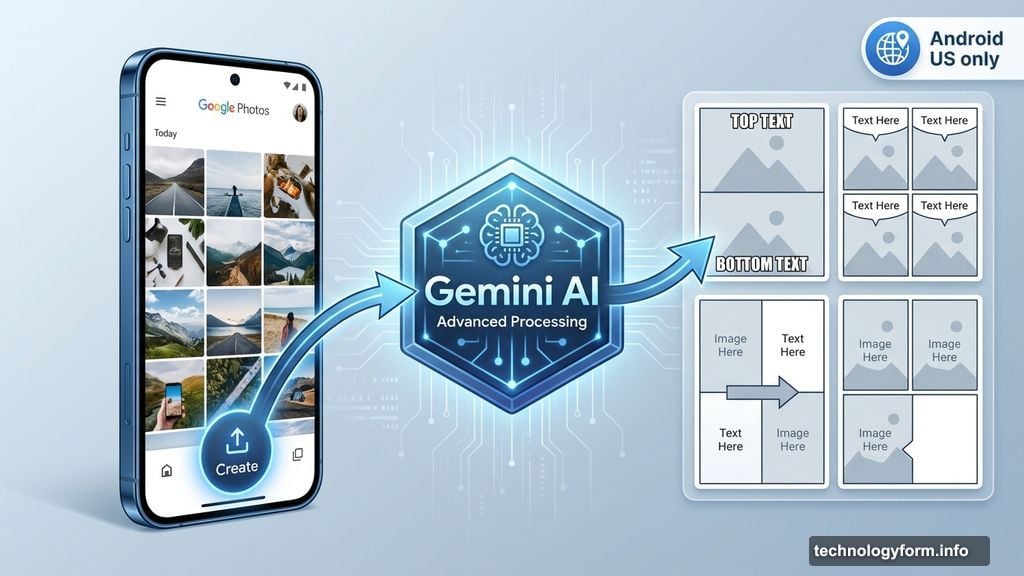
Once Gemini finishes generating your meme, you have three main options.
Save it to your Google Photos library if you like the result. Share it directly to social media platforms like Instagram, Twitter, or Facebook through the built-in sharing menu. Or tap Regenerate to see a different version.
That last option matters because AI output varies. Sometimes the first generation looks perfect. Other times, facial proportions seem off or the placement doesn’t quite work. Regenerating gives you alternative versions to choose from.
Android Authority spotted this feature in testing back in October 2025. Their early hands-on showed the feature worked reasonably well with simple templates but struggled with more complex meme formats requiring specific facial expressions.
The Limitations You Should Know
Google is upfront about Me Meme’s current limitations. It’s experimental, which means you’ll encounter bugs and imperfect results.
The feature only supports English language accounts in the US right now. International users will need to wait for expansion, though Google hasn’t announced when that might happen.
More importantly, the AI sometimes produces wonky results. Your face might not match the original photo’s expression. Colors can look off. And complex meme templates with specific positioning requirements often confuse the system.
Remember, this is Gemini trying to understand both meme context and face mapping simultaneously. That’s not simple. So expect some weird outputs mixed in with the good ones.
Privacy and Data Usage Concerns
Whenever AI processes your photos, privacy questions arise. Google Photos stores your images on their servers already, but this feature actively analyzes your facial features and applies them to new contexts.
Google hasn’t released specific documentation about how Me Meme handles your data. But based on their standard Photos policies, your meme creations likely get the same treatment as other edited photos in your library.
If you’re concerned about AI processing your face, you might want to skip this feature. However, if you already use Google Photos’ face grouping and search features, Me Meme doesn’t introduce fundamentally new privacy implications.
Should You Actually Use This?
Honestly? It depends on what you want from meme creation.
Me Meme excels at speed and convenience. You can generate shareable memes faster than opening a dedicated meme app, finding a template, and manually editing your photo in. For quick social media posts, that matters.
But dedicated meme apps still offer more control. You can fine-tune placement, adjust colors, and ensure the final output matches your vision. Me Meme gives you what Gemini thinks looks good, with limited editing options.
So if you’re a casual meme creator who values speed over perfection, this feature works great. If you’re picky about your meme aesthetics, stick with manual editing tools.
The feature is free, experimental, and improving as Google collects more data on what works. Try it a few times to see if the outputs meet your standards. Worst case, you waste two minutes. Best case, you find a faster way to create memes for your group chats.