Opera’s Neon Browser Costs $20 Monthly. That’s Bold
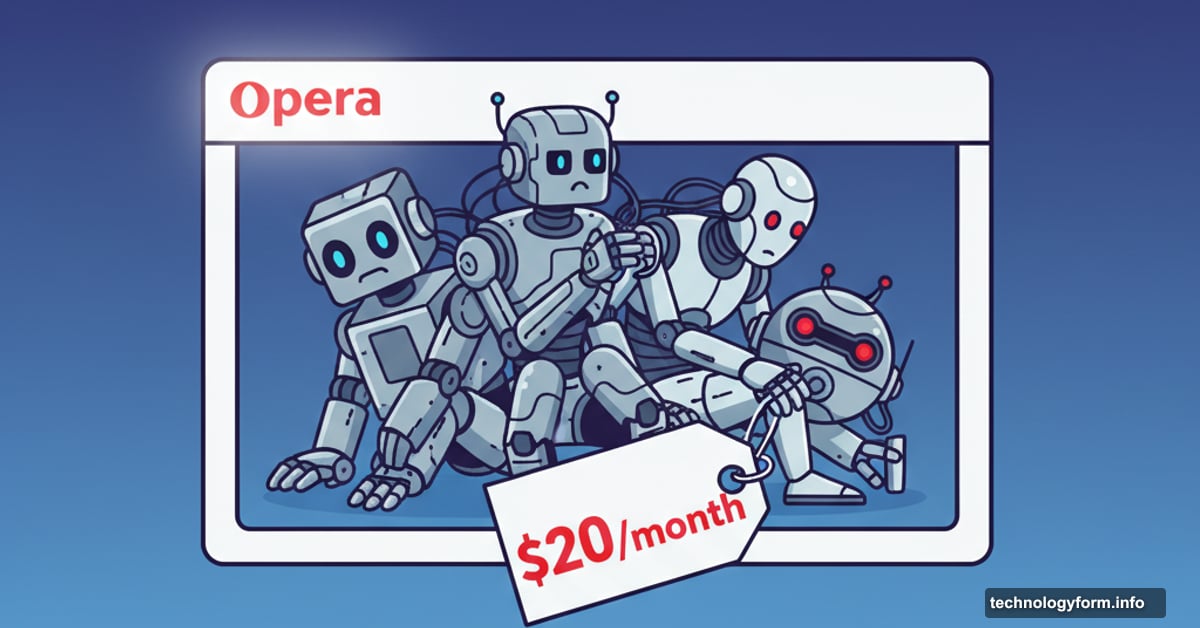
Opera just launched Neon, an AI-powered browser with a $20 monthly subscription. That’s a steep ask when most browsers remain free.
But here’s the twist. Neon isn’t one AI assistant crammed into a browser. It’s actually three separate AI tools living side by side. Plus, figuring out which tool does what feels unnecessarily complicated.
Three AI Bots Walk Into a Browser
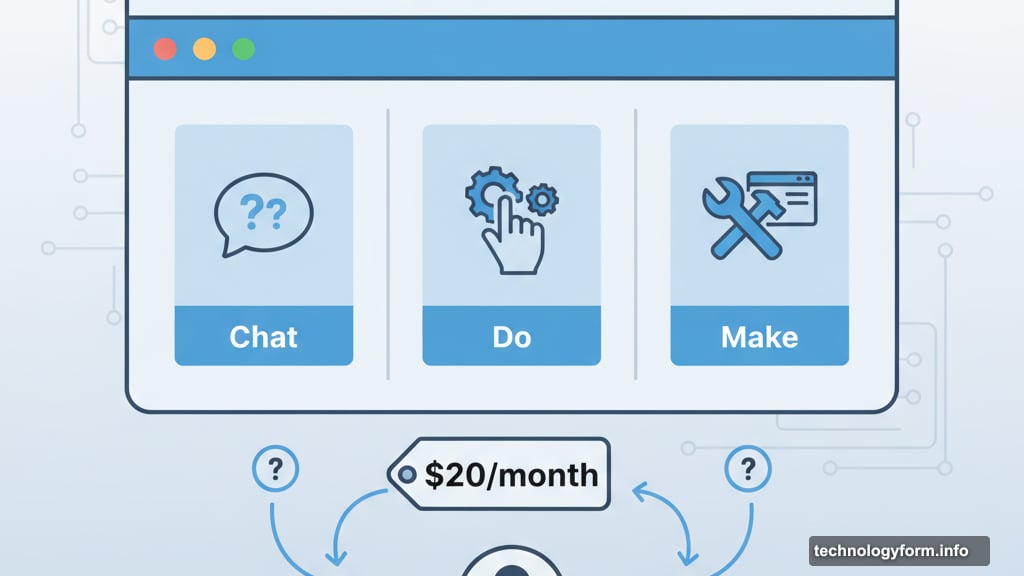
Neon bundles three distinct AI systems under one roof. Chat handles questions and research. Do takes control of your browser to complete tasks. Make builds simple web tools for you.
Sounds straightforward on paper. In practice, knowing which bot to summon for which job creates constant friction.
Take a simple task like counting comments on news articles. Chat confidently told us there were zero comments when four existed. Opera’s team said we picked the wrong tool. We should have used Do instead since viewing comments requires clicking.
Fair enough. But that’s exactly the problem. Most people don’t want to think about browser mechanics before asking a question.
Chat Talks Too Much
Chat works like any AI chatbot you’ve tried. Ask questions, get answers, move on with your day.
Except Chat won’t shut up. When we asked about quantum computing research, it buried useful information under mountains of unnecessary text. Simple queries returned 400-word essays when two sentences would suffice.
Worse, Chat sometimes pretends it can read content it actually can’t access. It guessed what comments “might say” on articles instead of admitting it couldn’t see them. That fake confidence erodes trust fast.
Chat lives in two places: the search bar and a permanent spot in the top-right corner. Having constant access is convenient. Wading through verbose nonsense is not.
Do Moves Fast and Breaks Things
Do represents Neon’s most ambitious feature. This AI agent actually controls your browser to complete tasks autonomously.
We tested it with everyday errands: book a CrossFit class, reserve a massage under $50, find sewing patterns for baby rompers. Do handled these requests, but not gracefully.
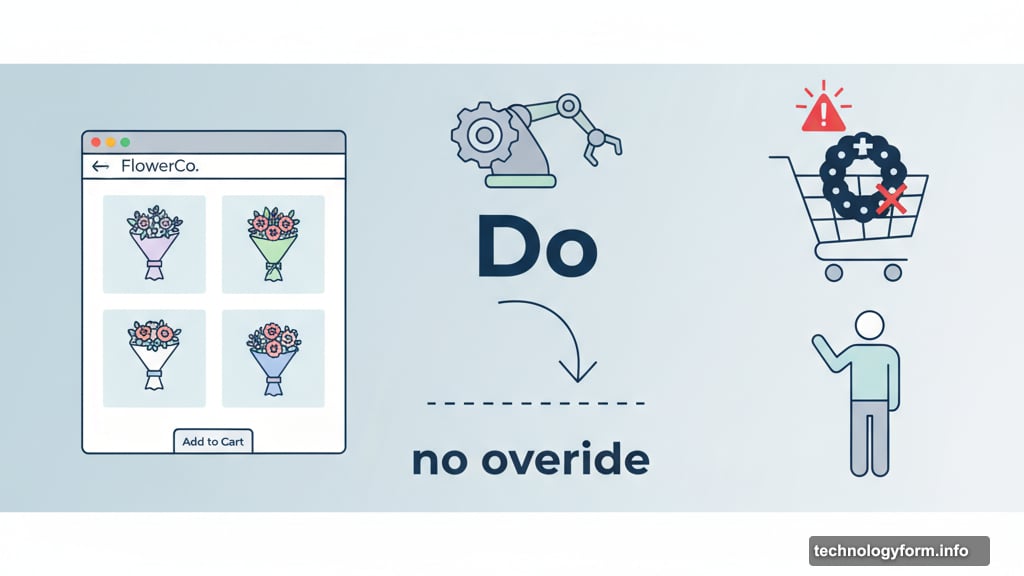
The bot scrolled past perfectly lovely flower arrangements we wanted to buy. Instead, it confidently added a funeral wreath to our cart. Another time, Do insisted no theater tickets existed when dozens were available.
Here’s the bigger issue. You can’t course-correct Do mid-task. We watched helplessly as it made terrible choices, clicking frantically on better options the bot ignored completely. There’s no override button. No “wait, not that one!” option.
When Do encounters obstacles only humans can solve, a small red flash appears at the top of the screen. Easy to miss. So you’ll sit there waiting while Do sits there stuck, neither party aware the other needs help.
Plus, Do performs slower than just doing things yourself. That defeats the purpose of automation.
Make Builds Tiny Tools
Make lets you create simple web applications using AI. It operates in a virtual environment that doesn’t clutter your actual computer.
We requested a basic memory matching game for learning Spanish vocabulary. Within minutes, we were matching “libro” to pictures of books.
The game worked but felt clunky. Still, closing the tab deleted everything Make created. That’s genuinely convenient.
Make probably won’t revolutionize your workflow. But for quick throwaway tools, it beats manually downloading random software.
Cards Feel Half-Baked
Neon includes “Cards,” which are prewritten prompts you can reuse across different AI agents. Think of them as browser shortcuts for AI interactions.
The Card store currently contains mostly Opera-created content. Some prompts rewrite websites in Yoda’s voice. Others aggregate news. Most feel gimmicky rather than genuinely useful.
Opera hopes users will create valuable Cards as adoption grows. Right now, the library feels sparse and uninspiring.
The $20 Question Nobody Answers
Here’s what really matters. Neon costs $19.90 monthly.
Chrome offers Gemini integration for free. Perplexity’s browser costs nothing. Arc Search remains completely free. So why would anyone pay $20 for Neon?
Opera’s executive vice president acknowledged Neon remains in “early access.” That’s corporate speak for “unfinished product.” Yet they’re charging premium prices for beta-level software.
We encountered constant friction. AI agents asked for feedback then immediately proceeded without waiting for responses. One time, we approved a task and Neon simply stopped working entirely. Opera promised these issues will get fixed eventually.
Eventually isn’t good enough when you’re asking for subscription money.
The Real Problem
Using Neon felt like managing an overeager intern rather than deploying sophisticated technology. The three-bot system creates mental overhead most people won’t tolerate.
Ask yourself this question: Do you want to learn which AI tool handles which browser task? Or do you just want your browser to work intelligently without constant decision-making?
Most competitors building AI browsers focus on seamless integration. One smart assistant that figures out what you need. Neon makes you choose between three options before you start.
That’s backwards design. The AI should adapt to users, not force users to adapt to the AI’s organizational structure.
Opera’s building something ambitious here. Three specialized AI systems theoretically offer more capability than one generalist bot. But theory doesn’t matter when practice creates confusion.
We’d suggest waiting. Let Opera work out the kinks. Let the price drop. Let the Card ecosystem mature. Right now, Neon asks for $240 yearly to solve problems most free browsers handle just fine.