Spotify’s AI DJ Now Accepts Text Messages. Voice Commands Feel Old Already
Spotify just made its AI DJ feature way more flexible. You can now type your music requests instead of talking to it.
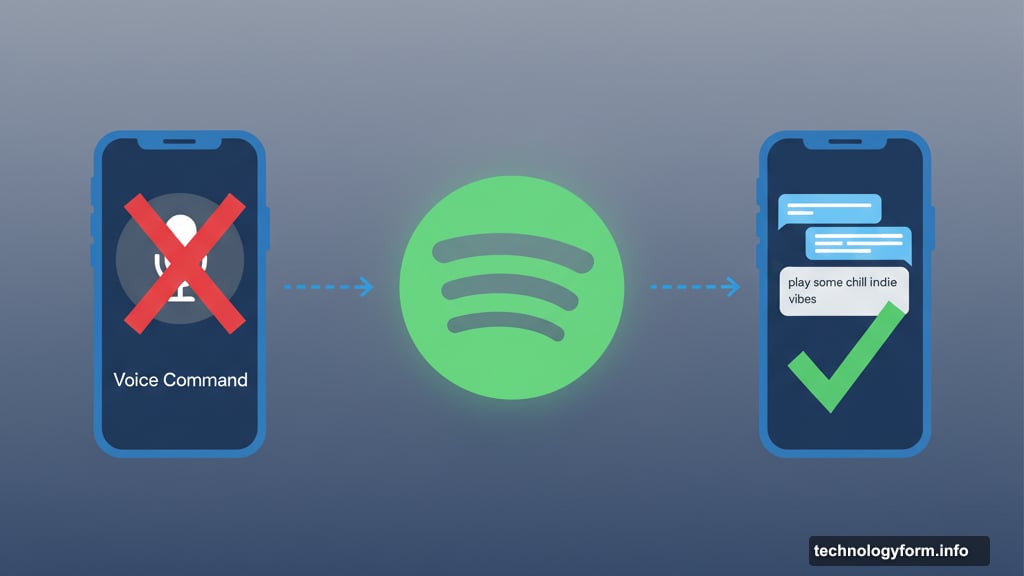
The update matters because nobody wants to shout “play some chill indie vibes” on the subway. Plus, texting an AI assistant has become second nature for most people. So Spotify’s catching up to how we actually use technology in 2025.
What Actually Changed
Spotify’s AI DJ previously only accepted voice commands when you wanted specific music. Now you can type your requests like you’re messaging a friend.
Both English and Spanish work. In fact, Spotify’s Spanish-language DJ called DJ Livi now handles typed requests too. Previously, only the English DJ accepted any requests at all.
The feature rolls out today to Premium subscribers in over 60 markets worldwide. So if you pay for Spotify, you probably have access already.
Why Texting Makes More Sense
Voice commands sound great in theory. But they fall apart in practice.
You’re on a packed train. Your coworker’s desk sits three feet away. You’re in a quiet coffee shop. In all these scenarios, talking to your phone feels awkward or impossible.
Texting solves that problem. You can request “upbeat workout music” or “90s hip hop” without disturbing anyone. Plus, most of us already text AI assistants like ChatGPT and Gemini all day.
Apple even updated Siri to accept text input. That’s how common this behavior has become. So Spotify’s move makes perfect sense for how people actually use their devices.
The DJ Gets Smarter Too
Beyond texting, Spotify added personalized prompt suggestions. These help when you know you want new music but can’t articulate exactly what.
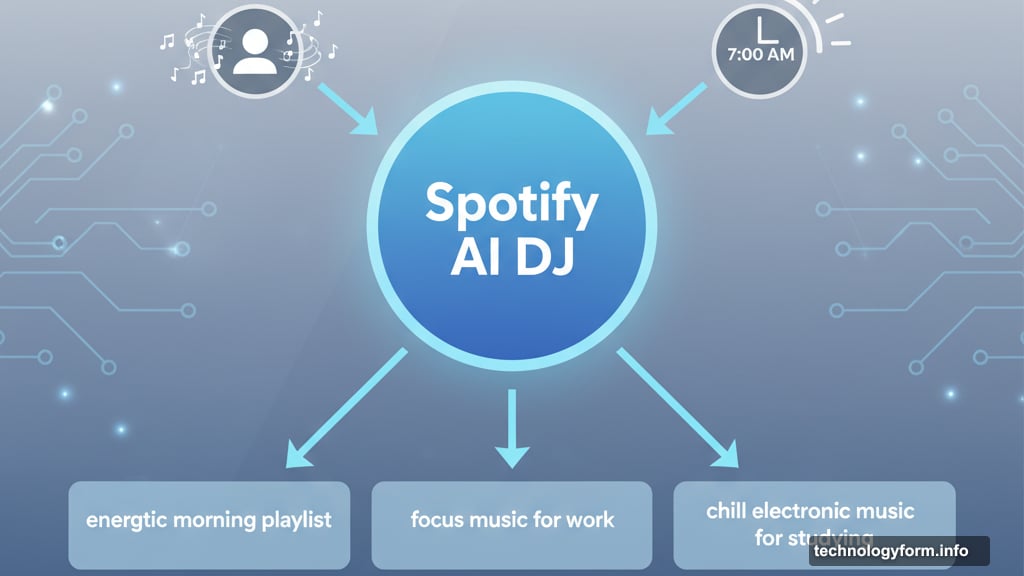
The DJ analyzes your listening history and current mood. Then it offers specific suggestions like “energetic morning playlist” or “focus music for work.” You just tap one instead of typing from scratch.
Moreover, the AI handles complex requests. You can combine genre, mood, artist, and activity in one message. Something like “chill electronic music for studying” works perfectly.
To start using the DJ, search “DJ” in Spotify and hit play. When you want different music, tap the DJ button in the bottom-right corner. Then type or speak your request.
This Changes How We Discover Music
AI music curation isn’t new. Spotify’s been doing it for years with algorithmic playlists.
But conversational AI feels different. You’re having a dialogue about what you want to hear. The DJ explains why it picked certain songs. You can refine requests in real-time based on what plays.
That’s more like talking to a knowledgeable friend than using a search function. And the more natural the interaction feels, the more you’ll use it.
However, the feature still requires a Premium subscription. That limits its reach compared to free-tier algorithmic playlists. But for paying subscribers, it’s a genuinely useful upgrade.
The Bigger Picture
Every major app is adding conversational AI features right now. Chat interfaces have become the default way we interact with technology.
Spotify’s update shows how this trend extends beyond obvious use cases like search and customer service. Even music discovery benefits from natural language interaction.
So expect more apps to follow this pattern. Voice and text input will become standard options everywhere. Because ultimately, people want to communicate with technology the same way they communicate with each other.
Your AI DJ is ready to chat. Just don’t expect it to request songs from you back.