Tired of Generic AI Answers? These 7 Hidden ChatGPT Personalities Fix That
We all use ChatGPT for daily tasks. But sometimes, its default tone feels incredibly robotic. Or maybe it acts a little too much like a fake friend.
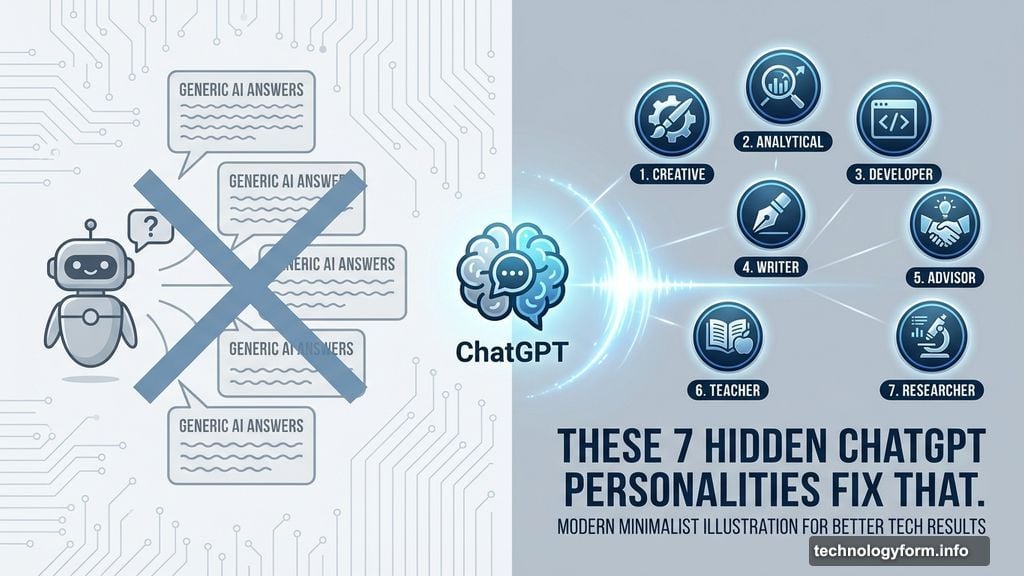
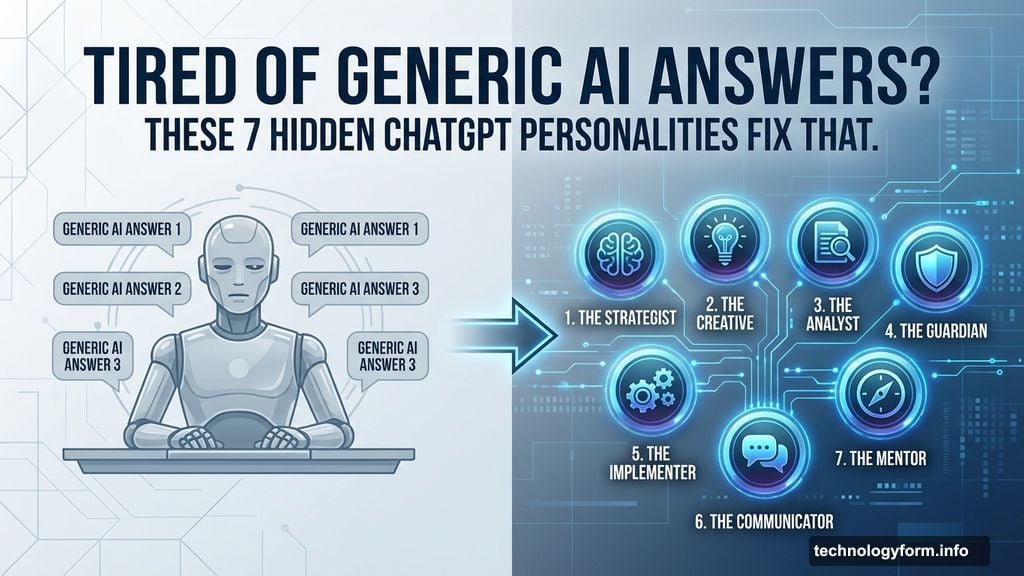
By November 2025, OpenAI realized this communication problem. So they quietly rolled out a massive update to the free plan. Now, you can choose from seven distinct personalities.
Plus, you don’t even need complex prompts to make it happen. Let’s explore how to easily customize your chatbot experience today.
How Conversational AI Personalities Change the Vibe
A personality setting dictates the style and tone of your AI assistant. It doesn’t change the underlying facts or capabilities. Instead, it simply alters how the bot talks to you.
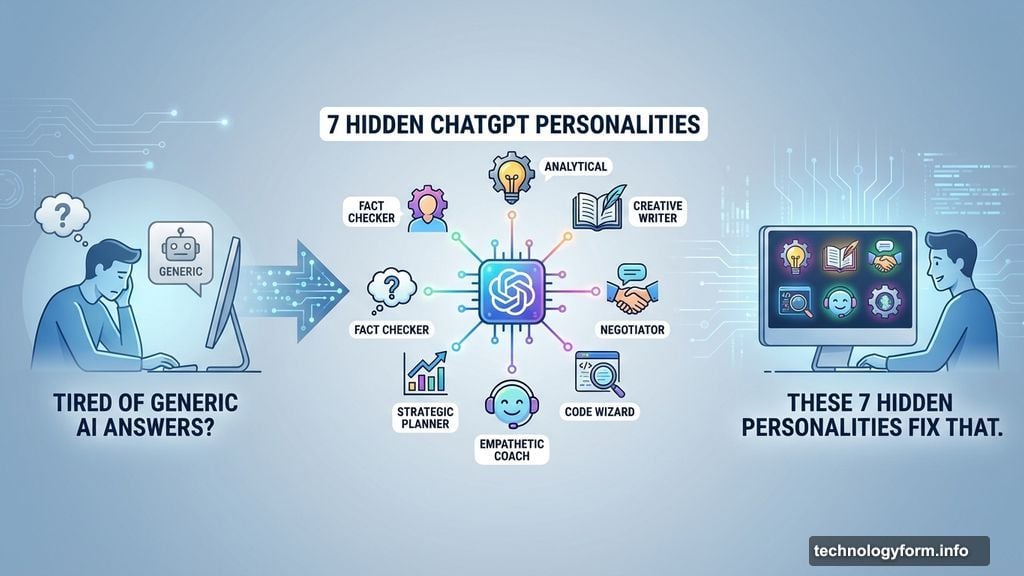
Currently, you can pick from seven base styles alongside the default option. These include professional, friendly, candid, quirky, efficient, nerdy, and cynical.
Personally, I prefer honest communication without any fluff. I used to type “give it to me straight” before every single question. But now, these built-in settings do the heavy lifting automatically.
Tweaking Generative AI Outputs in Settings
Adjusting your chatbot takes just a few seconds. First, open ChatGPT and head straight to your Settings menu. Next, click on the Personalization tab.
From there, you can choose your desired base style and tone. Furthermore, you can set strict rules for response formatting. For example, you might demand “Keep this to three bullets” or strictly forbid the use of emojis.
You can even tell the language model your occupation or preferred nickname. However, I suggest skipping the nickname. Remember, this AI isn’t your human friend, so maintaining some psychological distance remains healthy.
An OpenAI Insider Tip on Prompting
You shouldn’t just pick one personality and forget about it. In fact, Edie Campbell-Urban from OpenAI’s communications team suggests adapting the tone to your specific search intent.
For instance, a “professional” tone works perfectly for drafting work emails. Yet, you might want a “candid” or “cynical” response for highly sensitive personal topics.
Take a difficult subject like early pregnancy loss. If you use the “friendly” setting, the bot offers gentle, supportive language. On the other hand, the “cynical” setting with low enthusiasm delivers a highly matter-of-fact, clinical response. Sometimes, that directness is exactly what you need during a stressful moment.
Watch Out for Algorithmic Confirmation Bias
These settings give you incredible control over your AI interactions. However, they also come with a hidden risk. A chatbot that always agrees with your preferred communication style might easily skew your thinking.
Confirmation bias happens when we only hear what we want to hear. So, keep this in mind as you chat. The AI is simply reflecting your chosen settings back at you, not offering an objective human perspective.
Customizing your ChatGPT experience saves time and removes serious frustration. You no longer have to beg the machine to stop using lists or fake enthusiasm.
Take five minutes today to explore these settings. Try the quirky mode for brainstorming, then switch to efficient mode for coding tasks. Ultimately, you’ll get much better results when the technology finally speaks your language.