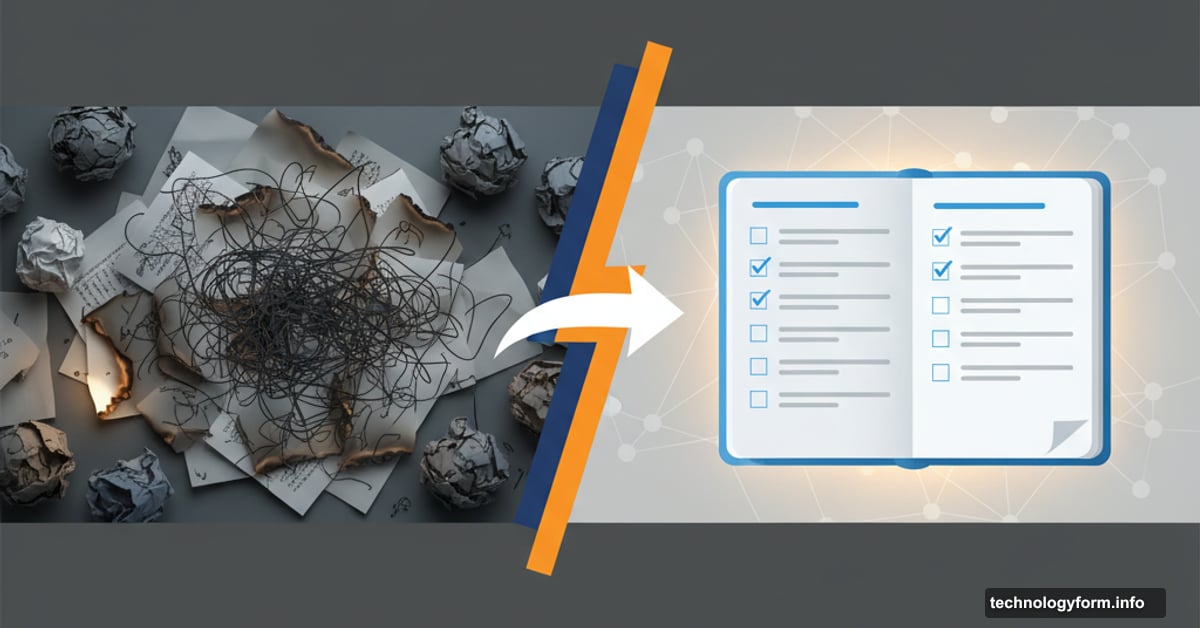
Your AI Images Look Bad Because Your Prompts Are Garbage
Stop blaming the generator. Your prompts need work.
I’ve watched countless people burn through generation credits creating terrible AI images. They blame the tool. They complain about the technology. But the real problem? Their prompts sound like a toddler describing a dream.
Good AI images start with good prompts. Not magic. Not luck. Just better instructions that tell the AI what you actually want instead of vague nonsense.
Every Prompt Needs These Three Things
Writing your first prompt feels overwhelming. Where do you even start? Begin with the basics. These three elements are non-negotiable.
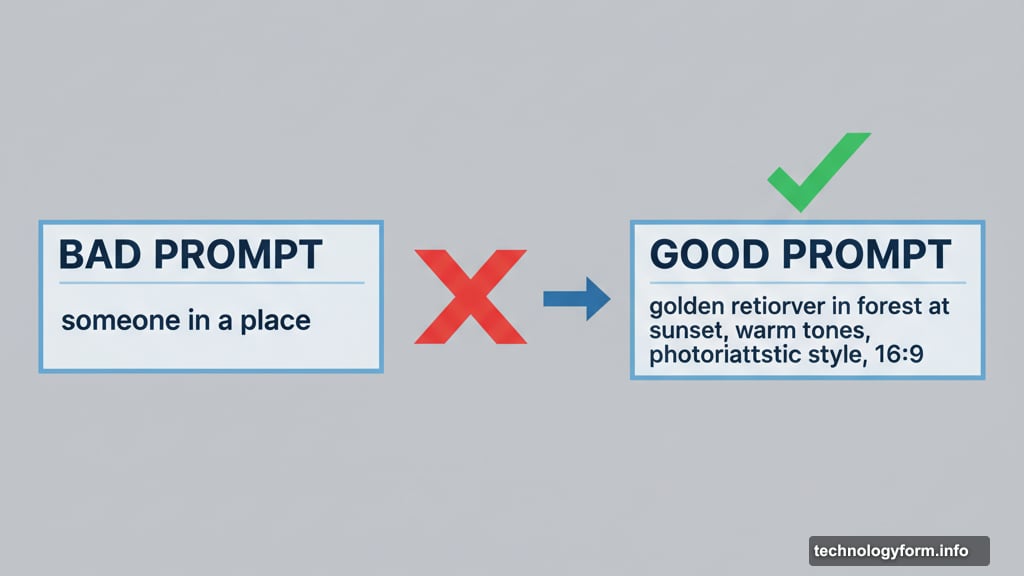
First, describe your characters and elements. What’s actually in the scene? A person, a dog, a coffee cup? Be specific. “A woman” works better than “someone.” “A golden retriever” beats “a dog.”
Second, specify the setting. Where does this scene happen? A forest, an office, a futuristic city? Location context helps the generator understand mood and lighting.
Third, pick your dimensions. Portrait, landscape, or a specific ratio like 16:9. This affects composition more than you’d think. So don’t skip it.
Here’s what doesn’t work: Adding negative prompts. You know, telling the generator what you don’t want. Most tools ignore these or worse, misunderstand and include exactly what you asked them to avoid. Skip the “no hands” or “no watermarks” requests. Fix problems in editing instead.
Style and Color Actually Matter
Beyond the basics, guide your generator toward a specific style. Otherwise it picks randomly and you get inconsistent garbage.
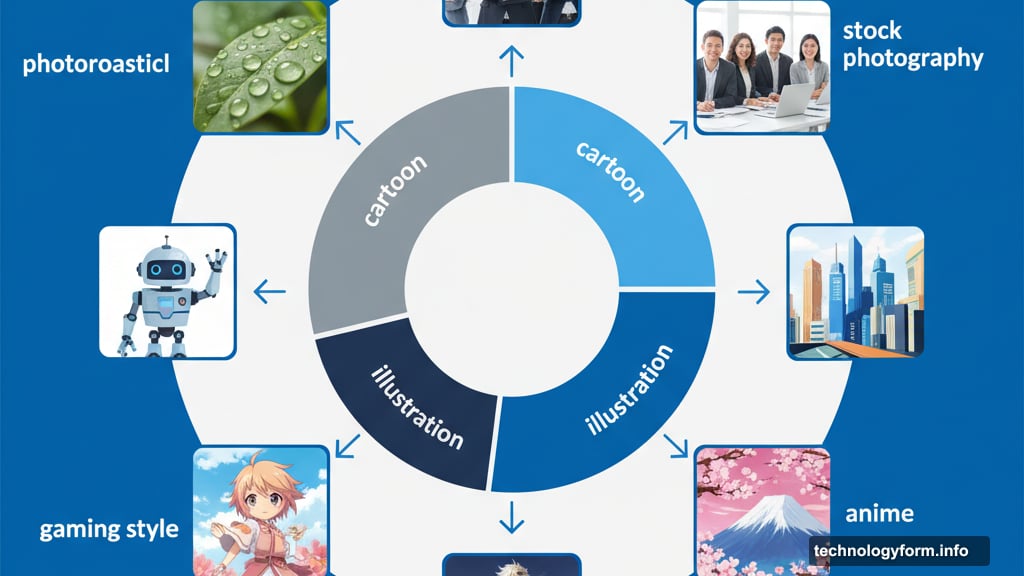
Photorealistic aims for real life. AI isn’t great at this yet but it’s improving. Stock photography gives you that polished, commercial look. Cartoon style creates bright, simplified images. Illustration mimics paintings or sketches. Gaming style looks more advanced, sometimes anime-inspired.
Pick the right style for your project. Photorealistic fits professional contexts. Cartoons work for creative brainstorming. Gaming style suits character design. Illustrations help with detailed concept work.
Also, specify colors. Even if you’re not picky about exact shades, mention warm or cool tones. This single detail drastically improves results. Warm tones suggest comfort and happiness. Cool tones create distance or tension.
For example, “warm sunset colors” guides the generator better than letting it choose randomly. Your images will look more cohesive and intentional.
Describe the Vibe and Emotion
Take your prompt further by describing the overall aesthetic. This extra layer of detail elevates generic images into something interesting.
Try these common aesthetics: abstract, anime, comic book, fantasy, geometric, high tech, impressionist, medieval, noir, psychedelic, retro, minimalistic, surrealist, or vintage. Pick the closest match and build from there.
If none fit perfectly, describe the emotional temperature instead. Happy scenes get bright colors and warm vibes regardless of style. Stressful scenes need darker tones and detailed, foreboding elements. Generators understand emotion better than you’d think.
Moreover, include textures and time periods. Rustic wood, smooth metal, 1920s fashion, futuristic architecture. These specific details give the generator more context to work with.
One warning though: Avoid trendy aesthetic names unless you’re willing to translate them. “Cottagecore coastal grandmother” might confuse the generator. Instead, try “vintage style with light, breezy feel using pastel blues and neutral tones.” Same idea, clearer instructions.
When Images Still Suck
Even great prompts produce duds sometimes. The technology isn’t perfect. It’s advancing but still very much in progress.
Tweak your prompt first. That’s the fastest fix for major problems. But if issues persist, diagnose what’s actually wrong. Images not professional enough? Maybe your style setting is off. Colors feel weird? Revisit your tone descriptions.
Plus, small changes make big differences. Adjusting dimensions or switching from landscape to portrait can completely transform results. Experiment with these settings before assuming the generator is broken.
Many AI tools offer post-generation editing. Adobe Firefly has extensive editing capabilities. Leonardo provides solid options. Midjourney offers average tools. Canva barely has any. Choose your platform based on how much editing control you need.
Sometimes though, starting over works best. Resetting to default settings and rethinking your entire approach feels frustrating. Like going backward. But when nothing else works, it’s your best option.
The Uncomfortable Truth
AI image generators aren’t creator replacements. They’re tools, like Photoshop or Illustrator. You need time to learn how they work, understand their quirks, and master their capabilities.
This means spending hours generating images, adjusting prompts, and figuring out what works. There’s no shortcut. No magic prompt formula that works every time. Just practice and iteration.
But here’s the good news: Once you understand your specific generator’s behavior, you’ll write better prompts instinctively. You’ll know which details matter and which the tool ignores. Your hit rate improves dramatically.
So stop expecting perfect results from lazy prompts. Put in the work. Write detailed, specific instructions. Guide the generator with clear style and emotion descriptions. Your images will improve immediately.
The technology isn’t the problem. Your approach is.