Microsoft’s Copilot Tasks Handles Your Busywork While You Focus on What Matters
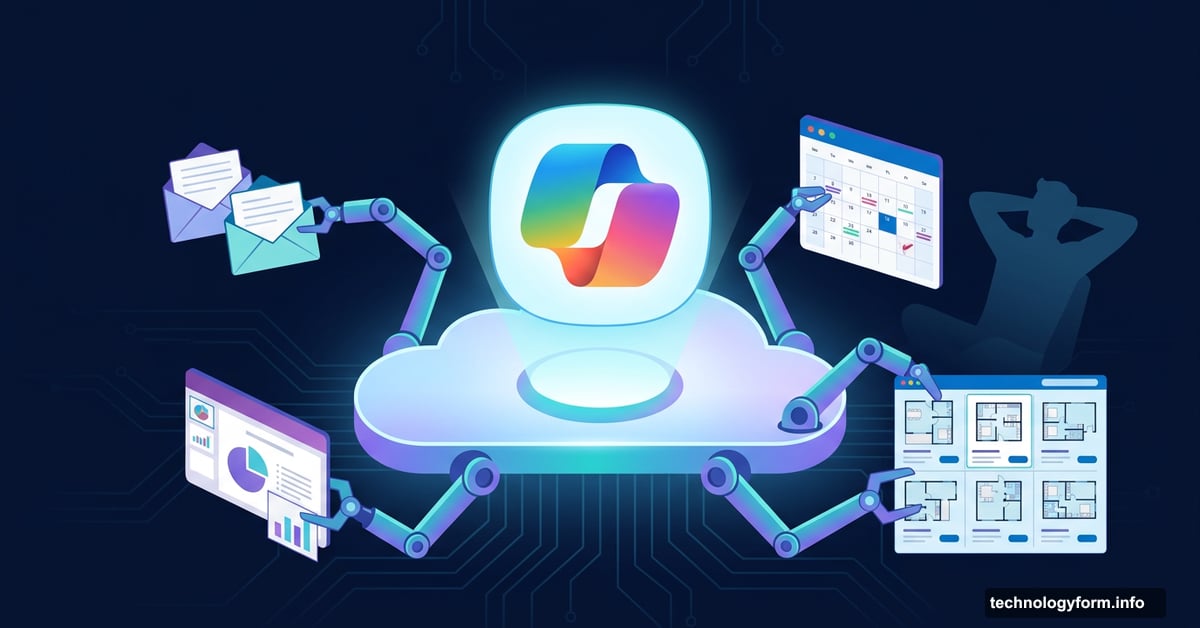
Microsoft just gave AI assistants a serious upgrade. Instead of just answering questions, Copilot Tasks actually gets things done for you — using its own cloud-based computer and browser to handle the jobs you’d rather not deal with.
Think of it like hiring a very capable assistant who works in the background while you focus on everything else. The new feature, previewed by Microsoft on Thursday, handles everything from scheduling appointments to organizing your inbox, and it doesn’t even need your computer to do it.
Agentic AI Finally Shows Up in Microsoft’s Corner
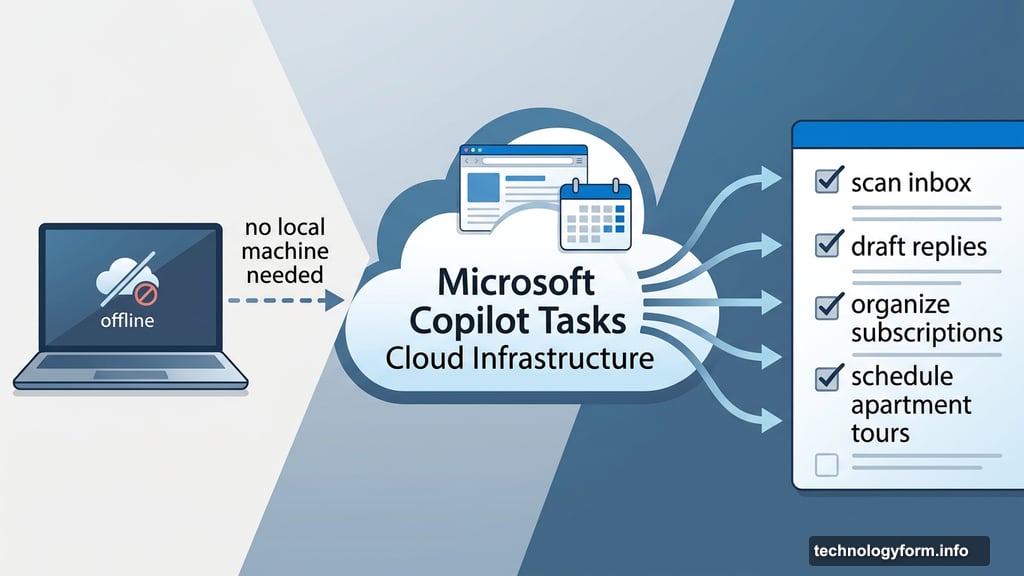
Copilot Tasks runs on cloud infrastructure, not your local machine. That means it can keep working even when your laptop is closed or you’re busy with other things.
You simply describe what you need using plain, natural language. No special commands or technical prompts required. Then Tasks gets to work, handling jobs on a one-time, scheduled, or recurring basis, and delivers a report when it’s finished.
This is Microsoft’s direct answer to the growing wave of agentic AI tools already out in the wild. Claude Cowork, ChatGPT Agent Mode, Perplexity Computer, and Google’s Gemini-powered auto-browse feature in Chrome all operate in a similar space. So Microsoft is clearly catching up fast.
What Copilot Tasks Can Actually Do

The practical use cases here are genuinely impressive. Some of the most useful examples Microsoft shared include:
- Scanning your email inbox to surface urgent messages and draft replies
- Turning emails, attachments, and images into a finished slide deck
- Organizing your subscriptions and canceling the ones you no longer use
- Planning a birthday party, handling everything from venue research to sending invites
- Monitoring new apartment listings every Friday and even scheduling home tours
That last one is particularly interesting. Copilot Tasks can check listings on a schedule, which means it behaves more like a persistent background agent than a one-off assistant. It’s not waiting for you to ask — it’s just quietly doing the job.
Microsoft Builds in Permission Checkpoints
One concern with agentic AI tools is obvious: what happens when an AI starts taking real-world actions on your behalf? Microsoft addressed this directly.
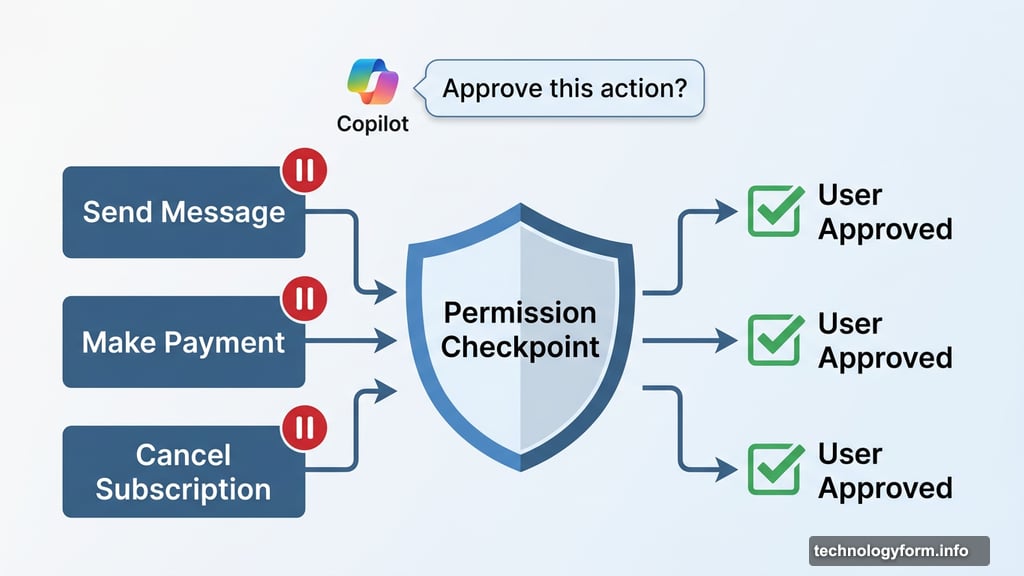
Copilot Tasks will pause and ask for your permission before doing anything consequential. Sending a message for you, making a payment, or taking other meaningful actions all require explicit approval first. So the AI doesn’t just run wild with your accounts or communications.
That’s a smart design choice. It keeps the automation useful without handing over too much control. And honestly, for any AI handling your inbox or financial accounts, that kind of guardrail matters a lot.
Still Early Days for Copilot Tasks
Right now, Copilot Tasks is only available in a research preview. Microsoft is testing it with a small group of users before any wider rollout.
If you want to get in early, Microsoft has opened a waitlist on their website. There’s no confirmed timeline for broader availability yet, but given how fast the agentic AI space is moving, a full launch probably isn’t far off.
The competition in this space is heating up fast. OpenAI, Anthropic, Google, and Perplexity are all pushing hard on autonomous AI capabilities. Microsoft’s move to integrate this directly into Copilot makes a lot of sense — they already have deep hooks into the productivity tools millions of people use every day, from Outlook to Teams to Word.
Whether Copilot Tasks becomes genuinely useful or just another flashy demo will depend entirely on how well it handles real-world tasks without creating new headaches. But the concept is solid, and the timing is right.
Worth joining the waitlist if you spend any meaningful amount of time doing repetitive digital busywork. That’s basically who this was built for.