
ChatGPT for Beginners: Your First Conversation With AI
ChatGPT turned three years old. Most people still treat it like Google with extra steps.
That’s a mistake. This tool can do way more than answer trivia questions or check weather forecasts. But only if you know how to talk to it properly. Let’s fix that.
What ChatGPT Actually Does
ChatGPT answers questions, summarizes content, writes new material, codes programs and translates languages. Depending on your version, it either browses live internet data or pulls from its training cutoff date.
But here’s the reality check. ChatGPT isn’t magic. It’s math. The responses come from large language model predictions based on patterns in training data. So it makes mistakes, hallucinates facts and carries biases from its source material.
Think of it as a very smart intern who sometimes confidently states complete nonsense. Trust, but verify everything it tells you.
Getting Started Takes Minutes
Head to chatgpt.com or grab the mobile app from Apple’s App Store or Google Play Store. Type your question in the search box. Use voice input if typing feels clunky. Browse trending topics under Search for inspiration.
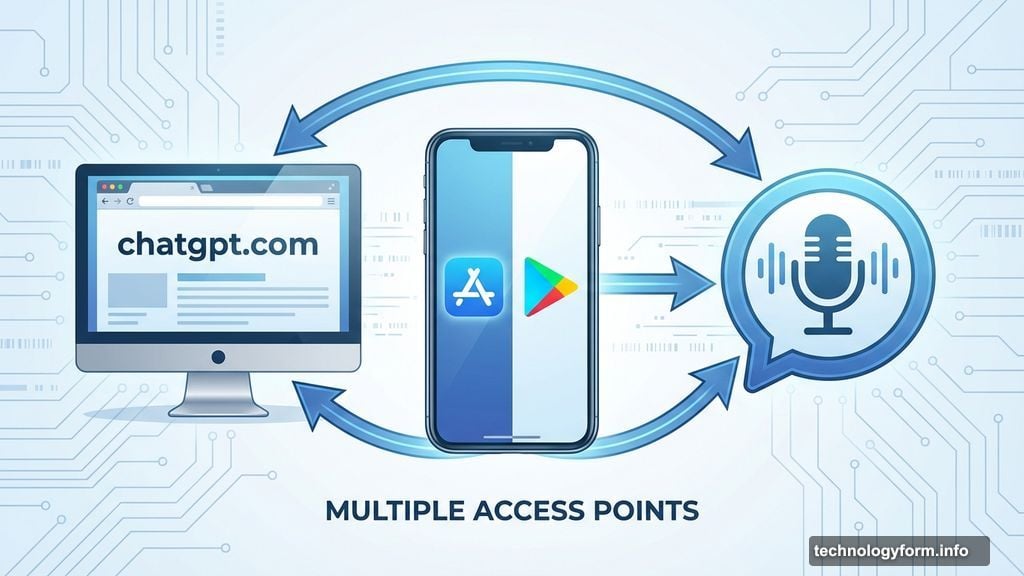
That’s it for basic access. No account required.
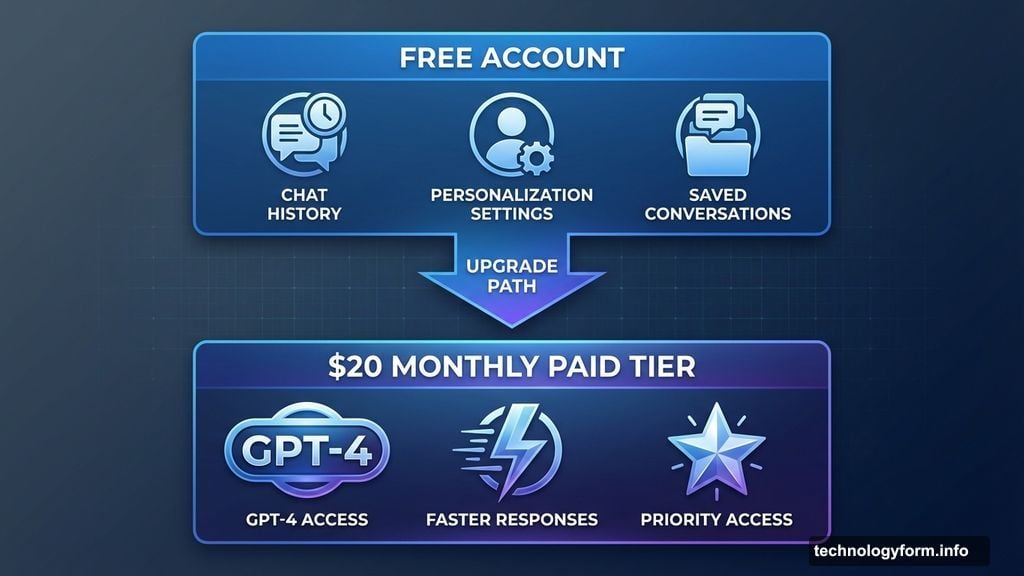
However, creating a free account unlocks better features. ChatGPT remembers your conversation history. You can customize how it responds. Plus, you get access to saved chats and personalized settings.
For premium features like GPT-4, faster responses and priority access, the paid tier costs $20 monthly. Most people do fine with the free version though. Save your money unless you’re using this tool heavily for work.
The Right Way to Use AI Tools
No single “correct” method exists for ChatGPT conversations. But one wrong way definitely exists: treating it as your only information source.
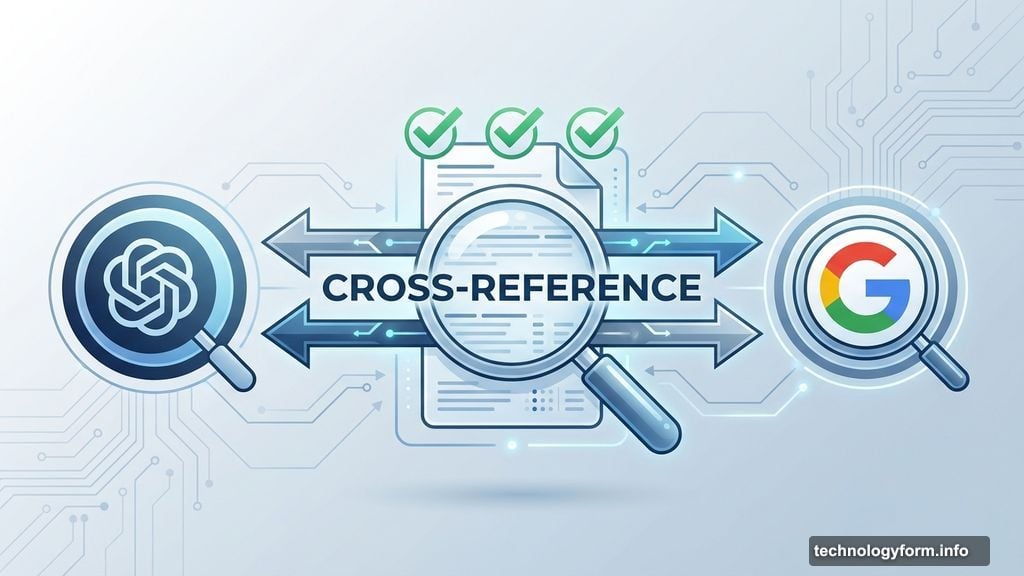
Always cross-reference ChatGPT responses with Google searches. Check the sources both tools cite. Click through to original data whenever possible.
Why? AI tools hallucinate information. They draw wrong conclusions from questionable sources. They confidently state falsehoods as facts. Your critical thinking can’t be outsourced to an algorithm.
Instead, think of ChatGPT as a research assistant or brainstorming partner. Give it a specific job within your workflow. Let it speed up tasks you’d do anyway, not replace your entire research process.
Prompting ChatGPT Effectively
Context determines quality. The more specific information you provide upfront, the better your results.
Never share sensitive personal data. No credit card numbers, Social Security numbers or personally identifying details. Data breaches happen. Protect yourself.
Your prompt structure depends on your goal. Questions need different framing than content generation requests. Brainstorming sessions differ from code debugging. Image analysis requires different context than text summarization.
Real Examples That Show the Difference
Let’s compare two actual use cases. Notice how prompt quality affects output quality.
Advice-Focused Prompts
Bad prompt: “I want to get pregnant. What should I eat?”
Better prompt: “I’m a 36-year-old woman preparing for IVF. I have no known fertility issues, but my AMH levels run slightly low. Suggest an optimal diet for the weeks leading up to egg retrieval and embryo transfer.”
The second prompt provides age, specific medical context, treatment type and timeline. ChatGPT can now offer relevant suggestions instead of generic fertility advice.
Still, always verify health information with actual doctors. AI cannot replace medical professionals.
Data Analysis Requests
Bad prompt: “Help me save money.”
Better prompt: “Help me reduce my small business overhead costs. Attached is my complete expenses spreadsheet from last year. Focus on recurring charges and subscription services.”
The improved version specifies business context, provides actual data and directs attention to specific cost categories. Now ChatGPT can analyze real numbers instead of offering vague budgeting platitudes.
Again, verify every calculation the AI returns. Math errors happen frequently.
Exploring Through Suggested Prompts
ChatGPT offers auto-generated starter prompts if you’re unsure where to begin. Click “Surprise me” to browse options like travel planning, career advice or creative projects.
The “Make a plan” feature generates structured approaches for common goals. Want a promotion? Weekend getaway? Weekly meal prep? ChatGPT creates step-by-step frameworks.
For meal planning specifically, upload a fridge photo or list available ingredients. Add dietary preferences. ChatGPT builds a week of recipes using what you already have.
This “choose your own adventure” flexibility makes AI tools genuinely useful. You define the scope. The tool fills in details and structure.
The Critical Balance Nobody Mentions
AI tools work best when you maintain realistic expectations. They’re not infallible oracles. They’re not worthless hype either.
ChatGPT speeds up research, generates draft content and explores possibilities faster than manual methods. Those advantages matter. But it also produces confident-sounding garbage, misses nuance and reinforces existing biases.
Your job? Fact-check everything. Compare multiple sources. Apply your own judgment to recommendations. Use AI as a starting point, never the final word.
Three years in, most people still haven’t figured this out. Don’t be most people. Treat ChatGPT like the powerful-but-flawed tool it actually is. Your results will be better for it.