Google Drive Poaches Dropbox Users With Dead-Simple Migration Tool
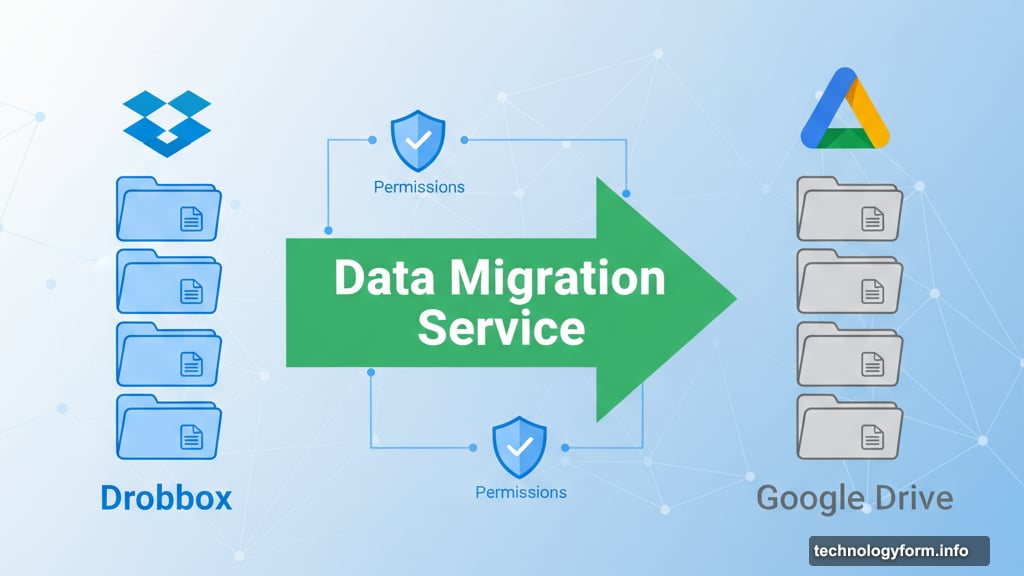
Google just made switching from Dropbox effortless. Their updated Data Migration Service now copies files directly between platforms without the usual download-and-reupload headache.
This isn’t about convenience alone. It’s part of Google’s broader strategy to pull users into its ecosystem of connected apps and services. Plus, they’re betting companies will find the switch attractive enough to leave Dropbox behind entirely.
How the New Migration Works
The tool maintains your folder structure and permissions automatically. That’s huge for businesses worried about losing organizational setups during transfers.
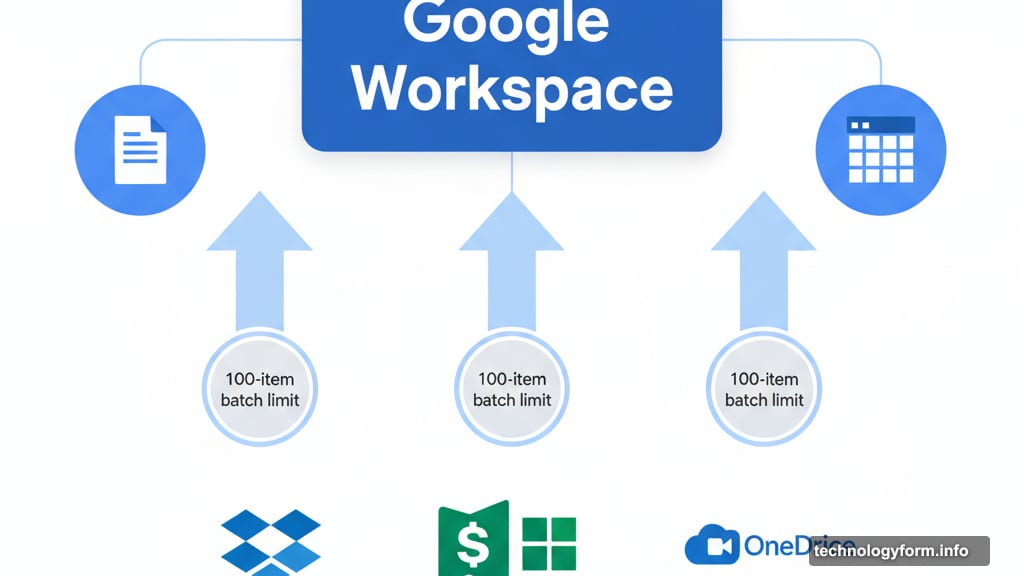
However, there’s one catch. Admins can only migrate 100 Dropbox users or team folders at a time. So massive companies will need to work in batches rather than moving everything at once.
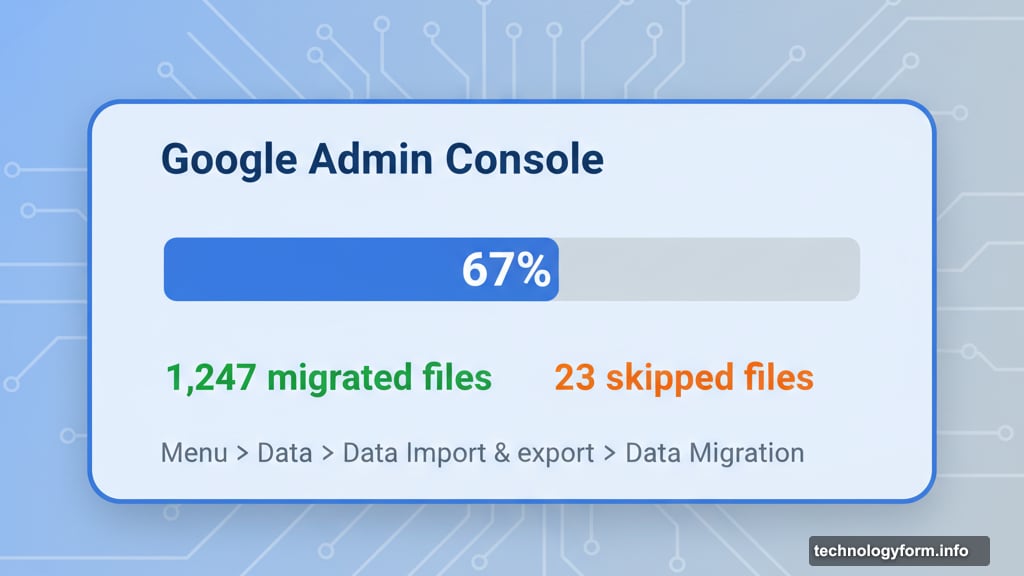
Still, Google makes tracking progress straightforward. The Admin console shows real-time updates on migration status, including counts of migrated and skipped files. You’ll find it under Menu > Data > Data Import & export > Data Migration.
More Than Just Dropbox Support
Google added Microsoft SharePoint migration back in July 2025. That came after beta testing started in May, which also brought a redesigned interface with simplified controls.
OneDrive business editions work too. So companies using Microsoft’s cloud storage can jump ship just as easily as Dropbox customers.
But the 100-item limit applies across the board. Whether you’re moving from SharePoint, OneDrive, or Dropbox, you’ll process migrations in manageable chunks.
The Cloud Storage Poaching Wars
Google isn’t alone in this game. Microsoft maintains detailed instructions for migrating Google Drive customers to M365. Dropbox runs its own Data Migration service as well.
Each platform wants your data locked into their ecosystem. That creates real competition, which benefits users through better tools and easier switching options.
Moreover, these migration tools lower the barrier to changing providers. Companies no longer face weeks of manual file transfers when evaluating alternatives.
Who Can Use It
Most Google Workspace tiers get access to the new tool. That includes:
Starter, Standard, and Plus versions of Business and Enterprise plans work. So do Essentials Starter, Enterprise Essentials, and Essentials Plus accounts. Education and nonprofit organizations with qualifying accounts can use it too.
Notably absent? Basic consumer Google accounts. This tool targets business and institutional customers specifically.
Why This Matters Now
Cloud storage fragmentation costs companies money and productivity. Teams waste time juggling multiple platforms, searching across services, and managing separate permission systems.
Google’s betting that easy migration will convince businesses to consolidate. Move everything to Drive, and suddenly you’re using Docs, Sheets, and Meet more naturally. That’s the real play here.
But Dropbox and Microsoft won’t sit idle. Expect them to counter with improved migration tools and better integration features of their own.
The winners? Companies and teams who can now switch providers without massive disruption. Competition drives innovation, and these migration tools prove it.