Google Just Killed Text Rendering Problems in AI Images
Google’s new image generator finally fixes what everyone hated about AI art. No more gibberish text or broken letters.
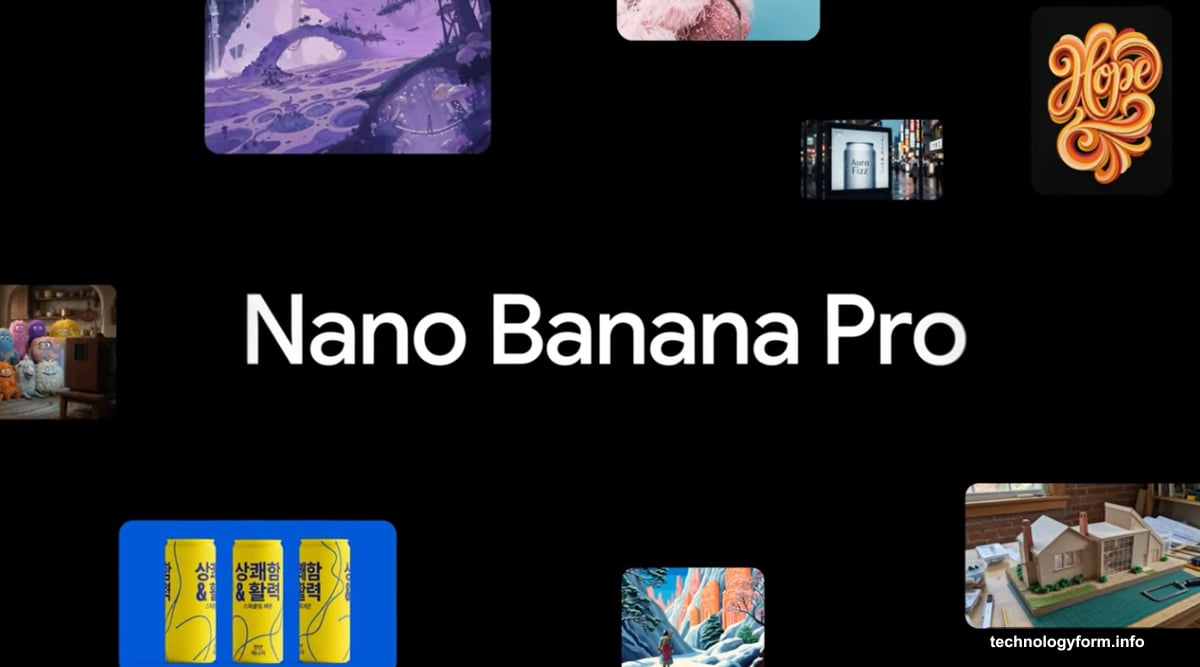
The company calls it Nano Banana Pro, though it’s also going by Gemini 3 Pro Image. Either way, this represents a major leap forward for AI-generated visuals. Plus, it tackles the biggest complaint users had with previous versions.
Text That Actually Makes Sense
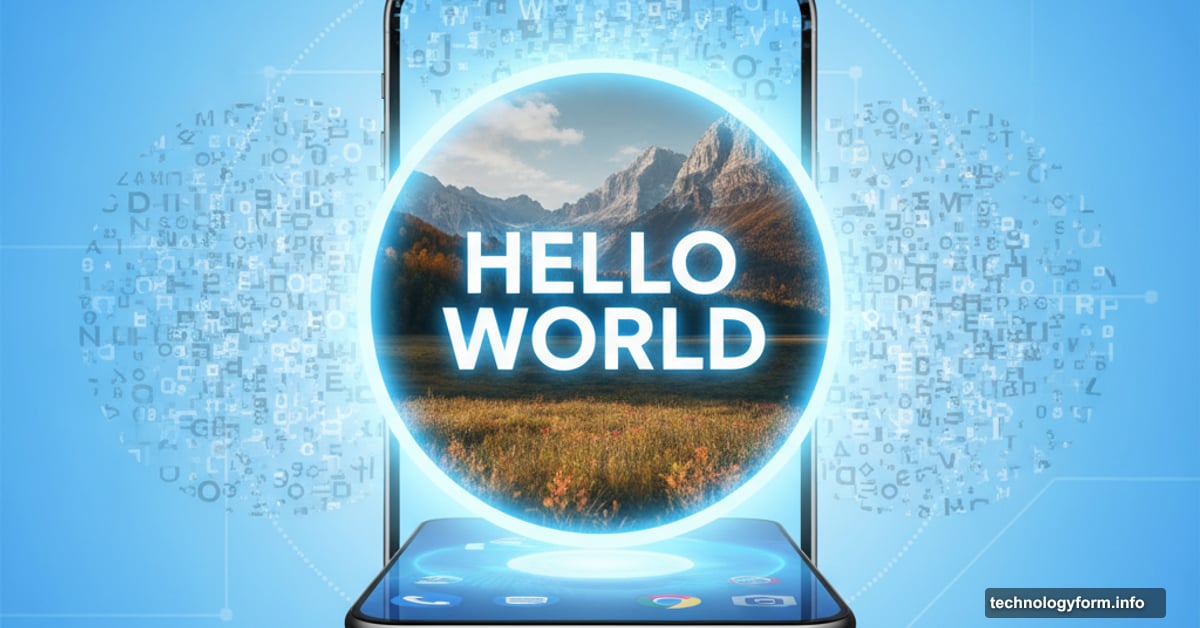
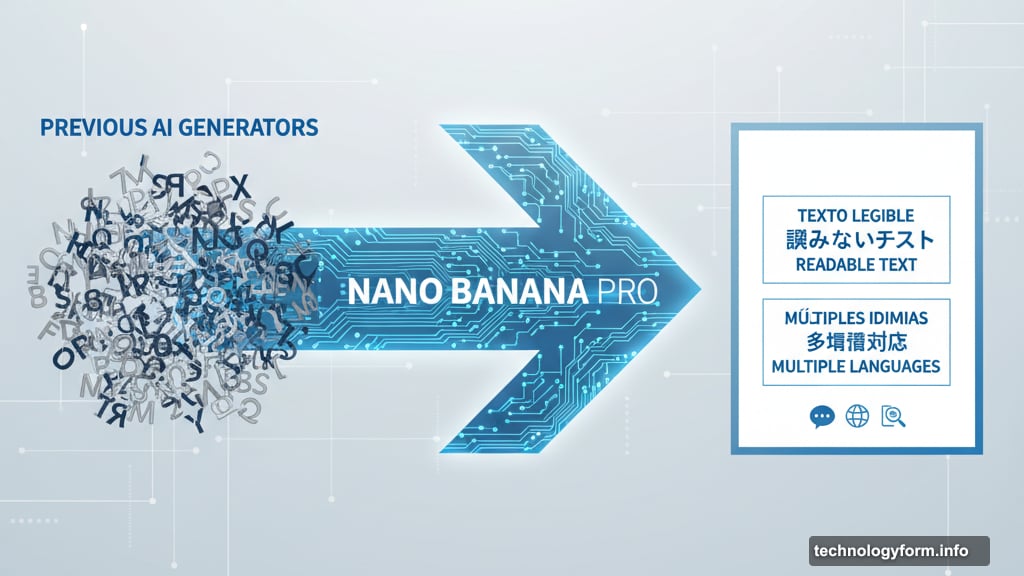
Here’s the breakthrough. Nano Banana Pro renders legible text directly onto images.
That sounds simple. But most AI image generators completely fail at this task. They produce garbled letters, backwards words, or text that looks vaguely alphabet-like without actually saying anything. It’s been a dead giveaway for spotting AI-generated content.
Now Google claims their system can create context-rich infographics and diagrams with readable text. Moreover, it works across multiple languages. So you can generate a poster in Spanish, Japanese, or dozens of other languages without the text turning into nonsense.
This matters for anyone who needs quick mockups, social media graphics, or presentation materials. Instead of generating an image and then adding text in Photoshop, you can do it all in one step.
Blend Up to 14 Images at Once
The compositional capabilities got a serious upgrade too.
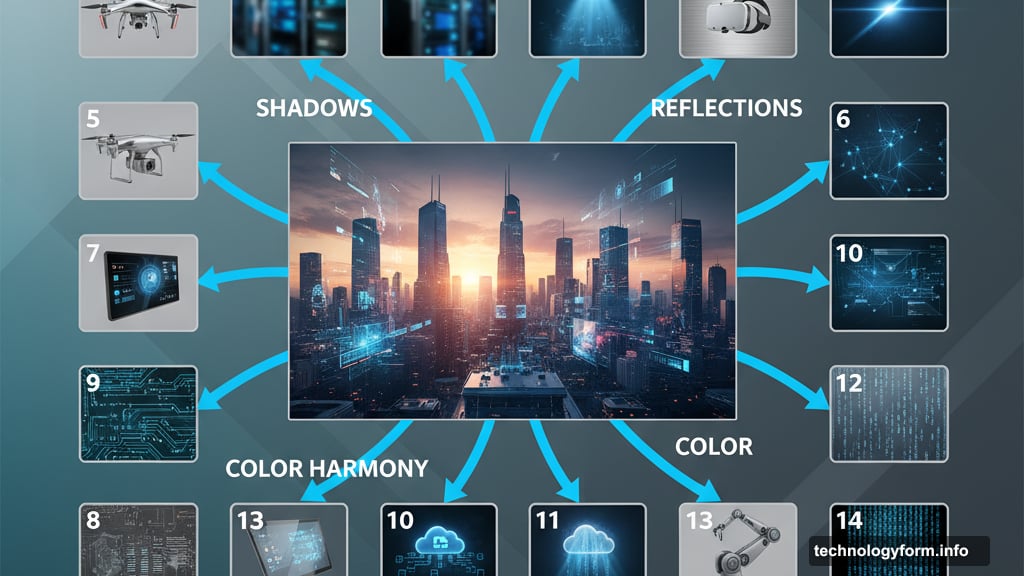
Google says Nano Banana Pro can blend multiple elements into a single unified image. Specifically, it handles up to 14 different source images in one composition. That’s wild.
In practice, this means you could combine product photos, background scenes, lighting effects, and texture overlays into a cohesive final image. The AI understands how these elements should interact, adjusting shadows, reflections, and color harmony automatically.
Previous versions struggled with even two or three image inputs. They’d often create Frankenstein-like mashups where elements clearly didn’t belong together. So this represents a substantial technical achievement.
Editing Controls You’d Expect in Photoshop
Google added granular editing capabilities that put this tool closer to professional software.
Users can now select and modify any portion of a generated image. Want to change the camera angle on just one element? Done. Need to shift from daylight to dramatic night lighting? Easy.
The color grading controls let you adjust mood and tone after generation. Plus, you can change focus and depth of field, simulating different camera lenses and apertures. These aren’t just filters slapped on top. The AI actually understands the 3D structure of the scene and adjusts accordingly.
This level of control matters because first-generation results rarely match your vision perfectly. Being able to iterate and refine without starting over saves massive amounts of time.
Deepfake Detection Built In
Every image created with Nano Banana Pro includes C2PA metadata embedded in the file.
This metadata acts like a digital watermark that identifies the content as AI-generated. The Coalition for Content Provenance and Authenticity (C2PA) developed this standard specifically to combat deepfakes and misinformation.
Here’s the catch. This only works if platforms actually check for and display this metadata. TikTok recently announced they’d start using C2PA data to label AI content. But their track record on this is terrible so far.
Still, it’s a step in the right direction. As more platforms adopt C2PA standards, it should become easier to spot synthetic media. That’s increasingly important as AI-generated images become indistinguishable from real photos.
Free Access With Daily Limits
Google made Nano Banana Pro available at no cost. That’s surprising given the capabilities.
Free users get a daily quota of image generations. Google hasn’t specified the exact number, but it’s enough for casual use. Subscribers to Google AI Plus, Pro, or Ultra tiers get higher limits.
Access the tool through the Gemini app by selecting the “Thinking” model. It’s also integrated into Google Search and NotebookLM for some subscribers. So you don’t need to learn a whole new interface if you’re already using Google’s AI products.
The free tier makes this accessible to students, freelancers, and anyone who can’t justify paying for tools like Midjourney or DALL-E. That democratization matters for creative work.
Part of the Gemini 3 Rollout
This image generator represents just one piece of Google’s larger Gemini 3 model launch.
The company positioned Gemini 3 as their most capable AI system yet. It powers improvements across search, productivity tools, and creative applications. Nano Banana Pro specifically showcases the visual understanding and generation capabilities of this new model.
Google clearly wants to compete more aggressively in the AI image generation space. They’re late to the party compared to Midjourney, Stable Diffusion, and OpenAI’s DALL-E. But they’re leveraging their infrastructure and integration with existing products to catch up fast.
Whether this converts to real-world adoption depends on results. Promises about improved quality mean nothing if the outputs don’t actually look better. Early users will determine if Google delivered or just hyped another incremental update.
The Real Test Starts Now
Technical specs only tell part of the story. What matters is whether Nano Banana Pro actually produces professional-quality results in daily use.
Can it handle complex compositions without artifacts? Does the text rendering work reliably across different fonts and languages? Do the editing controls provide genuine creative flexibility or just surface-level adjustments?
These questions get answered through hands-on testing. Google’s track record with AI products is mixed. They excel at backend infrastructure but sometimes stumble on user-facing features. So skepticism is warranted until independent creators put this through its paces.
The free access removes barriers to trying it yourself. Fire up Gemini, generate some images with text, and see if it lives up to the hype. That’s the only way to know if this represents a genuine leap forward or just clever marketing.