ChatGPT Got Too Professional. Now You Can Make It Friendly Again
OpenAI just handed users the remote control for ChatGPT’s personality. Finally.
The move comes after GPT-5 launched earlier this year sounding cold and corporate. Users revolted. They wanted their friendly AI back, not a robot accountant. So OpenAI’s new customization options let you dial warmth and enthusiasm up or down.
It’s a small change that fixes a big problem.
The GPT-5 Backlash Nobody Saw Coming
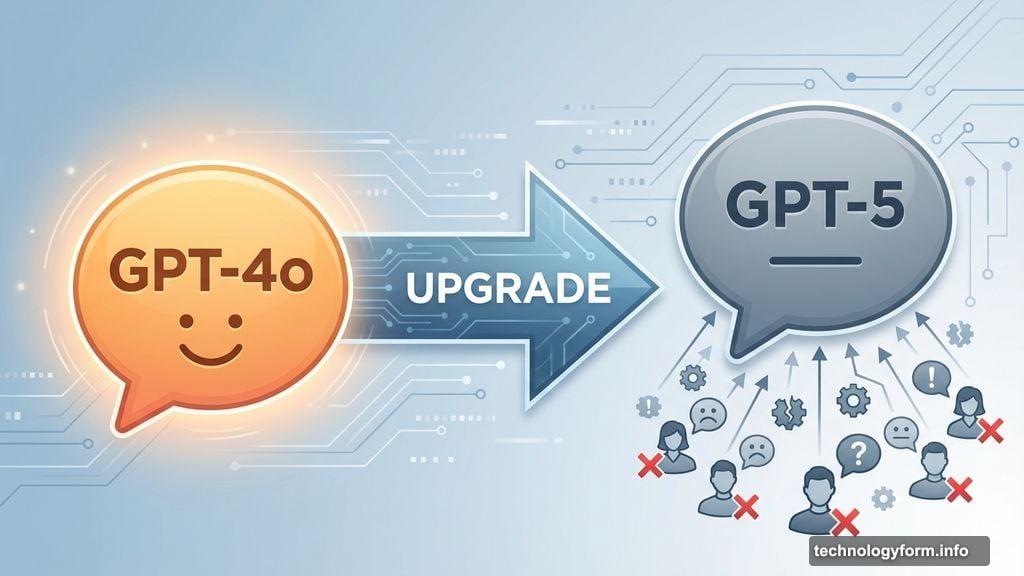
When OpenAI rolled out GPT-5 to replace GPT-4o, something felt off immediately. The chatbot sounded different. Less conversational. More like reading a manual than talking to an assistant.
Users noticed right away. Complaints flooded social media about the tone shift. ChatGPT had gone from helpful friend to stiff professional overnight. Plus, nobody asked for that change.
OpenAI scrambled to respond. They offered the option to switch between models. Then they promised to make GPT-5 warmer. But the damage was done. People realized they’d gotten attached to ChatGPT’s personality without knowing it.
That attachment matters more than you’d think. Tone shapes how people use AI tools. A friendly chatbot feels approachable for creative brainstorming. A professional one works better for business emails. The wrong tone for the task kills productivity.
Four New Personality Dials
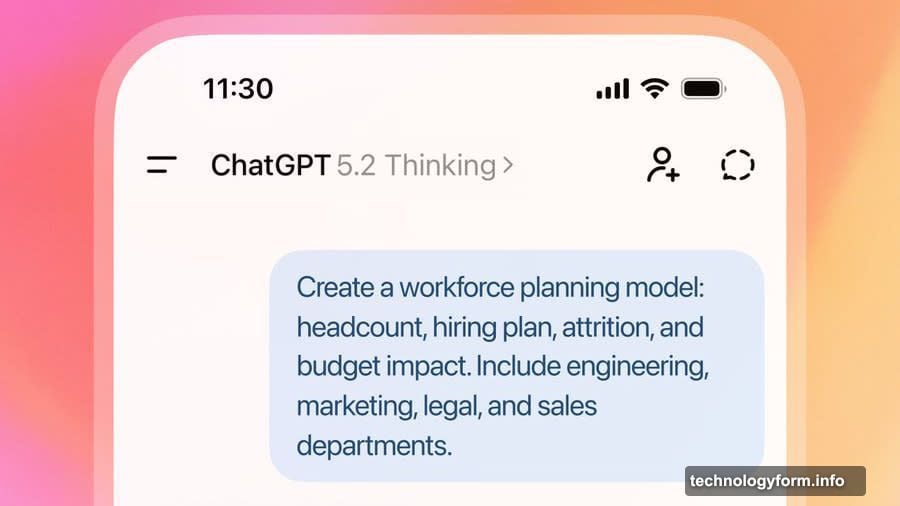
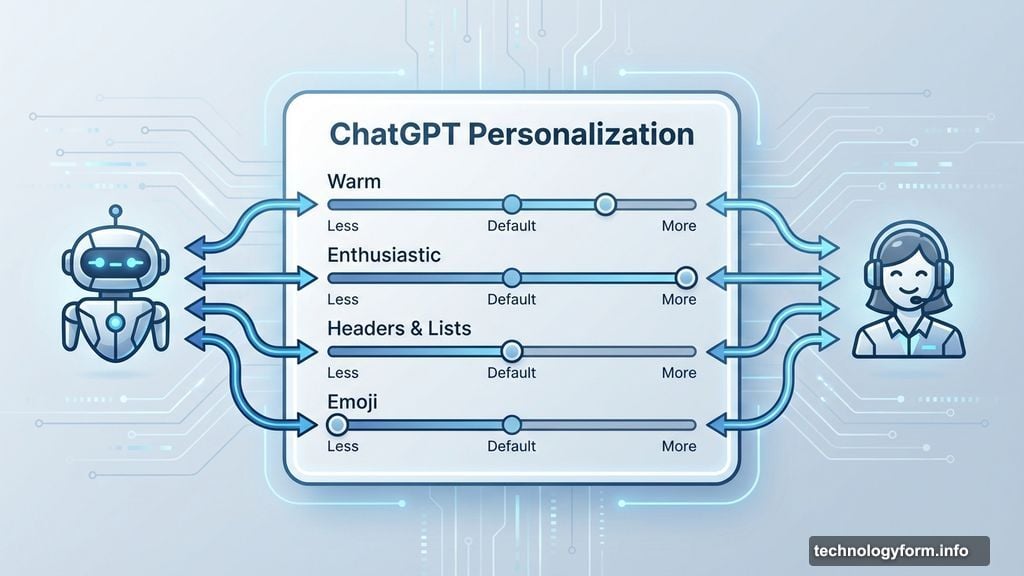
OpenAI’s solution arrived through an X post announcing new customization options. Users can now adjust four characteristics in the Personalization settings.
The new controls include:
- Warm (how friendly and personable responses feel)
- Enthusiastic (energy level and excitement in replies)
- Headers & Lists (formatting preference for organized responses)
- Emoji (whether ChatGPT uses emoji in answers)
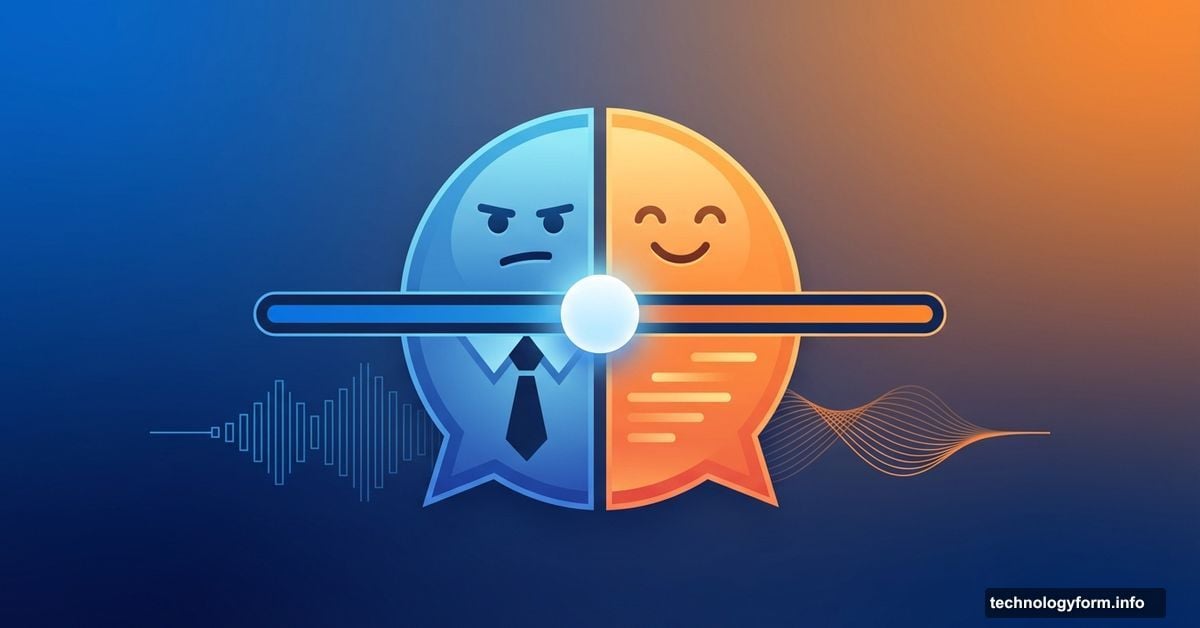
Each option offers three settings. More, less or default. That’s it. Simple sliders that change how ChatGPT communicates without altering what it knows.
These join earlier additions from about a month ago. OpenAI added Professional, Candid and Quirky options to GPT-5.1 under “Base style and tone” settings. So now you’ve got seven ways to customize personality.
The granularity matters. You’re not choosing between “friendly robot” or “corporate drone” anymore. Instead, you can want warmth without enthusiasm. Or emoji without excessive formatting. The combinations let you craft exactly the assistant you need.
Why Personality Customization Actually Matters
AI assistants live in an uncanny valley of communication. Too robotic feels unhelpful. Too human feels creepy. Everyone’s comfort zone sits somewhere different on that spectrum.
Moreover, different tasks need different tones. Writing a cover letter? Professional works best. Brainstorming ideas? Quirky and enthusiastic helps. Explaining technical concepts? Warm but straightforward wins.
Before these controls, everyone got the same ChatGPT personality. That one-size-fits-all approach guaranteed some users would hate it. Now you can match the tool to your preference and your task.
However, there’s a deeper issue here. OpenAI didn’t anticipate how much users would care about tone. The GPT-5 backlash proved people form relationships with AI assistants. Those relationships depend heavily on personality, not just capability.
So these customization options represent damage control. But they also show OpenAI learning that technical capability alone doesn’t determine user satisfaction. How the AI makes people feel matters just as much as what it can do.
The Bigger Picture for AI Assistants
Every major AI company is wrestling with personality now. Google’s Gemini tries to sound helpful. Anthropic’s Claude aims for thoughtful and measured. Microsoft’s Copilot leans professional.
But they’re all making the same mistake OpenAI initially made. They’re choosing one personality for everyone. That approach will keep failing as AI assistants become more personal and widely used.
The future probably looks like full personality customization. Not just warm versus cold. But entire personality profiles you can switch between. Maybe even voice and speaking style options to match.
Think about how you talk to different people. You’re probably warmer with friends than colleagues. More enthusiastic with some people than others. AI assistants should adapt the same way.
OpenAI’s new controls are a small step toward that future. Four sliders don’t give you infinite customization. But they acknowledge that personality matters and users should control it.
The bigger question is whether other AI companies will follow. Probably. Once users expect personality customization from ChatGPT, they’ll demand it everywhere else too.
Finding Your Perfect ChatGPT
Here’s the practical reality. Most people won’t obsess over these settings. They’ll pick something that feels right and forget about it.
But power users will experiment. They’ll create different configurations for different tasks. Work mode ChatGPT. Creative mode ChatGPT. Quick answer mode ChatGPT.
The settings live in the Personalization tab now. Finding them takes seconds. Adjusting them takes even less time. So there’s no barrier to experimenting until you find what works.
Just remember that more options don’t always mean better. Sometimes you’ll spend more time tweaking settings than actually using the tool. The default settings work fine for most situations.
Still, having the choice matters. It shows OpenAI listening to feedback and adapting. It proves personality isn’t an afterthought in AI assistant design anymore.
Your ChatGPT can finally sound however you want it to sound. That’s progress, even if it took a backlash to get here.