OpenAI’s Sora 2 Keeps Messing Up Your Videos? Six Fixes That Actually Work
Sora 2 can create stunning AI videos. But getting consistent results feels like rolling dice.
I’ve spent weeks testing OpenAI’s upgraded video generator alongside Google’s Veo 3. Most generated clips end up warped, glitchy, or just plain weird. But through dozens of attempts, I discovered patterns that separate impressive videos from digital disasters.
These six techniques dramatically improve your success rate. No technical wizardry required.
Write Detailed Prompts or Watch Things Fall Apart
Sora 2 fills gaps you leave with whatever it imagines. Usually badly.
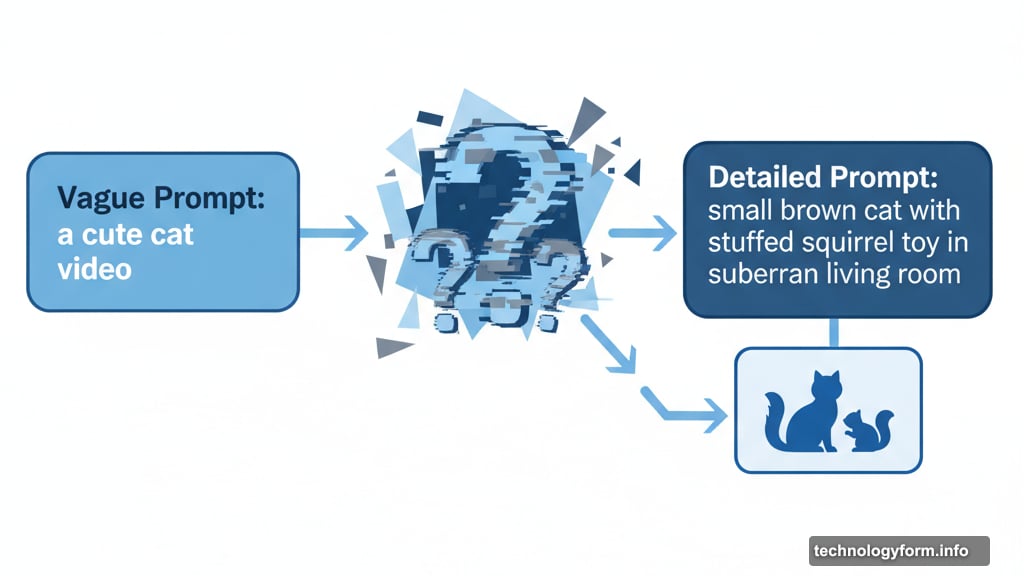
Try generating “a cute cat video” and you’ll get unpredictable chaos. Maybe a brown cat. Maybe orange. Perhaps a featureless white room. The toy might morph into an unidentifiable blob.
Instead, specify everything. “A small brown cat playing with its stuffed squirrel toy inside the living room of a suburban house” gives Sora actual parameters to work within.
Background details matter most. Skip them and your subject floats in empty space. Describe the toy or it becomes abstract nonsense. Include lighting direction, time of day, camera angle. Every omitted detail becomes a gamble.
Think of prompts like recipe instructions. The more specific, the better your results.
Generate Multiple Times Without Hesitation
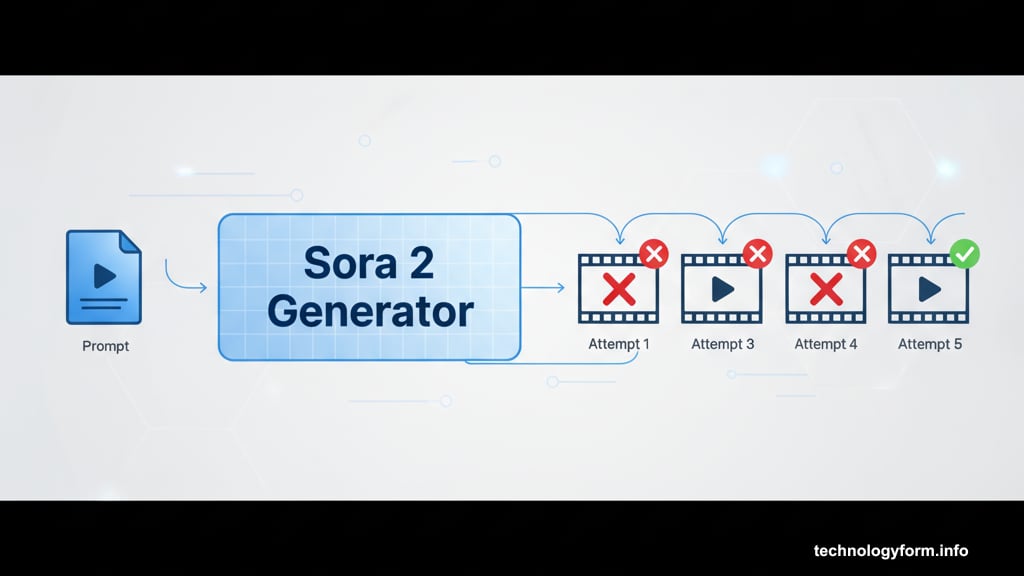
Even perfect prompts fail sometimes. Sora’s AI doesn’t produce identical results from the same input.
Your detailed cat prompt might nail everything on attempt three but botch the background on attempt one. The toy renders correctly in generation five but looks distorted in generation two.
This isn’t cooking where ingredients stay consistent. Digital randomness means trying again often fixes problems. Plus, minor prompt tweaks between attempts can shift results dramatically.
Change “brown cat” to “dark brown tabby cat.” Replace “living room” with “cozy living room with afternoon sunlight.” Small adjustments produce different interpretations.
Don’t settle for mediocre first attempts. The gap between terrible and excellent often comes down to persistence.
Work Within the Ten-Second Window
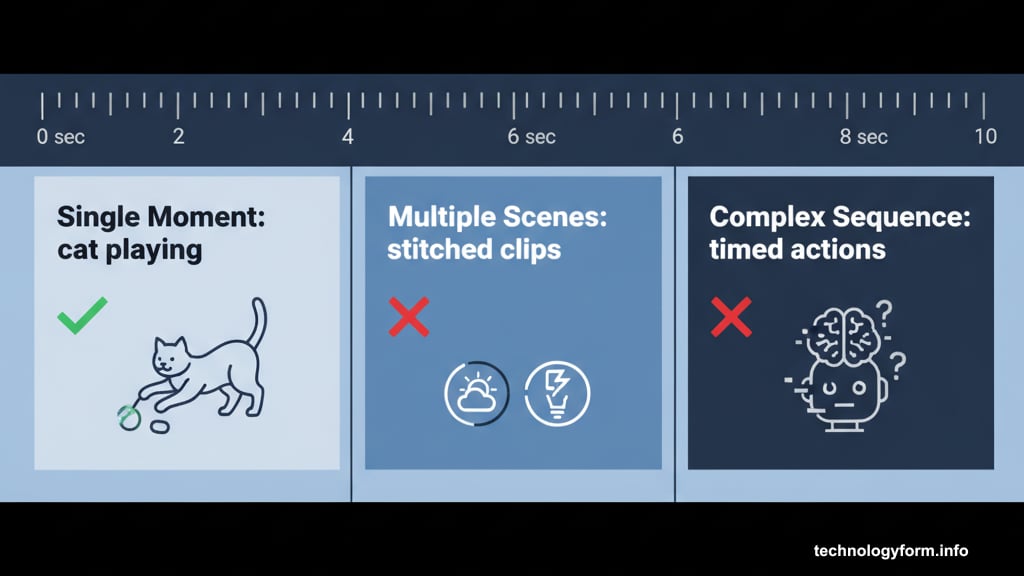
Sora 2 generates ten-second clips. Period.
That time limit forces focus. Don’t try cramming multiple scenes or complex sequences. Stitching separate generations together rarely works. Lighting shifts, perspectives change, details don’t match.
Instead, design single moments. A cat playing. A person walking. A car driving down a street. Keep actions simple and contained.
Describing exact timing in prompts rarely works anyway. “The cat plays for three seconds then looks at the camera for two seconds” confuses the AI. Better to request one clear action and let Sora handle pacing naturally.
Think music videos, not feature films. Short, focused, visually striking.
Text Generation Still Breaks Everything
Both Sora and Veo 3 struggle rendering readable text. Avoid it when possible.
Request someone flipping through a book and the pages display gibberish. Ask for street signs and the letters scramble. Even short phrases often emerge distorted or illegible.
Sure, descriptive prompts plus multiple attempts might eventually produce clean text. But why fight the AI’s weaknesses?
If text absolutely must appear, keep it minimal. Single words. Short phrases. Static shots work better than moving text. The more text in frame, the higher your failure rate.
Save yourself frustration. Design prompts that don’t require text.
Cameos See Everything You Create
Sora’s Cameos feature lets you generate videos using real faces. You record yourself, create a Cameo profile, then others can @ mention you in prompts.
Here’s the catch. Anyone who owns a Cameo sees every video made with their face. Before you publish. Before you decide if it’s good. They see it all.
So don’t make anything embarrassing. Don’t create videos you wouldn’t want those people viewing. This should be obvious but apparently needs stating.
Cameos work both ways. You can use others’ Cameos if they allow it. But that same visibility rule applies. Stick to content everyone involved would approve.
Basically, use common sense. Treat Cameos like you’re creating content with actual people present.
Download Videos Without Publishing
Sora 2 officially limits downloads to published videos. But web browsers reveal a workaround.
Open your draft video in Sora’s web interface. Right-click the video and select Inspect. This opens your browser’s developer tools showing the page’s underlying code.
Find the video element in the inspector panel. Click the arrow icon to expand it. Buried in that code sits a direct link to the video file. Click it and the video opens in a new page where you can save it normally.
Chrome, Firefox, Edge, and Safari all support this method. Takes maybe thirty seconds once you know where to look.
Now you can share work-in-progress videos with collaborators without publishing them to Sora’s public feed.
Experiment Now While It’s Still Free
Sora 2 currently lets you generate unlimited videos without paying. That won’t last.
OpenAI will eventually tie Sora to premium ChatGPT subscriptions. Usage limits will arrive. The free experimentation window is temporary.
So dive in now. Make weird videos. Test prompt variations. Figure out what works and what fails. Learn the system while mistakes cost nothing but time.
Once paywalls and generation caps hit, you’ll already understand how to maximize results. Better to waste free generations learning than paid ones struggling.
Just remember—keep it fun and harmless. Don’t spread misinformation. Don’t harass people. Use this powerful tool responsibly while you’re figuring it out.
The technology keeps improving. Your skills should too.