Notepad++ Update System Hijacked for Months. Millions at Risk
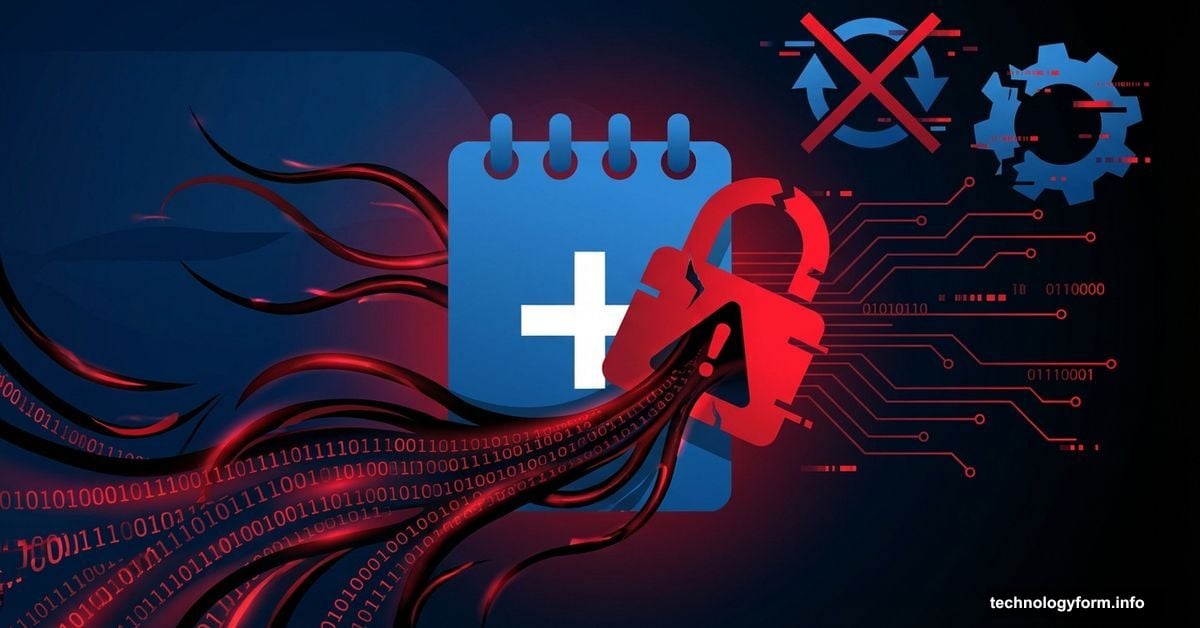
Popular text editor Notepad++ just revealed a massive security breach. For six months, hackers quietly used its update system to deliver malware to unsuspecting users.
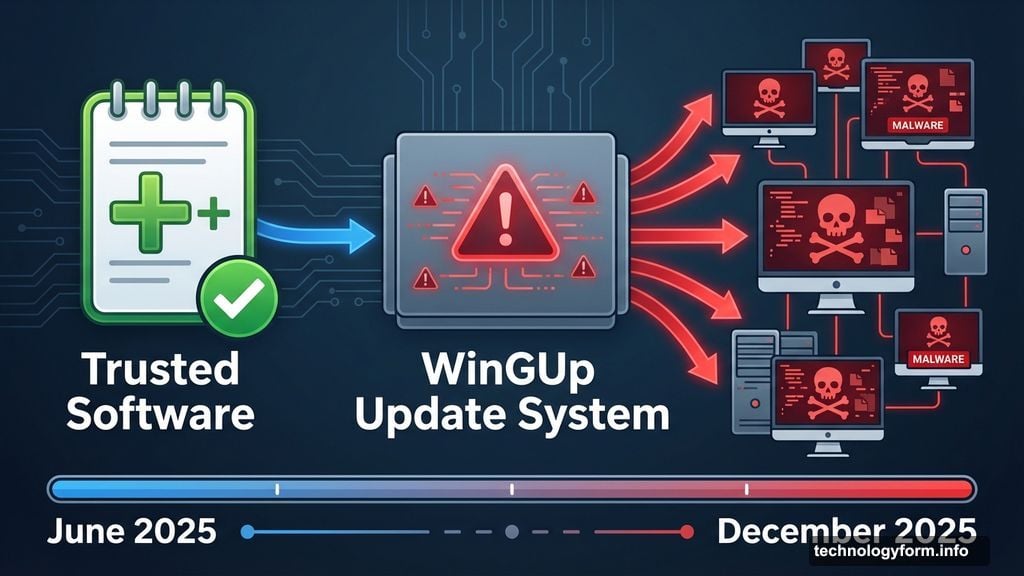
The attack targeted WinGUp, Notepad++’s built-in updater. Between June and December 2025, compromised executables infected machines during routine software updates. Worse yet, attackers chose their victims carefully, making detection even harder.
Here’s what happened and how to protect yourself right now.
The Attack Ran Undetected for Half a Year
Notepad++ has served power users for over 20 years. It’s a trusted Windows text editor with millions of downloads. So when updates arrived, nobody questioned them.
But security researchers discovered something disturbing. The WinGUp update mechanism was delivering corrupted files. These weren’t random bugs. Someone deliberately hijacked the system to distribute spyware and malware.
The attack window stretched from June to December 2025. That’s six full months of potential infections. Plus, the hackers selectively targeted specific users rather than infecting everyone. This surgical approach kept the breach hidden longer.
Don Ho, Notepad++’s creator since 2003, confirmed the compromise on the official website. He revealed that while Notepad++ itself remained secure, the update delivery system became a trojan horse for malicious software.
Independent security researchers pointed to sophisticated actors behind the attack. Multiple sources suggested a state-sponsored Chinese group orchestrated the campaign. The level of precision and patience required indicates advanced capabilities beyond typical cybercriminals.
Your Notepad++ Installation Might Be Compromised
Here’s the scary part. If you updated Notepad++ between June and December 2025, your system could be infected right now.
The malware didn’t come bundled with Notepad++ downloads from the website. Instead, it arrived through automatic updates for existing installations. So even security-conscious users who only download from official sources got hit.
What did the compromised updates install? Ho didn’t specify exact payloads. But researchers believe the malware included spyware designed to monitor user activity and steal sensitive data. Some variants likely established backdoor access for future exploitation.
The selective targeting makes this particularly insidious. Attackers didn’t blast malware to every Notepad++ user. They cherry-picked specific targets, probably based on geography, organization, or other identifying factors. This surgical approach prevented mass detection while maximizing intelligence value.
Moreover, typical antivirus software struggled to catch these infections. The malware arrived through a trusted update mechanism from legitimate Notepad++ infrastructure. Security tools had no reason to flag the updates as suspicious.
How to Clean Your System Now
Don’t panic. But do take immediate action if you use Notepad++.
First, download version 8.9.1 directly from the official Notepad++ website. Don’t use the automatic updater. Don’t trust any version you already have installed. Start fresh with a manual download from notepad-plus-plus.org.
Before installing, completely uninstall your current Notepad++ version. Use Windows Settings or a dedicated uninstaller tool. Make sure all program files and folders are removed. This prevents any compromised components from persisting.
Then run a comprehensive malware scan. Use Windows Defender or your preferred security software. Enable deep scanning that checks all files and startup programs. The malware might have installed itself outside Notepad++’s directory.
Next, check your startup programs and scheduled tasks. Malware often creates persistence mechanisms to survive reboots. Look for unfamiliar entries or processes you don’t recognize. Remove anything suspicious.
Finally, monitor your system behavior for the next few weeks. Watch for unusual network activity, unexpected CPU usage, or strange system behavior. If something feels off, run additional security scans or consult a professional.
Notepad++ Fixed the Problem, But Questions Remain
Ho announced significant security enhancements to both the Notepad++ website and the WinGUp update system. He expressed confidence that the situation is “fully resolved.”
But that optimism feels premature. The attack succeeded for six months before detection. How can users trust that every vulnerability is now patched? Security breaches often reveal deeper systemic issues.
Plus, the attackers clearly possessed sophisticated capabilities. State-sponsored groups don’t give up after one successful operation. They adapt and find new attack vectors. The Notepad++ team might have closed this specific door, but others could remain open.
The incident also raises uncomfortable questions about open-source software security. Notepad++ relies on community contributions and volunteer maintenance. That decentralized model creates innovation but also security gaps. One developer, even someone as dedicated as Don Ho, can’t monitor everything.
Furthermore, users deserve more transparency about the breach. What specific malware was delivered? How many users were affected? What data might have been compromised? Ho’s announcement provided minimal details, leaving users in the dark about their real risk.
The Broader Implications for Windows Users
This breach highlights a troubling trend. Attackers increasingly compromise legitimate software update systems rather than tricking users into downloading fake programs.
Why? Because updates bypass most security defenses. Users expect and trust them. Antivirus software whitelists them. Firewalls don’t block them. It’s the perfect delivery mechanism for malware.
SolarWinds proved this years ago. The WinRAR breach earlier this year followed the same playbook. Now Notepad++ joins the list. Each incident demonstrates that no software update system is inherently safe.
So what should Windows users do? Start treating all updates skeptically, even from trusted sources. Monitor what software is updating on your system. Investigate any unexpected update behavior. Use network monitoring tools to watch for suspicious data transfers.
Also, consider whether you really need automatic updates enabled for every application. Critical software like browsers and security tools? Yes, keep auto-updates on. But utilities like text editors? Maybe manual updates make more sense.
The convenience of automatic updates comes with security trade-offs. We’re learning that lesson the hard way.
Download Notepad++ 8.9.1 manually. Scan your system thoroughly. Then decide whether the convenience of this popular text editor outweighs the demonstrated security risks.