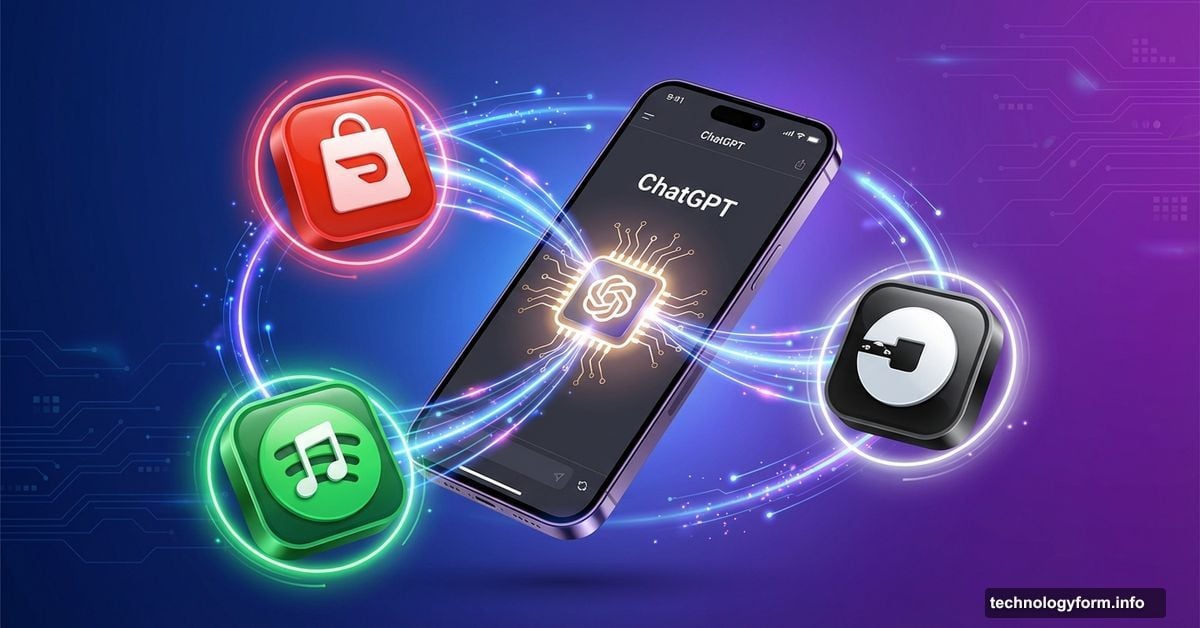
ChatGPT Just Became Your Personal Assistant. Here’s How to Connect DoorDash, Spotify, and Uber
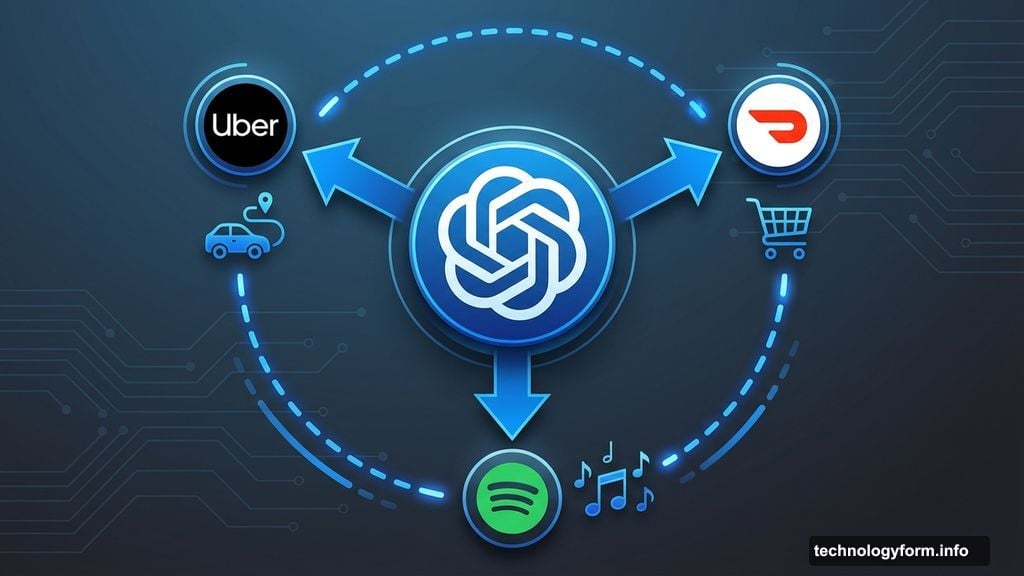
ChatGPT can now order your lunch, build your playlists, and book your rides. No switching between apps. No copying and pasting. Just tell it what you need.
OpenAI quietly rolled out direct app integrations that let ChatGPT control your favorite services. Instead of just getting suggestions, the AI actually takes action. But setting this up requires sharing your data with ChatGPT, which raises some privacy questions worth thinking through.
Let’s walk through how this works and whether you should actually use it.
Getting Started Takes Two Minutes
First, make sure you’re logged into ChatGPT. Then you have two options for connecting apps.
The fastest method? Just type the app name at the start of any prompt. For example, type “Spotify, create a workout playlist.” ChatGPT recognizes the app name and walks you through signing in right there.
Want to set up everything at once? Open Settings, then click Apps and Connectors. Browse the available integrations, select the ones you want, and sign into each service. That’s it.
But here’s the catch. Connecting these apps means ChatGPT gets access to your data. For Spotify, that includes your playlists, listening history, and recommendations. For DoorDash, it’s your order history and delivery addresses. Review those permissions carefully before connecting.
You can disconnect any app whenever you want through the same Settings menu. So you’re not locked in.
DoorDash Builds Your Grocery List Automatically
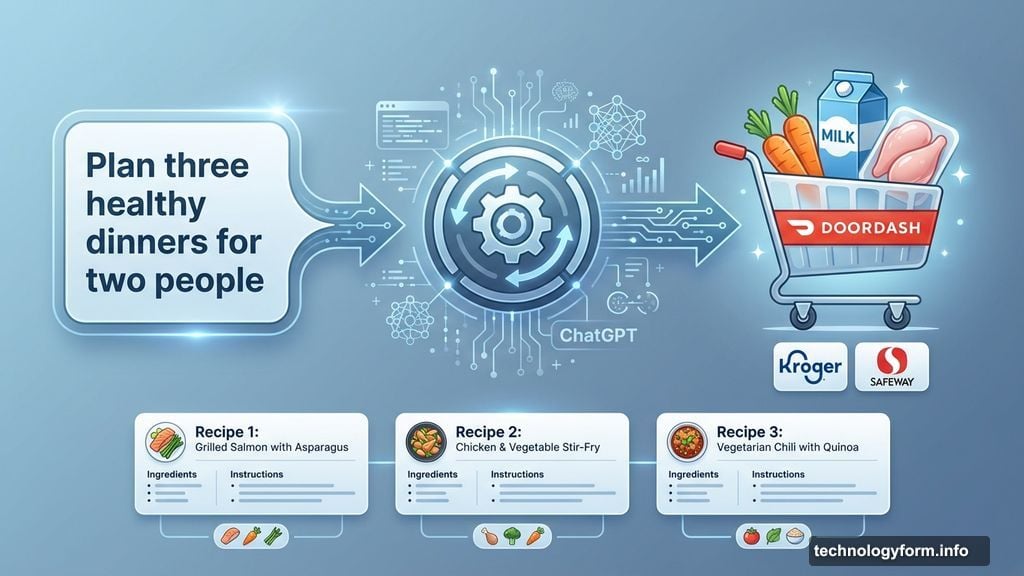
The DoorDash integration goes beyond restaurant delivery. You can ask ChatGPT to plan meals for the week, and it’ll add all the ingredients to your DoorDash cart automatically.

This only works in the U.S. right now. Plus, it requires participating grocery retailers like Kroger, Safeway, or Wegmans. But if you’re in range, it’s genuinely useful.
Say you tell ChatGPT: “Plan three healthy dinners for two people.” It generates recipes, calculates portions, and populates your cart with everything you need. Then you just review, adjust quantities if needed, and check out.
No more screenshot recipe ingredients and manually searching each item. The time savings add up fast if you cook regularly.
Spotify Gets Smarter About Your Music Taste
Connecting Spotify unlocks ChatGPT’s ability to create playlists that actually match your preferences. Not just generic “chill vibes” collections, but playlists based on specific moods, activities, or even single artists.
You can say things like “Create a playlist with only Radiohead deep cuts” or “Build a focus playlist with no lyrics.” ChatGPT analyzes your listening history and generates something tailored to you.
It can also add songs to your library, remove tracks you don’t like, and suggest new artists based on what you already enjoy. The recommendations feel more personalized than Spotify’s own algorithm sometimes.
However, this requires giving ChatGPT full visibility into your music habits. If that feels invasive, maybe skip this one.
Uber Integration Handles Ride Planning
The Uber integration lets you request rides without leaving ChatGPT. You tell it where you’re going, it shows available options like UberX or Comfort, and you complete the booking in the Uber app.
This works best when you’re traveling somewhere new. Instead of opening Google Maps, then Uber, then comparing prices, you just ask ChatGPT: “Find me a ride to the airport tomorrow at 6 AM.”
There’s also Uber Eats integration. Browse restaurant menus and order food through ChatGPT, then finish payment in the Uber Eats app.
Both features are U.S.-only right now. And you can’t schedule rides in advance, only request them immediately. Still helpful for last-minute trips.
Travel Planning With Expedia and Booking.com
Both travel platforms work similarly. You describe your trip parameters, and ChatGPT surfaces relevant options without making you click through endless filters.
For Expedia, you might say: “Find flights from San Francisco to Tokyo for two people in March under $1,200.” It shows options that match your budget and dates. You can refine by airline, layovers, or departure times.
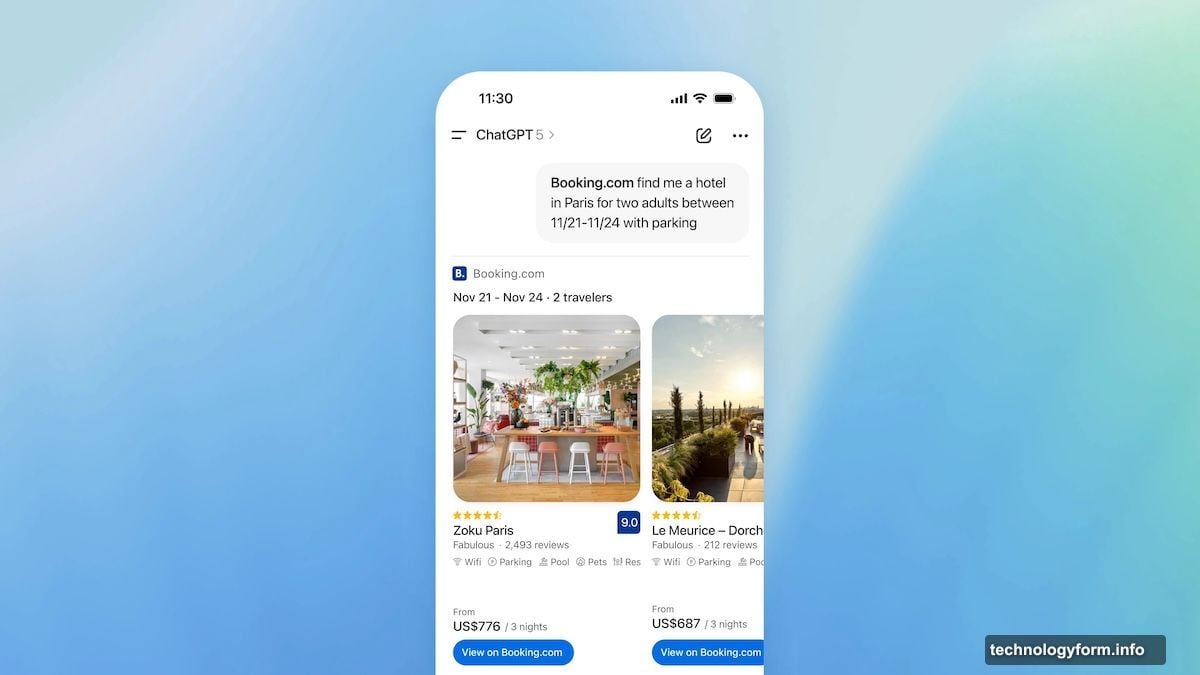
Booking.com focuses on hotels. Ask for “4-star hotels near public transport in Barcelona for three nights” and it filters accordingly. You can specify amenities like breakfast included or pet-friendly rooms.
The advantage over direct searching? Natural language queries. You explain what you want conversationally, and ChatGPT handles the complex filtering. Then you jump to the actual booking site to complete payment.
Design Tools Speed Up Visual Projects
Canva and Figma integrations help with visual content, though they work differently.
Canva generates finished designs based on your prompt. Request “a 16:9 slide deck about quarterly goals” or “an Instagram post for a coffee shop grand opening.” Specify fonts, colors, and exact dimensions if you want.
The AI-generated designs aren’t perfect. Expect some weird image distortions or text mistakes. But it’s faster than starting from scratch, and you can refine everything in Canva afterward.
Figma focuses on diagrams and flowcharts instead of polished graphics. Upload files and ask ChatGPT to create product roadmaps, user flows, or process diagrams. Useful for visualizing complex workflows without manual diagramming.
Coursera Finds Your Next Online Course
The Coursera integration acts like a course recommendation engine. Tell it “find intermediate Python courses under $100” and it compares options by rating, duration, and cost.
You can ask ChatGPT to explain what each course covers before enrolling. That saves you from clicking into multiple course pages to compare syllabi.
Once you find something you like, complete enrollment through Coursera directly. ChatGPT just handles the discovery and comparison part.
Shopping Gets Faster With Target and Zillow
Target launched its integration before Black Friday specifically to handle gift shopping. Ask for “movie night supplies” and ChatGPT builds a cart with snacks, drinks, and entertainment options from Target’s inventory.
You can add items, remove stuff you don’t want, then check out through your Target account. Choose same-day pickup, delivery, or standard shipping.
Zillow works similarly for home searches. Describe your ideal property with details like “3-bedroom house under $600K near good schools” and it filters listings accordingly. Much faster than clicking through Zillow’s filter menus manually.
Both shopping integrations only work in the U.S. right now.
What’s Coming Next
OpenAI announced upcoming integrations with OpenTable, PayPal, and Walmart. Those launch sometime in 2026.
OpenTable will likely handle restaurant reservations through ChatGPT. PayPal probably enables payments without leaving the chat interface. Walmart integration could work like Target’s shopping assistant.
However, availability remains limited. Only U.S. and Canadian users can access these features right now. Europe and the U.K. are excluded entirely, probably due to stricter data privacy regulations.
The Privacy Trade-Off Nobody Mentions
Here’s what bothers me about these integrations. Yes, they’re convenient. But you’re handing ChatGPT visibility into almost every aspect of your digital life.
Your travel history. Your music preferences. Your home address. Your shopping habits. Your work presentations. All of this data feeds into OpenAI’s systems.
The company says it uses this information to personalize your experience. Fair enough. But that’s a lot of trust to place in one AI platform.
Plus, integrations require OAuth permissions that often request more access than necessary. When you connect Spotify, ChatGPT can see your entire listening history, not just create playlists. That’s more data than it technically needs.
So before connecting everything, ask yourself: Do I trust OpenAI with this information? Am I comfortable with an AI assistant having this much access to my accounts?
If the answer makes you hesitate, skip the integrations. ChatGPT works fine without them. You’ll just handle tasks manually instead of through the chatbot.
The convenience is real. But so are the privacy implications. Choose accordingly.