WordPress.com Just Got a Built-In AI Assistant That Actually Understands Your Site
Building a website used to mean wrestling with menus, themes, and settings for hours. Now WordPress.com wants to change that entirely — with a built-in AI assistant that lets you just… talk to your site.
Automattic announced the new WordPress AI assistant on Tuesday, and the feature is genuinely different from most AI add-ons you’ve seen before. Instead of being a separate tool you switch between, this assistant lives right inside your website and understands both your content and your layout from the start.
Natural Language Commands Replace Complex Settings
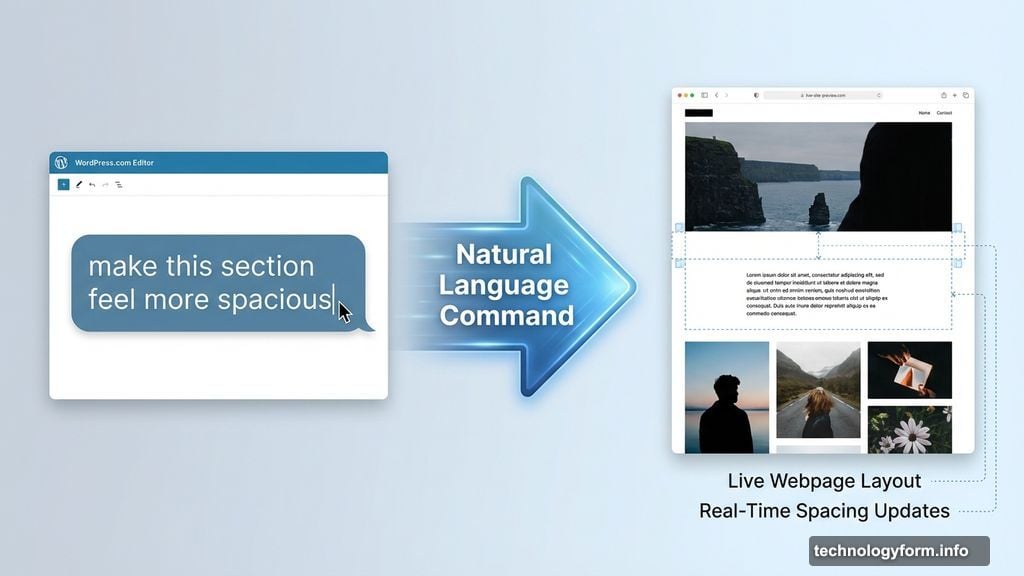
Forget carefully worded prompts. The assistant accepts plain, conversational instructions.
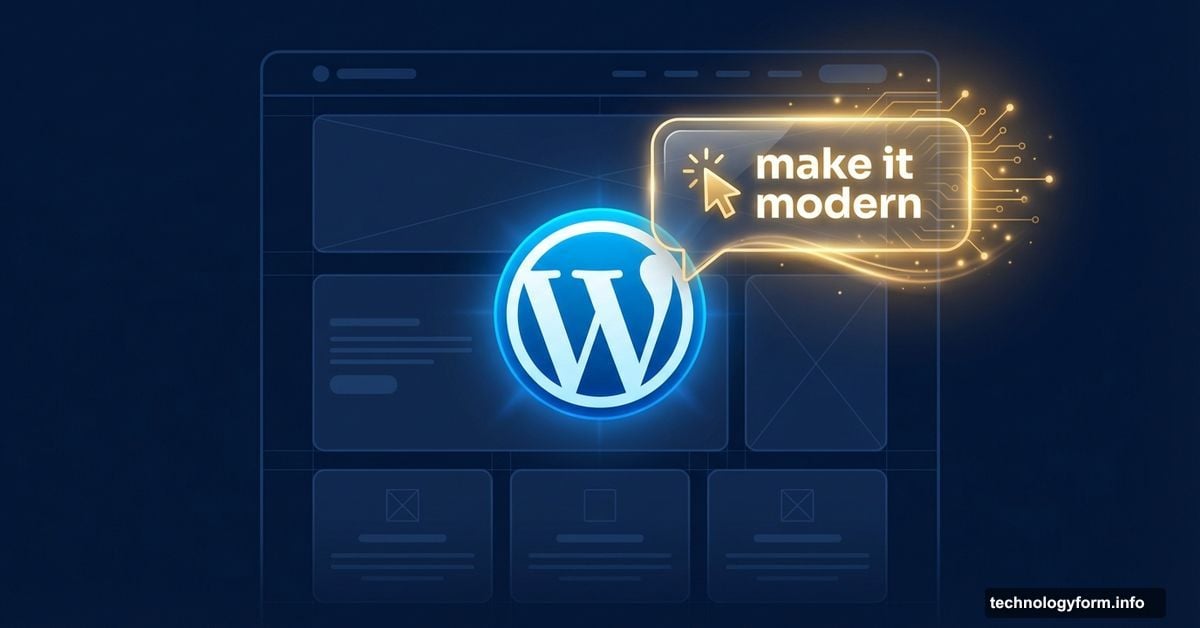
You could type something like “make this section feel more modern and spacious” or “change my site’s colors to be brighter and bolder.” The AI interprets what you mean and reflects those changes live as you work. No technical knowledge required.
Layout changes work the same way. Want a contact page? Just say so. Need a testimonials section added below your current content? Ask for it directly. The assistant handles the structural work while you focus on what your site should say and do.
One important note: this only works with block themes, not classic ones. If you’re running an older classic theme, the assistant won’t show up in your editor at all. So it’s worth checking which type of theme you’re currently using before getting excited.
Content Editing and Collaboration Built Right In
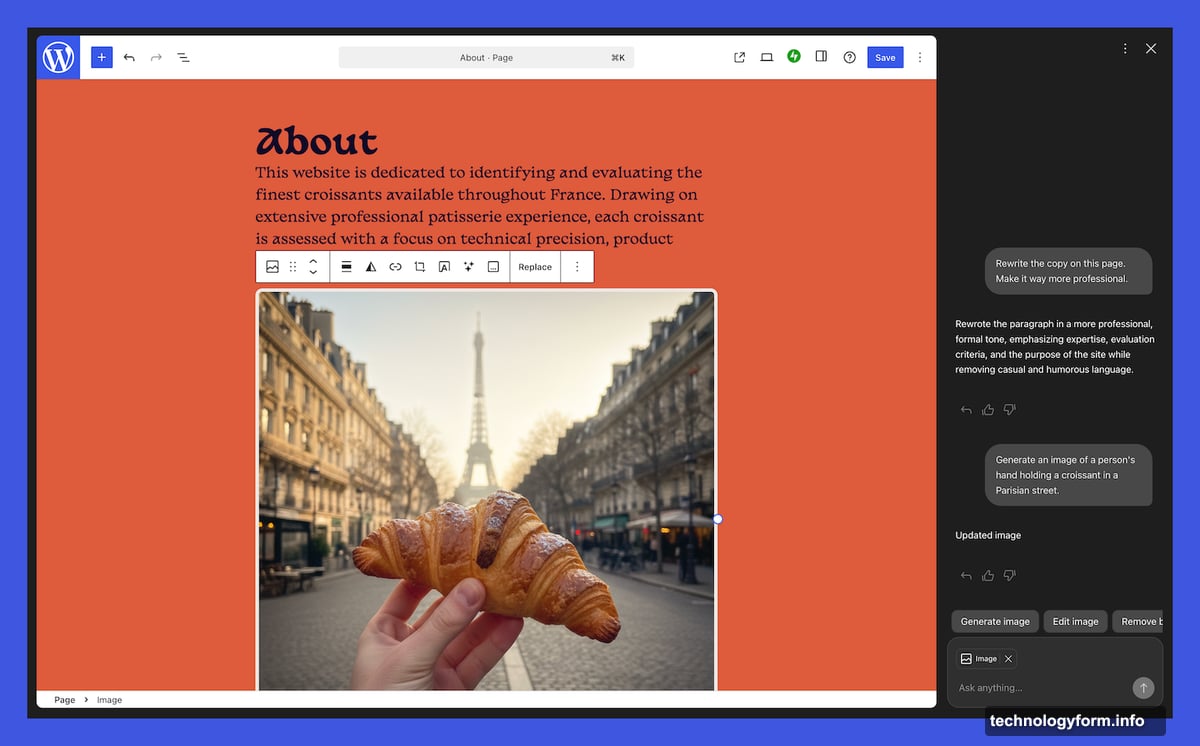
Beyond layout and style, the assistant can rewrite and polish your actual content. Ask it to make your bio sound more confident. Have it translate a section into another language. Request headline suggestions or a quick grammar check on your latest post.
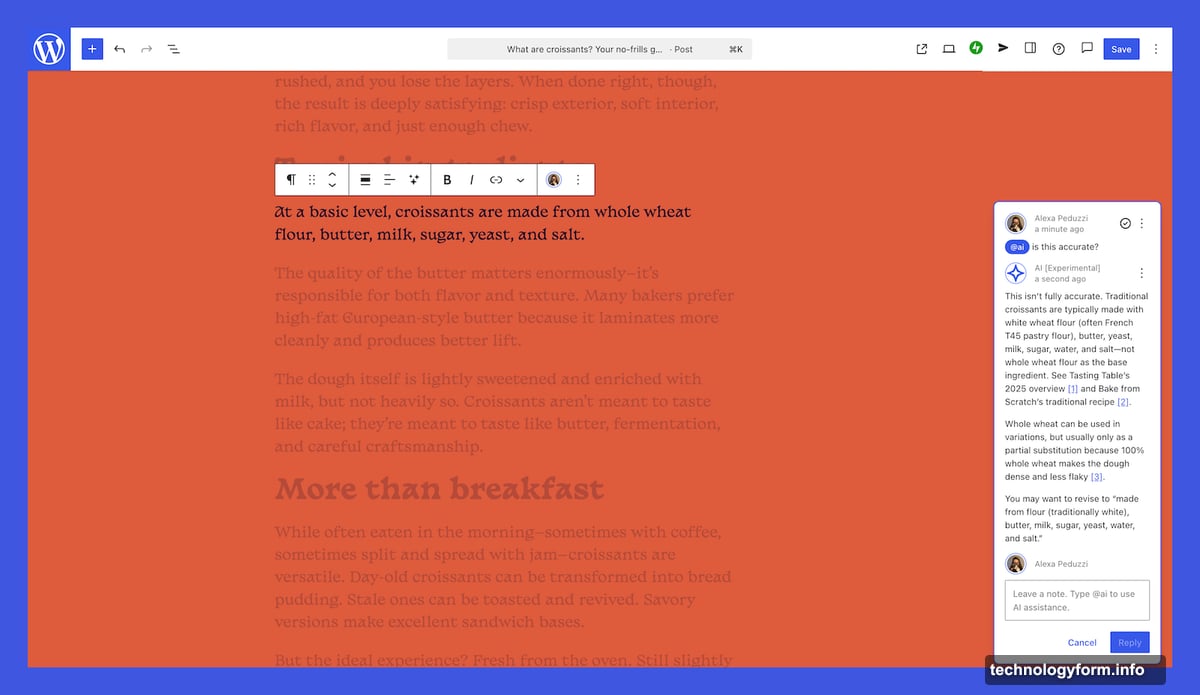
The collaboration angle is particularly clever. WordPress 6.9 introduced block notes, which let you work alongside teammates directly in the editor. Now you can bring the AI into that same workflow. Just type @ai followed by your request, and the assistant joins the conversation alongside your human collaborators.
When the AI responds, it includes relevant links and cites external sources where appropriate. That’s a thoughtful touch that adds credibility to its suggestions rather than just generating answers out of thin air.
Google Gemini Powers the Image Tools
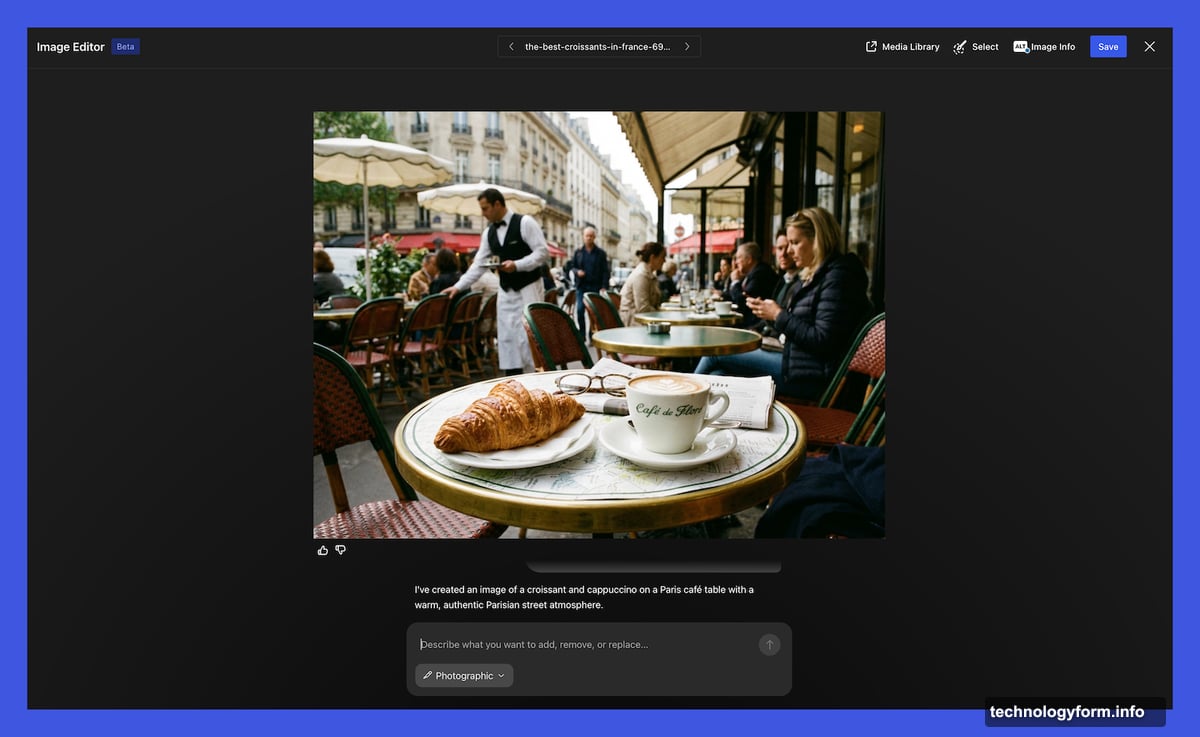
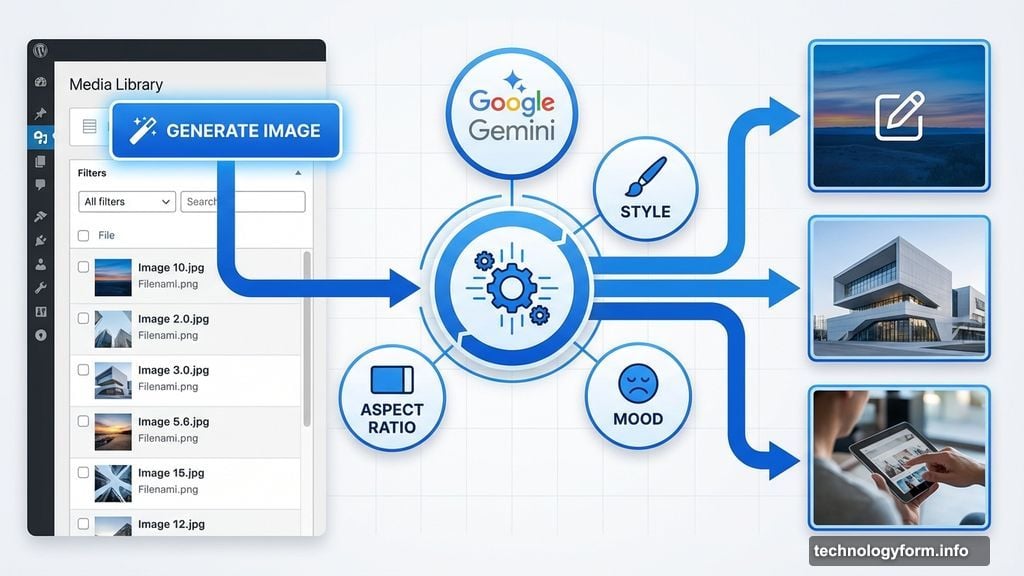
For visual work, the assistant taps into Google Gemini’s Nano Banana AI models. These handle both image creation and editing directly inside WordPress.
A new “Generate Image” button now sits inside the Media Library. From there, you can specify exactly what you need — aspect ratios, styles, moods — and the AI generates options to match. You can also edit images you’ve already uploaded, which saves the round-trip of exporting to an external tool and reimporting.
For anyone who’s spent time hunting for the right stock photo or resizing images to fit a specific layout, this integration could genuinely save time on a regular basis.
Opt-In Setup and Automatic Activation
The assistant is opt-in, so it won’t appear on your site without your permission. To turn it on, log into WordPress.com, head to your Sites list, click your site name, and navigate to Settings. Scroll down to “AI tools” and toggle “Enable AI assistant” on.
If you purchase a website through the AI website builder, the assistant activates automatically — no digging through settings required.
This kind of thoughtful rollout matters. Not every WordPress site owner wants AI involvement in their workflow, and making it opt-in respects that choice while still making the feature easy to find.
WordPress.com is clearly betting that the future of website management looks less like configuring settings and more like having a conversation. Based on what’s been announced, it’s a pretty compelling vision — especially for site owners who want full creative control without needing technical expertise to execute it.