I Tested LinkedIn’s AI Job Search Tools. Here’s the Honest Verdict
Landing a new job right now feels brutal. The market data is rough, the sentiment even worse, and mass-applying to hundreds of listings just doesn’t work the way it used to.
LinkedIn recently added a suite of AI-powered features designed to change that approach. So I put them through their paces. Here’s what I found.
Why LinkedIn’s AI Matters Right Now
Patrick Whelan, LinkedIn’s group product manager for Careers Products and Jobs Marketplace, told me something that really stuck. He says job seekers of all ages feel more unprepared today than at any point during the pandemic.
That’s a sobering statement. But his advice makes sense as a response.
“Job seekers need a new playbook,” Whelan says, “one in which they’re being more strategic about a fewer number of opportunities they’re a really good fit for.”
In other words, stop blasting out applications. Start being selective. LinkedIn’s AI tools are built around exactly that shift in strategy.
AI-Powered Job Search Feels Surprisingly Natural
The first thing I tested was LinkedIn’s AI job search feature. Instead of typing in rigid keywords, you describe what you want the way you’d explain it to a friend.
I typed “writer jobs in health care startups” into the search bar. Just like that, LinkedIn pulled up a solid range of writing roles across the health care sector. Then I pushed further and added “women’s health and fertility” to narrow things down. The results got more targeted, and LinkedIn generated extra filter buttons at the top to help refine things even more.
That natural language approach feels like a genuine step forward from traditional keyword searching. It’s much closer to how people actually think about job hunting.
Job Match Feature Saves You From Wasted Applications
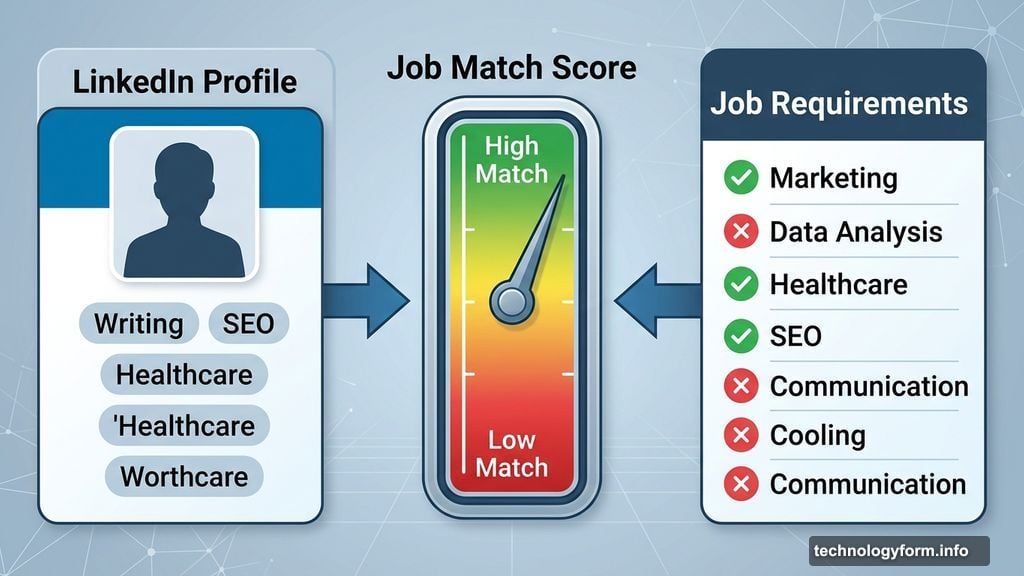
Here’s where things get really practical. The job match feature compares your LinkedIn profile directly against a job’s requirements and gives you a quick read on how well you fit.
When my match was low for fertility-related roles, LinkedIn showed me that clearly. No guessing, no wasted time crafting cover letters for jobs I’d never hear back about. When a match was high, LinkedIn showed detailed reasons why, which is genuinely useful for calibrating your search.
Whelan explained how Premium members get an extra layer here. The tool essentially tells you, “If you applied, you’re more likely to hear back based on everything we know about you and what we know on the hiring side.” That kind of signal is valuable when you’re being strategic rather than scattershot.
Job Tracker Replaces the Dreaded Spreadsheet
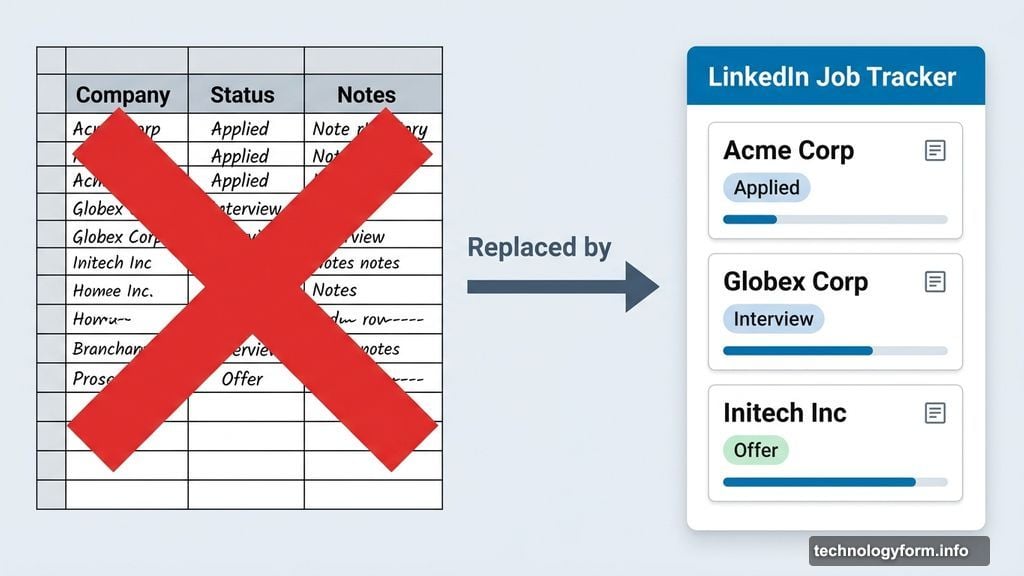
Every job seeker has that chaos spreadsheet. Dozens of rows, confusing status columns, notes scattered everywhere.
LinkedIn’s Job Tracker, found in the job tab under your profile, is designed to replace all of that. It centralizes your applications in one dashboard where you can add notes, track status, and most usefully, quickly find people in your network connected to that company.
You can see first-degree connections, school alumni, and recent hires at a given company. All from the same view. That makes it much easier to identify who might advocate for you before you even hit apply.
AI-Powered People Search Activates Your Network
Beyond job listings, LinkedIn also launched an AI-powered people search. Same concept as job search but for finding connections.
I searched for “Femtech CEOs in the United States” using plain language. The results were surprisingly good. And for Premium users, an Actively Hiring filter lets you zero in on people who are actually building teams right now.
Whelan shared a stat that puts this in perspective. If you know someone at the company you’re applying to, you’re 3.4 times more likely to get the job. That’s not a small edge. That’s the difference between getting an interview and disappearing into the void.
A Few Things Worth Knowing Before You Dive In
Some features like premium job match insights and the Actively Hiring filter are locked behind LinkedIn Premium. Worth factoring in if you’re weighing the subscription cost against your job search goals.
Also worth mentioning: the Write with AI button shows up in a few places, including when drafting messages to connections. It’s a helpful starting point, but always edit what it produces. AI tools can hallucinate, make up facts, or generate messages that sound weirdly generic. The last thing you want is to reach out to a potential contact with something that clearly wasn’t written by a real person.
Finally, Whelan flagged something I hadn’t thought about. If you’re using the Open to Work badge, the public version signals your entire network. The smarter move is to set it so only recruiters can see it. LinkedIn has protections in place to prevent your current employer from spotting it, but limiting the audience makes sense.
Worth Your Time, With One Caveat
LinkedIn’s AI job search tools are genuinely useful. They make the mechanical parts of job hunting faster and smarter. Natural language search, profile-to-job matching, centralized tracking, network activation — these are real improvements over how job searching worked even a year ago.
But the part that actually gets you hired is still human. The AI can help you find the right door. You still have to knock on it yourself. The connection, the conversation, the relationship — no algorithm does that for you.
Use the tools to work smarter. Then put in the real work where it counts.