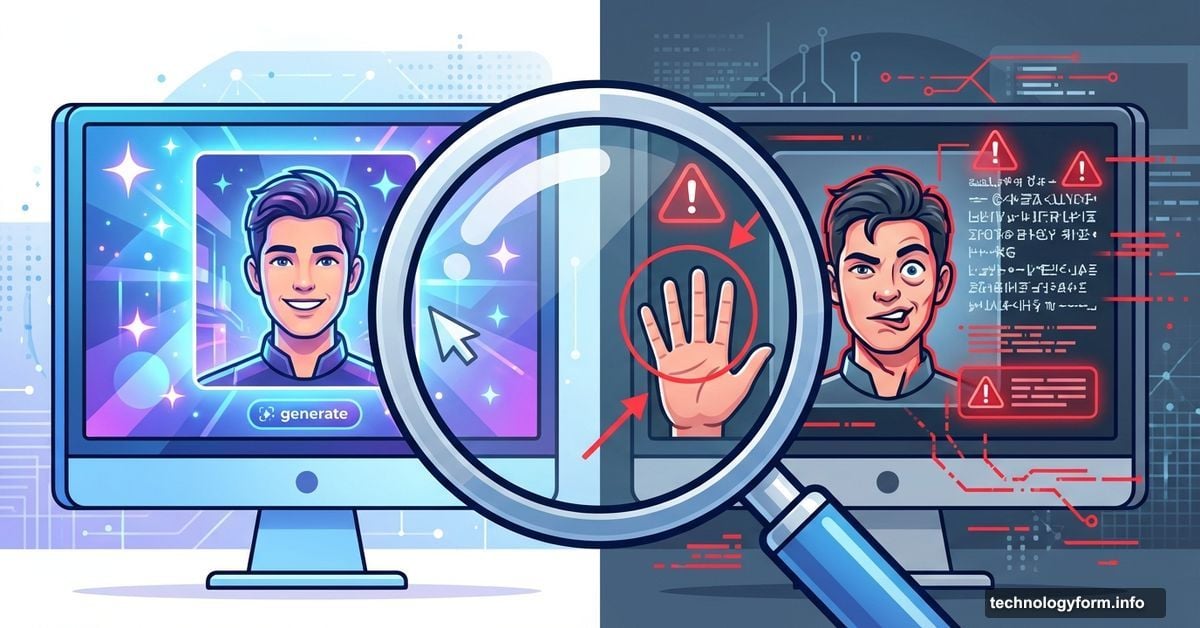
AI Image Generators Still Can’t Handle These Basic Tasks
Your AI-generated masterpiece looked perfect. Then you zoomed in.
That’s when you spotted the hands. One person has six fingers. Another has three arms. The text on that coffee cup reads like alien hieroglyphics. And don’t even get me started on those nightmare teeth.
Sound familiar? After generating thousands of AI images across Midjourney, DALL-E, and Stable Diffusion, I’ve learned something crucial. These tools are revolutionary. But they still fail at the same predictable things every single time.
Here’s what breaks AI image generators in 2025, and more importantly, how to fix it fast.
Faces Turn Into Horror Shows Without Warning
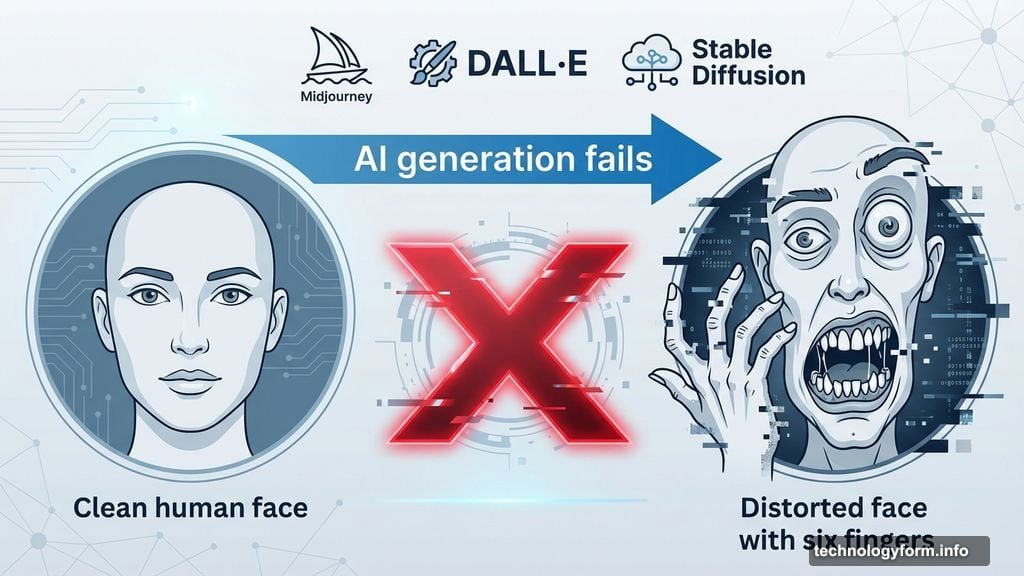
AI generators treat human faces like a minefield. Eyes drift in different directions. Teeth multiply like a dental horror film. Eyebrows float off foreheads entirely.
I recently asked Canva’s Magic Media to generate a group of friends at dinner. The result? Vampire fangs on everyone. Plus one guy in the background whose hair defied physics and basic anatomy.
Even cartoon faces struggle. DALL-E 3, my top pick for most projects, over-dramatized a simple “frustrated person cleaning” prompt. The result showed someone having a complete meltdown over some spilled cleaner. The emotion dial got cranked to eleven when I needed a three.
Here’s the frustrating part. Facial expressions are fundamental to human communication. Yet AI consistently mangles them, even in 2025.
Quick Fix for Facial Disasters
Reduce the number of people in your prompt first. Fewer faces means fewer chances for the AI to mess up basic anatomy.
Then use your generator’s editing tools. Most services now let you select problem areas and regenerate just that section. Select the wonky face. Click regenerate. Repeat until it looks human.
Also, dial back your emotional adjectives. Replace “enraged” with “annoyed.” Swap “ecstatic” with “happy.” Milder emotions give AI less room to overdo it.
Brands and Logos Remain Off-Limits
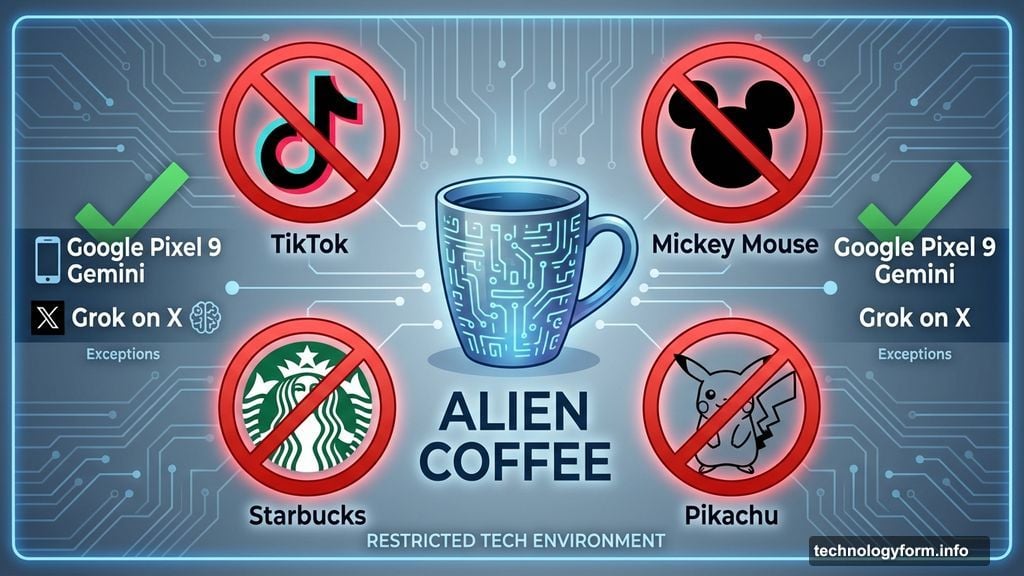
Want a realistic TikTok logo in your image? Too bad. Need Mickey Mouse for a concept? Not happening. Trying to show a Starbucks cup? The generator will give you nonsense text instead.
This isn’t a technical limitation. It’s a legal one. Most AI services explicitly block recognizable brands, logos, and copyrighted characters to avoid lawsuits.
Two exceptions exist. Google’s Pixel 9 phones, powered by Gemini AI, can render surprisingly accurate Mickey Mouse and Pikachu images. Similarly, some paying X users report success generating recognizable characters through Grok.
But for most of us using standard generators, brands stay off the menu.
Rethink Your Concept Instead
You can’t force generators to create copyrighted material. So pivot your approach.
Do you really need the TikTok logo? Or do you just need a phone displaying vertical video? Can you show a generic coffee cup instead of a Starbucks-branded one?
Focus on the concept you’re communicating rather than specific brand markers. Your images will generate faster and avoid legal gray areas.
Complex Scenes Fall Apart Fast
Generators choke on overlapping elements. I asked Leonardo AI for a cozy library scene with a rolling ladder. The result looked gorgeous until I noticed the ladder literally disappeared halfway up the bookshelf.
Another kitchen scene seemed perfect at first glance. Then I zoomed in. The cookbook had gibberish text, two spines, and somehow three sections. Small flaws like these make otherwise usable images completely worthless.
The more elements you pack into a prompt, the higher your failure rate climbs. AI struggles to maintain spatial relationships and physical logic when scenes get crowded.
Simplify Your Prompts Dramatically
Break complex scenes into simpler components. Instead of “cozy library with fireplace, ladder, reading nook, and plants,” try “cozy library with fireplace” first. Add elements gradually in post-generation editing.
Use area-specific editing tools when available. Select the problematic ladder or bookshelf. Ask the generator to remove it or try again. This targeted approach works better than regenerating entire images.
Sometimes switching aesthetics helps too. Photorealistic styles expose these flaws more than illustrated or stylized approaches. If your realistic kitchen keeps breaking, try an illustration style instead.
Too Much Editing Creates Monsters
Midjourney gave me a perfect example recently. I generated a soccer team celebrating a victory. Looked great. Then I started editing.
Round one: Fixed a weird hand. Round two: Adjusted lighting. Round three: Tweaked player positions. Round four: One player transformed into an unidentifiable blob on the right side of the frame.
I have no idea what Midjourney was thinking. Honestly, I don’t think Midjourney knew either. Over-editing introduced more problems than it solved.
Know When to Start Over
Sometimes less editing is more. If you’re three or four editing rounds deep and things keep getting weirder, scrap it. Start fresh with a better prompt.
Refined prompts prevent problems upfront. Spend time crafting clear, specific instructions before generating. Then you’ll only need minor touch-ups rather than extensive surgery on broken images.
Think of it like writing. A strong first draft needs light editing. A messy first draft requires a complete rewrite. Same principle applies to AI images.
The Reality Check Nobody Wants to Hear
These tools are getting better fast. But they’re not magic. After thousands of prompts across every major platform, I can confirm one truth: AI image generators still need human oversight.
The companies behind these services are definitely working on solutions. Everyone faces similar challenges, so they’re all chasing fixes. Competition drives improvement.
Until then, expect imperfections. Plan for them. Build extra time into your workflow for fixing inevitable mistakes.
And here’s my final reminder: Always disclose when images are AI-generated. As these tools improve and images look more realistic, transparency matters more than ever. The line between AI art and human-created media keeps blurring.
So acknowledge your process. Credit the tools you used. Help people distinguish between different types of media.
Your AI images don’t have to be perfect. But your ethics around using them should be.