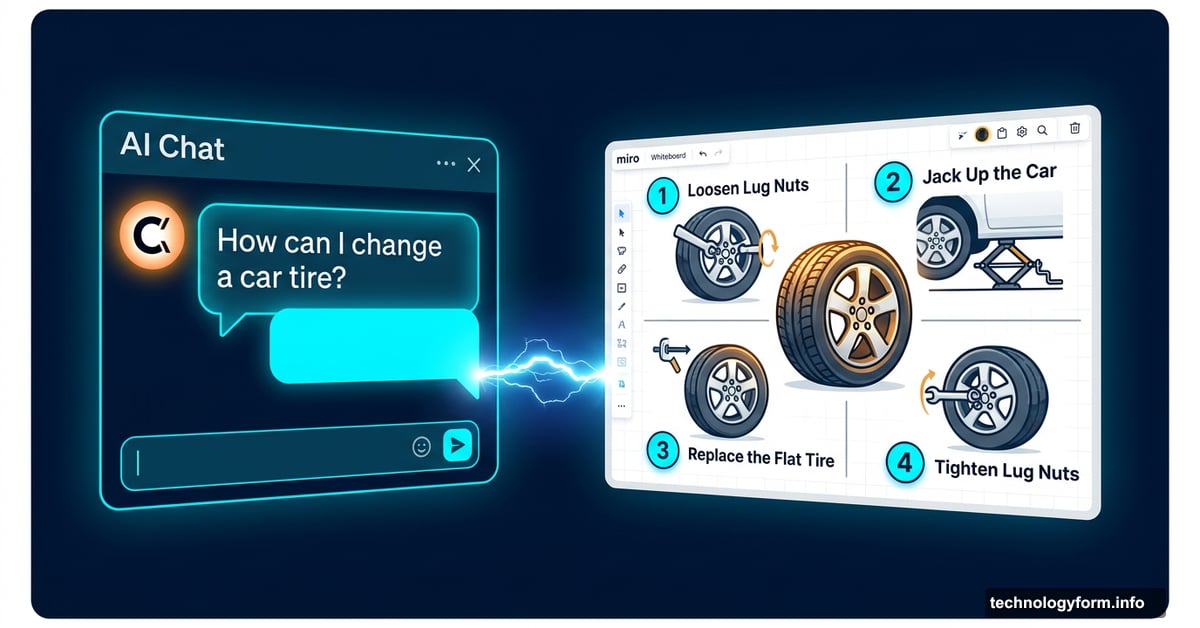
Claude Can Now Sketch Out a Tire Change Mid-Conversation
Forget walls of text. Claude just got a whiteboard.
Anthropic dropped a new beta feature for its AI assistant that lets Claude generate interactive visuals, charts, and diagrams directly inside your chat. No image generator involved. No extra apps. Just ask, and Claude builds something you can actually click through.
And honestly? It might be more useful than most AI image tools out there right now.
Interactive HTML Visuals, Built on the Spot
Here’s how it works under the hood. When Claude decides a visual would explain something better than paragraphs of text, it generates interactive HTML and SVG files from scratch, right there in the conversation.
Anthropic describes it as giving Claude an on-demand whiteboard. That’s a pretty accurate way to think about it. Instead of reading through a dense explanation, you get something you can explore yourself.
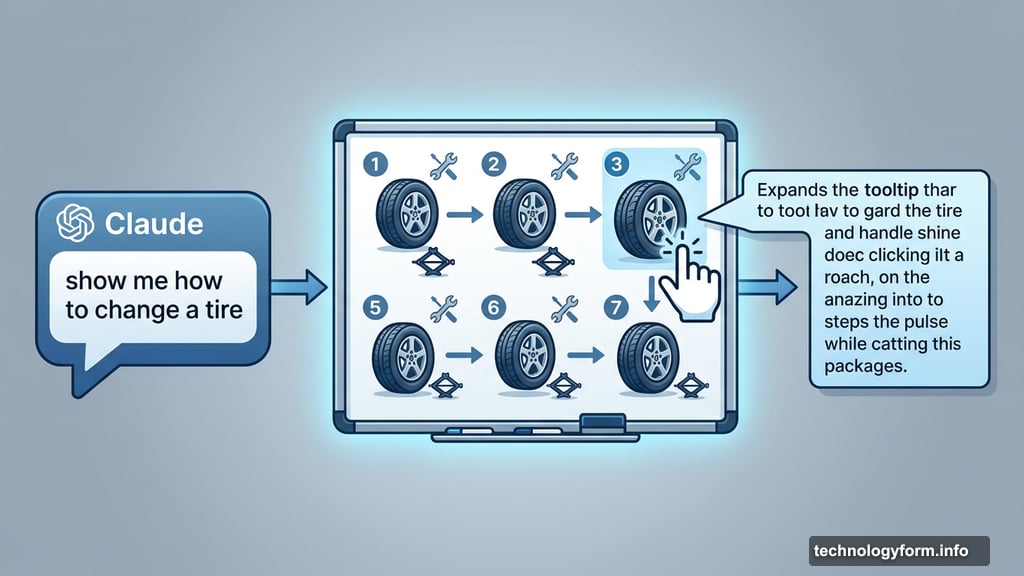
The system figures out when visuals make sense. But you can also just ask for one directly, and Claude will create it on the spot.
A Tire Change Tutorial That Clicked
Writer Blake Stimac put the feature through its paces with a simple prompt: show me how to change a tire. What came back was a seven-step interactive illustration, complete with required tools and clear explanations for each stage of the process.
The visuals weren’t hyper-detailed artwork. But they got the job done, and then some. Stimac noted that the experience left him genuinely confident he could handle the task. That’s the real win here. Not visual flair, but actual clarity.
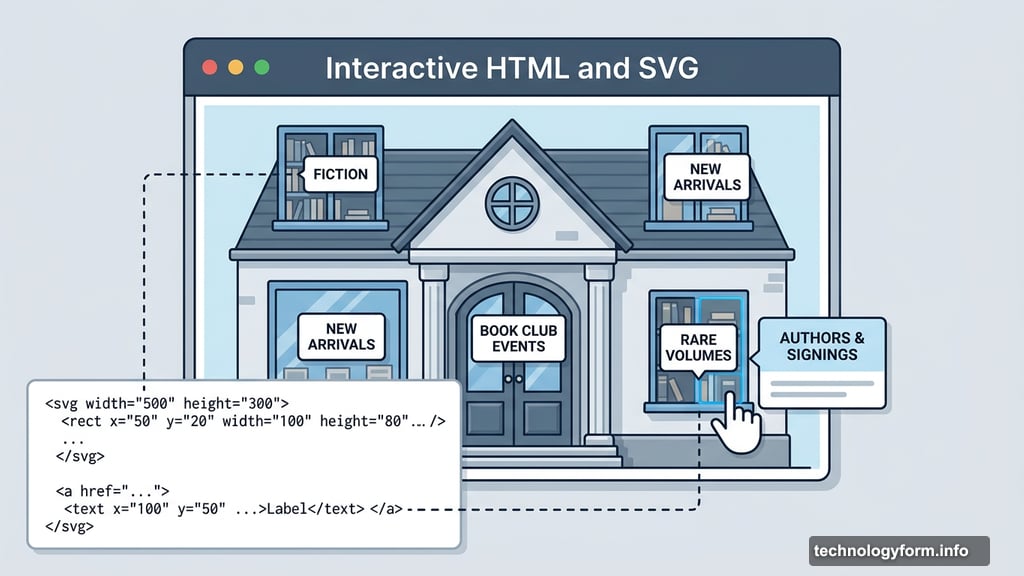
He also tested it on something more creative. He asked Claude to build an interactive visual of a house from a book he was reading. The result? A clickable front-of-house illustration where windows, doors, and details all revealed extra information when selected. That kind of contextual, exploratory format is something a text block simply can’t replicate.
Periodic Tables and Paper Airplanes
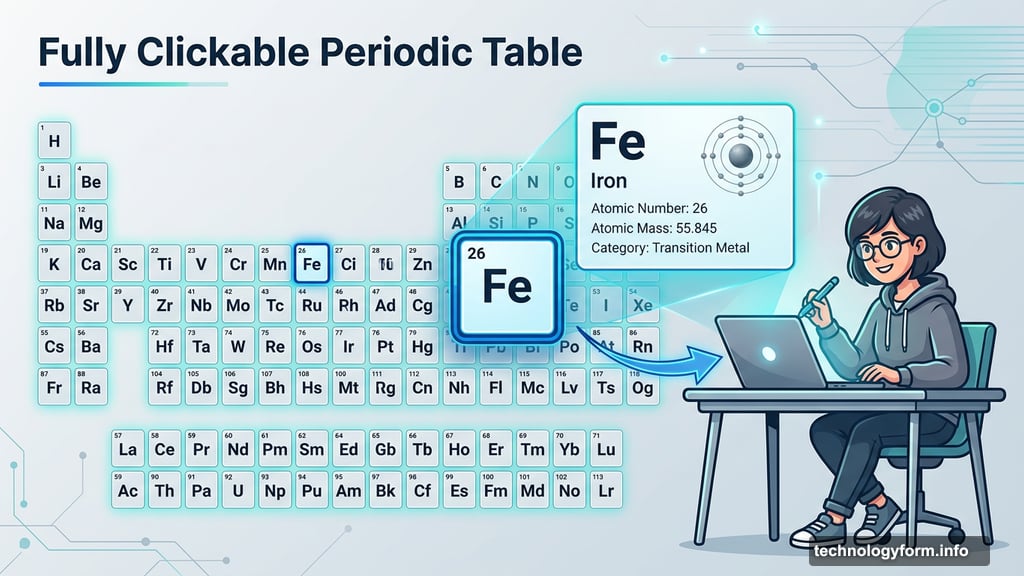
Anthropic shared a few standout examples of what the feature can do beyond tire changes. One is a step-by-step interactive tutorial for folding a paper airplane. Another is a fully clickable periodic table where each element opens up with more detail when you tap it.
Both examples show the same core idea at work. Some information just lands better when you can interact with it. A chemistry student poking around an interactive periodic table will absorb more than one reading a static list. A visual walkthrough of a step-by-step process beats a numbered paragraph every time.
That’s the broader goal Anthropic is pushing toward here. Claude becomes less of a text machine and more of a dynamic tool that picks the right format for the right moment.
No Paywall, No Settings Hunt
The feature is currently in beta, so some rough edges are expected. Still, the rollout is notably generous. It’s turned on by default, works across all plan types, and doesn’t require digging through settings to enable it.
Right now, it’s available on web and desktop only. Mobile support could follow down the road, but there’s no firm timeline on that yet.
You can also download any visual Claude generates or save it as an artifact to pull up later inside Claude. So if you build something useful, it doesn’t just disappear after the conversation ends.
A Genuinely Different Kind of AI Feature
What makes this stand out from the usual AI feature announcements is how practical it feels. Most new AI capabilities sound impressive in demos but end up being niche in daily use. This one solves a real problem.
AI chatbots have always been best at explaining things. But explaining complex processes in pure text has limits. Sometimes you need to see it. Sometimes you need to click through it yourself. This feature fills that gap without requiring a completely separate tool or workflow.
It’s a smart move from Anthropic. And if the beta polishes up well, it could change how a lot of people think about what an AI assistant is actually for.