Claude’s Chrome Plugin Just Got a Massive Rollout
Anthropic just opened the floodgates. Their Claude Chrome plugin, once locked behind a $200-per-month subscription tier, now works for anyone paying for Claude.
This isn’t just about convenience. It’s about letting AI actually control your browser and handle tasks you’d normally do yourself. Plus, the timing matters. Every major AI company is racing to build agents that work on your behalf, and Anthropic just made their play accessible to millions more users.
What the Plugin Actually Does
Claude lives in your browser now. You can summon it from any webpage, any form, any workflow.
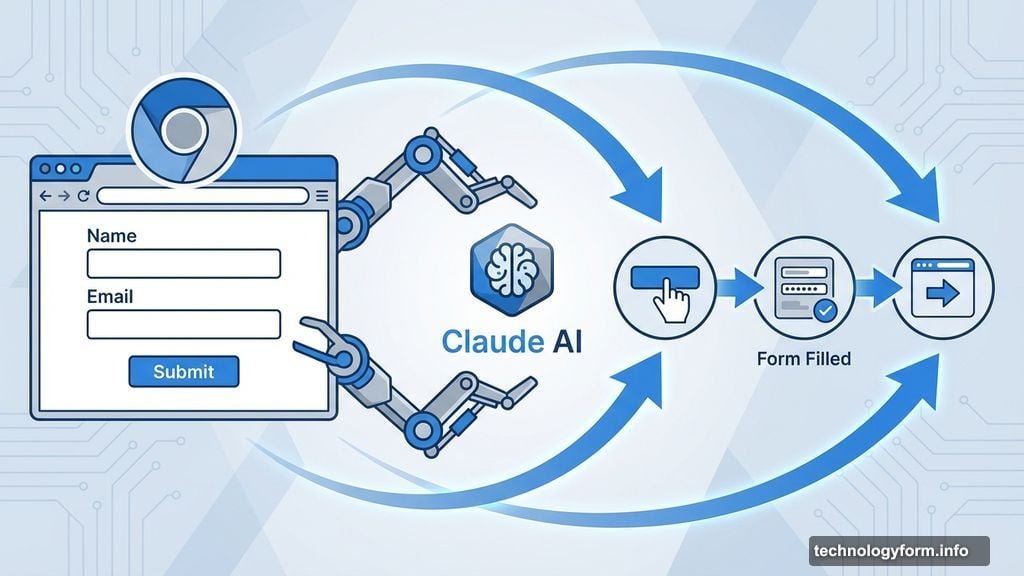
But here’s what makes it different from a chatbot. Claude doesn’t just answer questions about what you’re looking at. It can click buttons, fill forms, and navigate websites like a human would.
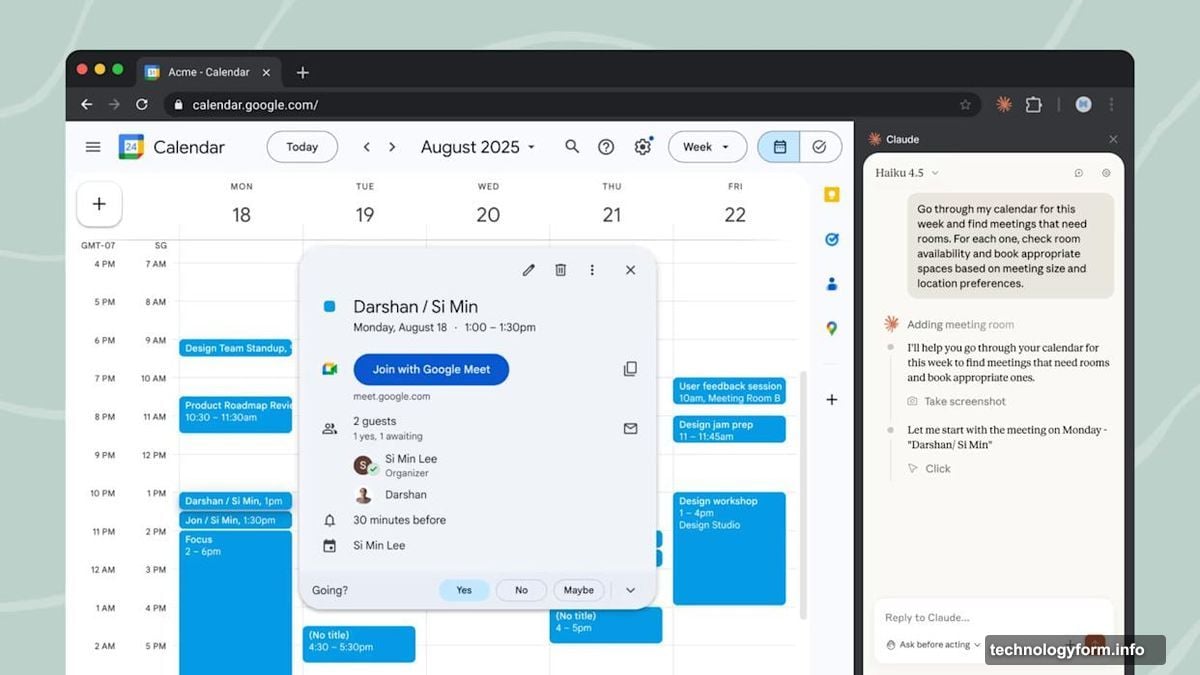
Need your calendar updated based on an email thread? Claude handles it. Want forms filled with information from multiple sources? Done. The AI can chain together multi-step tasks across different websites without you lifting a finger.
The latest version adds two big upgrades. First, it integrates with Claude Code, Anthropic’s AI coding tool. So developers can now automate technical workflows directly in their browser. Second, you can record yourself completing a task and teach Claude to repeat it. That’s a game-changer for repetitive work.
Computer Use Powers Everything Here
Before “AI agents” became the hot phrase, Anthropic focused on something called computer use. That’s tech-speak for teaching AI models to understand and interact with computer interfaces the way humans do.
Computer use means Claude knows what a button looks like. It understands how forms work. It can recognize when a page loads or when an action succeeds or fails. That foundational understanding is what lets the Chrome plugin actually do things instead of just suggesting what to do.
Now computer use sits inside a bigger toolkit. It’s one capability among many that agents need. But it’s the crucial one that makes browser automation possible.
Everyone’s Building Browser Agents Now
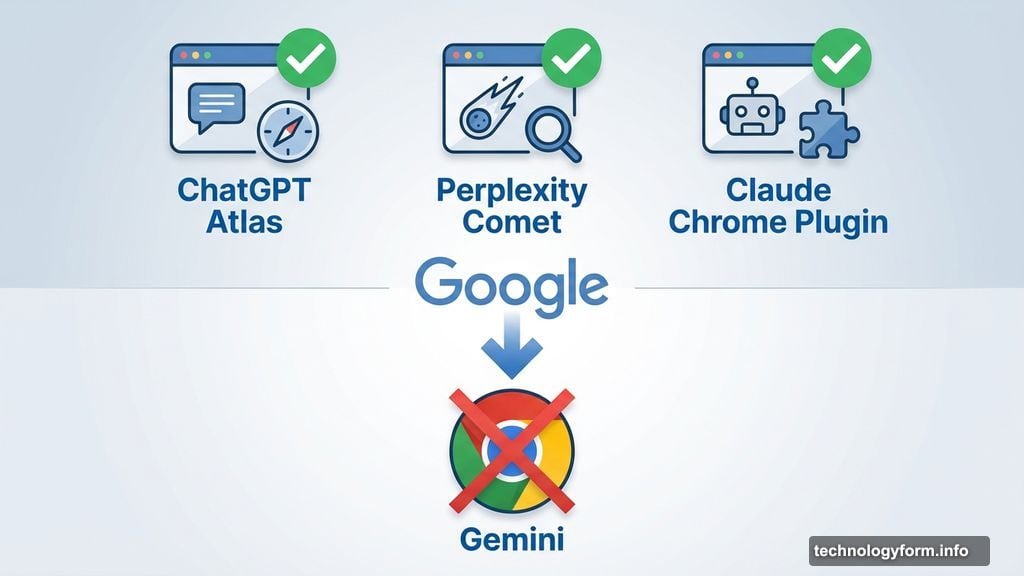
OpenAI launched ChatGPT Atlas. Perplexity shipped Comet. Both let their AI models navigate and use browsers on behalf of users.
Google? They’re conspicuously absent. You can access Gemini in Chrome and ask questions about webpages. But Google hasn’t let Gemini actually control the browser yet. Those features exist in Project Mariner, Google’s demo of what’s coming. But they’re not available to regular users.
So Anthropic just beat Google to the punch in Google’s own browser. That’s a wild position to be in.
The Agent Race Heats Up
Every AI company wants to build agents that handle complex tasks autonomously. The vision is simple. You describe what you want done. The AI figures out the steps and executes them.
Browser control is a big piece of that puzzle. Most knowledge work happens in web apps these days. Email, calendars, project management, data entry, research. If an AI can navigate browsers effectively, it can tackle a huge portion of what white-collar workers do daily.
Anthropic expanding access to their Chrome plugin signals they’re confident in the technology. More importantly, it shows they want users experimenting with agentic workflows now, not waiting until some future perfect version.
The $200-per-month tier still exists for Max subscribers. But opening the plugin to all paid users removes a major barrier. Now anyone spending $20 monthly on Claude Pro can test browser automation.
What This Means for You
If you already pay for Claude, you can start using the plugin immediately. The question is whether you should.
For repetitive browser tasks, it’s probably worth testing. Filling forms, managing schedules, updating spreadsheets based on emails. Those workflows consume time but don’t require much creativity. Let Claude handle them while you focus on work that actually needs human judgment.
The teaching feature is particularly interesting. Record yourself doing something once. Claude learns the pattern. Then it can repeat that workflow whenever you need it. That’s powerful for tasks you do weekly or monthly but not often enough to build custom automation for.
Developers will find the Claude Code integration useful. Automating technical workflows in the browser saves clicks and context switching. If you’re constantly jumping between docs, repos, and testing environments, having an AI that can navigate all of them helps.
But browser agents aren’t perfect yet. They make mistakes. They sometimes click the wrong thing or misunderstand complex interfaces. So for now, you’ll want to supervise what Claude does rather than trusting it blindly.
The technology is good enough to save time on routine tasks. It’s not yet good enough to handle mission-critical work unsupervised. That’s the trade-off.
Anthropic clearly believes more users testing the plugin will help them improve it faster. So they’re betting that opening access now, even before the technology is flawless, will accelerate development.
For users, that means getting early access to genuinely useful automation. Just don’t expect perfection quite yet.