Claude Gets Its First Design Tool. Here’s What It Can Actually Do
Anthropic just stepped into a new category. And the company did it in a very Claude-like way.
On Friday, Anthropic launched Claude Design, its first proprietary design tool. But don’t expect it to generate anime art or dreamlike landscapes. This isn’t a competitor to Midjourney or Google’s Imagen. Instead, Claude Design targets something more practical — the kind of visual work that actually piles up in your workday.
Slide Decks and UI Mockups, Not AI Art
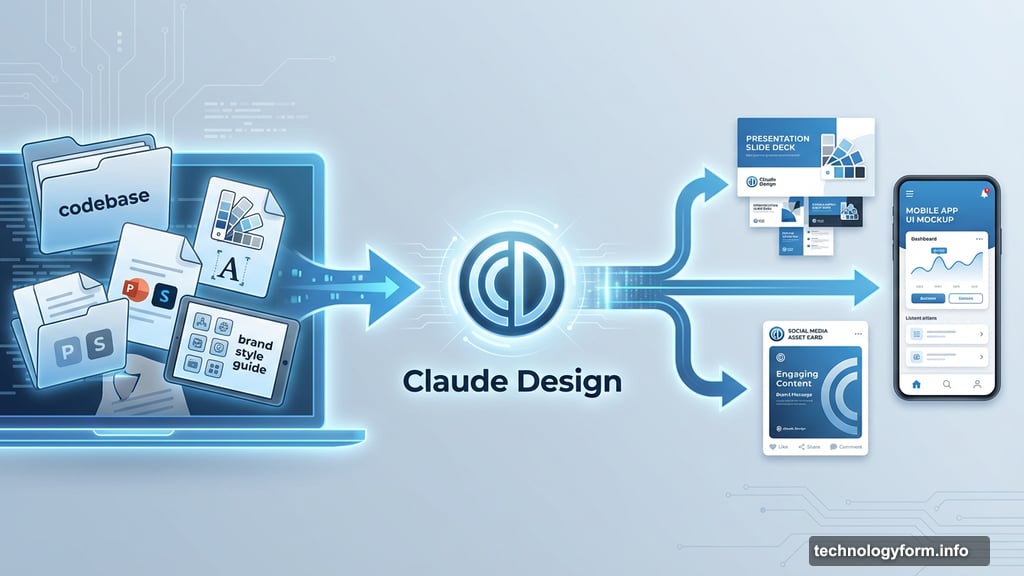
Claude Design focuses squarely on workplace visuals. Think presentation slides, social media assets, app interfaces, and web prototypes.
If you’ve been using Claude Code to build projects, this fits right alongside that workflow. The tool can scan your existing codebase and design files to understand your brand’s style guide. So everything it generates stays on-brand without you micromanaging every color choice.
That’s a genuinely useful feature for teams. Nobody wants to explain brand guidelines to an AI from scratch every single session.
Fine-Grained Controls, But Not Photoshop
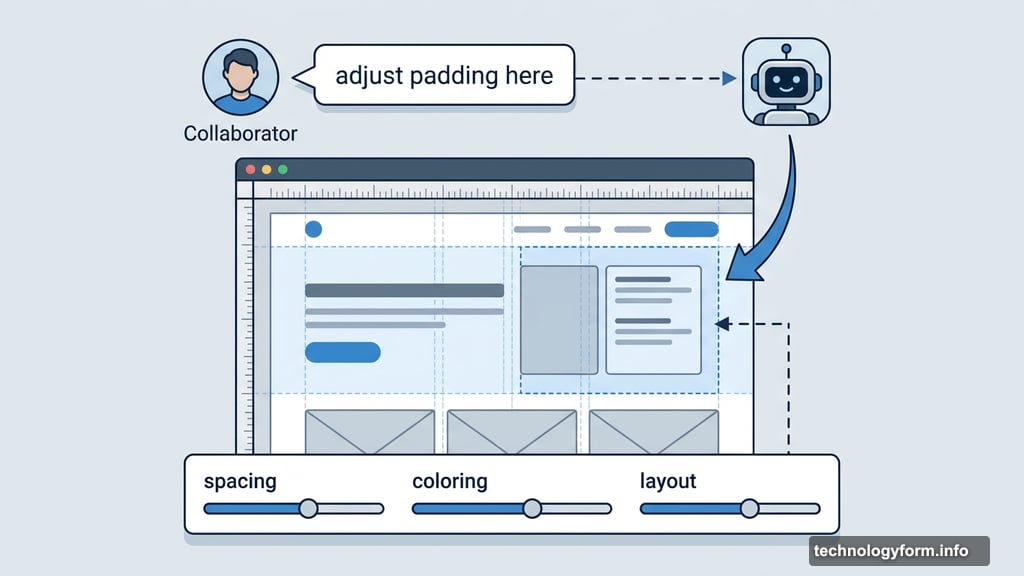
Anthropic promises fine-grained editing controls — with one big caveat. These aren’t Photoshop-level options.
You can adjust spacing, coloring, and layout. Plus, you can leave comments for other collaborators, or for Claude itself. That last part is interesting. Claude can read your comment and make the edit directly. So it feels more like working with a design assistant than wrestling with a traditional tool.
Still, if you need deep pixel-level control or complex compositing, this probably isn’t your tool. It’s designed for speed and collaboration, not precision craft.
Powered by the New Opus 4.7 Model
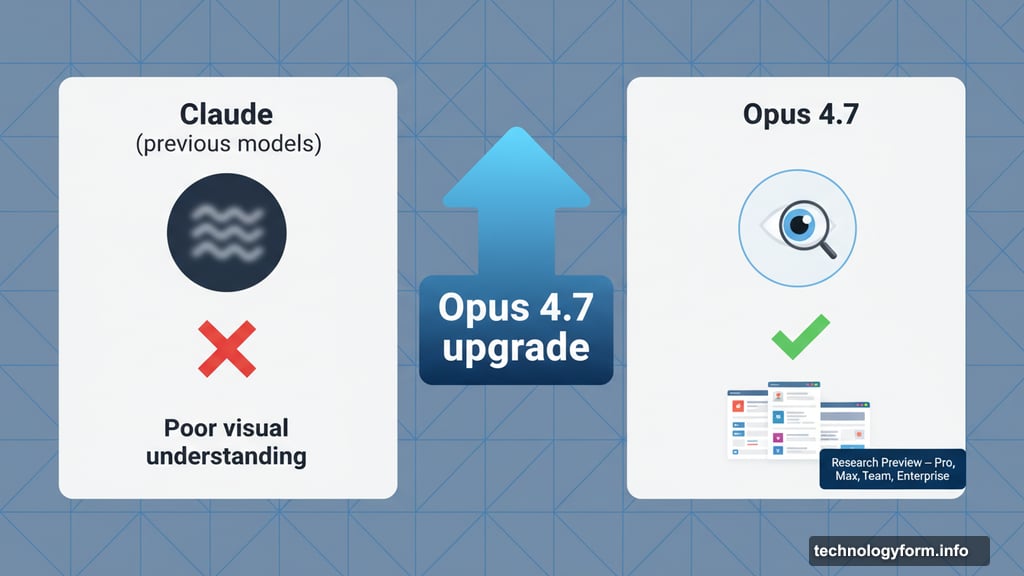
Claude Design runs on Opus 4.7, a new Anthropic model released just a day earlier. Anthropic says Opus 4.7 brings better visual intelligence — meaning it understands images more accurately than previous versions.
That improvement matters here. A design tool that can’t properly read visual context would make frustrating suggestions. Better visual understanding means Claude Design should grasp what you’re building and respond with layouts that actually make sense.
Who Can Use It Right Now
Claude Design is currently in research preview, which means it’s still experimental. Anthropic is rolling it out to Pro, Max, Team, and Enterprise subscribers first.
Research preview also means things will change. Features may shift, bugs will get fixed, and capabilities could expand before a wider release.
Where Adobe Fits Into All This
You might have caught the recent news that Adobe is bringing its creative AI agent to Claude. That’s worth separating out. Adobe’s integration and Claude Design are two different things.
Adobe’s announcement connects its own creative AI capabilities to Claude’s ecosystem. Claude Design, on the other hand, is Anthropic’s internal tool built from scratch. They’re complementary rather than competing, but it’s easy to conflate them given how close the announcements landed.
The Bigger Picture on Creative AI
Creative AI tools remain genuinely controversial. Artists and creators have serious, legitimate concerns about how these models were trained and what widespread AI generation means for human creative work.
Anthropic’s approach here is deliberately narrow. By focusing on business and productivity use cases — slide decks, UI mockups, brand assets — rather than generative art, the company sidesteps some of that tension. Whether intentional or not, it’s a choice that aligns with Anthropic’s identity as a company built around enterprise and developer tools.
Claude Design won’t replace a professional graphic designer any more than a spreadsheet replaced an accountant. But for teams that need quick, brand-consistent visuals without a full design department, it looks like a genuinely useful addition to the Claude ecosystem.
Whether the research preview lives up to that promise is something we’ll know more about as more users get their hands on it.