Pinterest Cuts the AI Junk Flooding Your Feed
Pinterest just rolled out controls to reduce AI slop in your recommendations. Finally.
The platform’s been drowning in generated content lately. Users complained they couldn’t find actual human creativity anymore. So Pinterest built settings to dial back the AI flood in specific categories.
But there’s a catch. The company won’t eliminate AI content completely. Instead, you get partial control over how much appears in your feeds.
Eight Categories Get AI Controls
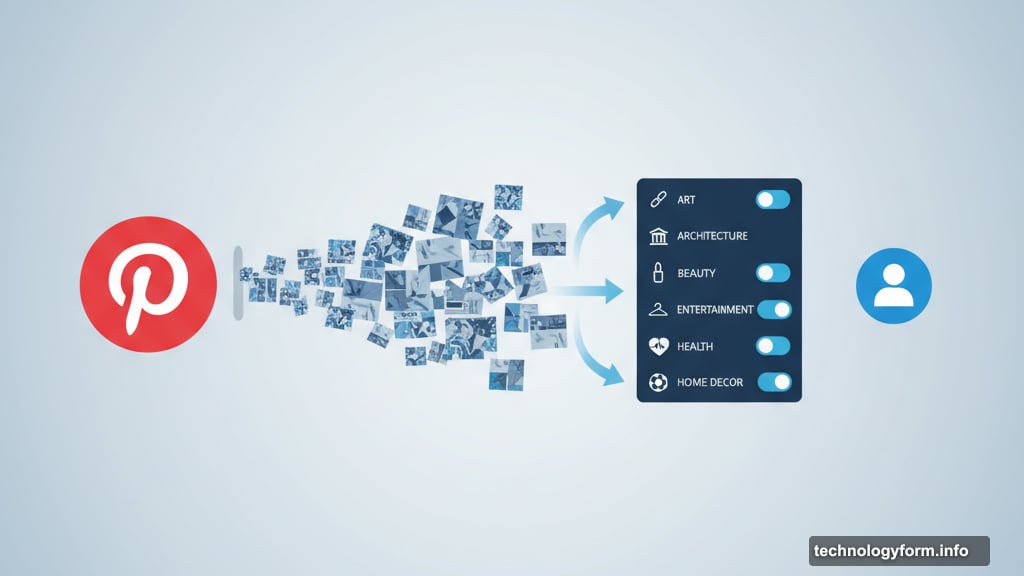
Pinterest added “refine your recommendations” settings for topics most affected by generated content. You can now toggle AI reduction in these areas:
Art, architecture, beauty, fashion, entertainment, health, home decor, and sports all got the new controls. These categories saw massive influxes of AI-generated images over the past year.
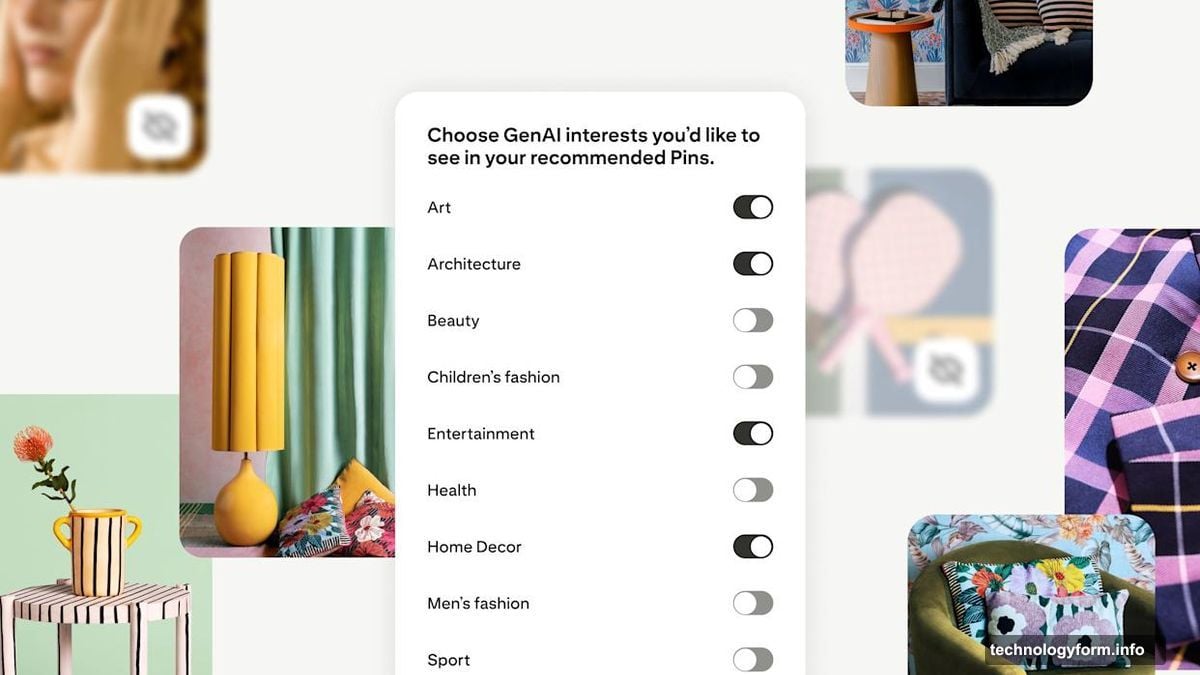
More categories are coming. Pinterest says it’s monitoring which topics get hit hardest by AI content and will expand controls accordingly.
However, the settings only affect image pins. AI-generated videos from tools like Sora or other platforms still appear normally in your feed. That’s a significant limitation given how much AI video content is spreading across social platforms.
Why Pinterest Won’t Block All AI
Pinterest refuses to eliminate generated content entirely. The company claims some AI material provides value and certain users actually want to see it.
That reasoning feels suspect. Most user complaints centered on AI content overwhelming their feeds, not on wanting more of it. Plus, Pinterest’s image-board format makes it especially vulnerable to low-quality generated images that bury human creativity.
The new controls only “dial down” AI content rather than removing it. So you’ll still see generated images mixed into your recommendations. Just hopefully fewer of them.
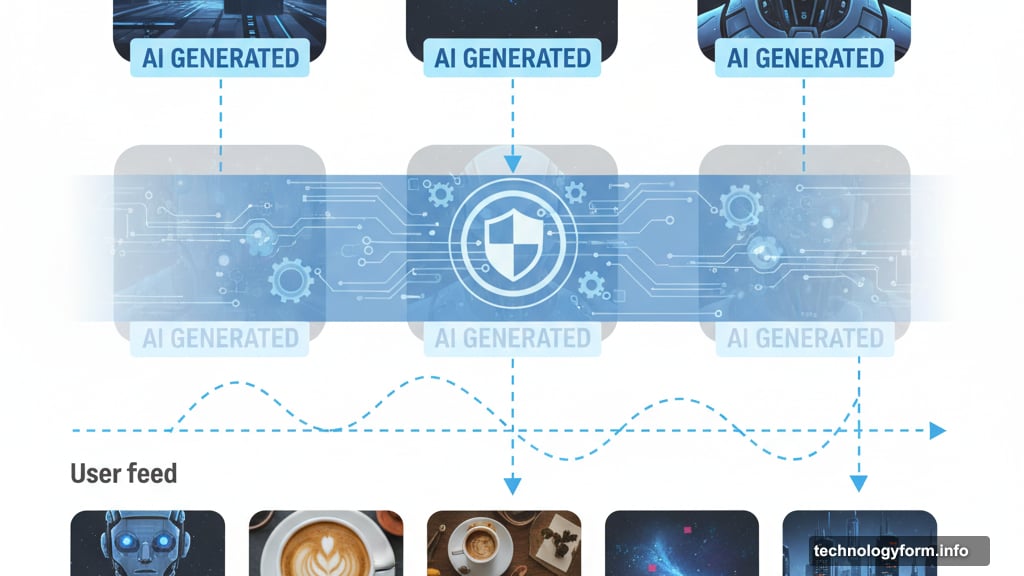
Pinterest started testing AI labels in May to mark generated or AI-edited content. Now those labels appear more prominently on affected posts. But labels don’t solve the fundamental problem if your feed stays cluttered with AI slop regardless.
Rolling Out Now on Most Platforms
The new settings are available immediately on desktop and Android. iOS users need to wait a few more weeks for the update.
Access the controls through Pinterest’s settings menu under “refine your recommendations.” From there, toggle AI content reduction for whichever categories matter most to you.
But remember the limitations. Video content remains unaffected. And even in categories where you enable AI reduction, generated images will continue appearing. Just theoretically less often than before.
The Bigger Picture
Every social platform wrestles with AI content now. But Pinterest faces unique challenges due to its visual focus and inspiration-driven use case.
Users browse Pinterest to find ideas for real projects. Decorating their home. Planning outfits. Discovering artists. AI-generated content undermines that core value by flooding feeds with synthetic imagery that looks impressive but lacks authenticity or practical application.
So these new controls matter. Yet they feel like a half-measure. Pinterest could have given users the option to block AI content entirely. Instead, the company hedged with partial controls that still permit generated material to slip through.
Maybe that reflects business pressures. AI content costs nothing to create and fills feeds without Pinterest needing to attract actual creators. Or maybe Pinterest genuinely believes some AI material adds value.
Either way, users now have more control than before. That’s progress, even if it’s not enough.
Test the new settings when they reach your device. See whether your feeds improve or whether AI slop still dominates. Then decide if Pinterest remains worth your time.