Nothing’s Warp App Wants to Fix Android-to-Mac File Sharing
Sharing files between an Android phone and a Mac has always been awkward. There’s no built-in solution, no clean handoff, and no equivalent of AirDrop that works across both platforms for most users.
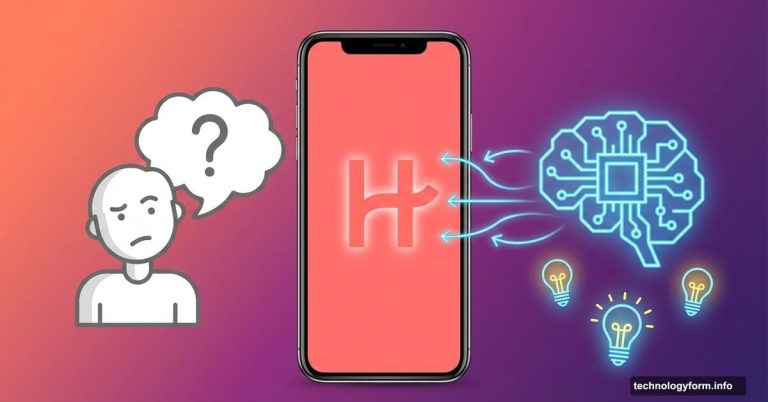
Nothing’s new Warp app is taking a swing at that problem. And honestly? It’s more useful than you might expect.
The Android-to-Mac File Sharing Problem
If you work across both platforms daily, you already know this pain. You’ve got a file on your phone and need it on your Mac, and your options are… not great. Email yourself something. Use a cloud service. Fumble through Bluetooth.
Google has added AirDrop-like functionality to a handful of Pixel and Samsung Galaxy phones. But that leaves out everyone else. Warp, from smartphone brand Nothing, tries to fill that gap for any Android device.
The setup is simple. You install an Android app and a browser extension on your desktop. Because it’s extension-based, Warp works with any Chrome-based browser, which means it runs on macOS, Windows, and Linux. That’s actually broader compatibility than Google’s own solution.
How Warp Works Day to Day
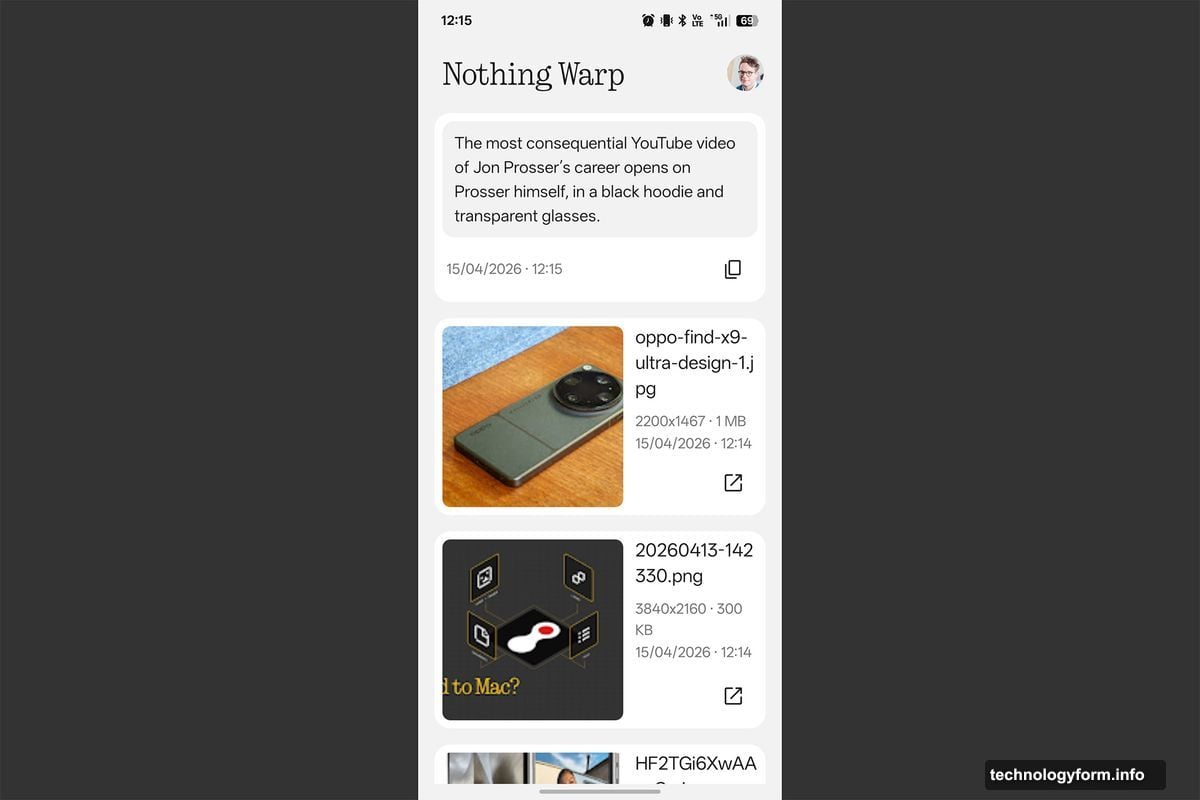
On your phone, Warp shows up directly in the Quick Share menu. So whenever you’d normally share a photo, video, document, or even a link, you’ll see Warp as an option right there. No extra steps, no hunting through menus.
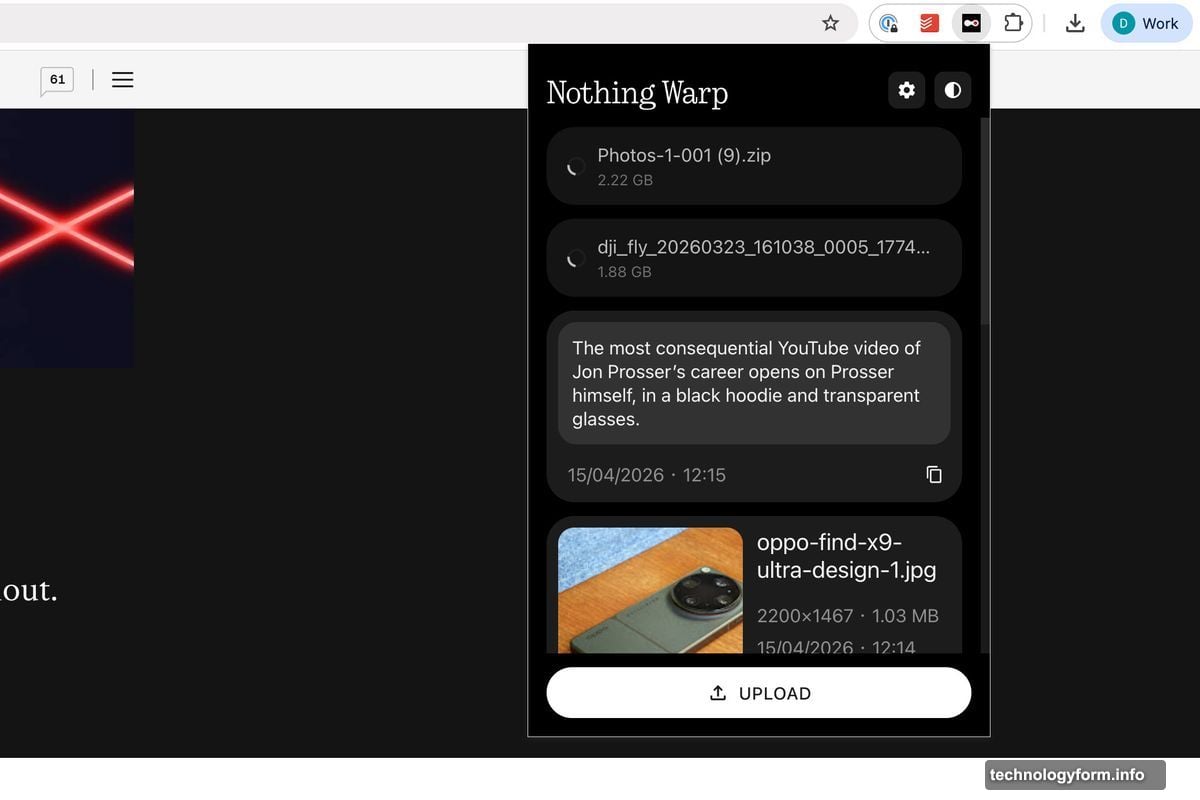
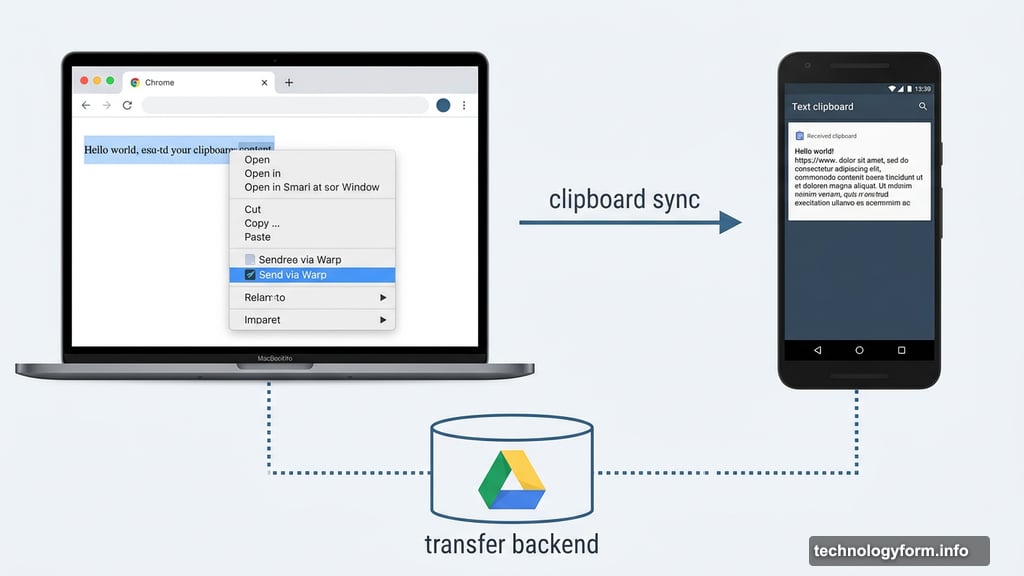
On the desktop side, you can highlight text in your browser and send it to your phone’s clipboard instantly. You can also right-click web images to push them to your phone, or upload files from your computer. It’s genuinely smooth for everyday tasks.
One small catch worth knowing: web apps that override the browser’s right-click menu will block Warp from appearing. Right-clicking inside Google Docs, for example, shows Docs’ own menu instead of the browser’s. So Warp won’t show up there.
The Speed Problem With Bigger Files
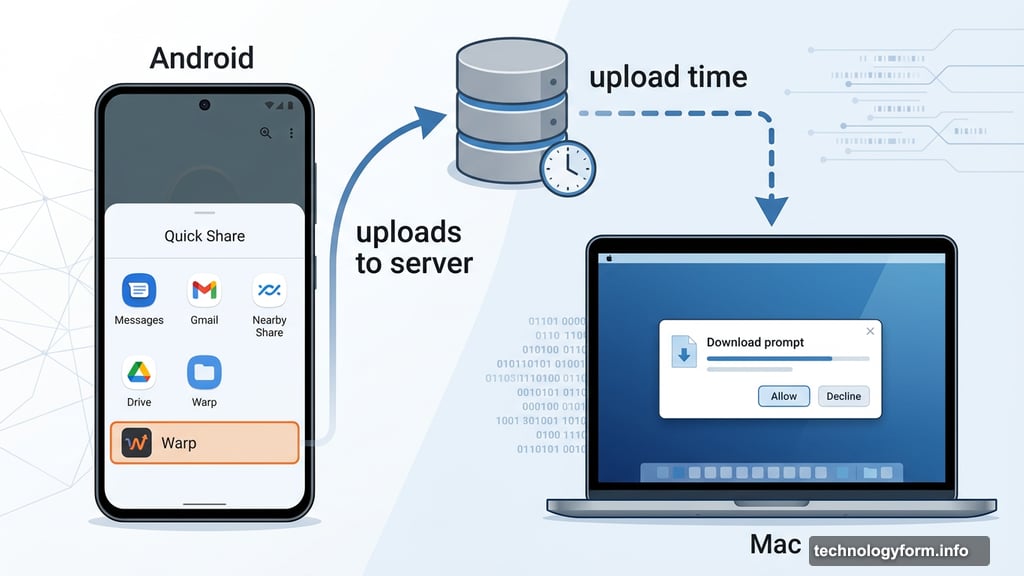
Here’s where things get complicated. Warp isn’t sending files directly between your devices. Instead, it uploads everything to a server first, then sends a download prompt to your other device.
For small files, that’s basically invisible. Text and web images move almost instantly. But a 2GB video file took over 10 minutes just to upload, with the download still waiting on the other end. For quick snapshots or documents, Warp feels effortless. For large video files, it’s a frustrating bottleneck.
So if you’re regularly moving big media files between your phone and computer, Warp probably won’t replace whatever workaround you’re already using. But for the dozens of small everyday transfers, it’s genuinely fast.
Google Drive Does the Heavy Lifting
The file storage side has an interesting twist. Nothing isn’t actually storing your files themselves. Warp uses Google Drive as the transfer backend, which means your data stays within Google’s infrastructure rather than Nothing’s servers.
You do need to link your Google account to use Warp. But here’s the reassuring part: it won’t clutter up your Drive. Shared files don’t appear in your personal Drive folder at all. Plus, Warp only keeps the latest 10 files per account. When you upload an 11th file, the oldest one disappears. So it won’t quietly eat your storage quota over time.
There are no hard file size limits beyond whatever Google Drive storage you have available. That’s generous, but the upload speed issue makes huge files impractical anyway.
Multiple Devices, No Simultaneous Connection Required
One genuinely clever feature is that Warp supports multiple devices at once. You can use it to move files between several phones or multiple computers without any extra setup.
Better still, the receiving device doesn’t need to be switched on when you send something. Since everything routes through a server, the file just waits there until the other device comes online and you open the app. Any previously shared files stay accessible every time you open Warp.
That makes it useful even when your workflow isn’t perfectly synchronized.
Worth Installing, With Realistic Expectations
Warp launched in beta and is free to use right now. It’s not perfect, and it’s definitely not a replacement for direct device-to-device transfers when speed matters. But for the constant small stuff — a screenshot, a link, a quick document — it genuinely works well enough to keep installed.
The best endorsement I can offer is this: it solves a real, daily annoyance for anyone bouncing between Android and a non-Windows machine. The big-file limitation is real, and I’m still looking for a better answer there. But for everything else Warp handles, it quietly earns its place.