Google’s New Offline Dictation App Cleans Up Everything You Say
Voice-to-text has always had one big problem. It captures exactly what you say, including every “um,” “uh,” and half-finished thought along the way.
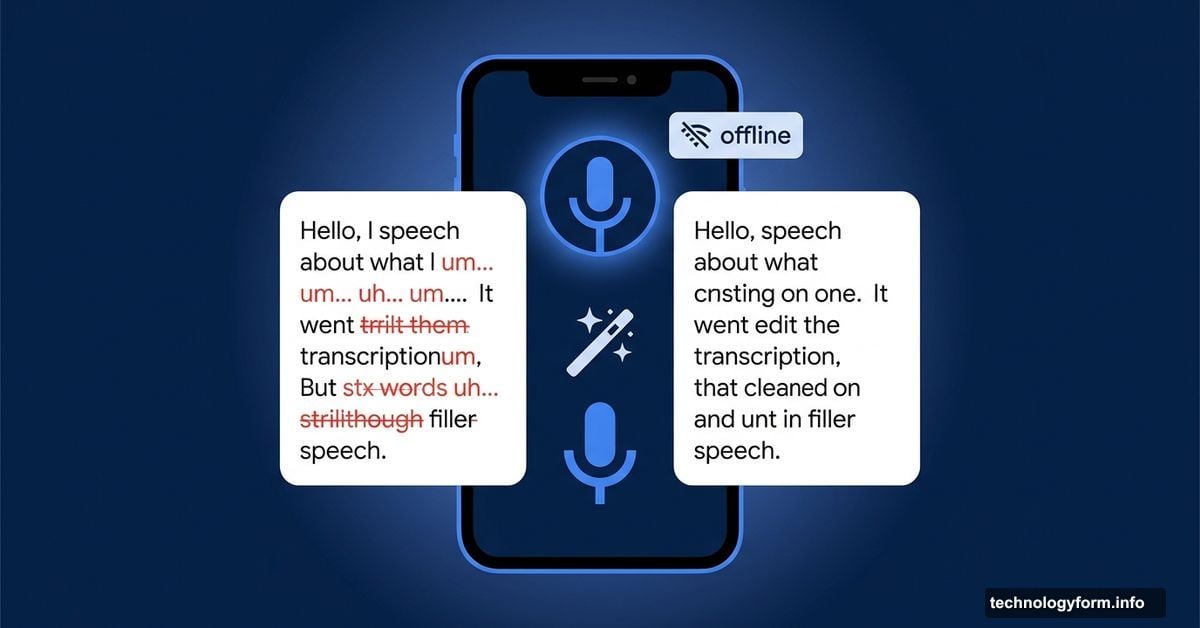
Google just took a swing at fixing that. Their brand-new app, Google AI Edge Eloquent, launched this week on iOS and promises to turn your rambling spoken words into clean, polished text automatically. And it does all of this without needing an internet connection.
Offline Dictation That Fixes Your Filler Words
The core idea here is pretty simple. You tap a button, speak naturally into your microphone, and watch your words appear on screen in real time.
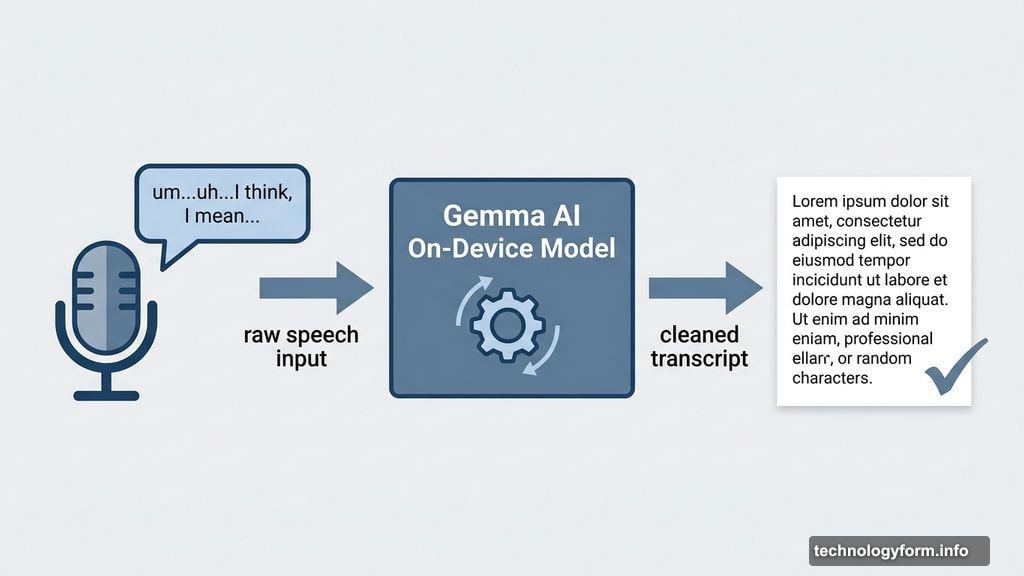
Here’s where things get interesting, though. When you finish talking, Google’s on-device Gemma AI models quietly get to work cleaning up your transcript. Every “um,” “uh,” and mid-sentence correction disappears. What’s left is smooth, readable text that needs little to no editing.
Most voice-to-text tools stop at transcription. They hand you a word-for-word record of everything you said, messy pauses included. Google AI Edge Eloquent goes one step further by actually polishing the result before you even touch it.
On-Device AI With Optional Cloud Boost
The app runs entirely offline by default. That means your voice data never leaves your phone unless you choose otherwise. For anyone who’s cautious about privacy, that’s a meaningful feature.
But you do have options if you want more power. Connect the app to your Google account and it can scan your Gmail data to build a personal dictionary. That helps it handle names, specific vocabulary, and phrases you use regularly.
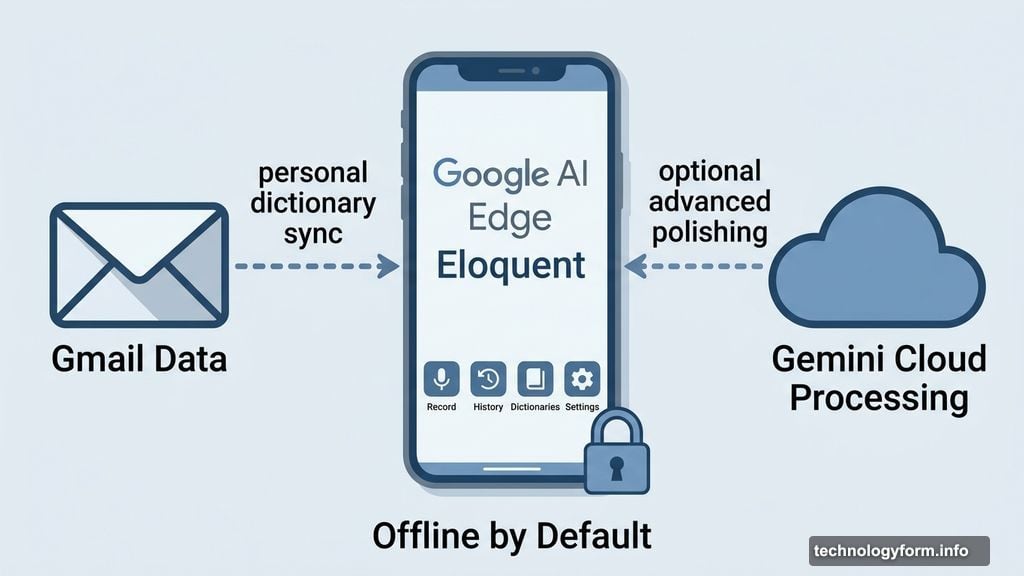
You can also opt into cloud processing through Gemini for more advanced text polishing. So the offline mode works as a solid baseline, while the connected option gives you a bit more refinement when you need it.
A Simple Layout That Stays Out of Your Way
The interface keeps things straightforward. Four icons sit along the bottom of the screen: Record, History, Dictionaries, and Settings.
The dictionary feature is one of the more thoughtful touches. You can add words manually, which is great for unusual names or industry-specific terms. Plus, the app learns automatically. If it misspells a word and you correct it, that correction gets saved to your dictionary for next time.
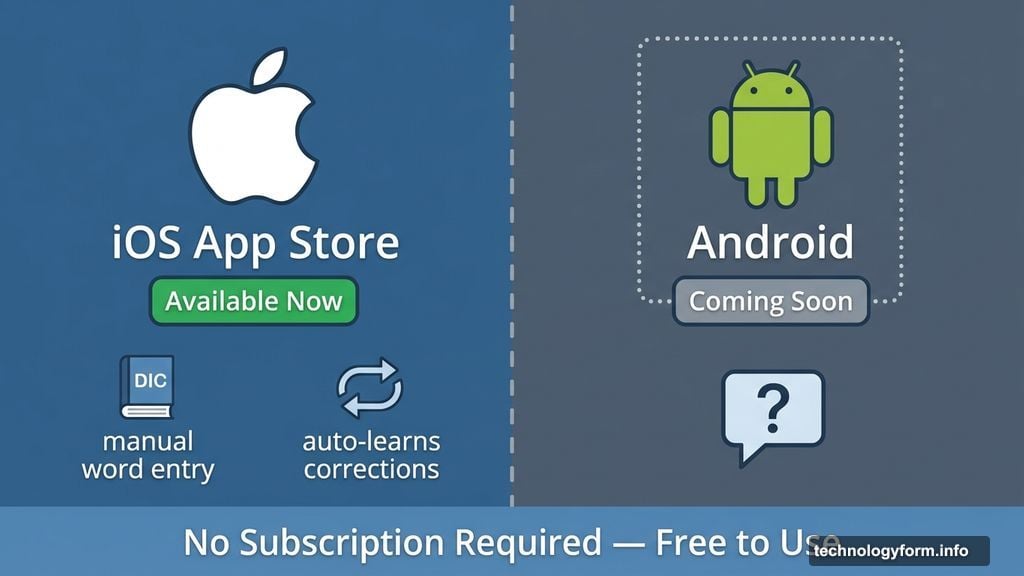
Also worth noting: there’s no subscription required. The app is completely free to use, which feels notable given how many AI-powered tools have started charging monthly fees.
Worth Trying, With One Catch
Google already builds voice-to-text into plenty of its other products. So why a standalone app? Probably because a dedicated tool can go deeper on dictation features without cluttering up something like Google Docs or Gmail.
The one obvious limitation right now is platform availability. Google AI Edge Eloquent is only on iOS at the moment. The App Store listing does mention “seamless Android integration” coming in the future, but Android users will need to sit tight for now.
Still, for iPhone users who regularly dictate messages, emails, or notes, this feels like a genuinely useful tool. The fact that it works offline, stays free, and handles the cleanup automatically removes the three biggest friction points with voice-to-text. If Google follows through on Android support, this could quietly become one of those apps that quietly changes how people type.