Google’s Veo 3.1 Just Got Better at Turning Images Into Videos
Google quietly upgraded its AI video generator. The changes matter if you actually make videos for work.
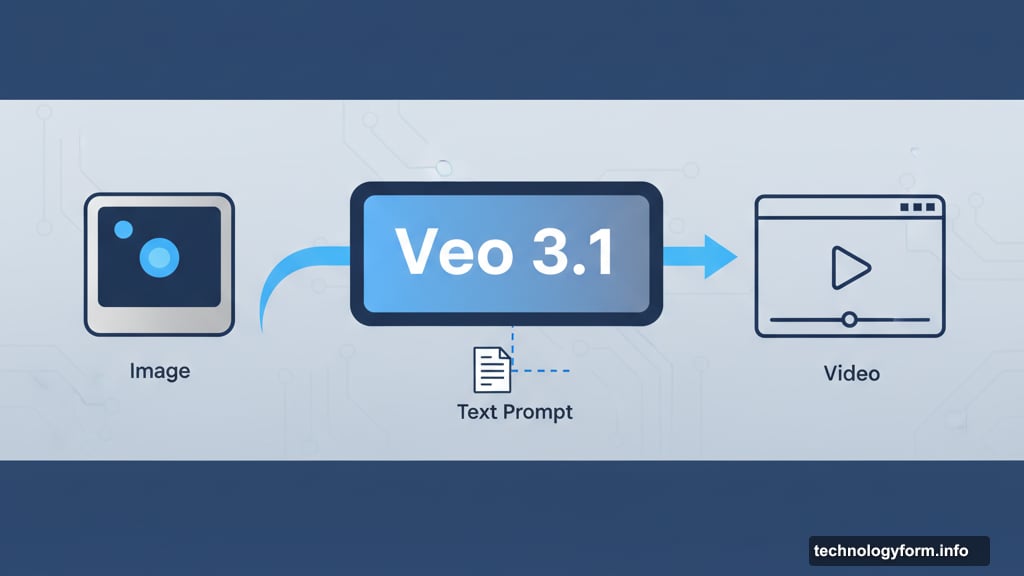
Veo 3.1 landed this week with improvements that address two major complaints from the previous version. First, it follows your written instructions more closely. Second, it handles image-to-video conversion better than before. Plus, it now generates audio alongside video in one step instead of requiring separate processing.
Those updates sound modest. But they represent meaningful progress for anyone using AI tools in real production workflows rather than just experimenting on social media.
What Actually Changed
Veo 3.1 handles prompts with more precision now. Give it specific instructions about camera movement, lighting, or subject behavior, and it’s more likely to deliver what you asked for. The previous version had a tendency to ignore parts of complex prompts or interpret them creatively in unhelpful ways.
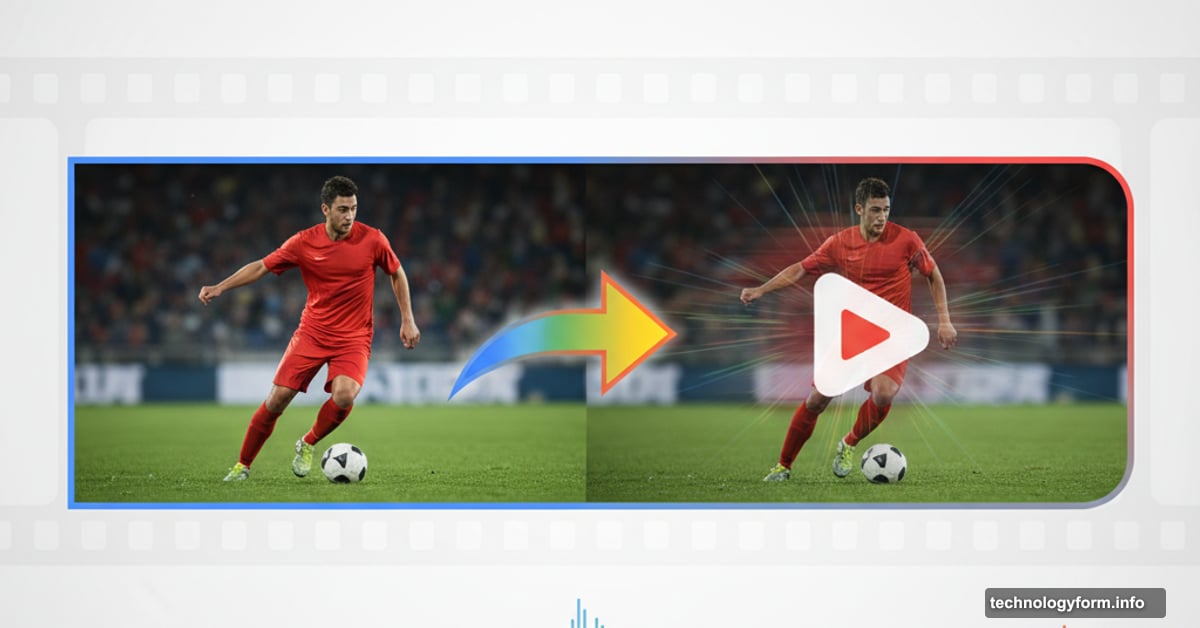
The image-to-video conversion got upgraded too. Upload a reference image alongside your text prompt, and Veo 3.1 uses it as source material more consistently. This matters for maintaining visual consistency across multiple generated clips or matching existing footage style.
Meanwhile, simultaneous audio generation eliminates an annoying workflow bottleneck. Previously you’d generate video first, then add audio in a separate step. Now both happen together, saving time and reducing complexity.
Flow Editor Gets Frame Control
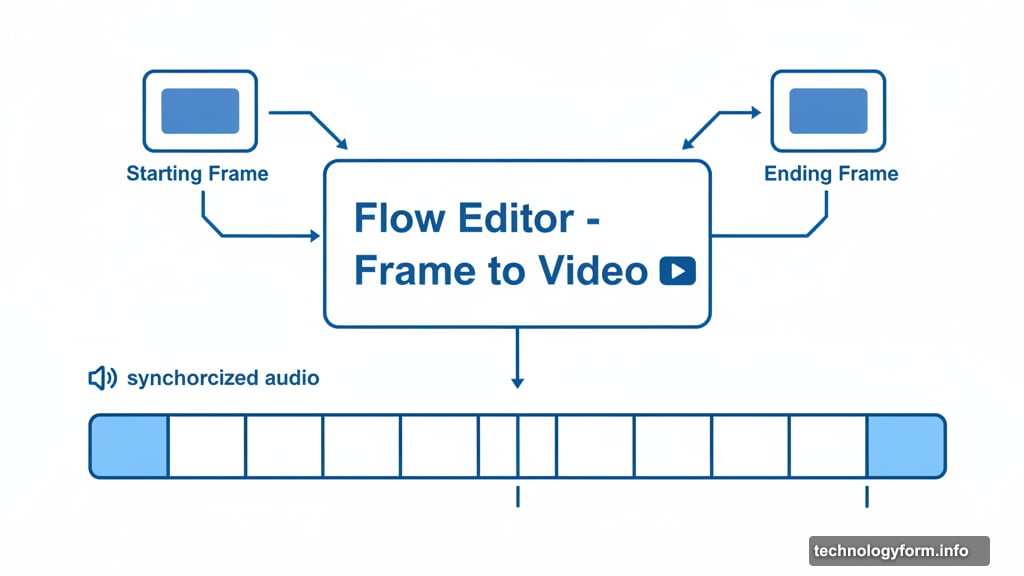
Google’s Flow video editor now runs on Veo 3.1 and gained a useful new feature. “Frame to Video” lets you upload both a starting frame and ending frame, then generates everything in between.
Adobe’s Firefly offered this capability first. But Flow’s implementation works while generating audio at the same time. So you can define exact beginning and end points, then let the AI fill the middle with synchronized sound.
That same audio capability extends to Flow’s other tools. Extend a clip or insert objects into existing footage, and audio gets generated automatically rather than added later as an afterthought.
For editors working on actual projects rather than one-off experiments, these workflow improvements add up quickly. Fewer steps mean less time wasted on technical details and more focus on creative decisions.
The Realism Problem Remains
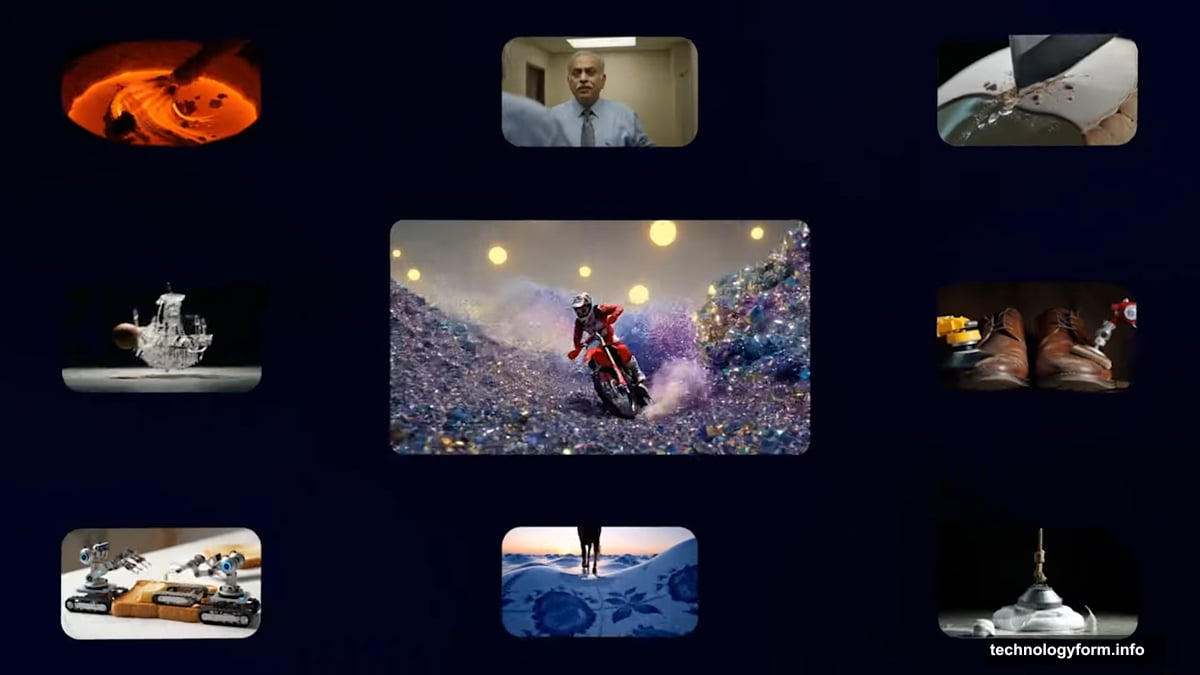
Sample videos Google shared still show that telltale AI quality. Objects move slightly wrong. Textures don’t quite look real. Physics feel off in subtle but noticeable ways.
OpenAI’s Sora 2 produces more realistic-looking results in many cases. Veo 3.1’s output varies dramatically depending on your prompt and subject matter. Sometimes it looks impressive. Other times it’s obviously artificial.
But here’s the interesting part. Google seems focused on making Veo useful for professionals rather than just generating viral social media clips. That’s a different goal than pure photorealism.
Professional video editors need consistency, control, and workflow efficiency more than they need footage indistinguishable from reality. They’re combining AI-generated clips with traditional footage, using generators as tools rather than complete solutions.
Why This Matters
AI video generation hit a fork in the road. One path leads toward better spam and social media manipulation. The other leads toward legitimate production tools that help creators work faster.
Google’s betting on the production tool path with Veo 3.1. Better prompt adherence helps maintain creative vision. Improved image-to-video conversion enables consistent style. Simultaneous audio generation speeds up workflows.
None of these changes make Veo perfect. It still produces obviously AI-generated results in many scenarios. But they make it more practical for actual work rather than just experimentation.
The question is whether Google can maintain that focus while competitors chase viral demos and social media engagement. Professional tools require different priorities than consumer toys, even if they use similar underlying technology.
Veo 3.1 is available now through Google’s Gemini API and powers Flow’s latest features. Try it yourself and decide whether these improvements matter for your specific needs.