Gemini Just Made Learning Wildly More Fun With Interactive Visuals
Static images explaining complex topics always felt a bit limiting. A flat diagram of a car engine or the moon’s orbit only goes so far. Google apparently agreed, because Gemini just got a seriously cool upgrade.
Now, instead of spitting out a boring still image when you ask it to visualize something, Gemini creates fully interactive simulations you can actually play with. And yes, it’s rolling out to most users right now.
“Show Me” Does Exactly What It Says
The new feature kicks in when you ask Gemini to explain something visual. Phrases like “show me” or “help me visualize” trigger the magic. A button appears that says “show me the visualization,” and clicking it generates a dynamic, interactive experience built specifically for your question.
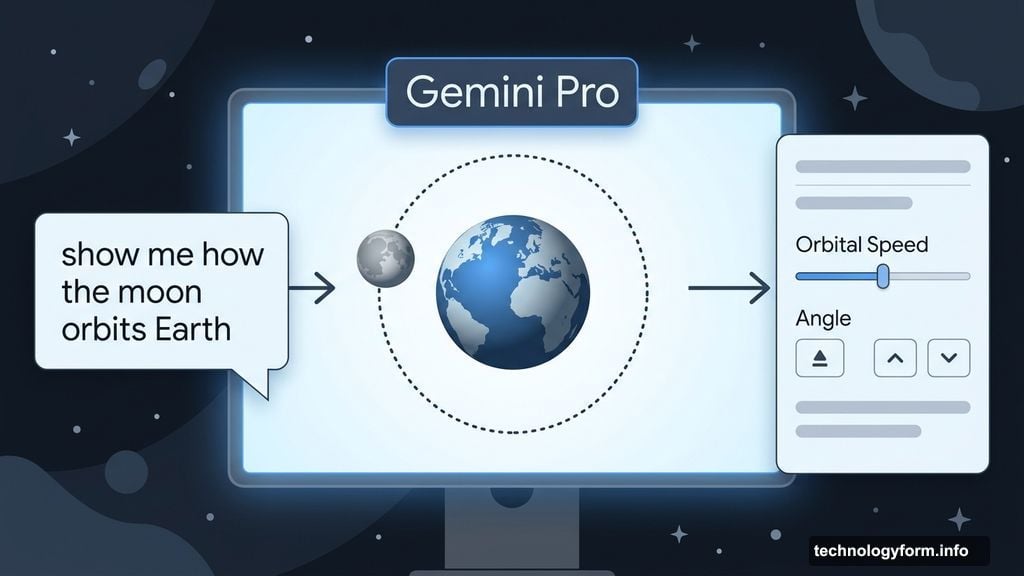
Writer Blake Stimac tested it out with two examples: how the moon orbits Earth, and how a car engine works. Both times, the results went way beyond what a static image could deliver.
For the moon orbit, a slider appeared to adjust orbital speed. Plus, additional controls let you tweak the viewing angle. The car engine visualization was equally impressive. You could let it animate automatically or manually step through each stage of the engine cycle yourself.
That’s not just a picture. That’s genuinely useful for understanding how something works.
How This Stacks Up Against Claude
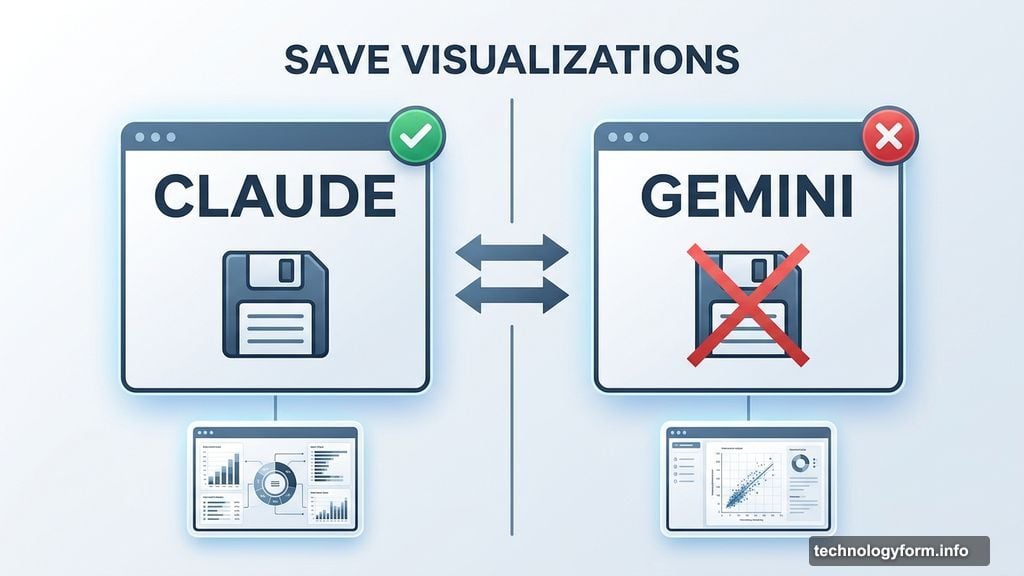
Anthropic beat Google to the punch here. Claude launched a very similar interactive visualization feature back in March, and it turned heads. The results were striking.
However, Gemini’s version holds up well in early testing. One notable gap, though: Gemini doesn’t let you save your visualizations. Claude does. That’s a meaningful difference if you want to share an explanation with someone or revisit it later.
Whether Google adds a save option down the road remains to be seen.
Who Gets the Feature and When
Google is rolling this out globally to all Gemini users right now. But there are a couple of important caveats worth knowing before you go hunting for the button.
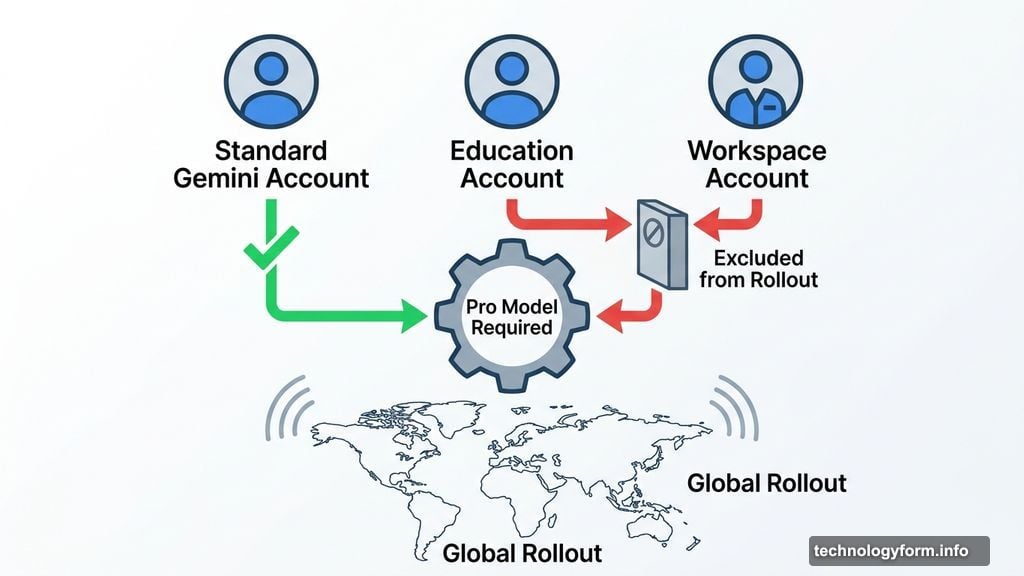
First, interactive visualizations only generate when you’re using the Pro model. Switch to a lighter model and the feature won’t appear. Second, Education and Workspace accounts are currently excluded from the rollout, so students and business users on those plans will need to wait.
If you have a standard Gemini account with Pro access, go ahead and try it. Ask it something like “show me how a black hole forms” or “help me visualize photosynthesis” and see what it builds for you.
This kind of feature is exactly where AI assistants start feeling genuinely different from a search engine. Instead of sending you to a YouTube video or a labeled diagram, the AI builds a custom interactive experience on the spot, tailored to your exact question. That’s a pretty big deal for anyone trying to wrap their head around something complicated, whether it’s a scientific concept, a mechanical process, or just something you never quite understood from a textbook.
Google still hasn’t commented publicly on the feature beyond the rollout announcement, so details on future improvements are thin for now. But based on early testing, the foundation is solid. It’s the kind of update that makes you want to start asking questions just to see what Gemini builds.