Google’s AI Mode in Chrome Just Got a Lot More Useful
Browsing the web is about to feel very different. Google just rolled out three new AI Mode features in Chrome that make it easier to research, multitask, and stay in your flow while exploring online.
These updates build on a busy stretch of Chrome improvements, including immersive reading and vertical tabs. But this latest batch goes deeper. It connects your open tabs, your files, and your searches into one seamless experience.
Here’s what’s new and why it actually changes how you browse.
Side-by-Side Search Changes How You Explore
Picture this. You’re deep in a research rabbit hole, clicking from one page to the next, and you keep losing your place. Google’s new side-by-side view fixes exactly that problem.
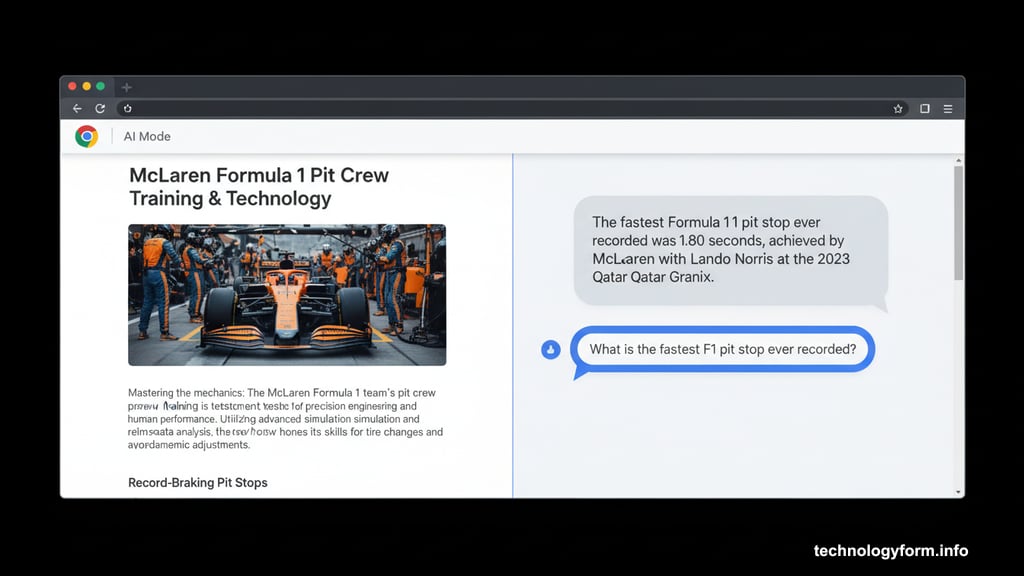
Now, any webpage you click on opens right next to AI Mode. So instead of jumping back and forth between tabs, everything sits in one view. You can read a page on the left, ask follow-up questions on the right, and keep moving without breaking your rhythm.
Google’s VP of Search Product, Robby Stein, showed this off during a demo for reporters this week. He used the example of researching McLaren’s Formula One pit crew training. From there, you might discover that McLaren holds the fastest pit stop record in F1 at just 1.80 seconds, set by driver Lando Norris at the 2023 Qatar Grand Prix. With side-by-side view, that kind of deep dive stays organized instead of spiraling into chaos.
Cross-Tab Search Pulls Everything Together
This one is genuinely clever. Google now lets you search across multiple open Chrome tabs at once, and it works with images and PDFs too.
To get started, just tap the plus menu on the New Tab page or inside AI Mode itself. From there, you select which tabs to include. AI Mode then reads across all of them and gives you a combined, context-aware response.
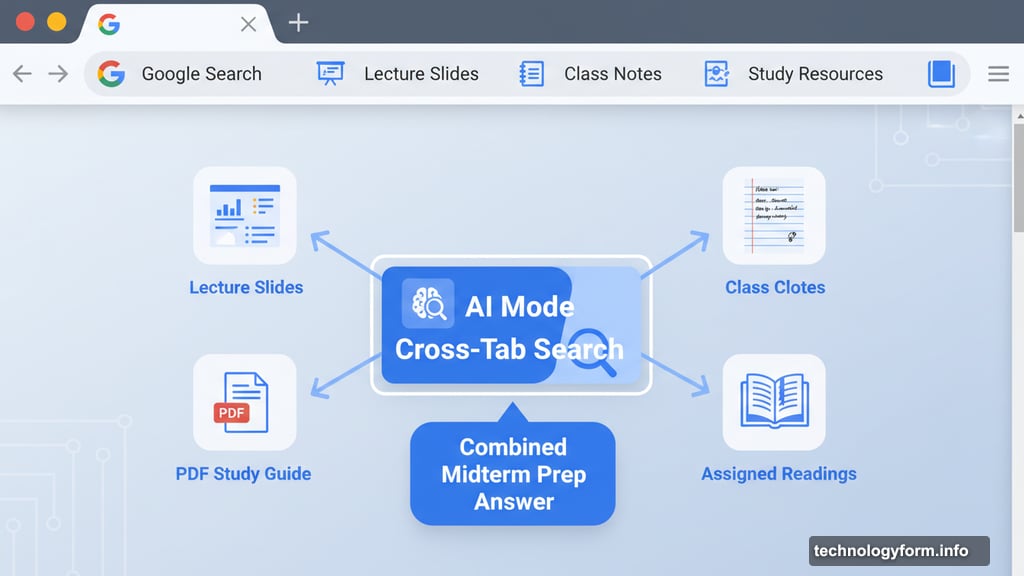
Stein and Chrome VP Mike Torres demonstrated this with a study session example. Imagine pulling in your lecture slides, class notes, assigned readings, and a PDF study guide all at once. Then you ask AI Mode to help you prep for a midterm. Instead of flipping between six open tabs, you get one focused answer that draws from everything you’ve already gathered.
This feature works on both Chrome desktop and mobile right now.
Easier Access to Canvas and Image Tools
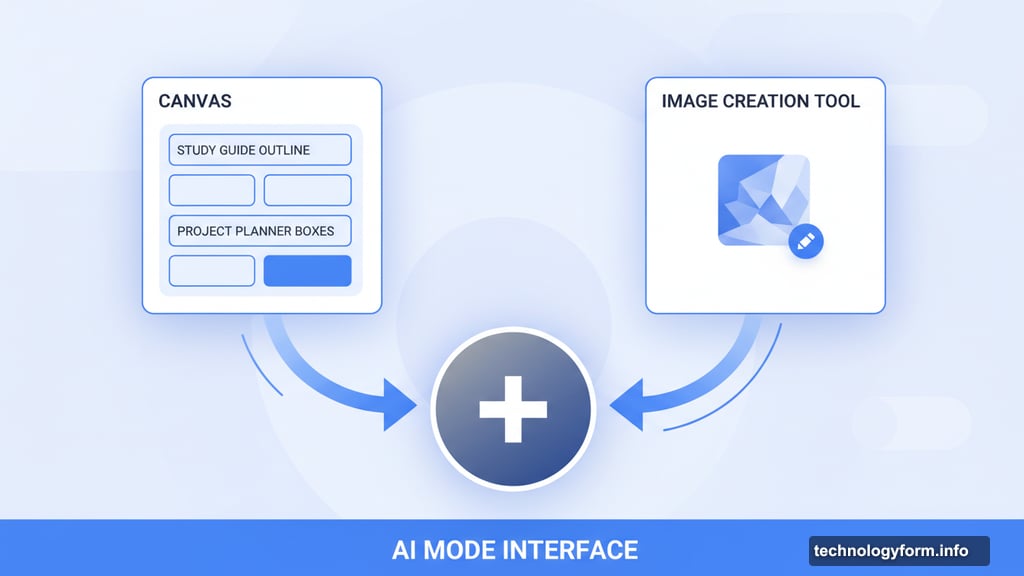
Google also simplified how you reach its built-in creative tools. Canvas, which helps you organize plans, study guides, and projects, and the image creation tool, which lets you generate and edit images in seconds, are now just one click away.
Hit the new plus menu in Chrome and both tools are right there. No digging through menus or navigating to separate pages. You stay inside AI Mode the whole time.
What This Means for Your Daily Browsing
These three features share a common thread. They’re designed to reduce friction. Instead of switching between apps, copying information manually, or losing context mid-research, Chrome now holds more of that process together in one place.
For students, that’s genuinely helpful. For anyone who does heavy online research, it’s even better. And for people who spend hours bouncing between tabs looking for information, the side-by-side view alone might change how you work.
All three features are rolling out now in the US, with broader availability coming soon. If you’re already using Chrome on desktop or mobile, the tab search feature is available today. The other two are joining the lineup right alongside it.
Google is clearly betting that deeper AI integration into the browser itself, rather than just search results, is where browsing is headed. Based on what these features can do, that bet is starting to look pretty smart.