Google’s Gemini Finally Lands on Mac as a Native App
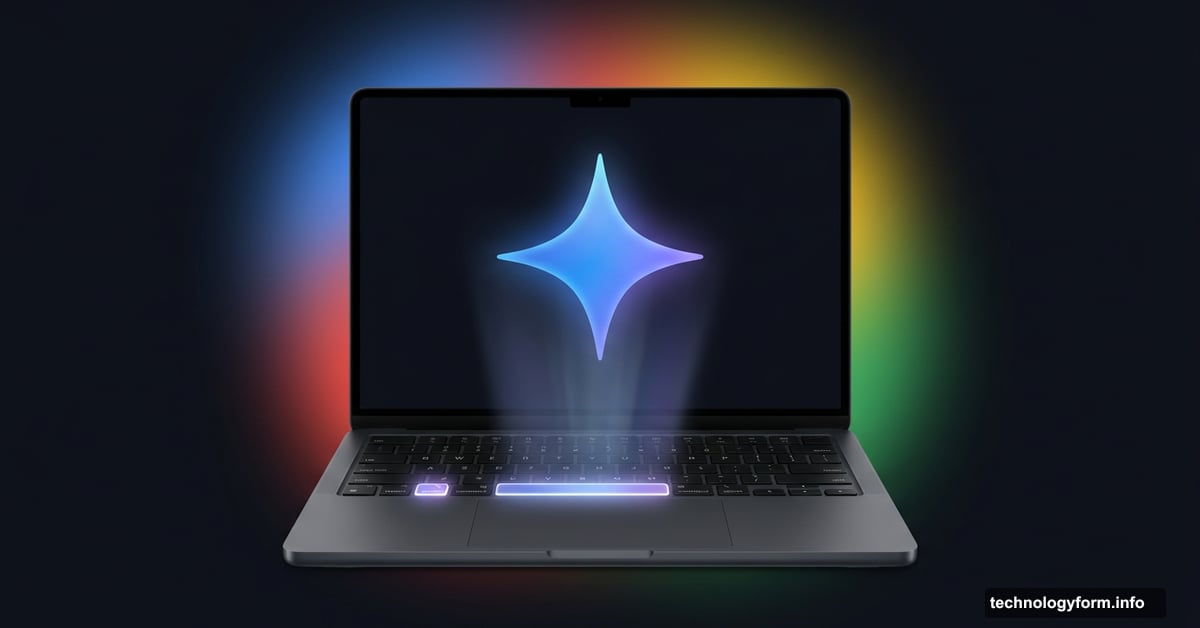
If you’ve ever wished you could talk to Google’s AI assistant without digging through browser tabs, good news just arrived. Google launched a dedicated Gemini app for macOS, and it makes accessing the chatbot genuinely quick and painless.
This is a bigger deal than it might sound. Up until now, desktop users were stuck using Gemini through a web browser. Meanwhile, smartphone users have had one-tap AI access for a while. So Mac users were clearly getting the short end of the stick.
Now that gap is closed.
A Keyboard Shortcut Changes Everything
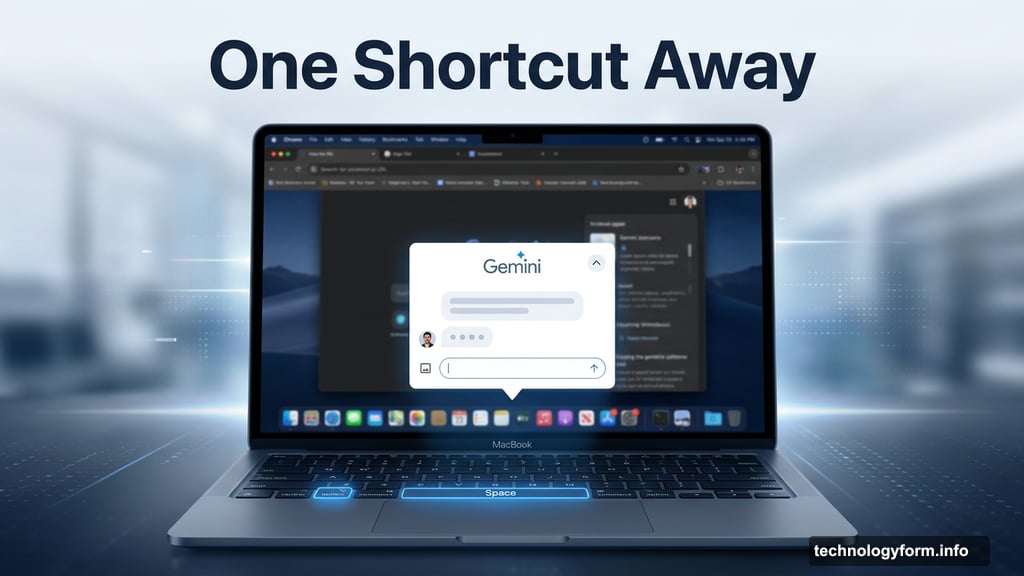
The star of this new app isn’t really the app itself. It’s how fast you can open it.
Press Option and Space on your Mac keyboard, and Gemini pops up instantly. No switching browser tabs. No hunting for a bookmark. No waiting for a new window to load. It’s just there, ready to help.
That kind of frictionless access matters more than people realize. When an AI tool is buried two or three clicks deep, you use it less. But when it’s literally one keyboard shortcut away, it becomes a natural part of how you work.
Gemini’s Best Features Come Along for the Ride
This isn’t a stripped-down version of Gemini just to say it exists on desktop. The macOS app brings along the features that make Gemini genuinely useful.
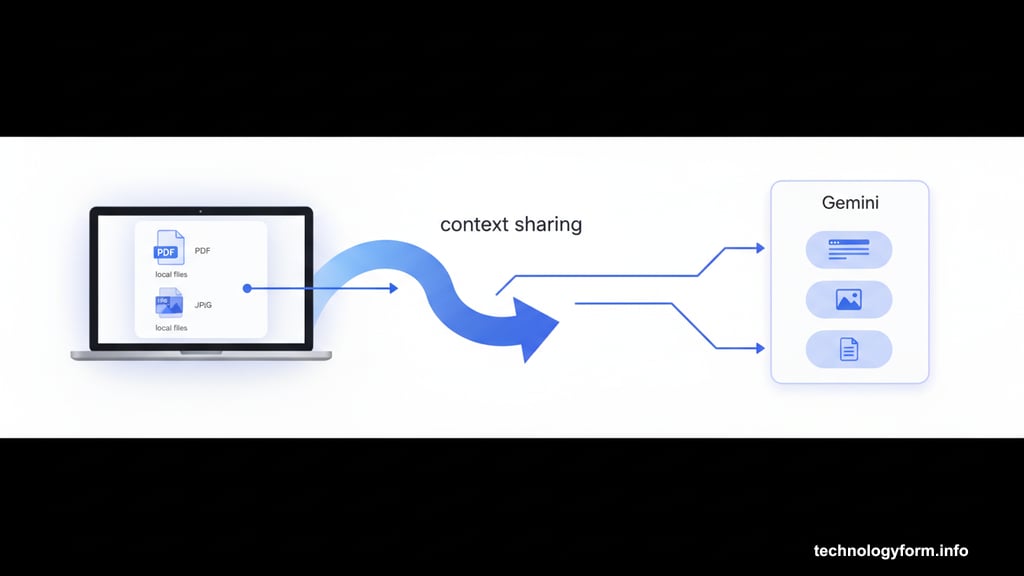
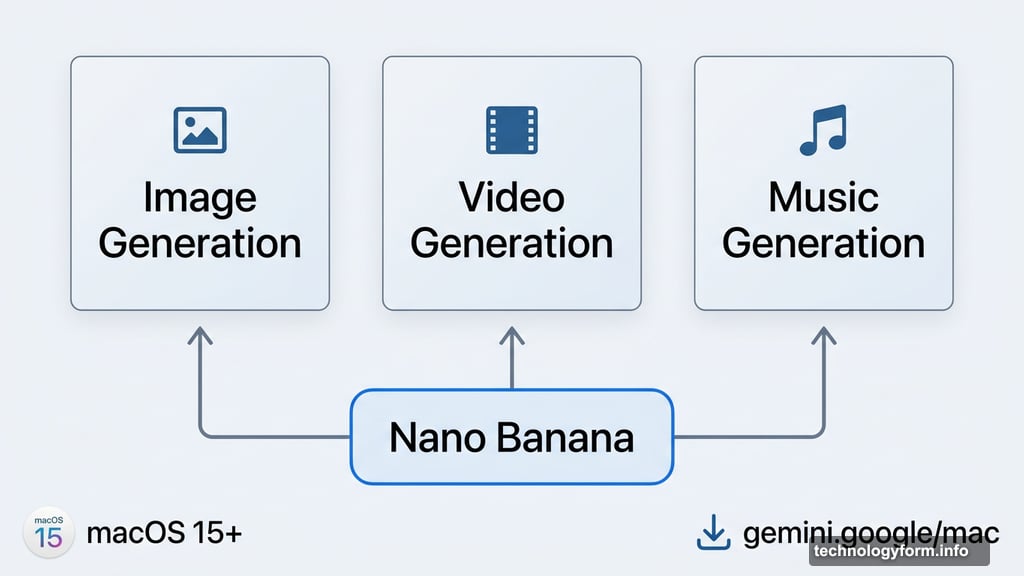
Image generation through Nano Banana is included, as is video and music generation. So you get the full creative toolset, not a watered-down port.
Plus, there’s a context-sharing feature that works similarly to how the Gemini mobile app handles it. You can share what’s on your screen directly with Gemini and get instant insight on whatever you’re looking at. And this isn’t limited to web pages. It works with local files sitting right on your computer, which opens up a lot of practical uses for everyday tasks.
Who Can Get It Right Now
The app is free and available today for anyone running macOS 15 or later. You can download it directly at gemini.google/mac.
Google was upfront that this launch is just the starting point. The company described it as building the foundation for what it calls a “personal, proactive and powerful desktop assistant.” That language suggests bigger updates are coming down the line.
Why This Matters for Mac Users
Honestly, this feels like the kind of update Mac users should have had sooner. AI assistants are already deeply embedded into daily life on phones, and desktop users deserve the same convenience.
The keyboard shortcut approach is smart. It matches how power users already think about productivity tools. Quick, quiet, and always available when you need it.
If you’re on macOS 15 and use Gemini even occasionally, this app is worth the download. Faster access to a tool you already use is never a bad thing. Give it a try and see how much easier it is to actually reach for AI help when it only takes one key combo to get there.