Samsung Messages Is Dead. Back Up Your Texts Before July Hits
Samsung just drew a hard line in the sand. The Samsung Messages app is shutting down this July, and if you haven’t switched yet, the clock is ticking.
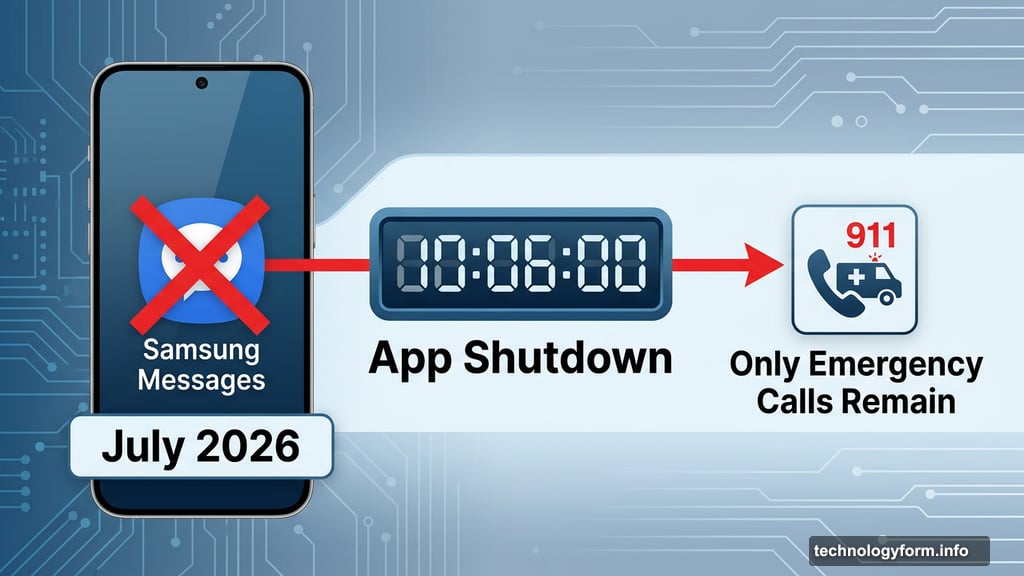
This isn’t a gentle nudge anymore. Once the app goes dark, the only thing it will still do is call emergency services. Every regular text you try to send or receive through Samsung Messages will simply stop working.
What’s Actually Happening to Samsung Messages
Samsung started moving away from its own texting app back in 2021. That’s when Google Messages became the default on new Galaxy devices. Then in 2024, Samsung went further and stopped preinstalling Samsung Messages altogether. The Galaxy S26 can’t even download it.
Now July 2026 is the final curtain call. Samsung hasn’t announced the exact date within July, but the direction is clear. The app is done.
Worth noting: if your phone runs Android 11 or lower, Samsung says you’re technically not affected by the shutdown. But honestly, switching to a supported app still makes sense for anyone in that situation.
Why Google Messages Is Worth the Switch
Google Messages isn’t just a replacement. In several ways, it’s actually a step up from what Samsung Messages offered.
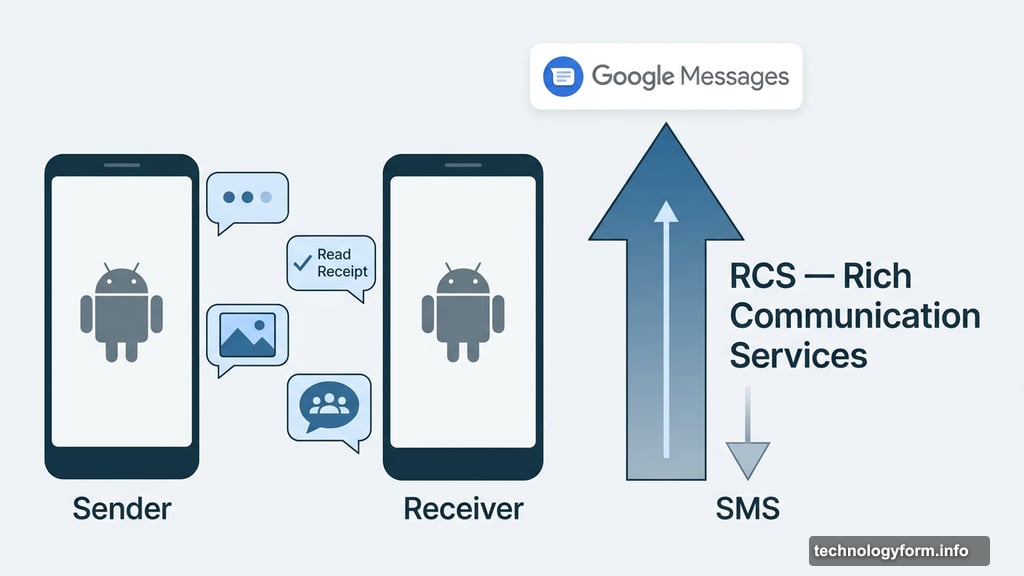
The biggest upgrade is RCS, or Rich Communication Services. Think of it as a serious upgrade to traditional SMS texting. With RCS enabled, you get typing indicators, easier group chats, and the ability to send higher-quality photos and videos. Plus, read receipts work properly between Android users.
Beyond that, Google Messages brings AI-powered spam detection, which filters out junk texts before they reach you. You also get multi-device access, meaning you can read and reply to texts from your tablet or computer. And Gemini AI features are baked right in for those who want them.
Most Android phones already use Google Messages as their default. So switching keeps you compatible with the rest of the Android world.
How to Make the Switch Right Now
The process is straightforward. First, download Google Messages from the Google Play Store if it isn’t already on your phone. Samsung includes instructions for devices still running Android 12 and Android 13, so older phones aren’t left out of the process.
Once you open the app, it will prompt you to set it as your default SMS app. Tap through that step and you’re essentially done. Your existing texts should carry over during the setup.
If Google Messages doesn’t appeal to you, there are other solid SMS apps available in the Play Store. The key thing is picking one before July arrives, not after.
One Catch for Galaxy Watch Users
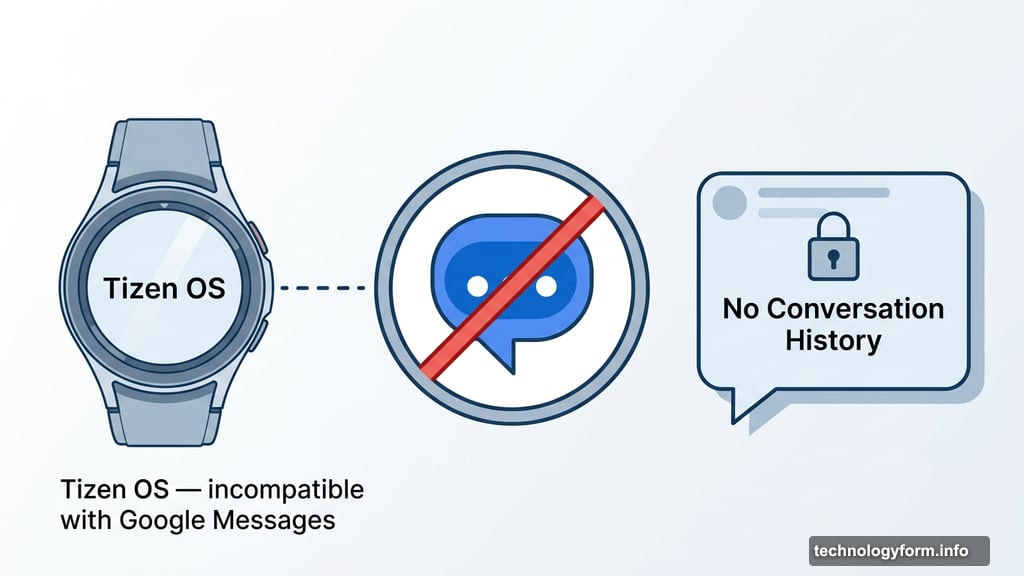
Here’s something easy to overlook. If you’re rocking an older Galaxy Watch that runs Samsung’s Tizen operating system, switching to Google Messages comes with a limitation. These watches cannot run Google Messages, so you’ll lose access to your full conversation history on your wrist.
You’ll still be able to read and send texts. But seeing older messages from your watch won’t be possible.
However, if you have a newer Galaxy Watch 4 or later, which runs WearOS instead of Tizen, this isn’t a problem at all. Those watches work fine with Google Messages and keep your full conversation history intact.
Don’t Wait on This One
The exact July date is still fuzzy, but that doesn’t mean there’s time to spare. Switching apps takes about five minutes. Losing access to your texting setup mid-July takes a lot longer to sort out.
Back up what you need, download Google Messages, and set it as your default today. Future you will be genuinely grateful you didn’t wait.