Google Shoves AI Mode Into Chrome Mobile. No Escape Now
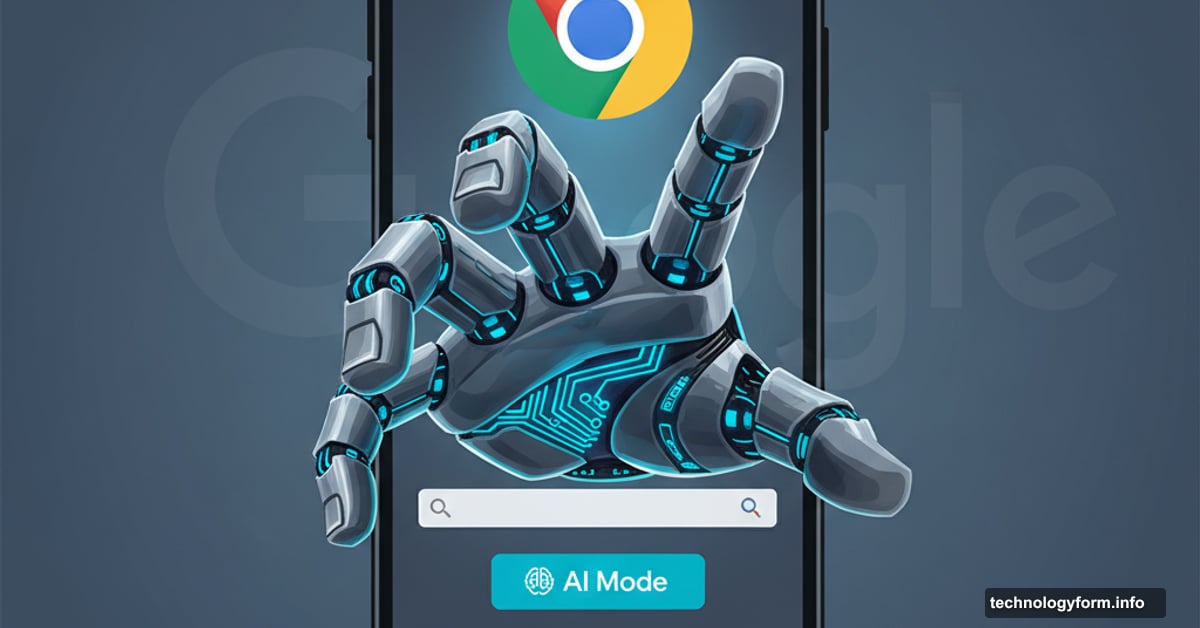
Google just made AI Mode unavoidable on your phone. The company rolled out an update that plants an AI Mode shortcut directly on Chrome‘s new tab page for Android and iOS users.
You’ll see it immediately below the search bar. That prime real estate makes it pretty clear Google wants you using this feature. So much for subtle integration.
What This AI Mode Actually Does
Google pitches AI Mode as a way to ask complex, multi-part questions. Then you can dive deeper with follow-up questions and explore relevant links.
Sounds useful. But here’s the thing. Most people just want to search and go. They don’t need a chatbot interface for every query.
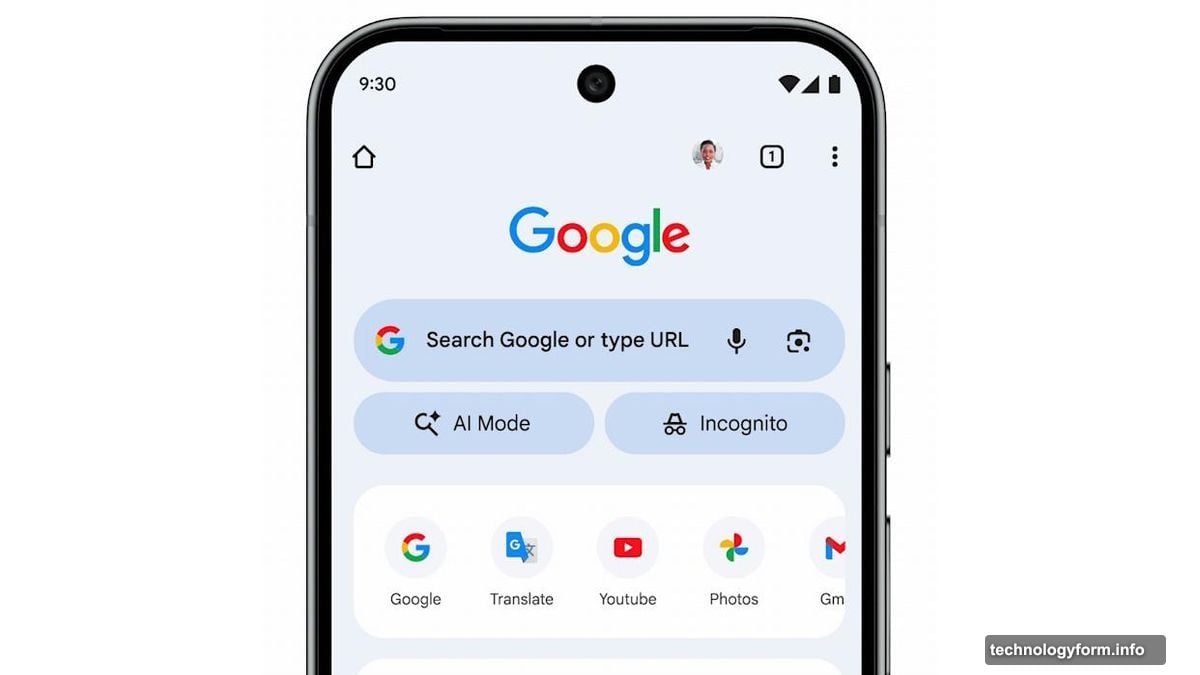
Plus, this follows a pattern. Google introduced AI Mode through Labs in March. Then they pushed it to all US users in May during I/O 2025. Now it’s getting permanent screen space on mobile browsers.
Global Rollout Coming Fast
The US gets this feature first. But Google plans to expand AI Mode shortcuts to 160 additional countries soon.
Moreover, language support is expanding beyond English. Hindi, Indonesian, Japanese, Korean, and Portuguese are all coming. That’s billions of potential users who’ll see this shortcut whether they want it or not.
Google isn’t asking permission. They’re just putting AI Mode everywhere and seeing who bites. Classic tech company move.
Why This Matters for Mobile Users
Mobile browsers have limited screen space. Every element competes for attention. So when Google dedicates prime real estate to AI Mode, that’s a statement.
It pushes regular search lower on the page. It changes how you interact with Chrome. And it trains users to think “chatbot first, search second.”
Some people will love this. Complex research tasks might benefit from conversational AI. But for quick lookups? It adds friction you didn’t need.
Plus, there’s no obvious way to remove this shortcut. Google owns Chrome. They decide what goes on that new tab page. Users get whatever Google wants to promote.
The Bigger Picture Nobody Mentions
Google’s search business faces real pressure. ChatGPT changed user expectations about how to find information. Microsoft added AI to Bing. Every tech giant is scrambling to make search conversational.
So Google is hedging. They’re trying to own both traditional search and AI-powered answers. Smart strategy. But it means users become guinea pigs for whatever AI features Google wants to test.
This AI Mode shortcut is just the beginning. Expect more aggressive AI integration across all Google products. Search, Gmail, Docs, Drive. Everything’s getting an AI makeover whether you asked for it or not.
The choice isn’t whether you want AI features. It’s whether you want to keep using Google products that increasingly force AI into your workflow.
Your move.